Tuya TS011F DIN smart relay
Metering relay
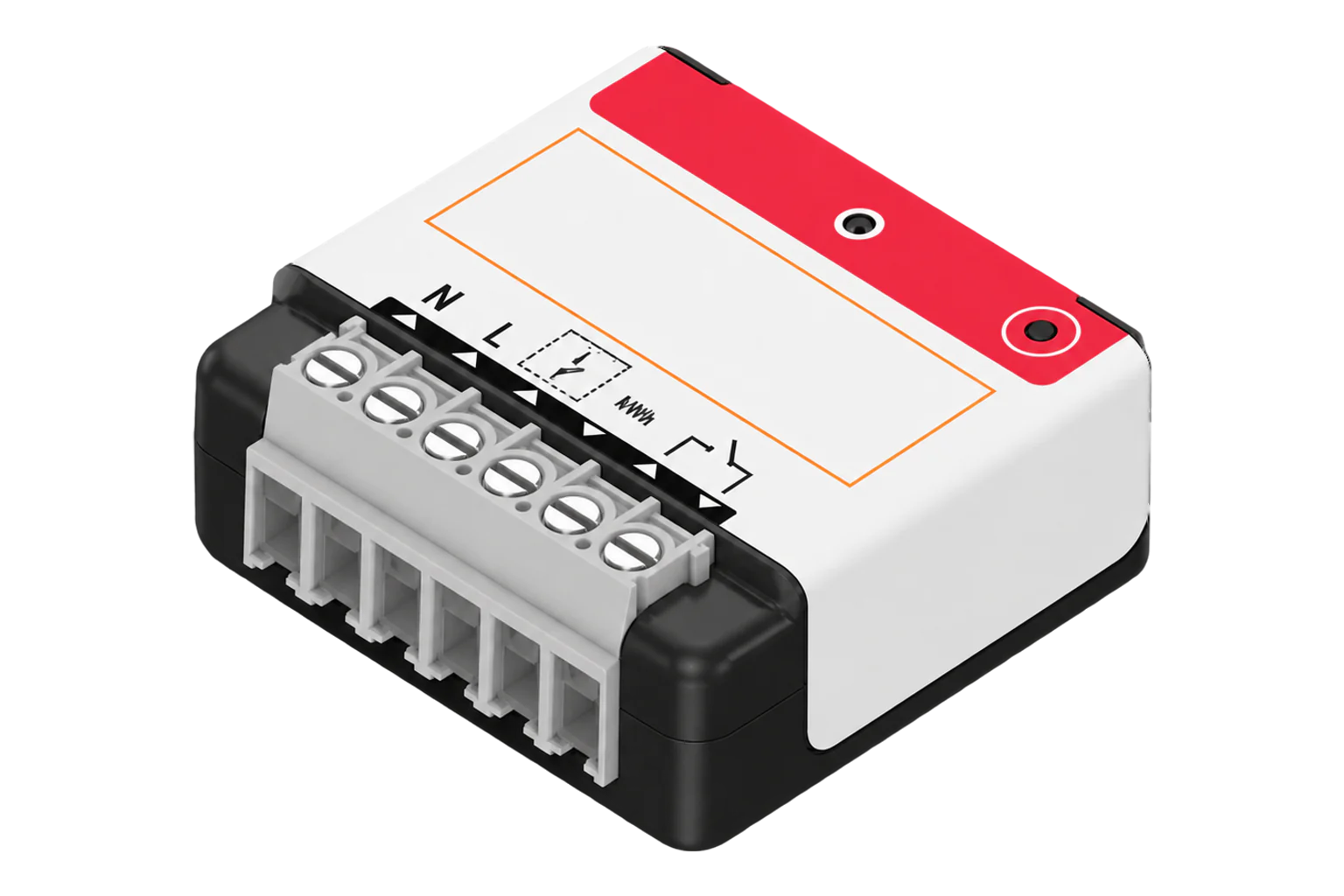
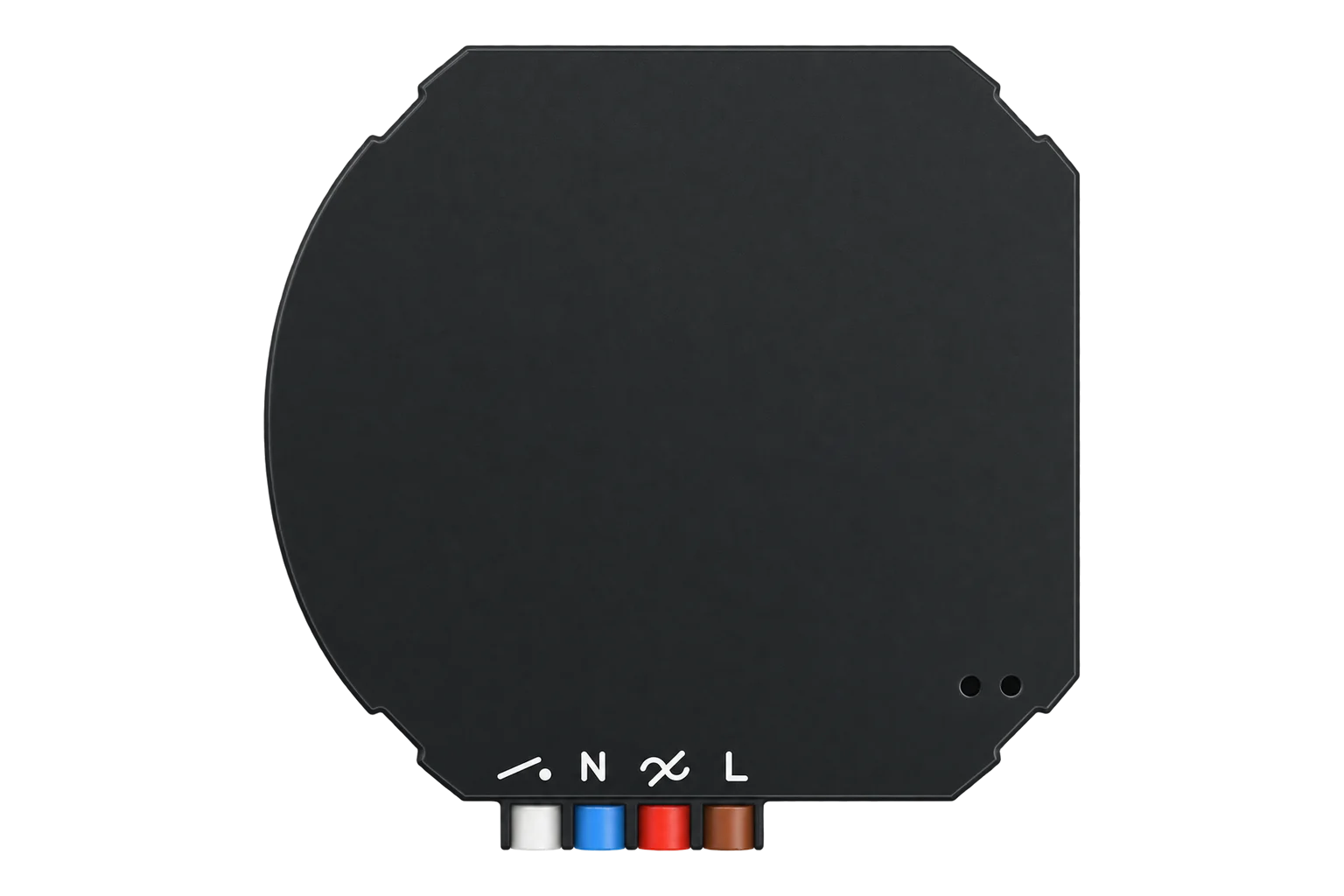
A generic Tuya-platform DIN rail relay, sold under several brands, that switches one circuit over Zigbee and reports its voltage, current, power and energy through standard Zigbee clusters.
Also sold asMatSee Plus ATMS1602Z
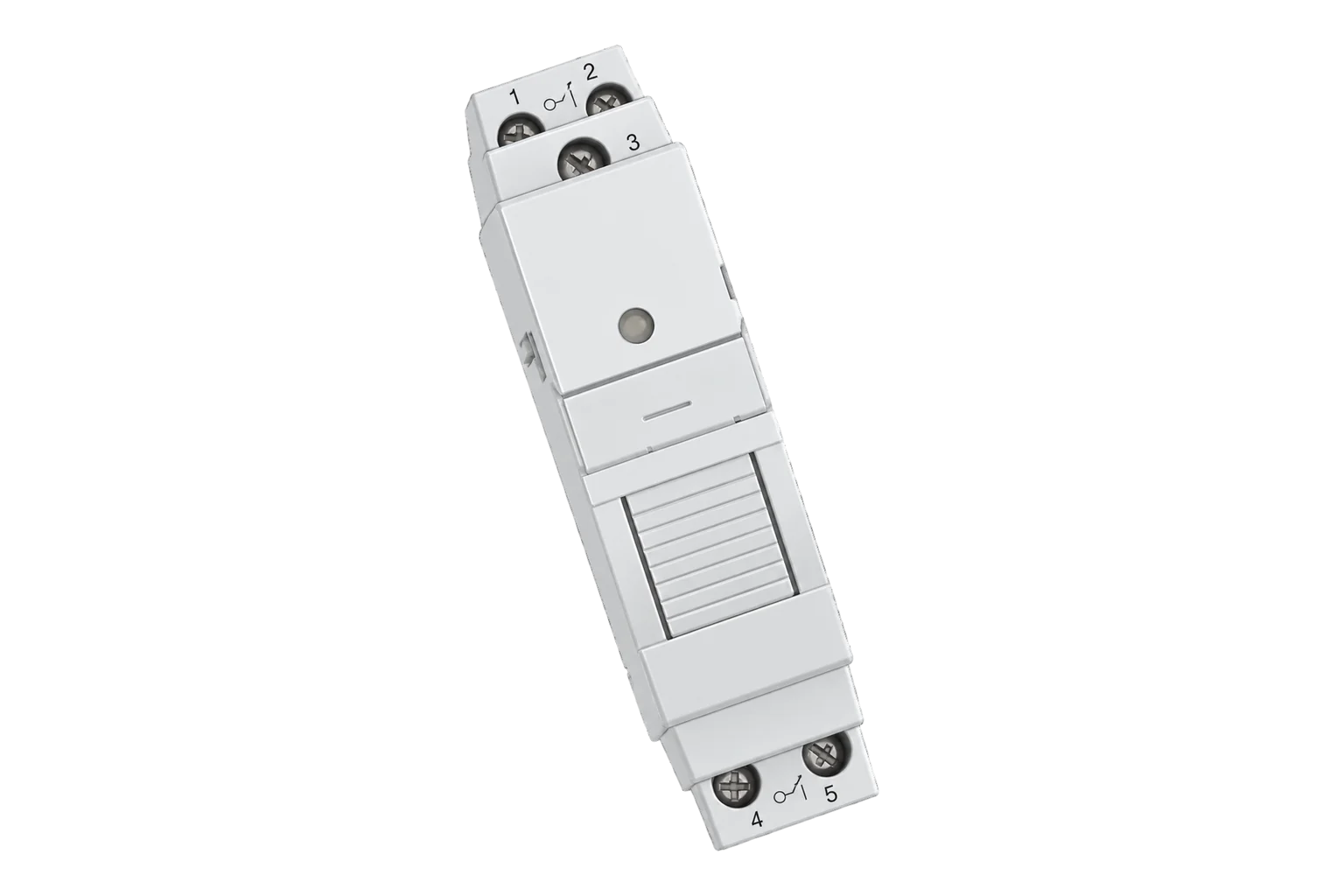
- Zigbee
Metering relay
Compatibility
Compatible with EpiSensor Edge over Zigbee.
Pair it with the Zigbee radio on an EpiSensor Gateway. Edge reads it locally on the Gateway.
Edge reads 7 values from it, listed under Interface.
Connect it with
-
Gateway ZGW-20From €899 ex VAT Configure Gateway

Specifications
TS011F is the Zigbee model identifier Tuya firmware reports for its metering switches. This page covers the DIN rail relay version, which identifies itself with the manufacturer names _TZ3000_8bxrzyxz or _TZ3210_vbfp8eyv and is also sold as the MatSee Plus ATMS1602Z. Tuya's manufacturer name is an 8-character prefix followed by the product ID the brand registered with Tuya.13
- Power
- Mains. Mains powered from the circuit it switches. The voltage and current rating are on the label and vary by brand.1
- Zigbee model identifier
- TS011F1
- Manufacturer names
- _TZ3000_8bxrzyxz, _TZ3210_vbfp8eyv3
- Also sold as
- MatSee Plus ATMS1602Z2
- Measurements
- RMS voltage (V), RMS current (A), active power (W), energy (kWh)2
- Energy resolution
- 0.01 kWh3
- Current resolution
- 0.001 A3
- Power-on state
- Off, on, or restore the last state1
- Indicator modes
- Off, on when the relay is on, or on when the relay is off1
- Firmware updates
- Over the air (Zigbee OTA cluster)1
Where it is used
Switching and metering a heating or hot water circuit from the distribution board, for scheduling and load shedding.
Electric boiler demand responseMetering and scheduling small HVAC, ventilation or lighting circuits within the rating on the label.
HVAC energy monitoring for commercial buildings
Interface
Readings and settings, with units and ranges where Tuya publishes them. readable, readable and writable.2
| Reading | Unit | Range or values | Access |
|---|---|---|---|
| Measurements 4 | |||
| PowerActive power on the switched circuit. | W | - | Read only |
| VoltageRMS supply voltage. | V | - | Read only |
| CurrentRMS current on the switched circuit. | A | - | Read only |
| EnergyCumulative energy delivered to the circuit. | kWh | - | Read only |
| Controls 1 | |||
| RelaySwitches the output circuit. | - | ONOFFTOGGLE |
Read and write |
| Settings 2 | |||
| Power-on stateRelay state when mains returns after an outage. | - | onoffrestore |
Read and write |
| Indicator modeLED off, lit when the relay is on, or lit when it is off. | - | offon_offoff_on |
Read and write |
Everything is on endpoint 1: on/off (0x0006), metering (0x0702) and electrical measurement (0x0B04). Power-on state is Tuya attribute 0x8002 and the indicator mode 0x8001 on the on/off cluster.13
The device sends current in milliamps and energy in hundredths of a kilowatt-hour, and the Zigbee2MQTT definition sets those divisors itself when it configures the relay.3
Setup
-
Wire it on the DIN rail
Fit the relay on the rail with the circuit isolated and wire supply and load to the brand's diagram, within the rating on its label.
-
Open pairing in Edge
Open pairing on the Gateway's Zigbee network in Edge and power the relay.
-
Put it into pairing mode
Use the brand's own reset procedure to put the relay into pairing mode if it does not join on first power-up.
-
Check its identity
Confirm the relay reports model TS011F and the manufacturer name _TZ3000_8bxrzyxz or _TZ3210_vbfp8eyv. Another manufacturer name means a different definition applies.3
-
Check one reading
Switch a known load from Edge and compare voltage, current and power with a clamp meter before you rely on the energy total.
Related devices

Sources
- Zigbee connection standard: socket with energy monitoring (opens in a new tab)
- Tuya TS011F_din_smart_relay device documentation (opens in a new tab)
- Tuya device definitions (tuya.ts, v26.111.0) (opens in a new tab)
Further reading
Product names and trademarks belong to their owners. Publication does not imply endorsement or a commercial relationship.