Tuya ZG-205Z
Radar presence sensor
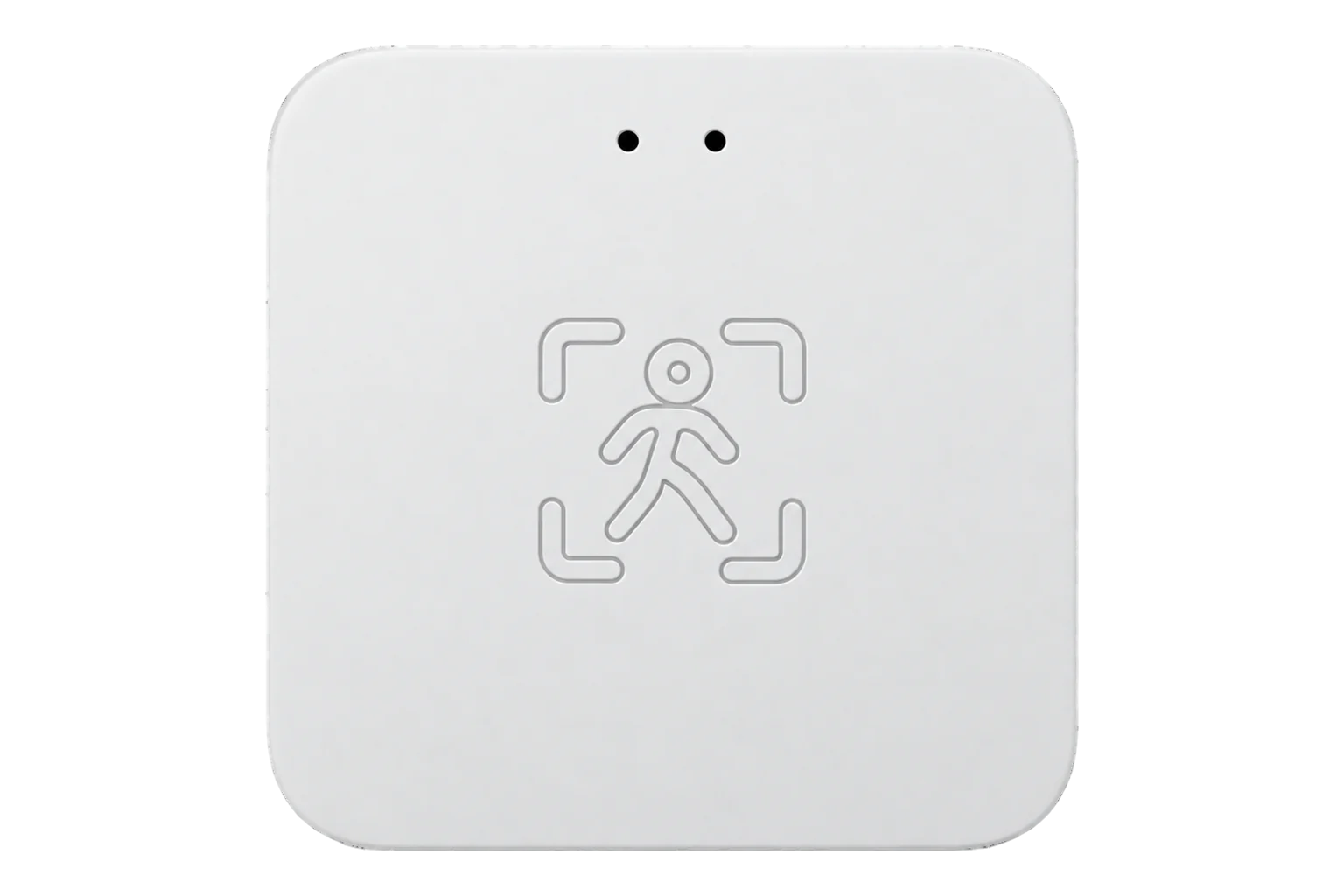
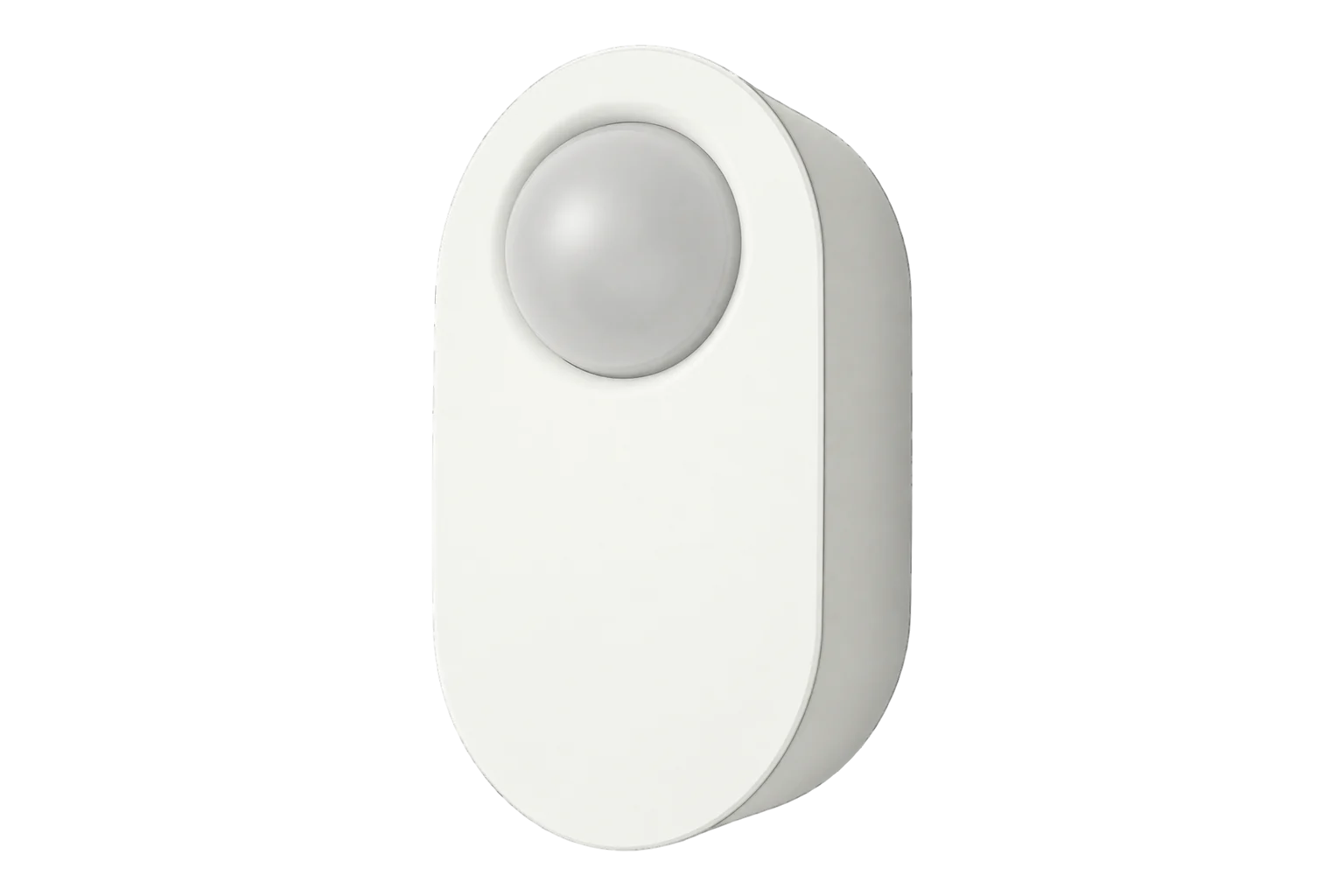
A 5.8 GHz radar presence sensor on Zigbee 3.0 that keeps detecting a person who is sitting still, with separate ranges for movement, small movement and breathing, a light sensor and a 5 V DC supply.
Compatibility
Compatible with EpiSensor Edge over Zigbee.
Pair it with the Zigbee radio on an EpiSensor Gateway. Edge reads it locally on the Gateway.
Edge reads 15 values from it, listed under Interface.
Connect it with

Specifications
The ZG-205Z is a 5.8 GHz radar presence sensor on Zigbee. It separates large movement, small movement and a still, breathing person, which it reports as the peaceful state, and each has its own range and sensitivity. Presence therefore holds while someone sits at a desk, where a PIR sensor would time out.34
- Power
- DC supply. 5 V DC at 1 A. It has no battery, so the mounting point needs a permanent supply.1
- Radar
- 5.8 GHz4
- Stationary detection range
- 0 to 600 cm1
- Moving detection range
- 0 to 1000 cm1
- Detection angle
- More than 90°1
- Light level range
- 0 to 3000 lux1
- Hold time
- 0 to 28,800 s after the last detection3
- Operating environment
- -10 to 55 °C, 0 to 95 % RH1
- Supply
- 5 V DC, 1 A1
- Size
- 60 × 60 × 12 mm (A housing) or 72 × 32 × 20 mm (B housing)1
- Wireless
- Zigbee 3.0. The ZG-205W is the Wi-Fi version.1
- Zigbee identity
- TS0601, _TZE204_dapwryy73
- Mounting
- Ceiling bracket or side wall with adhesive pad1
Where it is used
Meeting rooms, offices and desks where people sit still, to compare heating, cooling and lighting run hours with the hours a space is actually used.
HVAC energy monitoring for commercial buildingsPresence beside temperature, humidity and CO₂ readings, so ventilation data can be read against whether a room was in use.
Indoor environmental monitoringDesk and small-office occupancy, with the near and far ranges trimmed so the sensor ignores the next desk or the corridor beyond the door.
Interface
Readings and settings, with units and ranges where Tuya publishes them. readable, readable and writable.3
| Reading | Unit | Range or values | Access |
|---|---|---|---|
| Measurements 4 | |||
| PresenceTrue for every state except none. Data point 1. | - | Binary state | Read only |
| Presence statePeaceful is a still, breathing person. Data point 1. | - | nonepresencepeacefulsmall_movementlarge_movement |
Read only |
| Target distanceDistance to the detected person, 0.01 m steps. Data point 101. | m | 0 to 10 m | Read only |
| IlluminanceData point 102 | lx | - | Read only |
| Settings 11 | |||
| Hold timeTime after the last detection before presence clears. Data point 103. | s | 0 to 28,800 s | Read and write |
| Movement range, farData point 107 | m | 0 to 10 m | Read and write |
| Movement range, nearData point 108 | m | 0 to 10 m | Read and write |
| Small movement range, farData point 114 | m | 0 to 6 m | Read and write |
| Small movement range, nearData point 115 | m | 0 to 6 m | Read and write |
| Breathing range, farData point 109 | m | 0 to 6 m | Read and write |
| Breathing range, nearData point 110 | m | 0 to 6 m | Read and write |
| Movement sensitivityData point 116 | - | 0 to 10 | Read and write |
| Small movement sensitivityData point 117 | - | 0 to 10 | Read and write |
| Breathing sensitivityData point 118 | - | 0 to 10 | Read and write |
| LED indicatorData point 104 | - | ONOFF |
Read and write |
Tuya devices carry their readings as data points in the private cluster 0xEF00. Each data point has an id, a type (raw, bool, value, string, enum or bitmap) and a value.2
Distances arrive in centimetres and are divided by 100 to give metres. The presence state is an enum: none, presence, peaceful, small movement or large movement.3
The ZG-205Z/A and ZG-205ZL are different firmware with other fingerprints and data points. The mapping on this page applies to _TZE204_dapwryy7 only.3
Setup
-
Open pairing in Edge
In Edge, open pairing on the Gateway’s Zigbee network. The Gateway accepts new devices while pairing is open.
-
Power it
Connect the 5 V DC supply. A steady red LED means the sensor is not on a network yet.1
-
Start pairing
Press and hold the SET button for 3 seconds. The red LED blinks rapidly while the sensor is in pairing mode.1
-
Confirm the join
Check that Edge identifies it as Tuya ZG-205Z with the fingerprint _TZE204_dapwryy7. Another fingerprint is another ZG-205Z variant with different data points.3
-
Set the ranges and check presence
Mount it aimed at the area, set the movement, small movement and breathing ranges to the room, then sit still inside it and confirm presence holds. The red LED flashes once when it detects someone entering.1
Common questions
- Does the ZG-205Z need a Tuya hub or the Smart Life app?
- No. The manual pairs it through the Smart Life app, but it is a Zigbee 3.0 device and joins the Zigbee radio on an EpiSensor Gateway directly. Edge reads it locally without a Tuya hub or the Tuya cloud.1
- Is it the same as the ZG-205Z/A or the ZG-205ZL?
- No. They run different firmware with different Zigbee fingerprints and data points. This page covers _TZE204_dapwryy7. Check the fingerprint Edge reports before copying range settings from one to another.3
- What does the LED show?
- Rapid red blinking is pairing mode, steady red means it is not on a network, and one red flash means it has detected someone entering.1
Related devices
Sources
- ZG-205Z/A/B human presence detector user manual (copy on Manuals+) (opens in a new tab)
- Zigbee Generic Interfaces (opens in a new tab)
- Tuya ZG-205Z device definition (opens in a new tab)
- Tuya ZG-205Z device documentation (opens in a new tab)
Further reading
Product names and trademarks belong to their owners. Publication does not imply endorsement or a commercial relationship.