Aqara SP-EUC01
Smart plug with energy metering
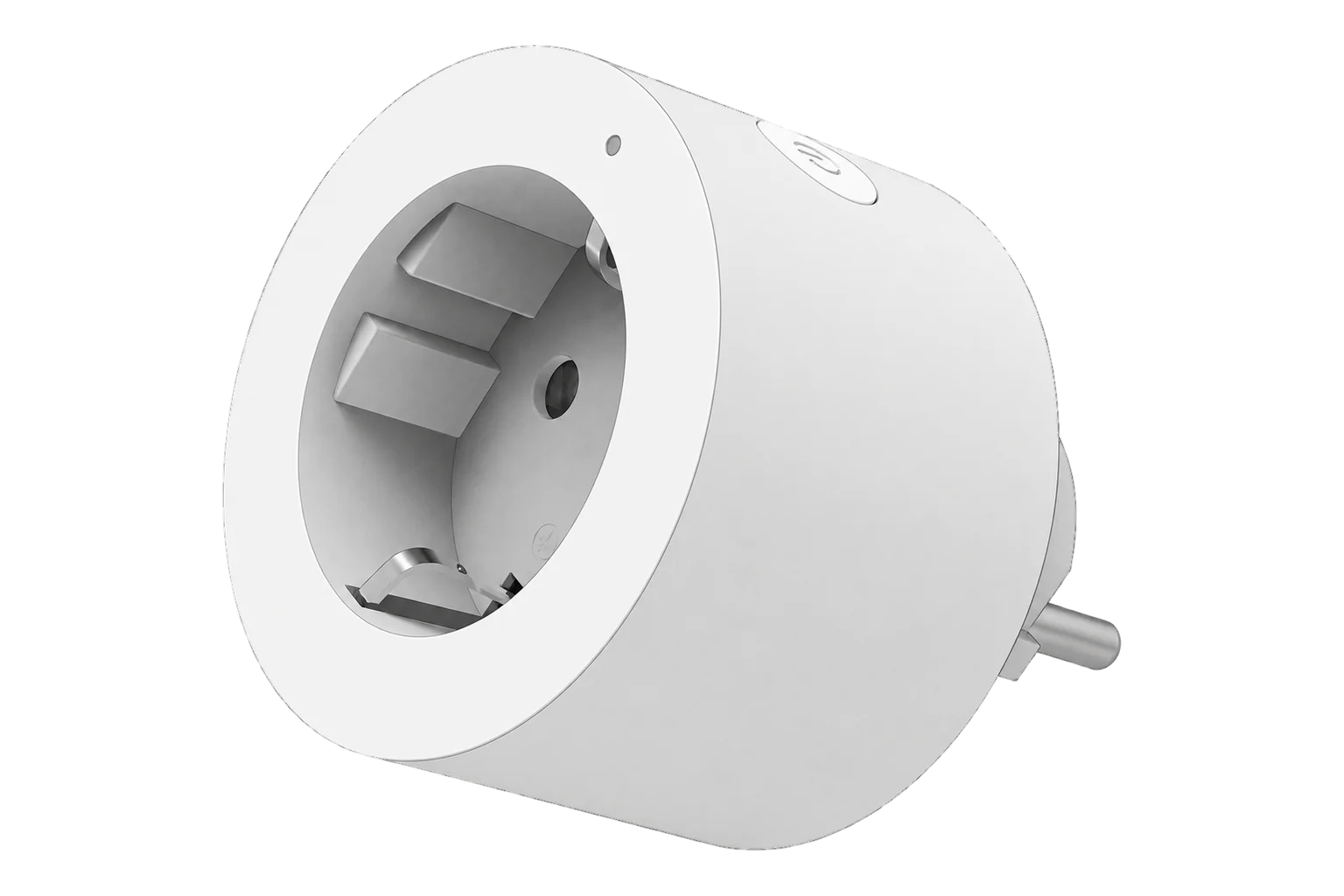
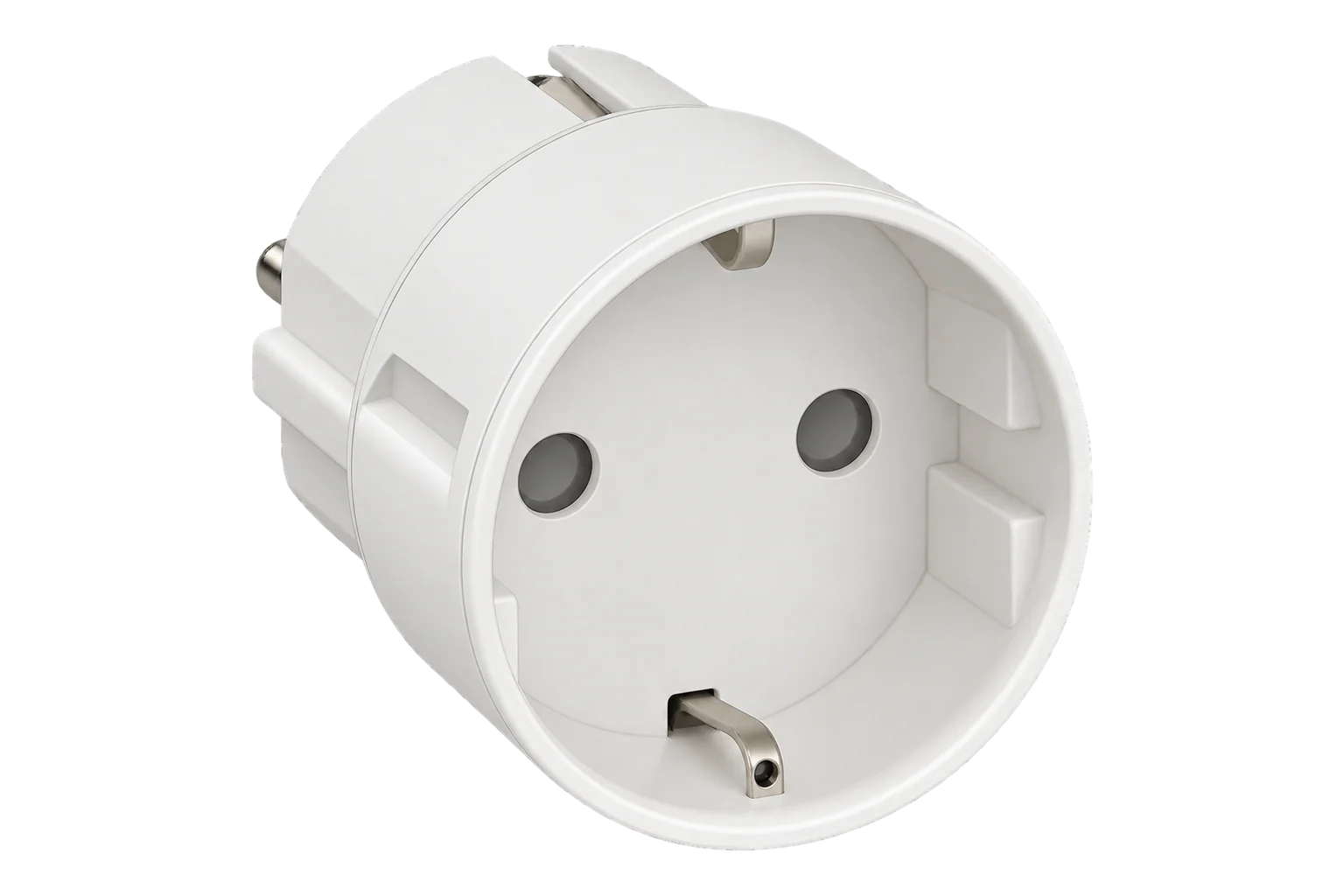
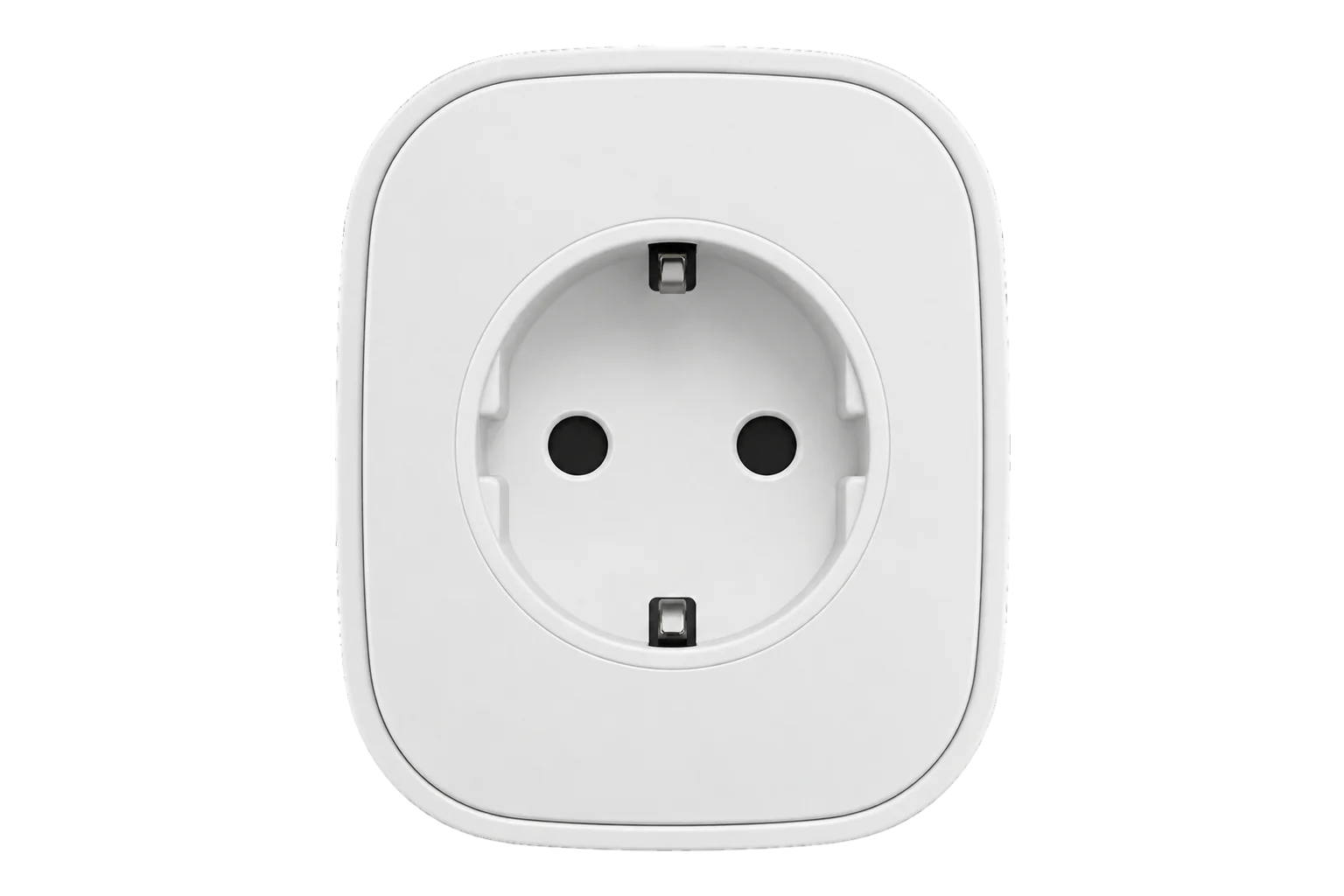
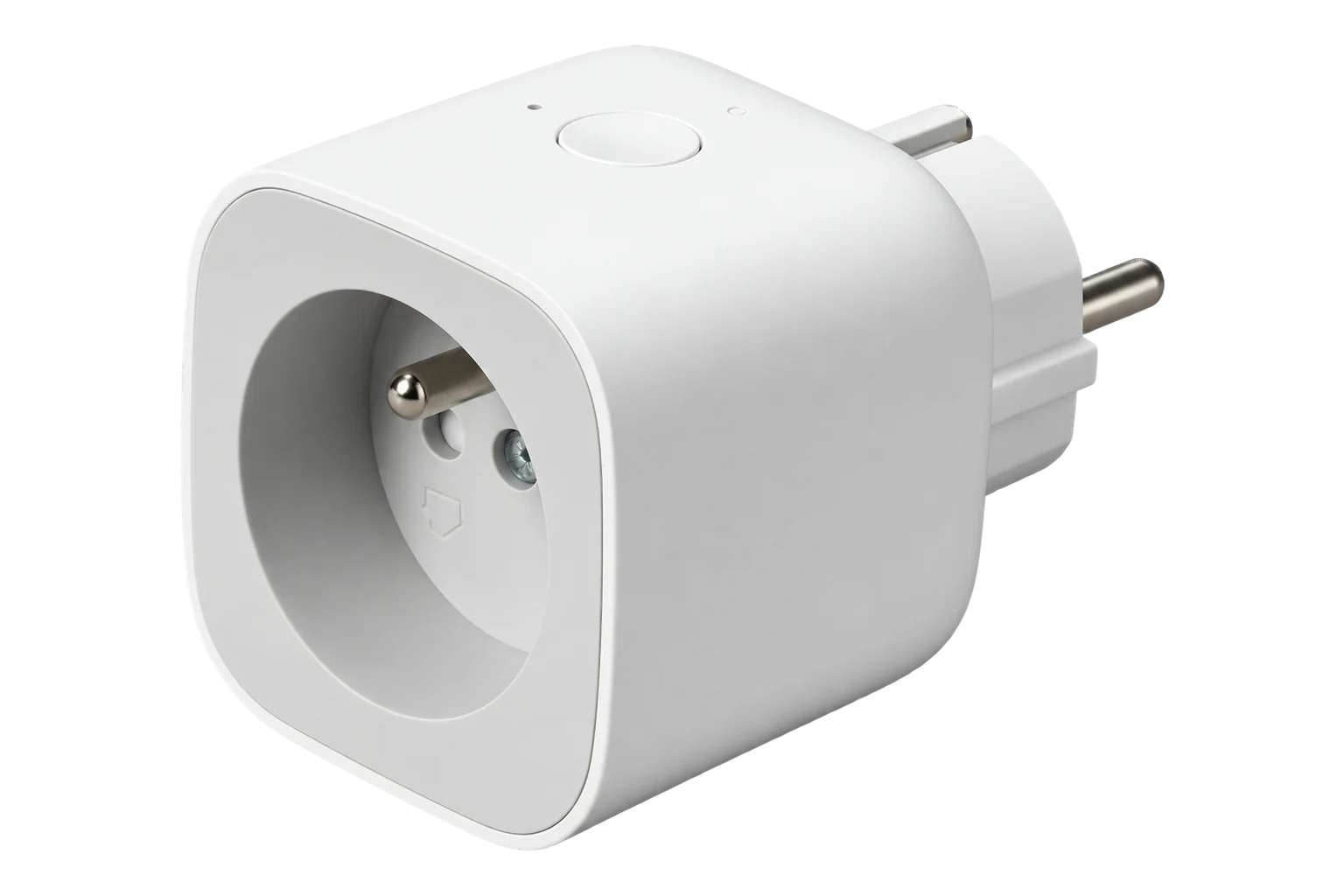
A Schuko adapter plug that switches one appliance up to 10 A and 2300 W and reports its power and cumulative energy over Zigbee 3.0, with overload and overheat cut-off and a Zigbee router built in.
Also sold asAqara Smart Plug EU
- Zigbee
Smart plug with energy metering
Compatibility
Compatible with EpiSensor Edge over Zigbee.
Pair it with the Zigbee radio on an EpiSensor Gateway. Edge reads it locally on the Gateway.
Edge reads 12 values from it, listed under Interface.
Connect it with
-
Gateway ZGW-20From €899 ex VAT Configure Gateway

Specifications
The SP-EUC01 is Aqara's Smart Plug for Schuko (Type F) outlets. It switches one appliance on and off and measures what that appliance uses. Aqara rates it at 250 V AC, 50/60 Hz, 10 A and 2300 W maximum, and states that 16 A appliances are not supported.23
- Power
- Mains. Powered from the Schuko outlet it plugs into, 250 V AC maximum, 50/60 Hz.2
- Electrical rating
- 250 V AC, 50/60 Hz, 10 A, 2300 W maximum2
- Unsupported loads
- 16 A appliances3
- Metering
- Active power and cumulative energy3
- Protection
- Cuts power on overload or overheating3
- Wireless
- Zigbee 3.0, 2405 to 2480 MHz, 10.5 dBm maximum1
- Operating temperature
- 0 to 35 °C2
- Operating humidity
- 0 to 95 % RH, non-condensing2
- Dimensions
- Ø 62 × 77.5 mm2
- Enclosure
- V-0 flame-retardant material, indoor use only3
- Zigbee model ID
- lumi.plug.maeu015
Where it is used
Plug-in fridges, bottle coolers and water boilers in offices and shops, where each appliance's consumption and running pattern is worth seeing on its own.
Refrigeration energy monitoringOut-of-hours switching of printers, monitors and kiosk equipment across a group of sites, with the energy readings showing the saving.
Multi-site energy monitoringA Zigbee router placed to give battery sensors in a large room a shorter hop back to the Gateway.
Interface
On the Zigbee network it joins as a router and extends the mesh for other devices.5
Readings and settings, with units and ranges where Aqara publishes them. readable, readable and writable.45
| Reading | Unit | Range or values | Access |
|---|---|---|---|
| Measurements 5 | |||
| PowerActive power drawn by the connected appliance. | W | - | Read only |
| EnergyCumulative energy through the plug. | kWh | - | Read only |
| VoltageNot reported by every unit. | V | - | Read only |
| CurrentNot reported by every unit. | A | - | Read only |
| Load connectedWhether an appliance is plugged in. | - | Binary state | Read only |
| Controls 1 | |||
| OutputSwitches the socket. A timed switch-off in seconds can be sent with the command. | - | ONOFFTOGGLE |
Read and write |
| Settings 5 | |||
| Overload thresholdThe plug switches off above this load. | W | 100 to 2,300 W | Read and write |
| Auto offSwitches off after 20 minutes below 2 W. | - | Binary state | Read and write |
| Power-outage memoryRestores the last state after a power cut. | - | Binary state | Read and write |
| LED off at night | - | Binary state | Read and write |
| Button lockDisables the physical button. | - | Binary state | Read and write |
| Diagnostics 1 | |||
| Internal temperaturePolled every 30 minutes. | °C | - | Read only |
Not every SP-EUC01 accepts the electrical measurement setup, and voltage and current are not reported by every unit. Confirm that power and energy arrive after pairing before relying on them.5
The plug does not report its internal temperature by itself, so it is polled every 30 minutes.45
On firmware version 42, commands from some battery remote switches routed through the plug can switch the plug itself. Check the firmware version the plug reports after pairing.4
Setup
-
Plug it in
Plug the Smart Plug into a socket. The blue indicator blinks once when power is present.1
-
Open pairing in Edge
In Edge, open pairing on the Gateway's Zigbee network.
-
Put it into pairing mode
Press and hold the button for 5 seconds. The blue indicator blinks quickly while the plug joins the network and stays on once it has joined.1
-
Check the metering
Plug in a load of known rating, switch it on from Edge and compare the power reading with the rating. If no power or energy arrives, this unit does not support metering over Zigbee.5
-
Set the protections
Set the overload threshold a little above the appliance's normal draw and no higher than the plug's 2300 W, and turn on power-outage memory for loads that must come back after a power cut.4
Common questions
- Does the SP-EUC01 need an Aqara hub to work with Edge?
- No. It needs a compatible Zigbee 3.0 network, not a particular hub. It pairs with the Zigbee radio on an EpiSensor Gateway, and Edge reads and switches it locally.1
- What is the maximum load?
- Aqara rates it at 10 A and 2300 W at up to 250 V AC. It does not support 16 A appliances, so large heaters, ovens and chargers belong on a metered circuit instead.23
- Does it report voltage and current?
- Power and energy are its main readings. Voltage and current are exposed, but not every unit reports them over Zigbee, so check after pairing.5
- What do the indicator colours mean?
- Blue blinking quickly means it is joining a Zigbee network, and steady blue means it is connected. Red blinking quickly is a high-temperature alarm, and red blinking slowly means it is not connected.1
Related devices


Sources
- Smart Plug EU quick start guide (opens in a new tab)
- Smart Plug EU specifications (opens in a new tab)
- Smart Plug EU (opens in a new tab)
- Aqara SP-EUC01 device documentation (opens in a new tab)
- Aqara and Xiaomi device definitions (opens in a new tab)
Further reading
Product names and trademarks belong to their owners. Publication does not imply endorsement or a commercial relationship.