SONOFF SNZB-02UL
Temperature and humidity sensor
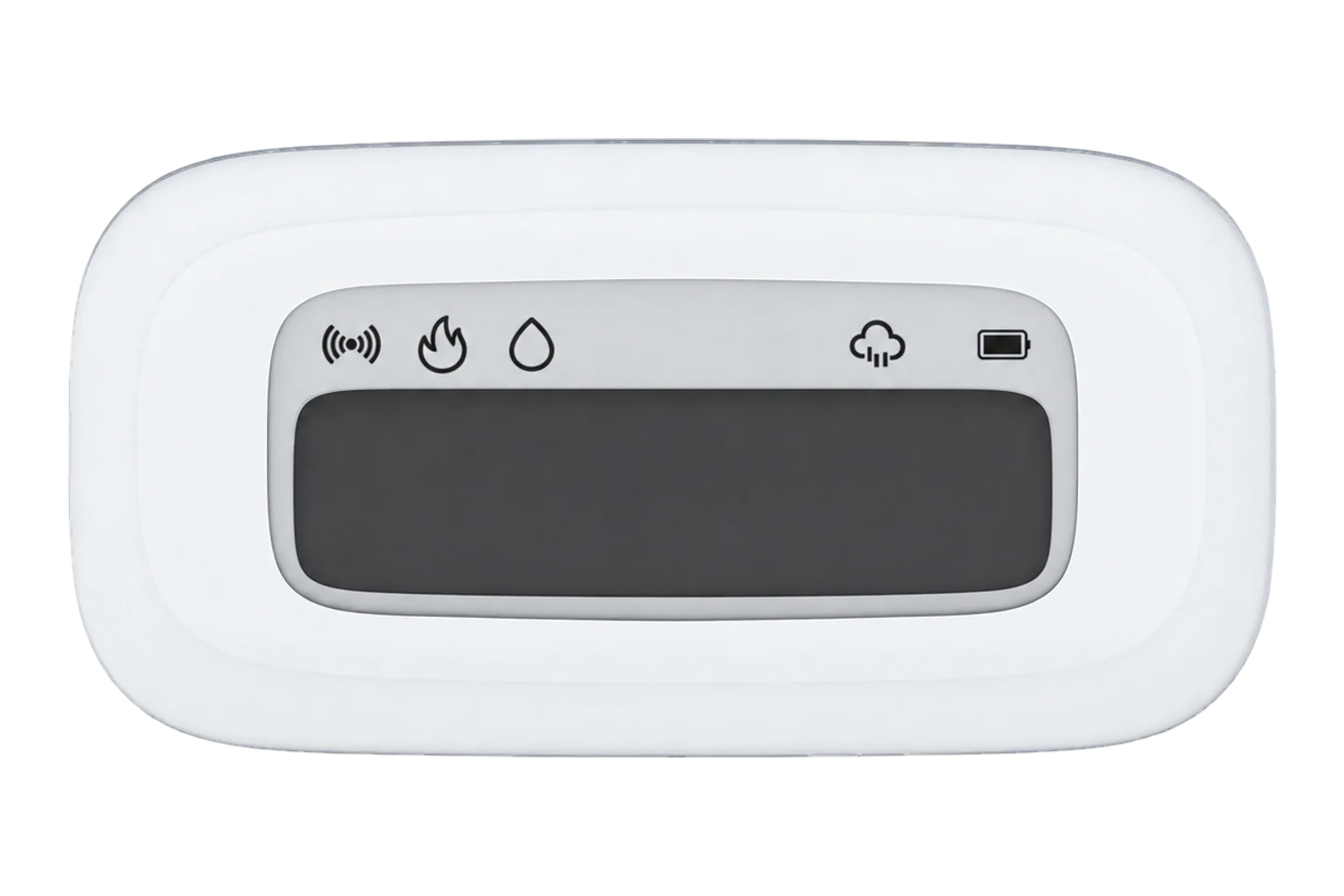
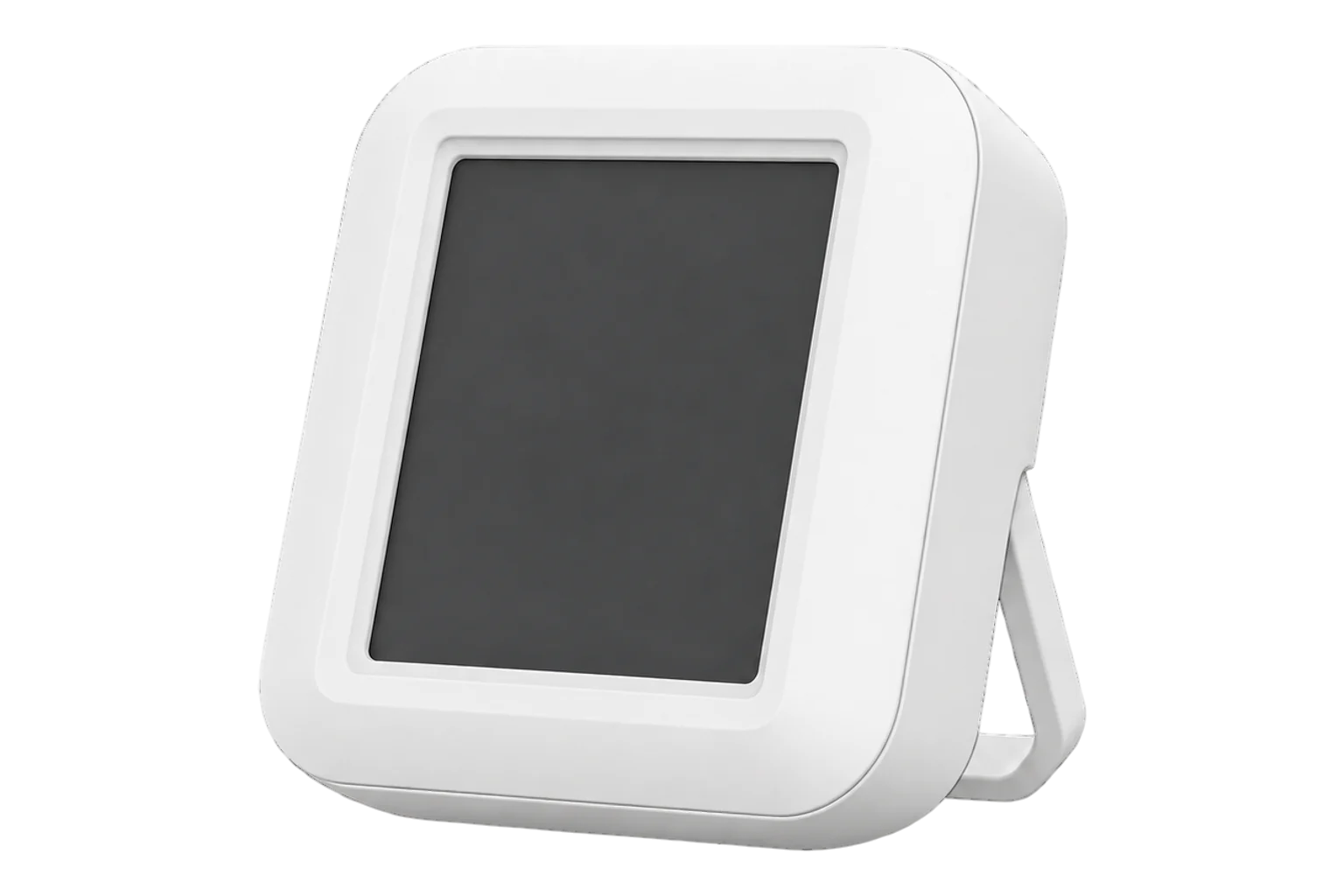
A battery-powered Zigbee temperature and humidity sensor with a 2.9-inch e-ink screen. Besides its own readings, the screen can show a second temperature, humidity and pressure written to it, a weather icon and comfort icons.
Also sold asSONOFF AirGuard TH E-Ink Lite
Compatibility
Compatible with EpiSensor Edge over Zigbee.
Pair it with the Zigbee radio on an EpiSensor Gateway. Edge reads it locally on the Gateway.
Edge reads 17 values from it, listed under Interface.
Connect it with

Specifications
The SNZB-02UL, which SONOFF also calls the AirGuard TH E-Ink Lite, measures air temperature and relative humidity and shows them on a 2.9-inch e-ink screen. It is battery powered and reports over Zigbee.12
- Power
- Battery. Non-rechargeable batteries under a rear battery cover. Remove the insulation sheet to power it on.1
- Display
- 2.9-inch e-ink2
- Wireless
- Zigbee4
- Measurements
- Temperature and relative humidity4
- Calculated values
- Dew point (°C) and vapour pressure deficit (kPa)4
- Remote values on screen
- -20 to 60 °C, 5 to 95 % RH, 700 to 1100 hPa4
- Comfort limits
- 0 to 50 °C and 5 to 95 % RH, in 0.1 steps4
- Calibration offsets
- -50 to 50 °C and -50 to 50 % RH, in 0.1 steps4
- Mounting
- Fold-out stand, screws, magnet or adhesive pad1
- Firmware updates
- Over the air4
Where it is used
Offices, meeting rooms and classrooms, where people can read the conditions on the screen and Edge logs the same readings.
Indoor environmental monitoringA room display for a value measured elsewhere, such as the outdoor temperature from another sensor, written to its remote fields.
Rooms where condensation matters, with the dew point logged beside temperature and humidity.
Interface
Readings and settings, with units and ranges where SONOFF publishes them. readable, readable and writable, writable only.4
| Reading | Unit | Range or values | Access |
|---|---|---|---|
| Measurements 4 | |||
| TemperatureAir temperature. | °C | - | Read only |
| Relative humidityRelative humidity of the air. | % | - | Read only |
| Dew pointCalculated from temperature and humidity. | °C | - | Read only |
| Vapour pressure deficitCalculated from temperature and humidity. | kPa | - | Read only |
| Controls 5 | |||
| Remote displayShows the remote values in place of the date. | - | enabledisable |
Write only |
| Remote temperatureA temperature from elsewhere, shown on the screen. | °C | -20 to 60 °C | Write only |
| Remote humidityA humidity from elsewhere, shown on the screen. | % | 5 to 95 % | Write only |
| Remote air pressureAn air pressure from elsewhere, shown on the screen. | hPa | 700 to 1,100 hPa | Write only |
| Weather iconThe weather shown on the screen. | - | sunnypartly_cloudyovercastrainsnowwindy |
Write only |
| Settings 7 | |||
| Comfort temperature, lowBelow this the screen shows a snowflake. | °C | 0 to 50 °C | Read and write |
| Comfort temperature, highAbove this the screen shows a flame. | °C | 0 to 50 °C | Read and write |
| Comfort humidity, lowBelow this the screen shows an empty droplet. | % | 5 to 95 % | Read and write |
| Comfort humidity, highAbove this the screen shows a half-filled droplet. | % | 5 to 95 % | Read and write |
| Display unitThe unit shown on the screen. Readings reach Edge in °C either way. | - | celsiusfahrenheit |
Read and write |
| Temperature offsetCalibration in 0.1 °C steps. | °C | -50 to 50 °C | Read and write |
| Humidity offsetCalibration in 0.1 % steps. | % | -50 to 50 % | Read and write |
| Diagnostics 1 | |||
| BatteryRemaining battery charge. | % | 0 to 100 % | Read only |
Remote values, the weather icon, the comfort limits, the display unit and the calibration offsets are all written to the sensor. Wake it with the button on the back first. Remote values and the weather icon can be written but not read back.34
Showing remote values replaces the date on the screen. Turn them on with Remote display before writing them.4
Setup
-
Open pairing in Edge
In Edge, open pairing on the Gateway’s Zigbee network. The Gateway accepts new devices while pairing is open.
-
Power it on
Open the battery cover and remove the battery insulation sheet. After its first power-up the sensor is in pairing mode and its LED flashes slowly.1
-
Confirm the join
Check that Edge identifies it as SONOFF SNZB-02UL and that temperature and humidity arrive.
-
Mount it
Stand it on its fold-out stand, hang it on screws, fix it to a metal surface by its magnet, or stick it to the wall with the adhesive backing.1
-
Check one reading
Compare temperature and humidity with a reference instrument placed beside it, and set the calibration offsets from Edge if they differ.
Related devices


Sources
- SNZB-02UL quick guide (opens in a new tab)
- Bridge-U v2.4.0 release note, new device support (opens in a new tab)
- Improve SONOFF SNZB-02UL support with remote sensor data and weather info retrieval (pull request 13017) (opens in a new tab)
- SONOFF SNZB-02UL device documentation (opens in a new tab)
- SONOFF SNZB-02UL Zigbee definition (opens in a new tab)
Further reading
Product names and trademarks belong to their owners. Publication does not imply endorsement or a commercial relationship.