SONOFF SNZB-05P
Water leak sensor
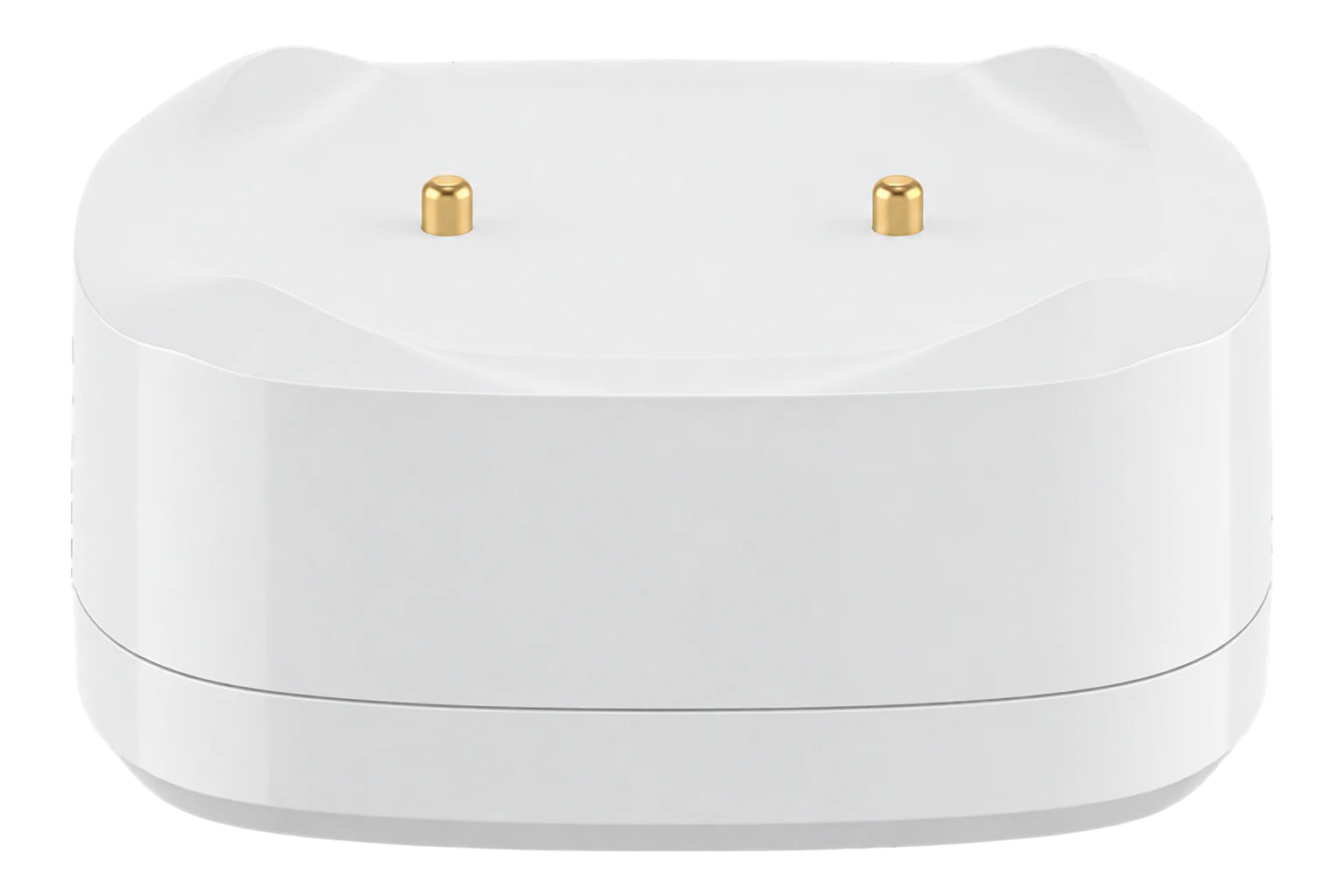
A battery-powered Zigbee 3.0 leak sensor with raised gold-plated probes that trigger at 0.5 mm of water, an IP67 housing, support for leak detection cable and a CR2477 cell rated for five years.
- Zigbee
Water leak sensor
Compatibility
Compatible with EpiSensor Edge over Zigbee.
Pair it with the Zigbee radio on an EpiSensor Gateway. Edge reads it locally on the Gateway.
Edge reads 3 values from it, listed under Interface.
Connect it with
-
Gateway ZGW-20From €899 ex VAT Configure Gateway

Specifications
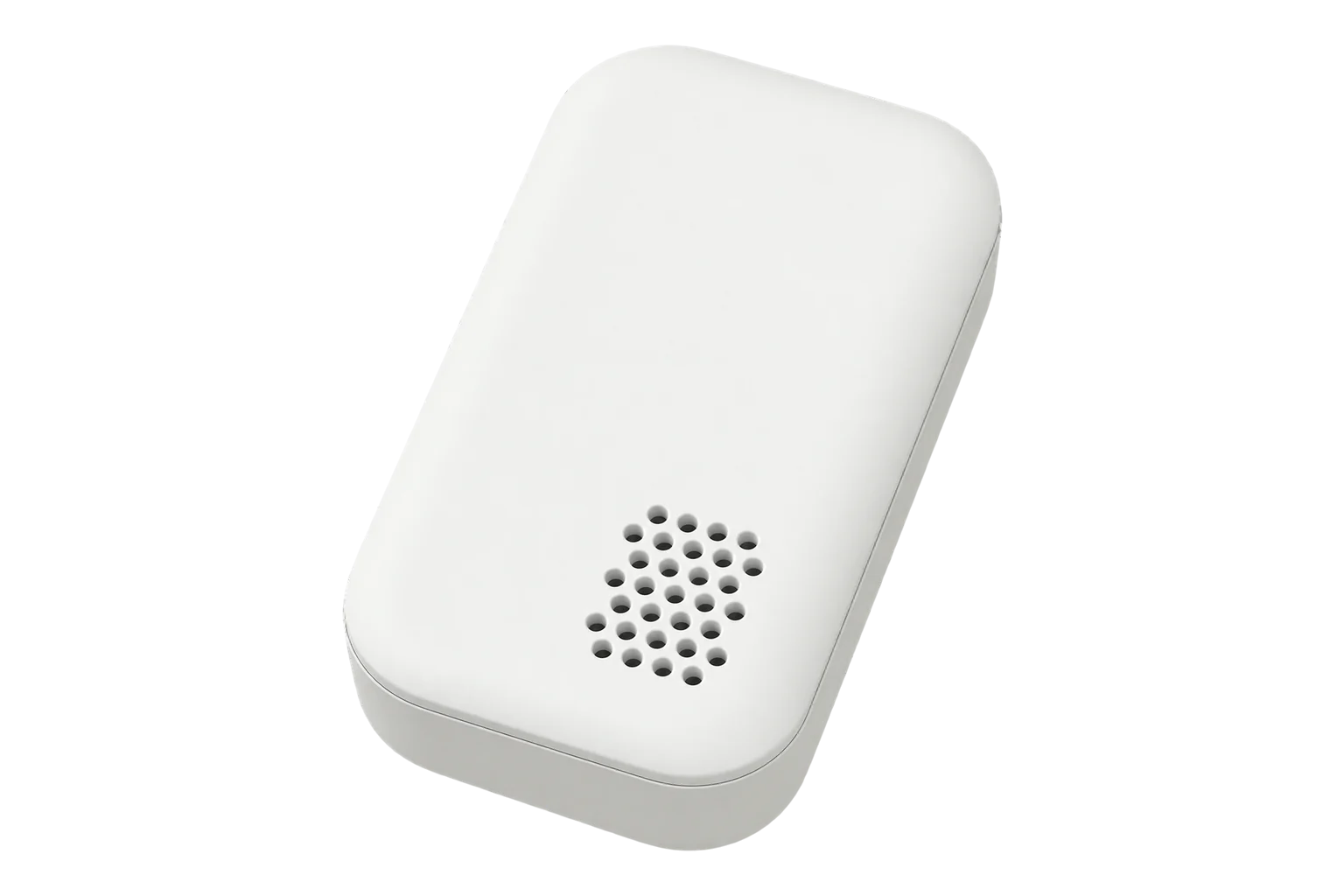
The SNZB-05P is a 48 × 48 × 21.6 mm floor sensor with its probes raised on feet. SONOFF states that it detects water 0.5 mm deep and that the raised probes let it sit on a metal surface without false alarms. A concave collection design catches drips, so a slow leak from above reaches the probes.12
- Power
- Battery. One CR2477 3 V coin cell, rated for five years at 50 triggers a day.1
- Trigger level
- 0.5 mm of water1
- Ingress protection
- IP671
- Extension
- Water leak detection cable, joined in series, no length limit1
- Wireless
- Zigbee 3.01
- Radio chip
- Silicon Labs EFR32MG221
- Range
- 130 m in open space1
- Working temperature
- -10 to 60 °C1
- Working humidity
- 0 to 100 % RH1
- Dimensions
- 48 × 48 × 21.6 mm1
- Weight
- 34.3 g without battery1
- Enclosure
- PC and ABS, gold-plated probes, indoor use2
- Certification
- CE, FCC, ISED, RoHS; EN 62368-11
Where it is used
Beside water meters, pumps and tanks in plant rooms, so a consumption anomaly can be checked against a sensor at the likely leak point.
Water consumption monitoring for commercial buildingsUnder water heaters and calorifiers, which SONOFF lists as a use, alongside the hot-water temperature points.
Legionella temperature monitoringAlong the floor of data rooms under cooling units and chilled-water pipes, with detection cable run along the pipe route.
Server room and rack temperature monitoring
Interface
Readings and settings, with units and ranges where SONOFF publishes them.3
| Reading | Unit | Range or values | Access |
|---|---|---|---|
| Measurements 1 | |||
| Water leakTrue while water is detected at the probes or along a connected cable. | - | Binary state | Read only |
| Diagnostics 2 | |||
| Battery lowTrue when the coin cell is almost empty. | - | Binary state | Read only |
| Battery | % | 0 to 100 % | Read only |
The leak state and the low-battery flag arrive as alarm changes from the sensor. Battery level can also be read on request.3
The sensor accepts firmware updates over the Zigbee network.3
Setup
-
Open pairing in Edge
In Edge, open pairing on the Gateway’s Zigbee network. The Gateway accepts new devices while pairing is open.
-
Power it on
Twist off the bottom cover and pull out the battery insulation sheet. On its first power-up the sensor enters pairing mode and its LED flashes slowly for up to 180 seconds.1
-
Or start pairing by hand
On a sensor that has been paired before, press and hold the button for 5 seconds until the LED flashes slowly.1
-
Confirm the join
The LED stays on for 3 seconds and then goes out when the sensor has joined. Check that Edge identifies it as SONOFF SNZB-05P.1
-
Place it and check range
Put it where water would collect first, then press the button once. Two quick flashes mean it can reach the Gateway or a Zigbee router from there.1
-
Check one reading
Wet the probes, or the cable if one is fitted, and confirm the leak state in Edge. Dry them before you leave it in service.
Common questions
- Does the SNZB-05P need a SONOFF hub to work with Edge?
- No. It is a Zigbee 3.0 device, so it joins the Zigbee radio on an EpiSensor Gateway directly, and Edge reads it without a SONOFF hub or the eWeLink app.1
- Will it false-alarm on a metal floor or in humid air?
- The raised probes let the sensor itself sit on metal without false alarms. The detection cable is different: SONOFF recommends 0 to 80 % RH without condensation for it, because very humid air can read as water.1
- How long does the battery last?
- SONOFF rates the CR2477 cell for five years at 50 triggers a day. Edge reports the battery level and a low-battery flag.13
- Can the cable be reused after a leak?
- Yes, once it has dried out completely.1
Related devices


Sources
- SNZB-05P user guide and specifications (opens in a new tab)
- Zigbee Water Leak Sensor SNZB-05P (opens in a new tab)
- SONOFF SNZB-05P device documentation (opens in a new tab)
- SONOFF SNZB-05P Zigbee definition (opens in a new tab)
Further reading
Product names and trademarks belong to their owners. Publication does not imply endorsement or a commercial relationship.