Aqara WSDCGQ11LM
Temperature and humidity sensor
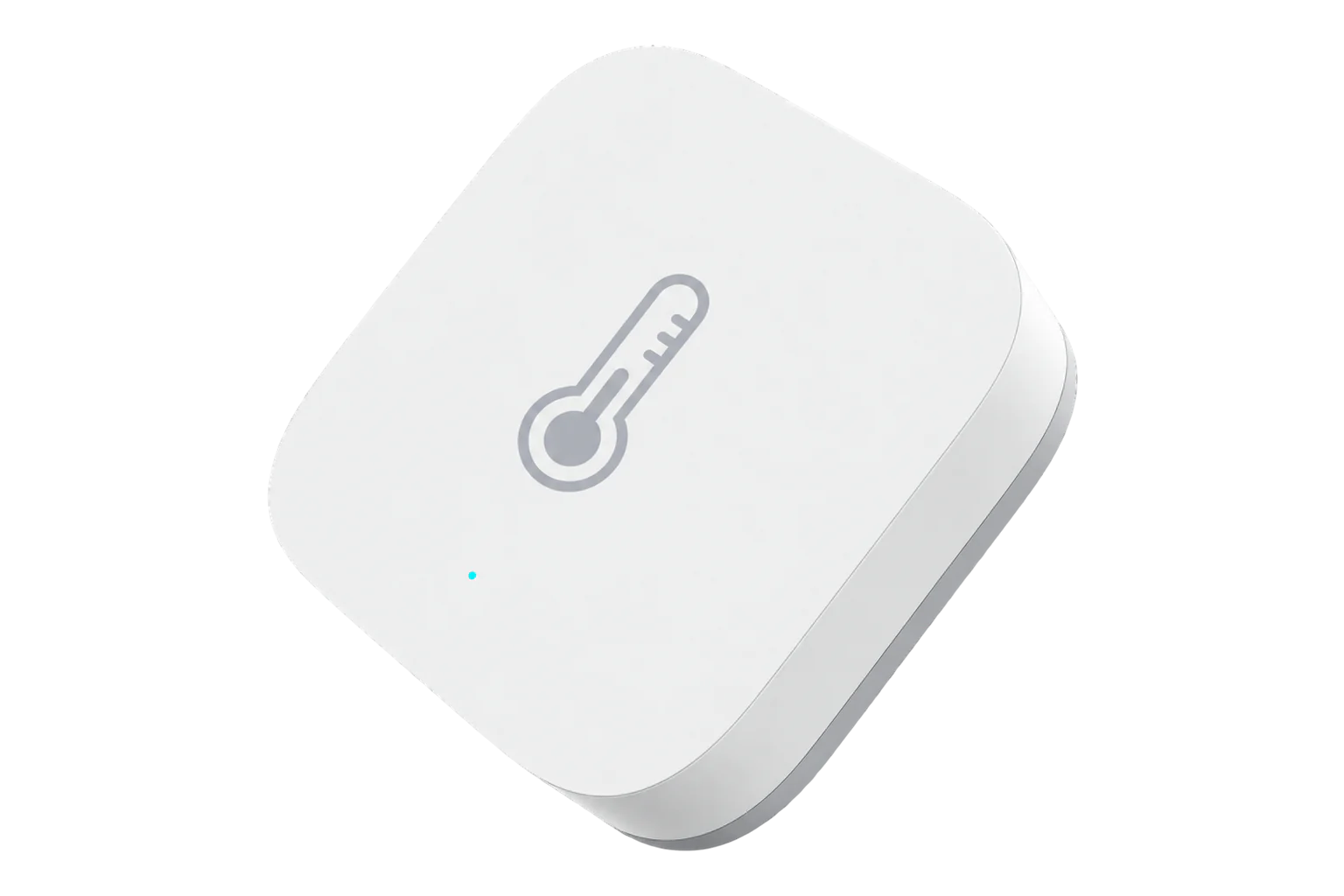
A 36 mm square, coin-cell Zigbee sensor for room temperature, relative humidity and air pressure. Aqara states ±0.3 °C, ±3 % RH and ±0.12 kPa, for indoor use from -20 to 50 °C.
Also sold asAqara Temperature and Humidity Sensor
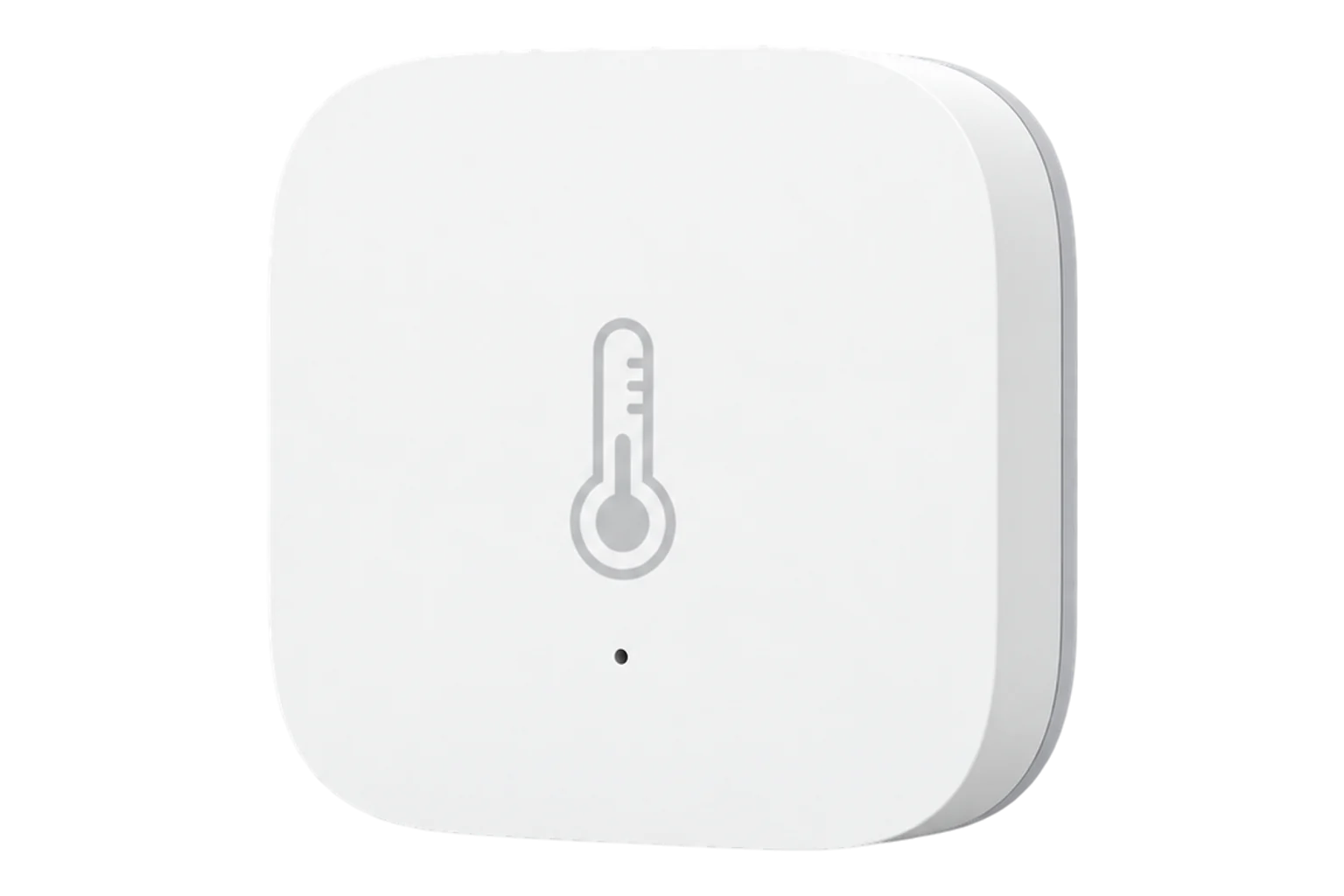
- Zigbee
Temperature and humidity sensor
Compatibility
Compatible with EpiSensor Edge over Zigbee.
Pair it with the Zigbee radio on an EpiSensor Gateway. Edge reads it locally on the Gateway.
Edge reads 5 values from it, listed under Interface.
Connect it with
-
Gateway ZGW-20From €899 ex VAT Configure Gateway

Specifications
Aqara says it reports once an hour while conditions are steady and at once after a larger change, such as more than 0.5 °C in temperature or 6 % in humidity. It is an indoor sensor: Aqara advises against humid rooms, outdoor use, fridges, kitchens and bathrooms. It sits on a surface or sticks on with its adhesive pad.23
- Power
- Battery. One CR2032 coin cell, positive side up, under a cover that turns with a coin.3
- Temperature range and accuracy
- -20 to 50 °C, ±0.3 °C1
- Humidity range and accuracy
- 0 to 100 % RH, non-condensing, ±3 %1
- Pressure range and accuracy
- 30 to 110 kPa, ±0.12 kPa1
- Wireless
- Zigbee, 2400 to 2483.5 MHz2
- Maximum transmit power
- 9.99 dBm2
- Indoor range to the hub
- About 7 to 10 m, through walls3
- Reporting
- Hourly when steady, at once after a larger change3
- Dimensions
- 36 × 36 × 9 mm1
- Weight
- 11 g4
- Use
- Indoor only2
- Mounting
- Free-standing or adhesive pad2
Where it is used
Room temperature and humidity in offices, meeting rooms and classrooms, where a small battery sensor needs no wiring.
Indoor environmental monitoringBarometric pressure logged alongside room temperature and humidity, from the same small sensor.
Dry storerooms and small comms rooms within its -20 to 50 °C range. It is not rated for fridges or damp rooms.
Server room and rack temperature monitoring
Interface
Readings and settings, with units and ranges where Aqara publishes them.15
| Reading | Unit | Range or values | Access |
|---|---|---|---|
| Measurements 3 | |||
| TemperatureAir temperature, ±0.3 °C. | °C | -20 to 50 °C | Read only |
| Relative humidityRelative humidity, ±3 %, non-condensing. | % | 0 to 100 % | Read only |
| Air pressureAtmospheric pressure. Aqara rates 30 to 110 kPa, ±0.12 kPa. | hPa | 300 to 1,100 hPa | Read only |
| Diagnostics 2 | |||
| BatteryRemaining charge. Can take up to 24 hours to appear. | % | 0 to 100 % | Read only |
| Battery voltageVoltage of the coin cell. | mV | - | Read only |
The battery percentage can take up to 24 hours to appear after pairing. Temperature, humidity and pressure arrive as the sensor reports them; they cannot be polled.5
Setup
-
Open pairing in Edge
In Edge, open pairing on the Gateway’s Zigbee network, with the sensor close to the Gateway.
-
Hold the reset button
Press and hold the reset button for about 5 seconds. Release it as soon as the blue LED blinks, and the sensor joins by itself. If it does not, try a single short press.5
-
Confirm the join
Check that Edge identifies it as Aqara WSDCGQ11LM. A single press of the button makes it send its temperature and humidity, which confirms the link.3
-
Place it
Stand it where it will stay or stick it on with the adhesive pad, away from metal surfaces, heat sources and damp rooms.2
-
Check it stays connected
Leave it for a day and check that readings keep arriving. If it drops off, re-pair it closer to the Gateway or try a fresh battery.5
Common questions
- Does the WSDCGQ11LM need an Aqara hub to work with Edge?
- No. Aqara sells it for its own hub, but it is a Zigbee device with a published Zigbee definition, so it pairs with the Zigbee radio on an EpiSensor Gateway and Edge reads it on the Gateway.45
- Why does it sometimes drop off the network?
- Older Aqara devices do not follow the Zigbee standard in every respect. They can disconnect when the signal is weak, when the battery voltage sags even though it still shows full, or when they route through some other manufacturers’ routers. Re-pairing it close to the Gateway usually fixes it.5
- Can it go in a fridge or a bathroom?
- No. Aqara rates it for indoor use from -20 to 50 °C without condensation, and advises against fridges, kitchens, bathrooms and anywhere exposed to rain or vapour.3
- How do I change the battery?
- Turn the battery cover anticlockwise with a coin, fit a new CR2032 with the positive side facing up, and turn the cover clockwise until it clicks.3
Related devices

Sources
- Temperature and Humidity Sensor specifications (opens in a new tab)
- Temperature and Humidity Sensor quick start guide (EU) (opens in a new tab) (PDF)
- Temperature and Humidity Sensor FAQ (archived copy) (opens in a new tab)
- Temperature and Humidity Sensor product specifications (opens in a new tab)
- Aqara WSDCGQ11LM device documentation (opens in a new tab)
- Aqara WSDCGQ11LM Zigbee definition (opens in a new tab)
Further reading
Product names and trademarks belong to their owners. Publication does not imply endorsement or a commercial relationship.