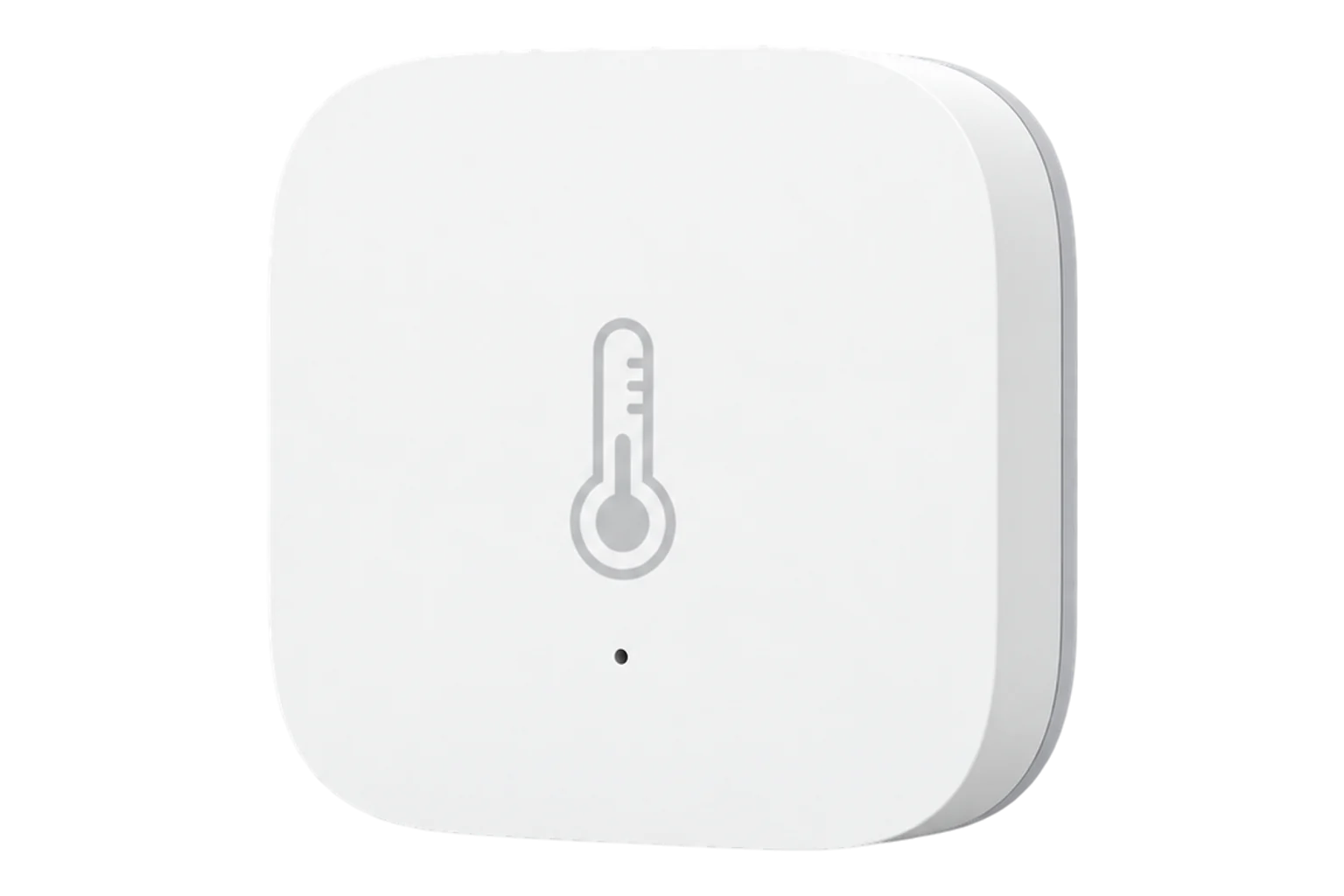
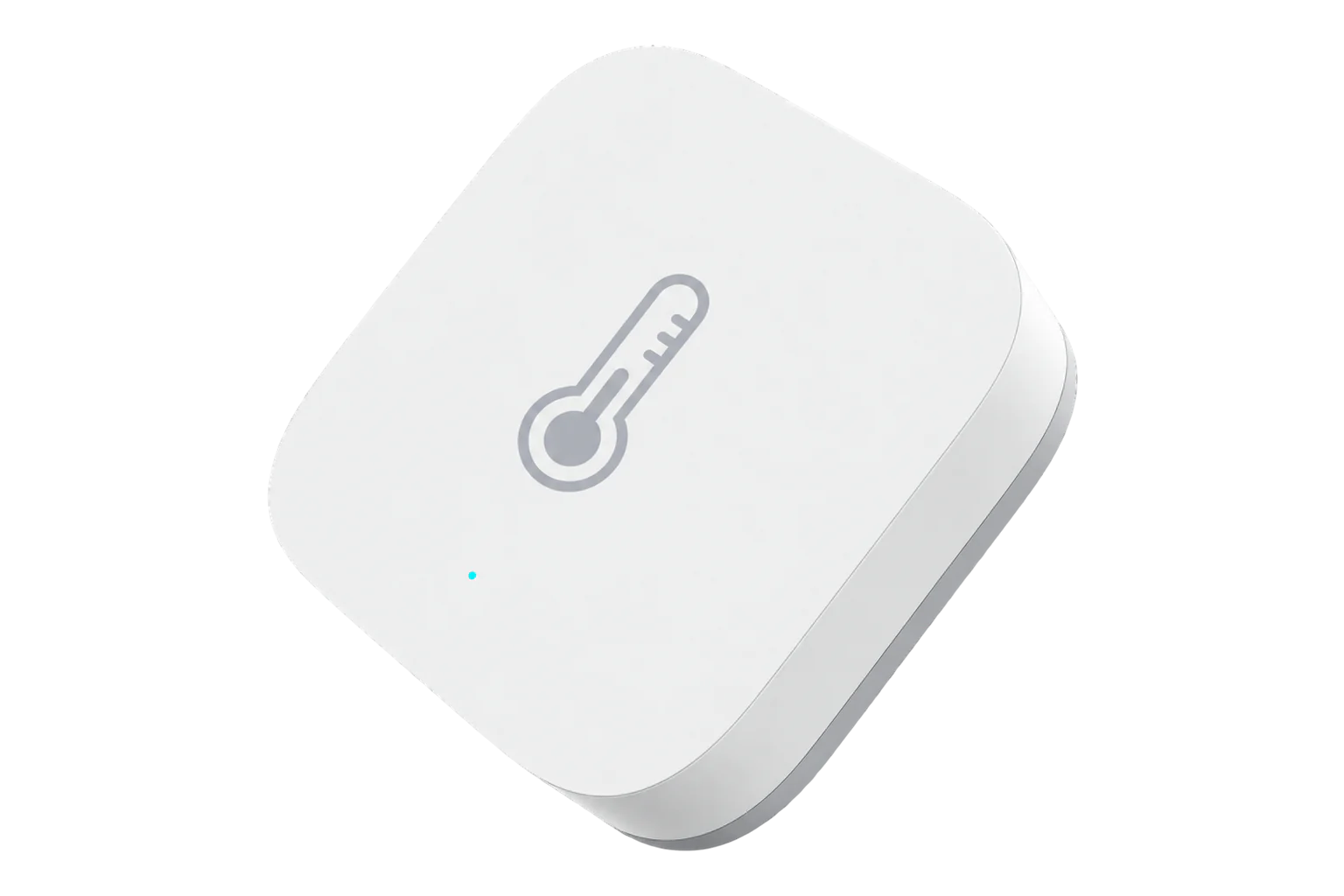
SONOFF SNZB-02P
Temperature and humidity sensor
A battery-powered Zigbee 3.0 sensor for room temperature and relative humidity, rated at ±0.2 °C and ±2 % RH, running for up to four years on one CR2477 coin cell.

Compatibility
Compatible with EpiSensor Edge over Zigbee.
Pair it with the Zigbee radio on an EpiSensor Gateway. Edge reads it locally on the Gateway.
Edge reads 5 values from it, listed under Interface.
Connect it with

Specifications
It is an indoor sensor. SONOFF rates it for -10 to 60 °C and 5 to 95 % RH without condensation, and the enclosure is not waterproof. That suits offices, classrooms, plant rooms, comms rooms and chilled stores, but not freezers, outdoor enclosures or wet areas.1
- Power
- Battery. One CR2477 coin cell, rated for up to four years in typical use.1
- Temperature accuracy
- ±0.2 °C1
- Humidity accuracy
- ±2 % RH1
- Working temperature
- -10 to 60 °C1
- Working humidity
- 5 to 95 % RH, non-condensing1
- Sensor refresh
- Every 5 seconds1
- Wireless
- Zigbee 3.0 (IEEE 802.15.4)1
- Radio chip
- Silicon Labs EFR32MG221
- Dimensions
- 45 × 45 × 17.7 mm1
- Weight
- 26.7 g1
- Enclosure
- PC, indoor use only1
- Mounting
- Adhesive pad, adhesive with metal plate, or screw2
Where it is used
Room temperature and humidity in offices, schools and meeting rooms, for comfort, ventilation and heating schedules.
Indoor environmental monitoringAmbient conditions in comms rooms and small data rooms, where a battery sensor avoids new cabling.
Server room and rack temperature monitoringChilled stores and plant rooms above -10 °C. It is not rated for freezers.
Cold room and cold store temperature monitoring
Interface
Readings and settings, with units and ranges where SONOFF publishes them. readable, readable and writable.
| Reading | Unit | Range or values | Access |
|---|---|---|---|
| Measurements 2 | |||
| Temperature | °C | - | Read only |
| Humidity | % | - | Read only |
| Settings 2 | |||
| Temperature calibration | °C | -50 to 50 °C | Read and write |
| Humidity calibration | % | -50 to 50 % | Read and write |
| Diagnostics 1 | |||
| Battery | % | 0 to 100 % | Read only |
Edge template
This JSON file applies the settings described below to a paired device. Edge supplies the device mapping; the file does not install a Zigbee driver or pair the device.
| Model | Connection | Points | Version | Updated | Download |
|---|---|---|---|---|---|
| SNZB-02P | Zigbee | 2 + 2 settings | 1.0.0 | Download |
Downloads need a signed-in account with Edge download access.
Settings applied to SNZB-02P
Sets the SNZB-02P's temperature and humidity calibration offsets to zero, and Edge reads the two measurements. Set a non-zero offset only after comparing the sensor with a reference instrument.
- Temperature Calibration
- 0
- Humidity Calibration
- 0
Use the template in Edge
- Import the JSON file
In Edge, open Settings, then Devices and Templates. Choose Import JSON and select the downloaded file. Confirm that the model and template name match your device.
- Pair the device, then apply its settings
Follow the pairing steps in Setup below. Once Edge identifies the exact model, choose Apply for the imported template and select the paired device. Check any firmware or manufacturer warning before applying.
- Confirm the result
Check the apply result and the settings on the device. Battery devices may need to wake before a command completes. Confirm a fresh reading or a deliberate sensor event before using it in an alarm or automation.
What Edge creates from the SNZB-02P template2 sensors, 2 settings
Edge recognises the device by either identity below and creates these sensors and settings for it. The template file changes only the 2 settings it lists.
Zigbee identitieseWeLink/SNZB-02PSONOFF/SNZB-02P
Sensors 2
| Sensor | Edge ID | Unit | Reading | Registry property |
|---|---|---|---|---|
| Relative Humidity | 358 | % | Instantaneous | humidity |
| Temperature | 6503 | °C | Instantaneous | temperature |
Settings 2
| Setting | Type | Accepts | Registry field |
|---|---|---|---|
| Temperature Calibration | Number | -50 to 50 °C, step 0.1 | exposes.temperature_calibration |
| Humidity Calibration | Number | -50 to 50 %, step 0.1 | exposes.humidity_calibration |
Export enabled and the export identifier stay site-specific on every mapped sensor: the template leaves both to the site.
Setup
-
Open pairing in Edge
In Edge, open pairing on the Gateway’s Zigbee network. The Gateway accepts new devices while pairing is open.
-
Power it on
Pull out the battery insulation tab. On its first power-up the sensor enters pairing mode by itself and its LED flashes slowly.1
-
Or start pairing by hand
On a sensor that has been paired before, press and hold the pairing button for 5 seconds until the LED flashes slowly. The pairing window stays open for 180 seconds.1
-
Confirm the join
The LED stays on for 3 seconds and then goes out when the sensor has joined. Check that Edge identifies it as SONOFF SNZB-02P.1
-
Check one reading
Compare temperature and humidity with a reference instrument placed beside it. If they differ, set the calibration offsets from Edge before you rely on the data.
Common questions
- Does the SNZB-02P need a SONOFF hub to work with Edge?
- No. It is a Zigbee 3.0 device, so it joins the Zigbee radio on an EpiSensor Gateway directly, and Edge reads it on the Gateway without a SONOFF hub or the eWeLink cloud.1
- How long does the battery last?
- SONOFF rates the CR2477 coin cell for up to four years in typical use. Shorter reporting intervals use more energy. Edge reports the battery level so a low cell can be replaced before readings stop.1
- How do I replace the battery?
- Press the latch with the eject pin while turning the back cover with a coin, then prise the cover off. Fit a new CR2477 coin cell of the same type.1
Related devices

Sources
- SNZB-02P user guide and specifications (opens in a new tab)
- Zigbee Temperature and Humidity Sensor SNZB-02P (opens in a new tab)
- SONOFF SNZB-02P device documentation (opens in a new tab)
- SONOFF SNZB-02P Zigbee definition (opens in a new tab)
Further reading
Product names and trademarks belong to their owners. Publication does not imply endorsement or a commercial relationship.