SONOFF SNZB-02D
Temperature and humidity sensor with display
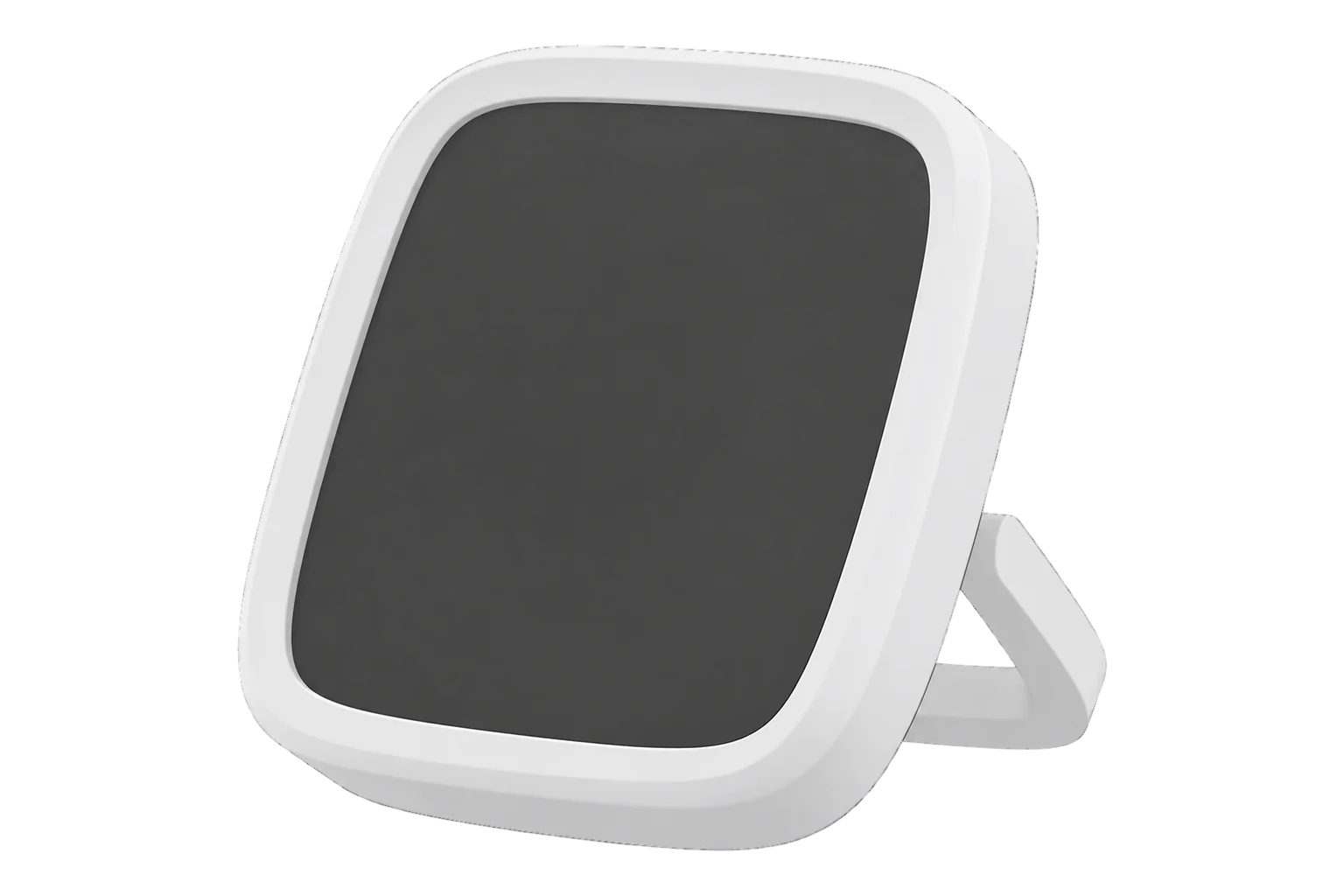
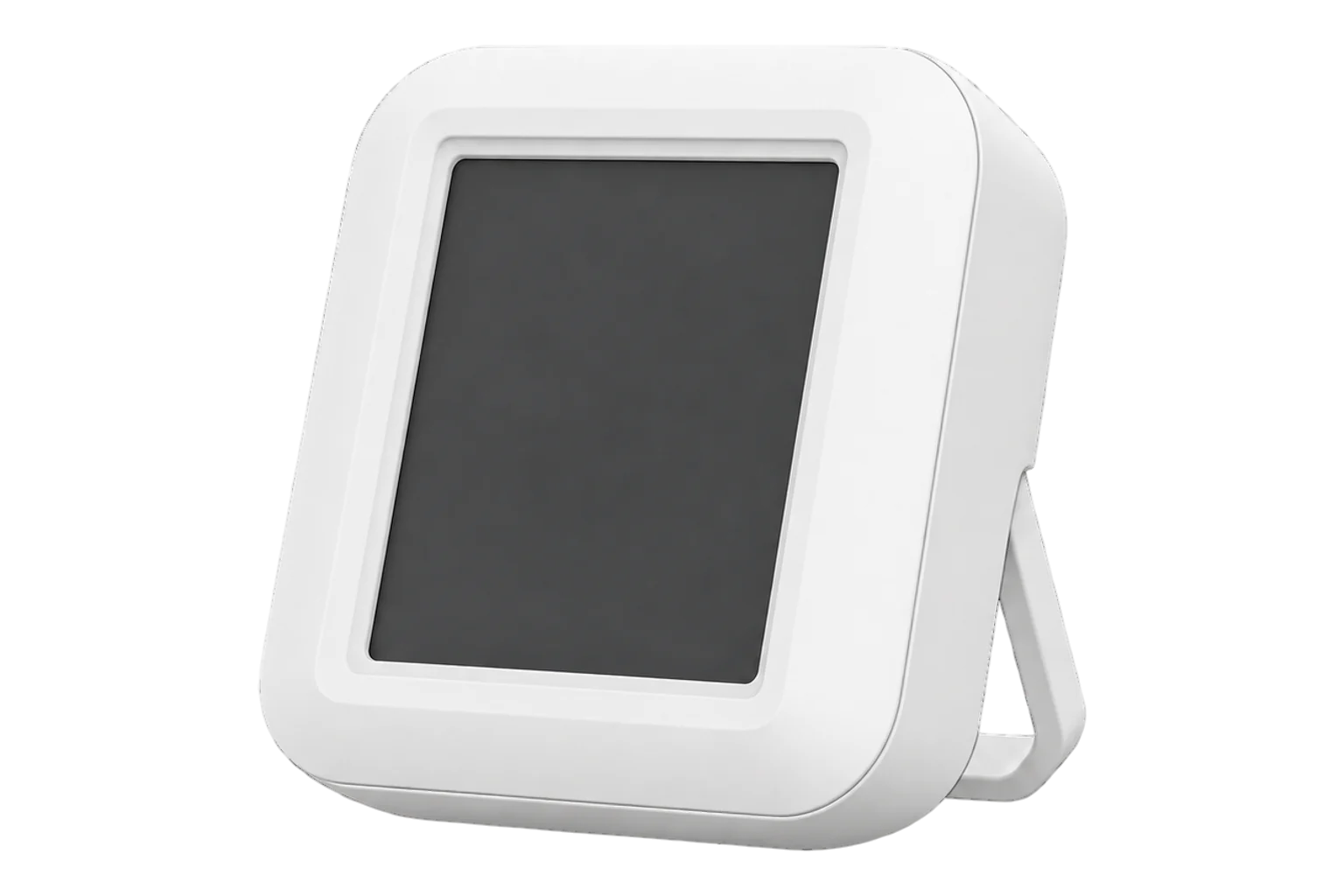
A battery-powered Zigbee 3.0 room sensor with a 2.8 inch LCD, rated at ±0.2 °C and ±2 % RH. It shows the reading on the wall and reports temperature and humidity at least once an hour, or within 5 seconds of a change.
- Zigbee
Temperature and humidity sensor with display
Compatibility
Compatible with EpiSensor Edge over Zigbee.
Pair it with the Zigbee radio on an EpiSensor Gateway. Edge reads it locally on the Gateway.
Edge reads 10 values from it, listed under Interface.
Connect it with
-
Gateway ZGW-20From €899 ex VAT Configure Gateway

Specifications
The SNZB-02D measures air temperature and relative humidity and shows both on a 2.8 inch LCD, so people in the room can read the same value that Edge records. It runs on a Silicon Labs EFR32MG22 radio and one CR2450 coin cell. SONOFF states a tolerance of ±0.2 °C for temperature and ±2 % RH for humidity, with a display resolution of 0.1 °C and 0.1 % RH.1
- Power
- Battery. One CR2450 3 V coin cell, rated for two years.4
- Temperature tolerance
- ±0.2 °C1
- Humidity tolerance
- ±2 % RH1
- Display resolution
- 0.1 °C and 0.1 % RH1
- Working temperature
- -9.9 to 60 °C1
- Working humidity
- 5 to 95 % RH, non-condensing1
- Reporting
- On change, at most every 5 s; at least every 60 min3
- Display
- 2.8 inch LCD with comfort and battery icons1
- Wireless
- Zigbee 3.0 (IEEE 802.15.4)1
- Radio chip
- Silicon Labs EFR32MG221
- Dimensions
- 59.5 × 62.5 × 18.5 mm1
- Weight
- 69.5 g1
- Enclosure
- PC and LCD, indoor use only1
- Mounting
- Desk stand, magnetic base or adhesive base, up to 2 m high2
- Approvals
- CE, FCC, ISED, RoHS; EN IEC 623681
Where it is used
Room temperature and humidity in offices, classrooms and meeting rooms, where occupants can see the same reading that drives heating and ventilation decisions.
Indoor environmental monitoringAmbient conditions in comms rooms and small data rooms, with a local display for whoever is on site.
Server room and rack temperature monitoringChilled stores and plant rooms above -9.9 °C. It is not rated for freezers.
Cold room and cold store temperature monitoring
Interface
Readings and settings, with units and ranges where SONOFF publishes them. readable, readable and writable.
| Reading | Unit | Range or values | Access |
|---|---|---|---|
| Measurements 2 | |||
| Temperature | °C | - | Read only |
| Humidity | % | - | Read only |
| Settings 7 | |||
| Comfort temperature min | °C | -10 to 60 °C | Read and write |
| Comfort temperature max | °C | -10 to 60 °C | Read and write |
| Comfort humidity min | % | 5 to 95 % | Read and write |
| Comfort humidity max | % | 5 to 95 % | Read and write |
| Temperature units | - | celsiusfahrenheit |
Read and write |
| Temperature calibration | °C | -50 to 50 °C | Read and write |
| Humidity calibration | % | -50 to 50 % | Read and write |
| Diagnostics 1 | |||
| Battery | % | 0 to 100 % | Read only |
Temperature, humidity and battery use the standard Zigbee measurement and power configuration clusters. The comfort thresholds, display unit and calibration offsets sit in SONOFF's manufacturer cluster 0xFC11.7
The sensor sleeps between reports. Press its button once to wake it before you write a setting or start a firmware update.67
Double-pressing the button switches the display between °C and °F. The reported temperature stays in °C.6
Setup
-
Open pairing in Edge
In Edge, open pairing on the Gateway’s Zigbee network. The Gateway accepts new devices while pairing is open.
-
Power it on
Remove the battery insulation sheet. On its first power-up the sensor enters pairing mode by itself and the signal icon on the screen flashes slowly.2
-
Or start pairing by hand
On a sensor that has been paired before, press and hold the button for 5 seconds. The signal icon flashes slowly and pairing stays open for 180 seconds.1
-
Confirm the join
The signal icon stays on when the sensor has joined and goes out if pairing failed. Check that Edge identifies it as SONOFF SNZB-02D.1
-
Check one reading
Compare temperature and humidity with a reference instrument beside it. If they differ, set the calibration offsets from Edge before you rely on the data.
Common questions
- Does the SNZB-02D need a SONOFF hub to work with Edge?
- No. It is a Zigbee 3.0 device, so it joins the Zigbee radio on an EpiSensor Gateway directly, and Edge reads it on the Gateway without a SONOFF hub or the eWeLink app.1
- How often does it report?
- It reports when temperature or humidity changes, no more often than every 5 seconds. If nothing changes it still reports at least once every 60 minutes.3
- How long does the battery last?
- SONOFF rates the CR2450 cell for two years. Edge reports the battery level, so a low cell can be replaced before readings stop. The cell is under the bottom cover, which is held by screws.24
- What do the icons on the display mean?
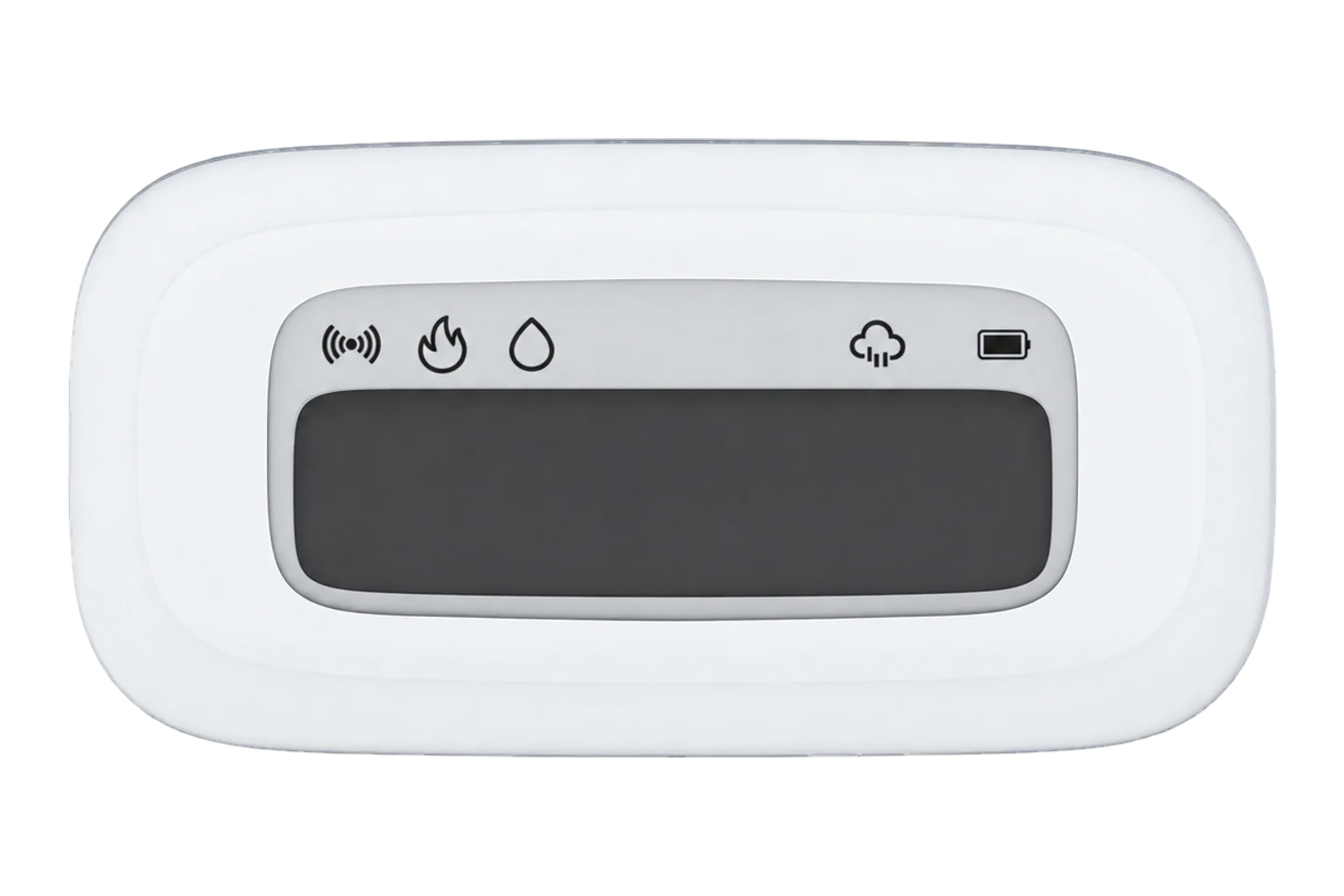
- By default the display shows hot at 27 °C or above, cold at 19 °C or below, dry at 40 % RH or below and wet at 60 % RH or above. Edge can change the comfort thresholds behind those icons.27
- How is it different from the SNZB-02P?
- Both are rated at ±0.2 °C and ±2 % RH. The SNZB-02D adds the 2.8 inch display, the comfort icons and a magnetic base, and runs on a CR2450 cell. The SNZB-02P has no display and runs on a CR2477.15
- What if it will not pair?
- Take the battery out for 10 seconds, put it back and start pairing again with the button held for 5 seconds. If a paired sensor stops reporting, remove it in Edge and pair it again.6
Related devices


Sources
- SNZB-02D product overview and specification (opens in a new tab)
- Zigbee LCD Smart Temperature Humidity Sensor user manual V1.1 (opens in a new tab) (PDF)
- SONOFF SNZB-02D Zigbee LCD Smart Temperature Humidity Sensor (opens in a new tab)
- SONOFF SNZB-02D product listing and specifications (opens in a new tab)
- SNZB-02P user guide and specifications (opens in a new tab)
- SONOFF SNZB-02D (opens in a new tab)
- SONOFF device definitions (sonoff.ts) (opens in a new tab)
Further reading
Product names and trademarks belong to their owners. Publication does not imply endorsement or a commercial relationship.