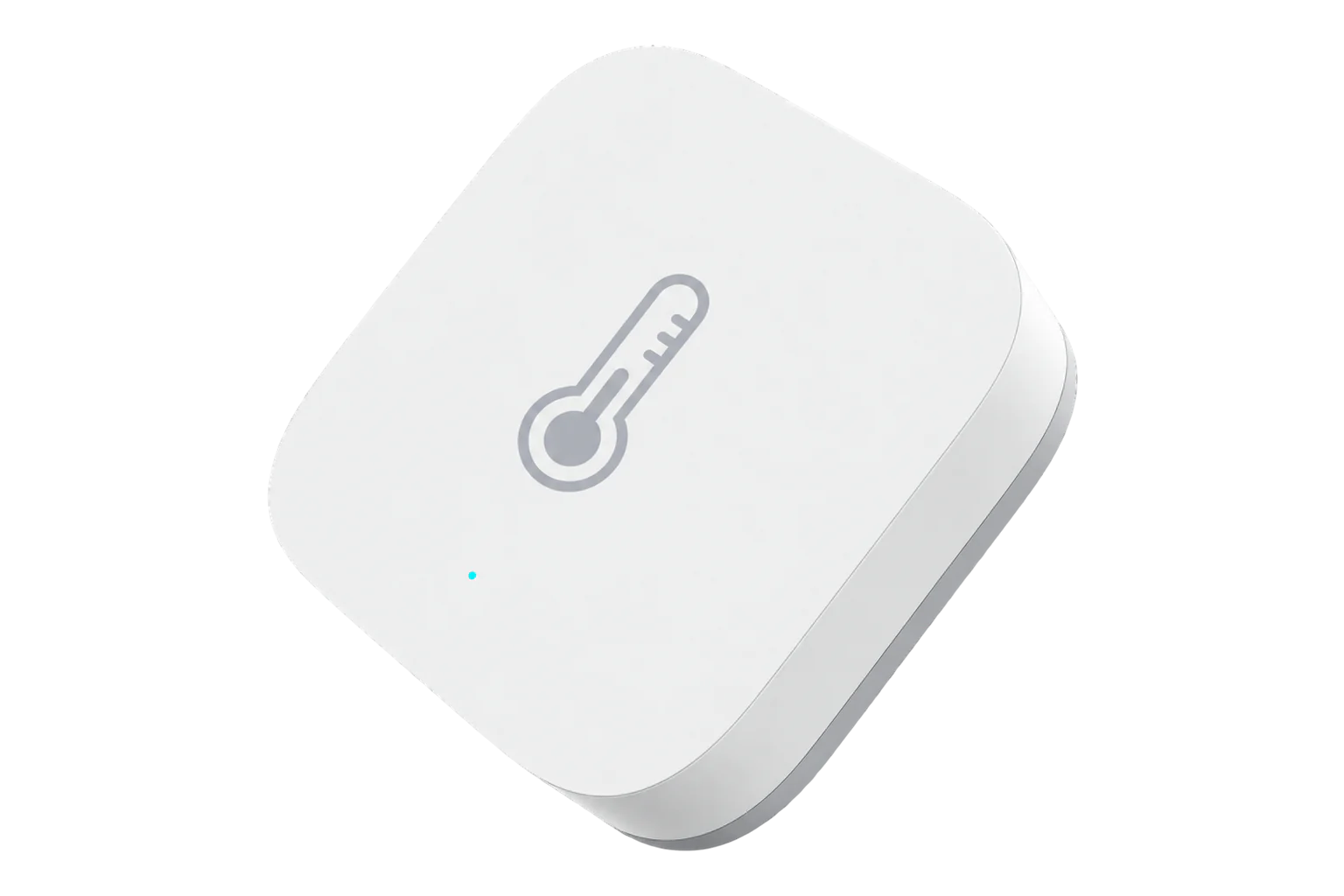
SONOFF SNZB-02
Temperature and humidity sensor
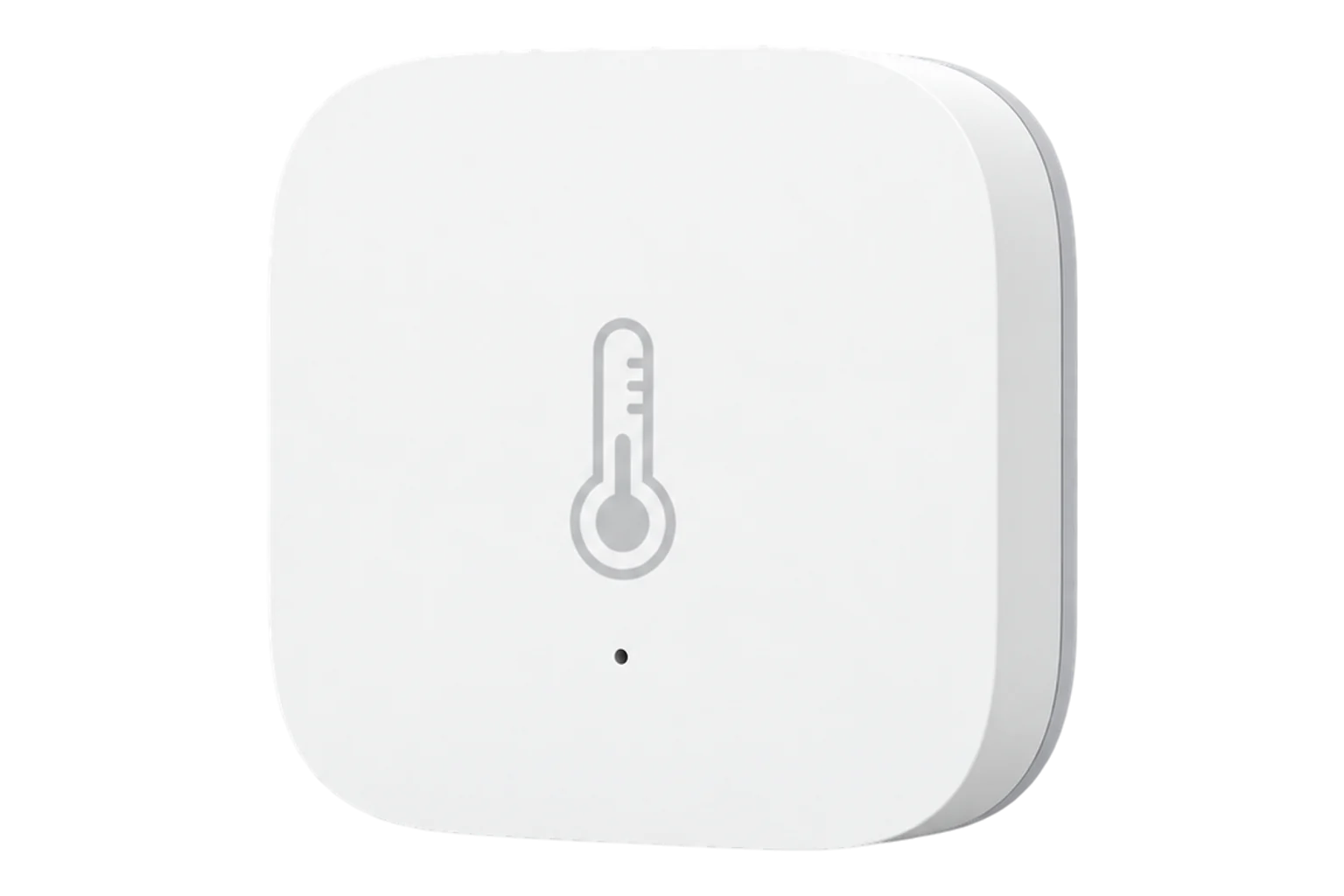
SONOFF's original battery-powered Zigbee room sensor for temperature and relative humidity, 43 mm square and running on one CR2450 coin cell. It is discontinued, and many are still installed.
Also sold aseWeLink RHK08Zbeacon TH01
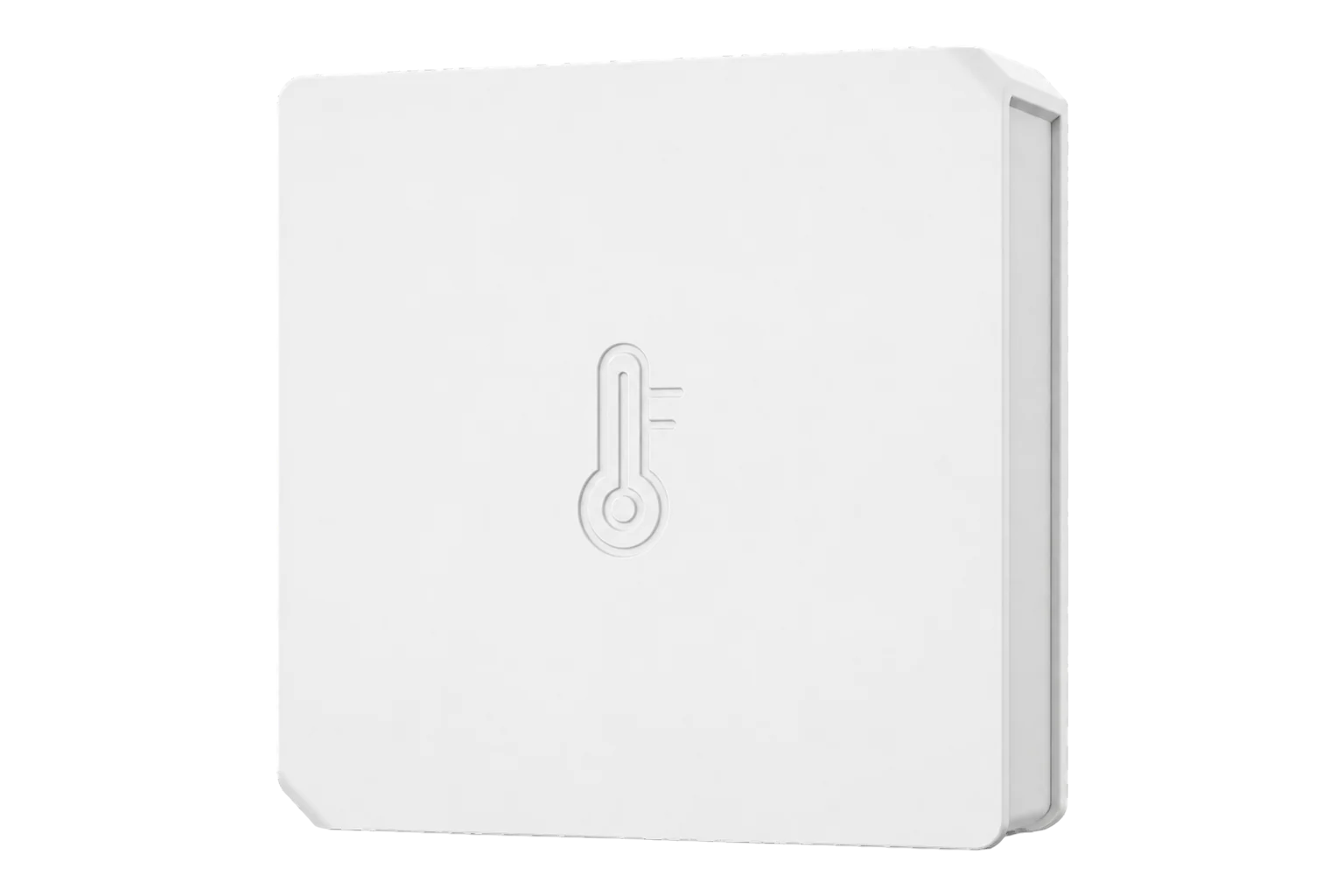
- Zigbee
Temperature and humidity sensor
Compatibility
Compatible with EpiSensor Edge over Zigbee.
Pair it with the Zigbee radio on an EpiSensor Gateway. Edge reads it locally on the Gateway.
Edge reads 4 values from it, listed under Interface.
Connect it with
-
Gateway ZGW-20From €899 ex VAT Configure Gateway

Specifications
SONOFF has discontinued it and points buyers to the SNZB-02P. The SNZB-02 is still common on existing sites, and installed sensors can move to an EpiSensor Gateway as they are. SONOFF does not publish an accuracy figure for it, so check each unit against a reference instrument before relying on its readings.12
- Power
- Battery. One CR2450 3 V coin cell.1
- Working temperature
- -10 to 40 °C1
- Working humidity
- 10 to 90 % RH, non-condensing1
- Wireless
- Zigbee (IEEE 802.15.4)1
- Dimensions
- 43 × 43 × 14 mm1
- Weight
- 28 g2
- Enclosure
- PC1
- Mounting
- Desk or 3M adhesive pad, below 2 m, not on metal1
- Battery reporting
- Updated every 1 to 2 hours2
- Approvals
- FCC, CE2
- Status
- Discontinued; replaced by the SNZB-02P2
Where it is used
Room temperature and humidity in offices, meeting rooms and small commercial spaces that already have SNZB-02 sensors fitted, brought onto one Gateway instead of a consumer hub.
Indoor environmental monitoringAmbient checks in comms cupboards and small server rooms that stay below 40 °C.
Server room and rack temperature monitoring
Interface
On the Zigbee network it joins as an end device.4
Readings and settings, with units and ranges where SONOFF publishes them.
| Reading | Unit | Range or values | Access |
|---|---|---|---|
| Measurements 2 | |||
| Temperature | °C | - | Read only |
| Humidity | % | - | Read only |
| Diagnostics 2 | |||
| Battery | % | 0 to 100 % | Read only |
| Voltage | mV | - | Read only |
Endpoint 1 carries the Basic, Identify, Power Configuration, Temperature Measurement and Relative Humidity clusters. Battery percentage and battery voltage both come from Power Configuration.4
Some firmware reports the model ID WB01, 66666 or DS01 instead of SNZB-02. These units are still matched as the SNZB-02 by their cluster list.4
The first battery percentage can take up to 24 hours to arrive after pairing.3
Setup
-
Open pairing in Edge
In Edge, open pairing on the Gateway’s Zigbee network. The Gateway accepts new devices while pairing is open.
-
Power it on
Pull out the battery insulation sheet, or fit a new CR2450 cell.1
-
Start pairing
Press and hold the reset button for 5 seconds until the LED flashes three times. The sensor is now looking for a network. If it does not join, move it closer to the Gateway and try again.1
-
Confirm the join
Check that Edge identifies it as SONOFF SNZB-02, even if the model ID it reports is WB01, 66666 or DS01.4
-
Check one reading
Compare temperature and humidity with a reference instrument placed beside it before you rely on the data.
Common questions
- Does the SNZB-02 need a SONOFF hub to work with Edge?
- No. SONOFF states that it works with other gateways supporting Zigbee 3.0, so it joins the Zigbee radio on an EpiSensor Gateway directly and Edge reads it without a SONOFF bridge or the eWeLink app.1
- Is the SNZB-02 still sold?
- No. SONOFF has discontinued it and recommends the SNZB-02P, which adds comfort alerts and a battery rated for four years.2
- Why does Edge show a different model ID for my sensor?
- Some SNZB-02 firmware reports WB01, which is the ID of SONOFF's button, or 66666 or DS01. The device definition recognises these units by their clusters, so the sensor still appears as the SNZB-02.4
- How do I remove it from its old hub before moving it to Edge?
- SONOFF's manual gives one action for this: press and hold the reset button for 5 seconds until the LED flashes three times, which deletes it from the bridge it was paired to. You can also delete it in the old hub's app. Then pair it with Edge.1
- Why does the battery not show 100 % after a new cell?
- The battery level updates every one to two hours to save power, and repeated pairing attempts can lower the displayed level. Check it again an hour or two after fitting the cell.2
Related devices


Sources
- SNZB-02 user manual V1.0 (opens in a new tab) (PDF)
- SONOFF SNZB-02 Zigbee Temperature and Humidity Sensor (opens in a new tab)
- SONOFF SNZB-02 (opens in a new tab)
- SONOFF device definitions (sonoff.ts) (opens in a new tab)
Further reading
Product names and trademarks belong to their owners. Publication does not imply endorsement or a commercial relationship.