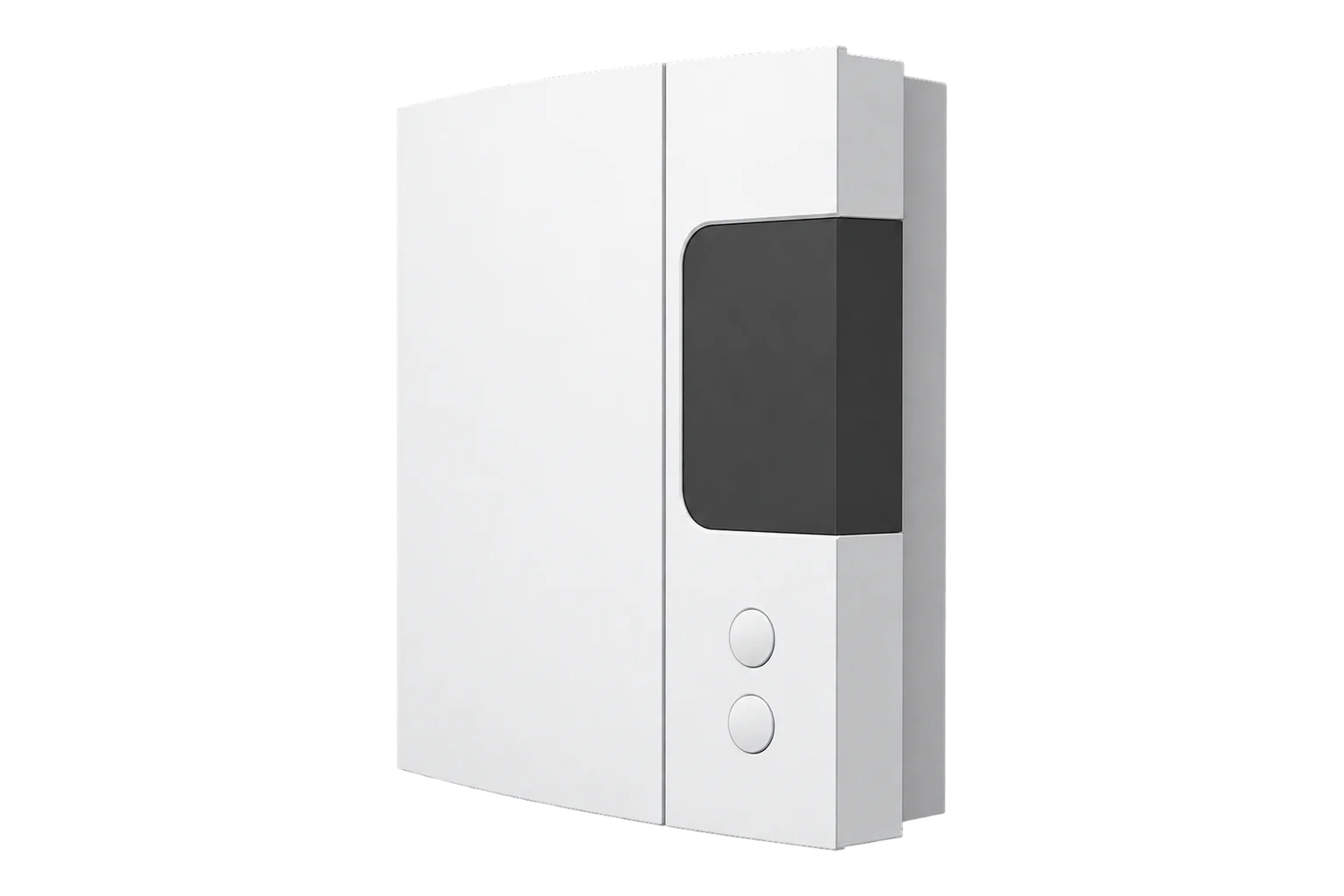
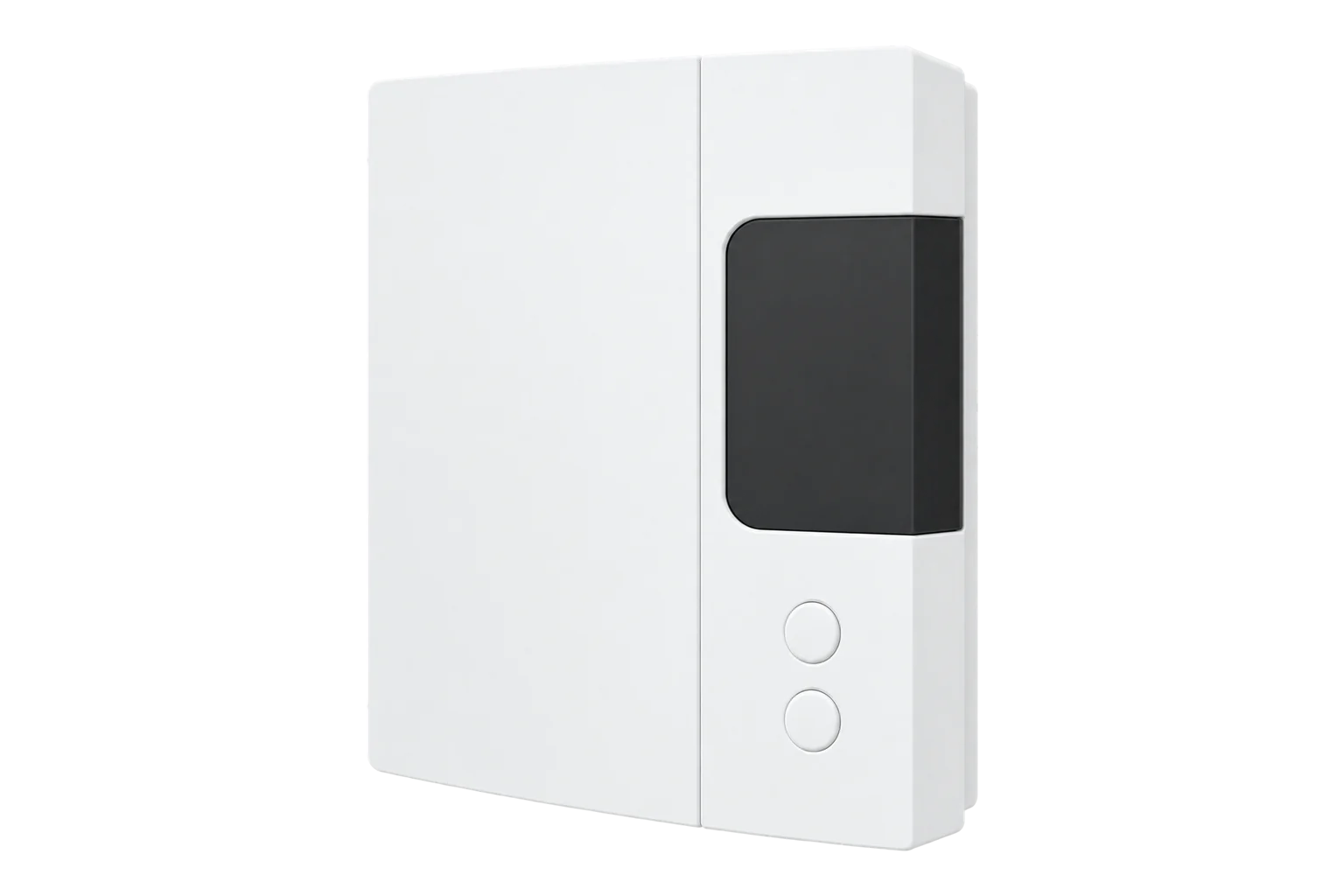
Sinopé TH1123ZB
Line-voltage thermostat
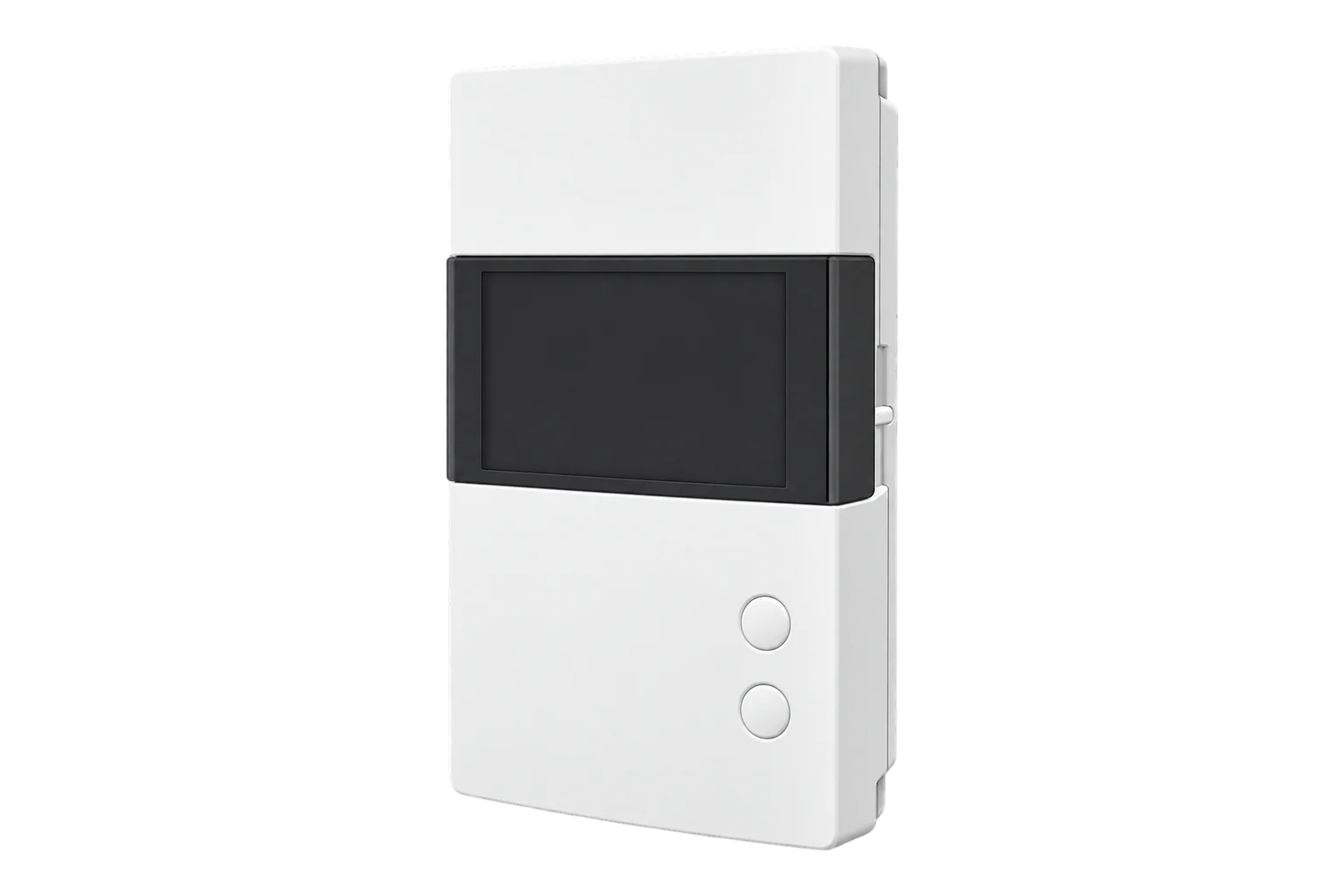
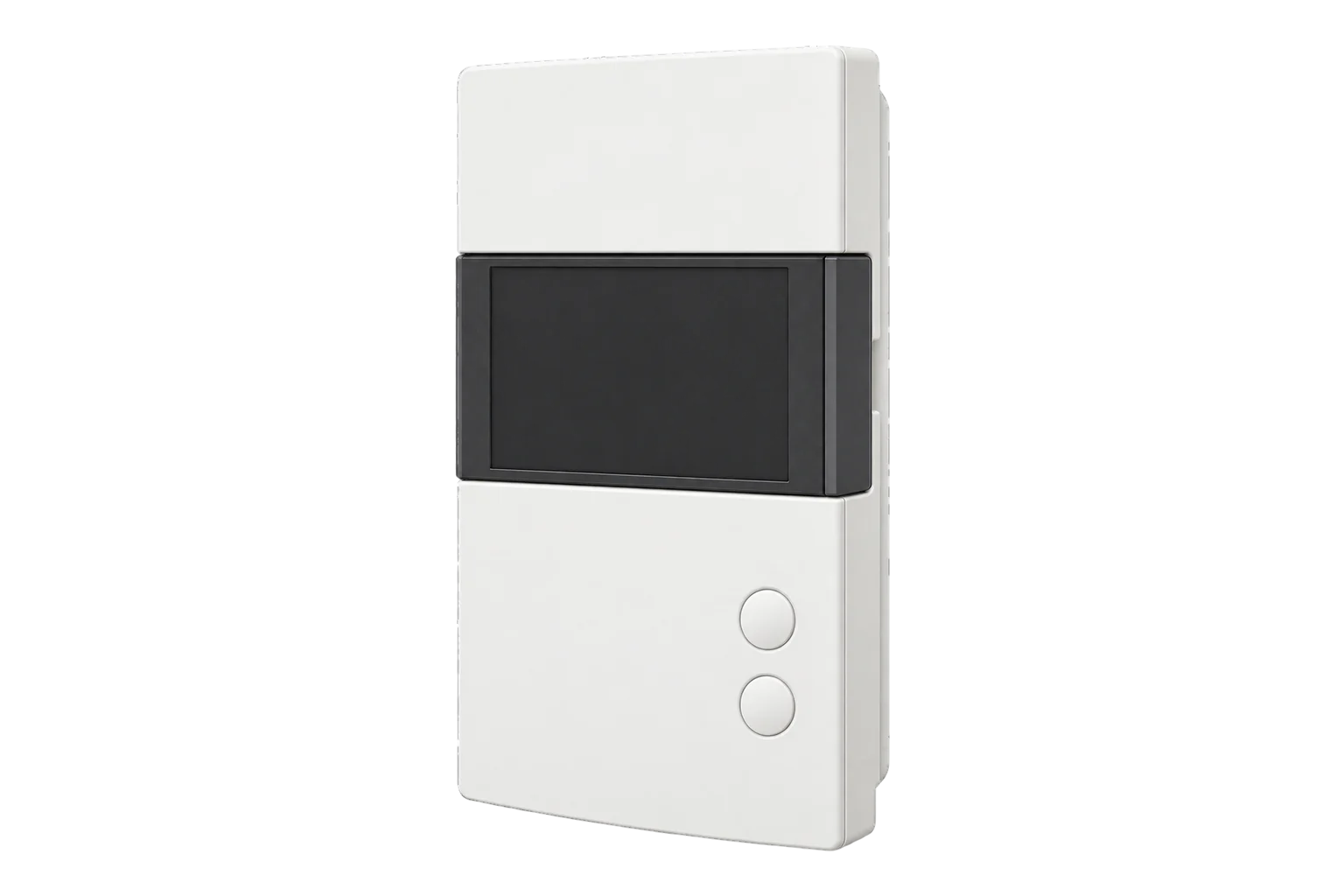
A Zigbee 3.0 wall thermostat for electric baseboards, convectors, fan heaters and radiant ceilings up to 3000 W at 240 V. It switches the heater through a triac and reports the heater’s voltage, current, power and energy.
Compatibility
Compatible with EpiSensor Edge over Zigbee.
Pair it with the Zigbee radio on an EpiSensor Gateway. Edge reads it locally on the Gateway.
Edge reads 20 values from it, listed under Interface.
Connect it with

Specifications
The minimum load matters as much as the maximum. A baseboard, convector or radiant ceiling must draw at least 2 A (500 W at 240 V), and a fan-forced convector at least 4.16 A (1000 W at 240 V). Only one fan-forced convector can be connected to each thermostat. For a heater above 3000 W at 240 V, Sinopé makes the TH1124ZB, rated to 4000 W.13
- Power
- Mains. Powered from the heating circuit it controls, so it needs no battery or separate supply.1
- Supply voltage
- 120, 208 or 240 V AC, 60 Hz1
- Switching
- Triac1
- Maximum load
- 12.5 A: 3000 W at 240 V AC, 1500 W at 120 V AC1
- Minimum load, baseboard, convector or radiant ceiling
- 2 A: 500 W at 240 V AC, 250 W at 120 V AC1
- Minimum load, fan-forced convector
- 4.16 A: 1000 W at 240 V AC, 500 W at 120 V AC1
- Load type
- Resistive only1
- Setpoint range
- 5 to 30 °C1
- Display range
- 0 to 50 °C1
- Resolution
- ±0.5 °C1
- Control accuracy (TH1123ZB-G2)
- ±0.15 °C on 15-second cycles, ±0.5 °C on long cycles3
- Operating temperature
- 0 to 50 °C1
- Storage temperature
- -20 to 50 °C1
- Wiring
- Two-wire or four-wire, non-polarised2
- Wireless
- Zigbee 3.0, 2.4 GHz, +20 dBm transmit, -108 dBm receive sensitivity, AES-1281
- Dimensions (H × W × D)
- 127 × 85 × 28 mm4
- Standard
- CSA C828-191
- Warranty
- 3 years1
Where it is used
Heating energy room by room in offices, schools and apartment buildings heated by electric baseboards, from each thermostat’s own power and energy readings.
HVAC energy monitoring for commercial buildingsRoom temperature and setpoint history, to answer comfort complaints and check heating schedules.
Indoor environmental monitoringLowering setpoints across a building for a peak period with the eco mode offset, then restoring them afterwards.
Interface
Readings and settings, with units and ranges where Sinopé publishes them. readable, readable and writable.7
| Reading | Unit | Range or values | Access |
|---|---|---|---|
| Measurements 7 | |||
| Room temperatureThe temperature the thermostat regulates to. | °C | - | Read only |
| Heating demandHeating output the thermostat’s control loop is calling for. | % | 0 to 100 % | Read only |
| Heating stateWhether the output is heating. | - | idleheat |
Read only |
| PowerPower drawn by the heater. | W | - | Read only |
| VoltageSupply voltage at the thermostat. | V | - | Read only |
| CurrentCurrent through the heater. | A | - | Read only |
| EnergyCumulative energy delivered to the heater. | kWh | - | Read only |
| Controls 3 | |||
| Occupied setpointTarget temperature while occupied, in 0.5 °C steps. | °C | 5 to 30 °C | Read and write |
| ModeHeating on or off. | - | offheat |
Read and write |
| Eco mode offsetSetpoint offset for demand response, in 0.5 °C steps. A preset turns it off. | °C | -10 to 10 °C | Read and write |
| Settings 10 | |||
| Unoccupied setpointTarget temperature while unoccupied, in 0.5 °C steps. | °C | 5 to 30 °C | Read and write |
| OccupancyWhich of the two setpoints applies. | - | occupiedunoccupied |
Read and write |
| Control cycle15 seconds for baseboards and convectors, 15 minutes for fan-forced heaters. | - | 15_sec15_min |
Read and write |
| Second displayWhat the small line of the display shows. | - | autosetpointoutdoor temp |
Read and write |
| Outdoor temperature shownAn outdoor temperature written to the thermostat for its display. | °C | -99.5 to 99.5 °C | Read and write |
| Outdoor temperature timeoutHow long a written outdoor temperature stays valid. | s | 30 to 64,800 s | Read and write |
| Display unit | - | celsiusfahrenheit |
Read and write |
| Time format | - | 24h12h |
Read and write |
| BacklightBacklight dimming: on demand or sensing. | - | on_demandsensing |
Read and write |
| Keypad lockLocks the thermostat’s buttons. | - | unlocklock1 |
Read and write |
Occupied and unoccupied heating setpoints are written in 0.5 °C steps from 5 to 30 °C. System mode is off or heat.7
Voltage, current and power come from the standard electrical measurement cluster, and the energy total from the metering cluster, in kWh.7
Eco mode shifts the active setpoint by -10 to +10 °C in 0.5 °C steps for demand response, and has a value that turns it off.7
The clock and the outdoor temperature on the display both come from the network. An outdoor temperature written to the thermostat expires after a timeout of 30 seconds to 18 hours.27
Setup
-
Wire it with the heating off
Switch off the heating breaker at the panel. Connect the thermostat’s wires to the circuit wires with the connectors supplied; they are not polarised. Use CO/ALR connectors on aluminium conductors. Sinopé requires a certified electrician for the installation.2
-
Close it and restore power
Replace the cover, lock it and switch the breaker back on. The display shows the room temperature.2
-
Match the cycle to the heater
Baseboards, convectors and radiant ceilings use the short cycle. A fan-forced convector needs the long cycle. Set it in the thermostat’s menu, or from Edge once it has joined.2
-
Join the Zigbee network
Open pairing on the Gateway’s Zigbee network in Edge, then press the thermostat’s two buttons briefly at the same time. The network icon blinks while it connects and stays lit once it has joined. If the join fails, the icon disappears.2
-
Check one reading
Confirm that Edge identifies it as a Sinopé TH1123ZB. Raise the setpoint above room temperature and check that heating demand and power rise.
Common questions
- Does the TH1123ZB need a Sinopé GT130 hub?
- No. Sinopé’s installation guide covers pairing with the GT130 or with a compatible Zigbee gateway. It is a Zigbee 3.0 device, so it joins the Zigbee radio on an EpiSensor Gateway and Edge reads it locally, without Neviweb.12
- Does it measure the heater’s energy use?
- Yes. It reports the voltage, current, power and cumulative energy of the heater it switches, and Edge records them for each thermostat. Sinopé’s documents give no metering accuracy class for these readings, so use them to compare rooms and schedules rather than to bill.17
- Can it control a fan-forced heater?
- Yes, one fan-forced convector per thermostat, drawing at least 4.16 A (1000 W at 240 V). Set the long control cycle for it.23
- Can it switch a heat pump, a motor or a lighting load?
- No. Sinopé rates it for resistive electric heating only.1
Related devices

Sources
- TH1123ZB smart thermostat for electric heating technical sheet (opens in a new tab) (PDF)
- TH1123ZB-G2 and TH1124ZB-G2 installation guide (opens in a new tab) (PDF)
- TH1123ZB-G2 submittal datasheet (opens in a new tab) (PDF)
- TH1123ZB and TH1124ZB technical specifications (opens in a new tab)
- How do I remove my thermostat from the Zigbee network? (opens in a new tab)
- Sinopé TH1123ZB device documentation (opens in a new tab)
- Sinopé TH1123ZB Zigbee definition (opens in a new tab)
Further reading
Product names and trademarks belong to their owners. Publication does not imply endorsement or a commercial relationship.