Sinopé RM3250ZB
50 A load controller
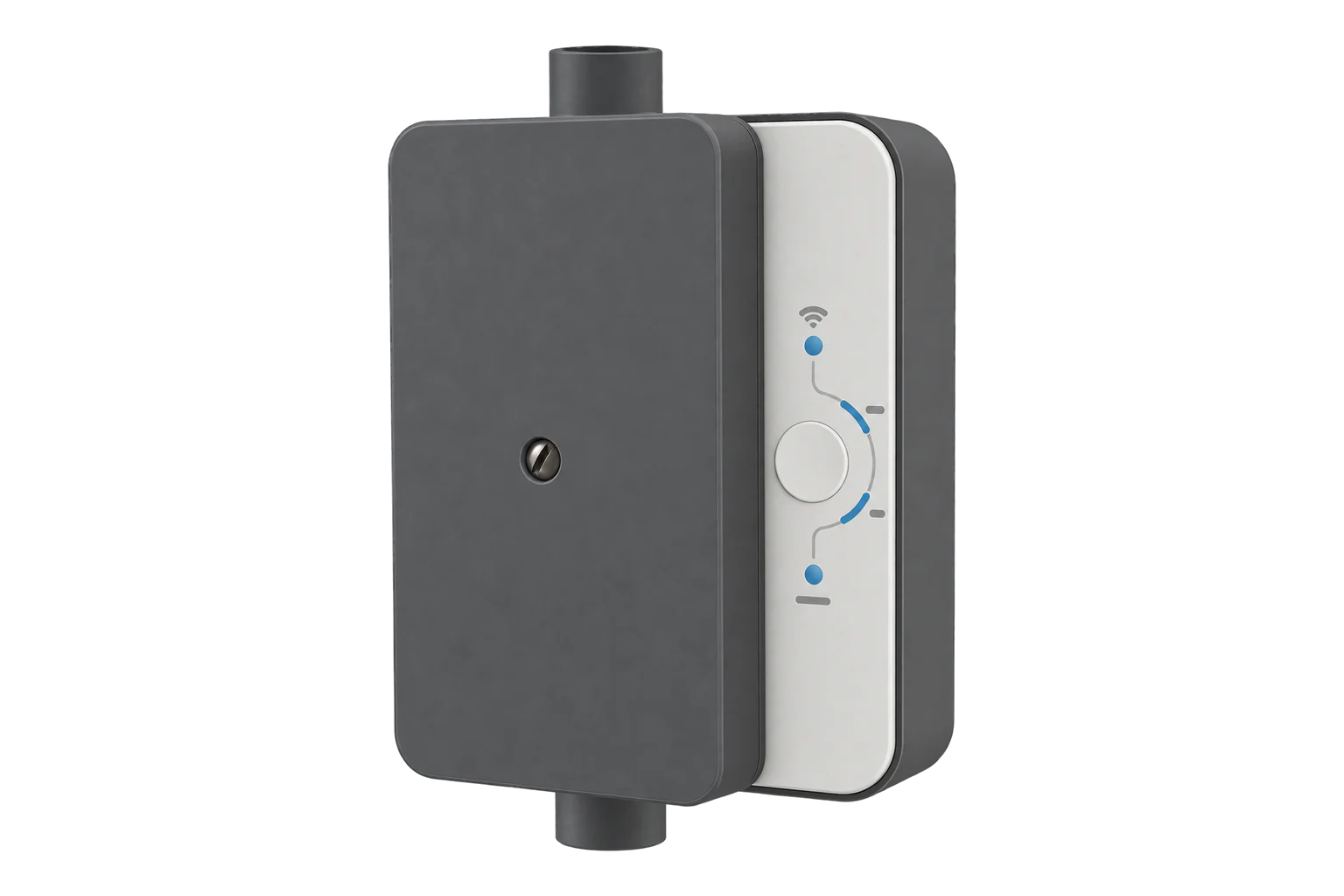
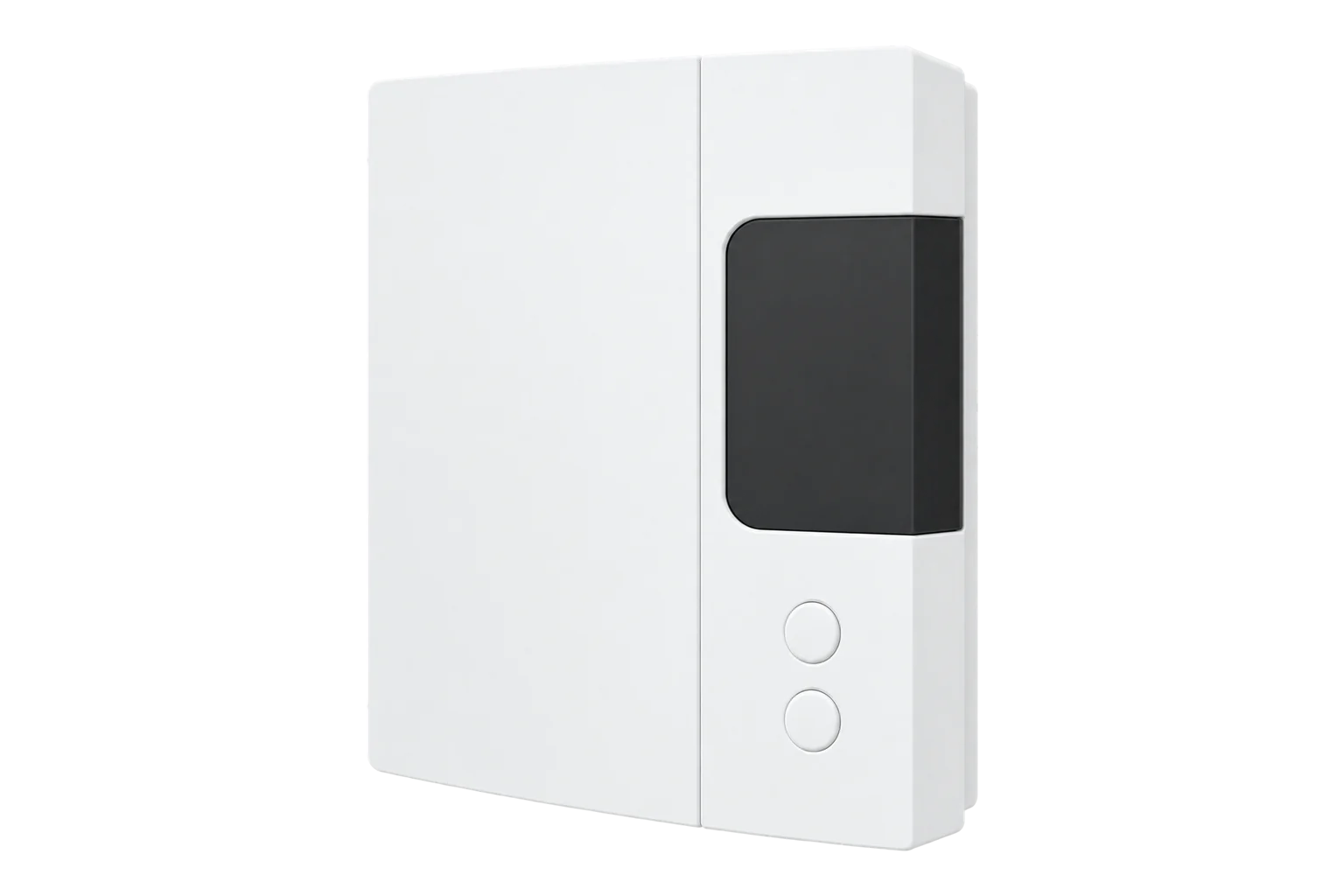
A wall-mounted Zigbee 3.0 load controller with a double-pole latching relay that switches loads up to 50 A at 120 to 277 V, and reports the voltage, current, power and energy of the load it controls.
- Zigbee
50 A load controller
Compatibility
Compatible with EpiSensor Edge over Zigbee.
Pair it with the Zigbee radio on an EpiSensor Gateway. Edge reads it locally on the Gateway.
Edge reads 6 values from it, listed under Interface.
Connect it with
-
Gateway ZGW-20From €899 ex VAT Configure Gateway

Specifications
The RM3250ZB is a load controller from Sinopé Technologies of Saint-Jean-sur-Richelieu, Quebec. It mounts on the wall, is wired between the supply and the appliance, and switches the appliance through a double-pole latching relay. Sinopé rates it for any electrical load up to 50 A or 347 V, and the controller also reads the load it switches.1
- Power
- Mains. Powered from the supply it switches, 120 to 347 V AC at 50/60 Hz. It draws 0.5 W with the load on and 0.47 W on standby.1
- Operating voltage
- 120 to 347 V AC, 50/60 Hz1
- Relay
- Double-pole latching1
- Resistive load
- 50 A at 120, 240 and 277 V; 20 A at 347 V1
- Incandescent lamps
- 20 A at 120 to 277 V1
- Magnetic ballasts
- 20 A at 120 to 277 V; 15 A at 347 V1
- Electronic ballasts
- 15 A at 120 to 277 V1
- Motors
- 1.5 HP at 120 V; 3 HP at 240 and 277 V1
- Own consumption
- 0.5 W with the load on, 0.47 W on standby, at 120 to 240 V AC1
- Maximum wire gauge
- 6 AWG2
- Wireless
- Zigbee 3.0, 2.4 GHz, +20 dBm transmit, -108 dBm receive sensitivity, AES-1281
- Operating temperature
- 0 to 40 °C, indoor only1
- Storage temperature
- -20 to 50 °C1
- Dimensions (H × W × D)
- 184 × 122 × 55 mm3
- Standards
- ANSI/UL 916; CAN/CSA C22.2 No. 2051
- Warranty
- 3 years1
Where it is used
Switching an electric water heater or boiler off during peak periods and back on after, with its consumption logged.
Electric boiler demand responseSwitching an EV charger circuit off when the site nears its supply capacity, and back on when it has headroom.
EV charging load managementScheduling and metering pool, irrigation and transfer pumps.
Pump performance monitoring
Interface
Readings and settings, with units and ranges where Sinopé publishes them. readable, readable and writable.5
| Reading | Unit | Range or values | Access |
|---|---|---|---|
| Measurements 4 | |||
| PowerActive power of the connected load | W | - | Read only |
| VoltageSupply voltage | V | - | Read only |
| CurrentCurrent drawn by the connected load | A | - | Read only |
| EnergyEnergy delivered to the connected load | kWh | - | Read only |
| Controls 1 | |||
| RelaySwitches the load on or off | - | ONOFFTOGGLE |
Read and write |
| Settings 1 | |||
| Power-on behaviourRelay state after a power cut | - | offontoggleprevious |
Read and write |
The relay is a standard Zigbee on/off output. Power-on behaviour can be set to off, on, toggle or the state before the power cut.5
Voltage, current and power come from the standard electrical measurement cluster, and the energy total from the metering cluster, in kWh.5
Setup
-
Place it and set the wiring switch
With the circuit off at the panel, choose a clear spot for the radio, not behind the water heater. Set the wiring selection switch to 1 or 2 to match how the line and load are wired. Sinopé requires a certified electrician for the installation.2
-
Wire and close it
Cut and strip the conductors to the lengths on the template, fix the controller to the wall, tighten each wire firmly in its terminal and clamp the cable on its outer sheath. Close the cover and restore power: the Power indicator lights. If it does not, check the wiring selection switch.2
-
Join the Zigbee network
Open pairing on the Gateway's Zigbee network in Edge, then press the network button once. Its indicator flashes while the controller connects, stays lit when it has joined, and goes out if the join failed.2
-
Close pairing and test the relay
Close pairing in Edge. Switch the load off and on from Edge, check that the ON indicator follows, and check that power reads close to the appliance's rating while it runs.2
Common questions
- Does the RM3250ZB need the Sinopé GT130 hub?
- No. Sinopé lists it as working with the GT130, a compatible Zigbee gateway or its Sedna valve, so it joins the Zigbee radio on an EpiSensor Gateway directly. The lockable buttons, timer and Neviweb features need the GT130.13
- Does it measure energy?
- Yes. It reads the load it controls, and Edge logs voltage, current, power and the energy total. Sinopé does not publish a metering accuracy for it, so treat it as monitoring rather than billing.15
- How do I remove it from a Zigbee network?
- Press the network button and the main button together for 10 seconds.2
Related devices
Sources
- Smart Electrical Load Controller RM3250ZB technical sheet (opens in a new tab) (PDF)
- RM3250ZB Smart Electrical Load Controller installation guide (opens in a new tab) (PDF)
- Zigbee 50 A Load Controller (opens in a new tab)
- Zigbee Load Controller 50A, BC Hydro Peak Saver (opens in a new tab)
- Sinopé device definitions, RM3250ZB (opens in a new tab)
- Sinopé RM3250ZB device documentation (opens in a new tab)
Further reading
Product names and trademarks belong to their owners. Publication does not imply endorsement or a commercial relationship.