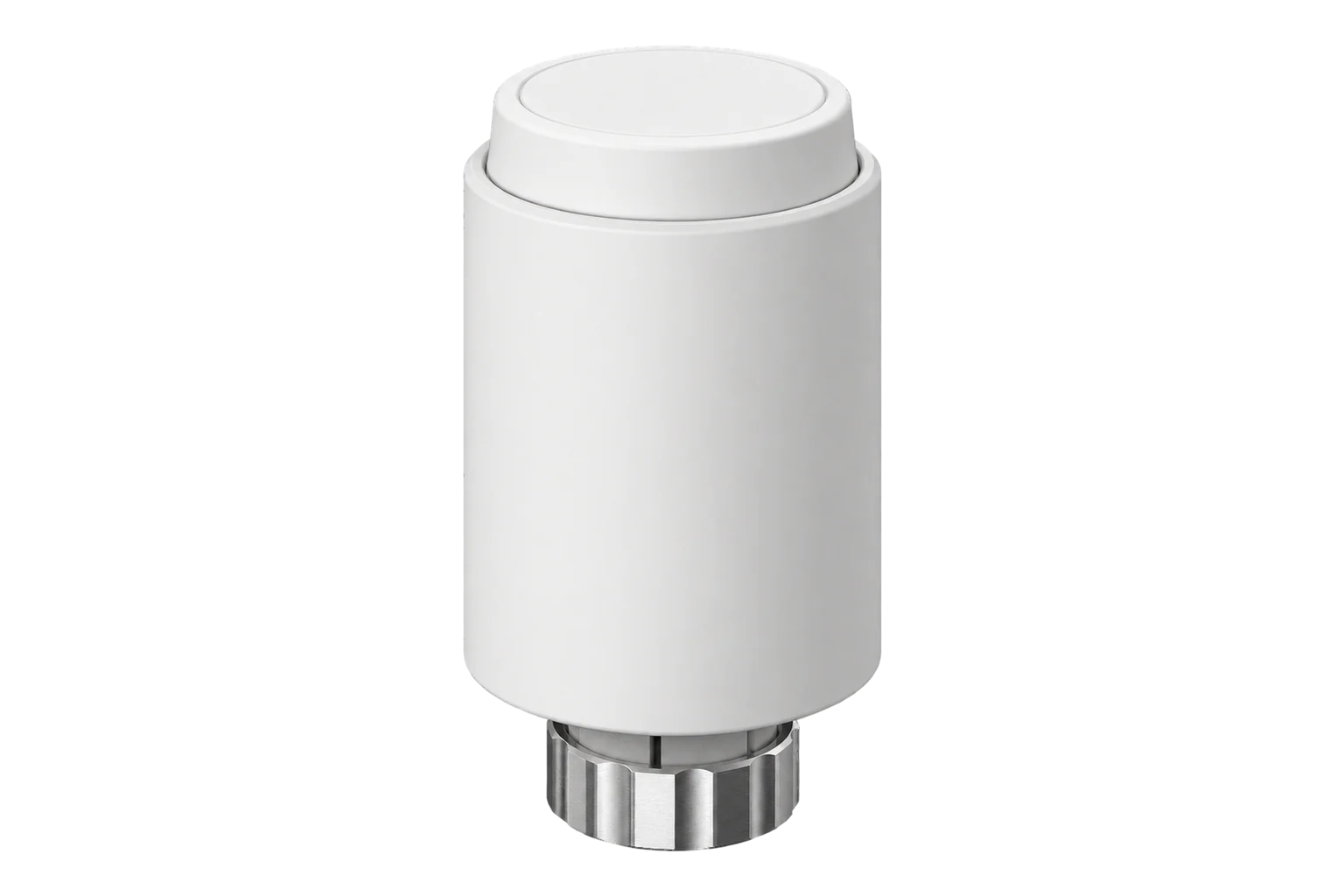
SONOFF TRVZB
Thermostatic radiator valve
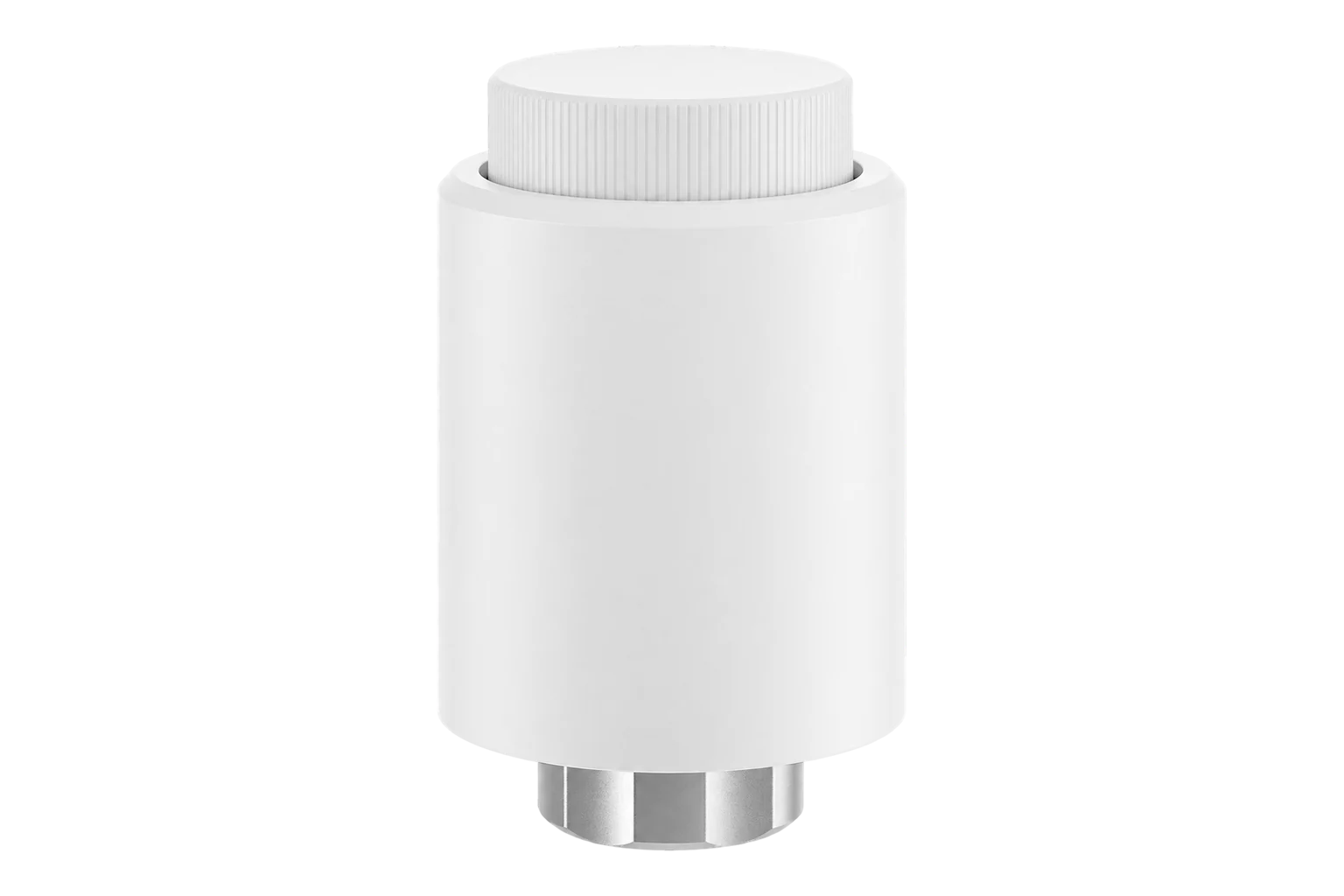
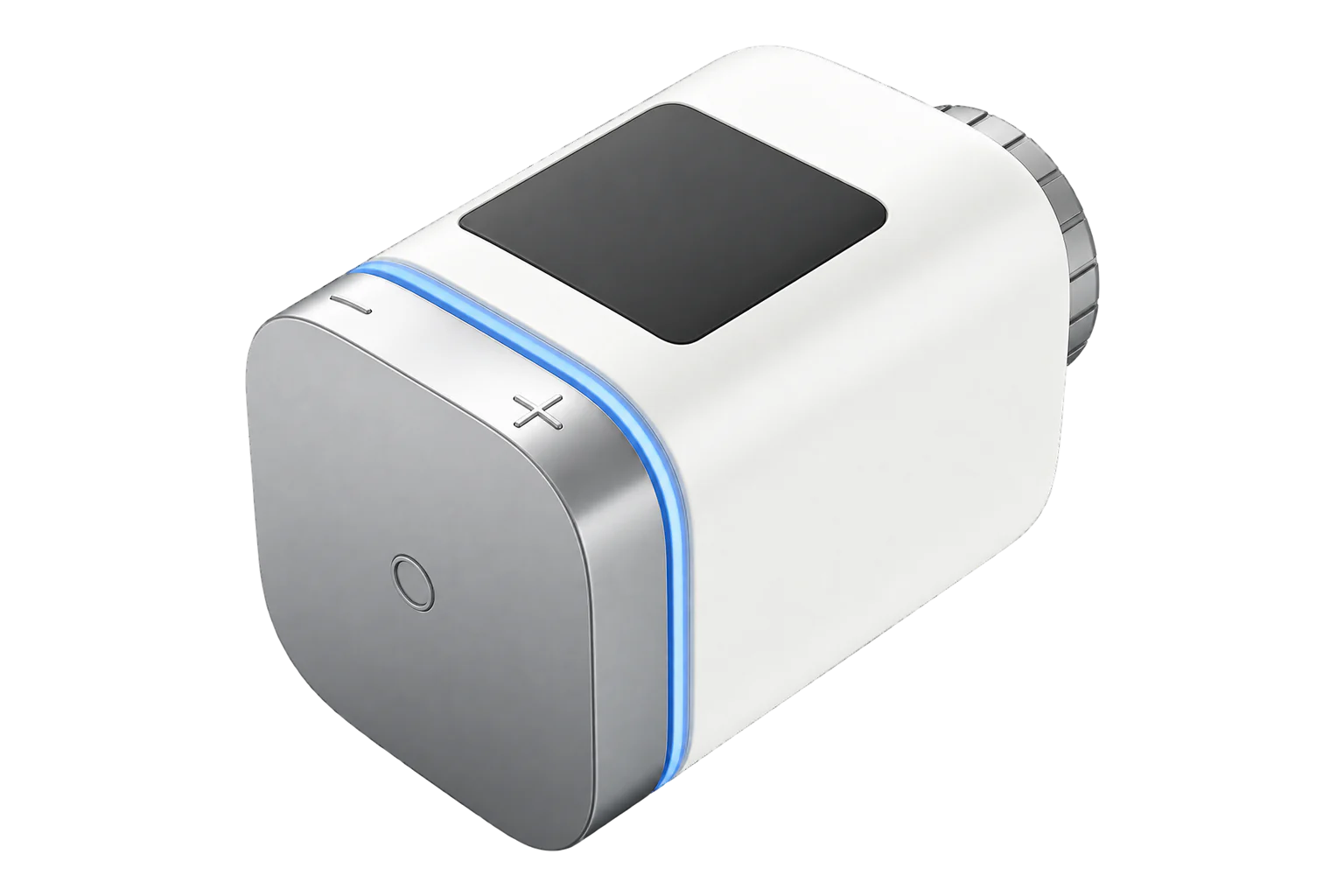
A battery-powered Zigbee 3.0 radiator valve head for M30 × 1.5 mm valves, with a 4 to 35 °C setpoint, open-window detection, frost protection and an input for a room temperature from another sensor. It runs on three AA cells.
Compatibility
Compatible with EpiSensor Edge over Zigbee.
Pair it with the Zigbee radio on an EpiSensor Gateway. Edge reads it locally on the Gateway.
Edge reads 31 values from it, listed under Interface.
Connect it with

Specifications
The TRVZB is a motorised head that replaces the thermostatic or manual head on a radiator valve. It screws straight onto an M30 × 1.5 mm valve body, and SONOFF lists adapters for Danfoss RA, RAV and RAVL bodies, M28 threads and Caleffi and Giacomini clamp fittings. It measures temperature at the head, drives the valve pin to hold a setpoint between 4 and 35 °C, and reports over Zigbee 3.0.12
- Power
- Battery. Three 1.5 V AA alkaline cells, bought separately. SONOFF says ordinary cells generally last more than six months, and that 1.2 V rechargeable cells cannot sustain it.1
- Setpoint range
- 4 to 35 °C1
- Valve connection
- M30 × 1.5 mm thread; adapters for other valve bodies1
- Wireless
- Zigbee 3.01
- Working temperature
- 0 to 60 °C1
- Working humidity
- 5 to 95 % RH, non-condensing1
- Dimensions
- 58.4 × 58.4 × 94 mm1
- Casing
- PC, white1
- Open-window detection
- Closes on a fall of more than 1.5 °C within 4.5 minutes1
- Temperature offset
- -12.7 to 12.7 °C in 0.2 °C steps3
- Weekly schedule
- Up to 6 setpoint changes per day, 0.5 °C steps3
Where it is used
Room-by-room setpoints and schedules for radiators in offices, schools and hotels, with frost protection in rooms that are closed.
HVAC energy monitoring for commercial buildingsRadiator circuits on a boiler, where each head’s running state shows which rooms are calling for heat.
Boiler performance monitoringRooms with draughty windows or frequent airing, where open-window detection stops the radiator heating the outdoors.
Interface
Readings and settings, with units and ranges where SONOFF publishes them. readable, readable and writable.
| Reading | Unit | Range or values | Access |
|---|---|---|---|
| Measurements 8 | |||
| Climate | - | - | Read only |
| Local temperature | °C | - | Read only |
| Running state | - | idleheat |
Read only |
| Idle steps | - | - | Read only |
| Closing steps | - | - | Read only |
| Valve opening limit voltage | mV | - | Read only |
| Valve closing limit voltage | mV | - | Read only |
| Valve motor running voltage | mV | - | Read only |
| Controls 2 | |||
| Occupied heating setpoint | °C | 4 to 35 °C | Read and write |
| System mode | - | offautoheat |
Read and write |
| Settings 20 | |||
| Local temperature calibration | °C | -12.7 to 12.7 °C | Read and write |
| Timer mode target temp | °C | 4 to 35 °C | Read and write |
| Temporary mode duration | minutes | 0 to 1,440 minutes | Read and write |
| Temporary mode select | - | boosttimer |
Read and write |
| Child lock | - | Binary state | Read and write |
| Open window | - | Binary state | Read and write |
| Frost protection temperature | °C | 4 to 35 °C | Read and write |
| Temperature sensor select | - | internalexternalexternal_2external_3 |
Read and write |
| External temperature input | °C | 0 to 99.9 °C | Read and write |
| Valve opening degree | % | 0 to 100 % | Read and write |
| Valve closing degree | % | 0 to 100 % | Read and write |
| Temperature accuracy | °C | -1 to -0.2 °C | Read and write |
| Weekly schedule sunday | - | - | Read and write |
| Weekly schedule monday | - | - | Read and write |
| Weekly schedule tuesday | - | - | Read and write |
| Weekly schedule wednesday | - | - | Read and write |
| Weekly schedule thursday | - | - | Read and write |
| Weekly schedule friday | - | - | Read and write |
| Weekly schedule saturday | - | - | Read and write |
| Smart temperature control | - | Binary state | Read and write |
| Diagnostics 1 | |||
| Battery | % | 0 to 100 % | Read only |
The battery level can take up to 24 hours to report after pairing.3
The valve opening and closing degree limits need firmware 1.1.4 or later. SONOFF advises 1.1.6 or later if the valve pin does not move on a particular valve.13
Smart temperature control switches the head to adaptive PID control. While it is on, the valve opening percentage and temperature accuracy settings are not used.3
Temperature accuracy sets the switching band from -0.2 to -1 °C. At the default of -1 °C and a 26 °C setpoint, the valve closes at 26 °C and reopens at 25 °C.3
Setup
-
Fit and calibrate the head
Load three AA cells. When the installation icon stops flashing, screw the head onto the valve. Short-press the middle button: "Ad" flashes, and after about 5 seconds the display returns to the temperature, which means calibration is complete.1
-
Open pairing in Edge
In Edge, open pairing on the Gateway’s Zigbee network. The Gateway accepts new devices while pairing is open.
-
Put the valve into pairing mode
In manual mode, turn the knob anticlockwise until the display shows OF, then press and hold the middle button for 3 seconds until the network icon flashes. The valve leaves pairing mode after 3 minutes if it has not joined.1
-
Confirm the join
Check that Edge identifies it as SONOFF TRVZB and shows the local temperature and setpoint.
-
Check one control
Raise the setpoint above the room temperature and confirm the running state changes from idle to heat. Then set it back.3
Common questions
- Does the TRVZB need a SONOFF hub to work with Edge?
- No. SONOFF states it works with any Zigbee 3.0-compliant hub as well as its own. It joins the Zigbee radio on an EpiSensor Gateway, and Edge reads and sets it there without the eWeLink app.1
- Will it fit my radiator valve?
- It screws directly onto M30 × 1.5 mm valve bodies. Other common bodies, including Danfoss RA, RAV and RAVL, need one of SONOFF’s adapters. Check the valve against SONOFF’s compatibility guide before ordering.12
- How long do the batteries last?
- SONOFF says ordinary AA alkaline cells generally last more than six months, depending on the cells and the conditions. Do not use 1.2 V rechargeable cells: three in series sit only just above the minimum operating voltage.1
- Why does it read warmer than the room?
- It measures at the valve, close to the hot water. Set a calibration offset, or write a room temperature to its external temperature input and select the external sensor. With an external sensor, no offset is needed.13
- Can I limit how far the valve opens?
- Yes. On firmware 1.1.4 or later, the valve opening degree and closing degree can each be set from 0 to 100 %. The default is 100 % for both.3
- What do the F codes on the display mean?
- F0 is a temperature sensor fault, F1 slow valve movement, F2 and F3 an adjustment range that is too wide or too small, F4 flat batteries and F5 no valve detected. Check the fitting first for F1 to F3 and F5.1
Related devices



Sources
- TRVZB user guide and specifications (opens in a new tab)
- TRV applicable valve list (opens in a new tab) (PDF)
- SONOFF TRVZB device documentation (opens in a new tab)
- SONOFF TRVZB Zigbee definition (opens in a new tab)
Further reading
Product names and trademarks belong to their owners. Publication does not imply endorsement or a commercial relationship.