Sinopé RM3500ZB
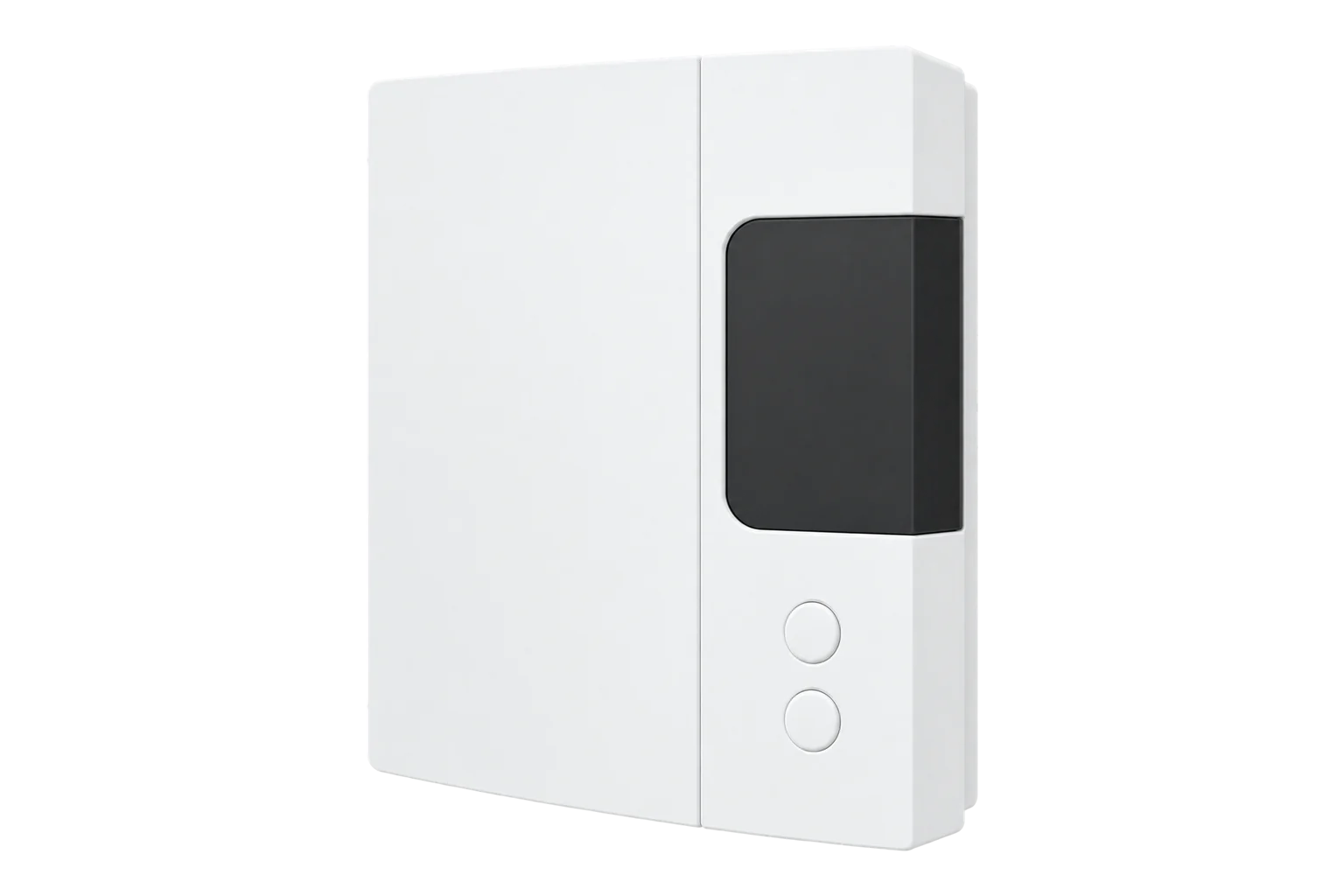
Water heater load controller
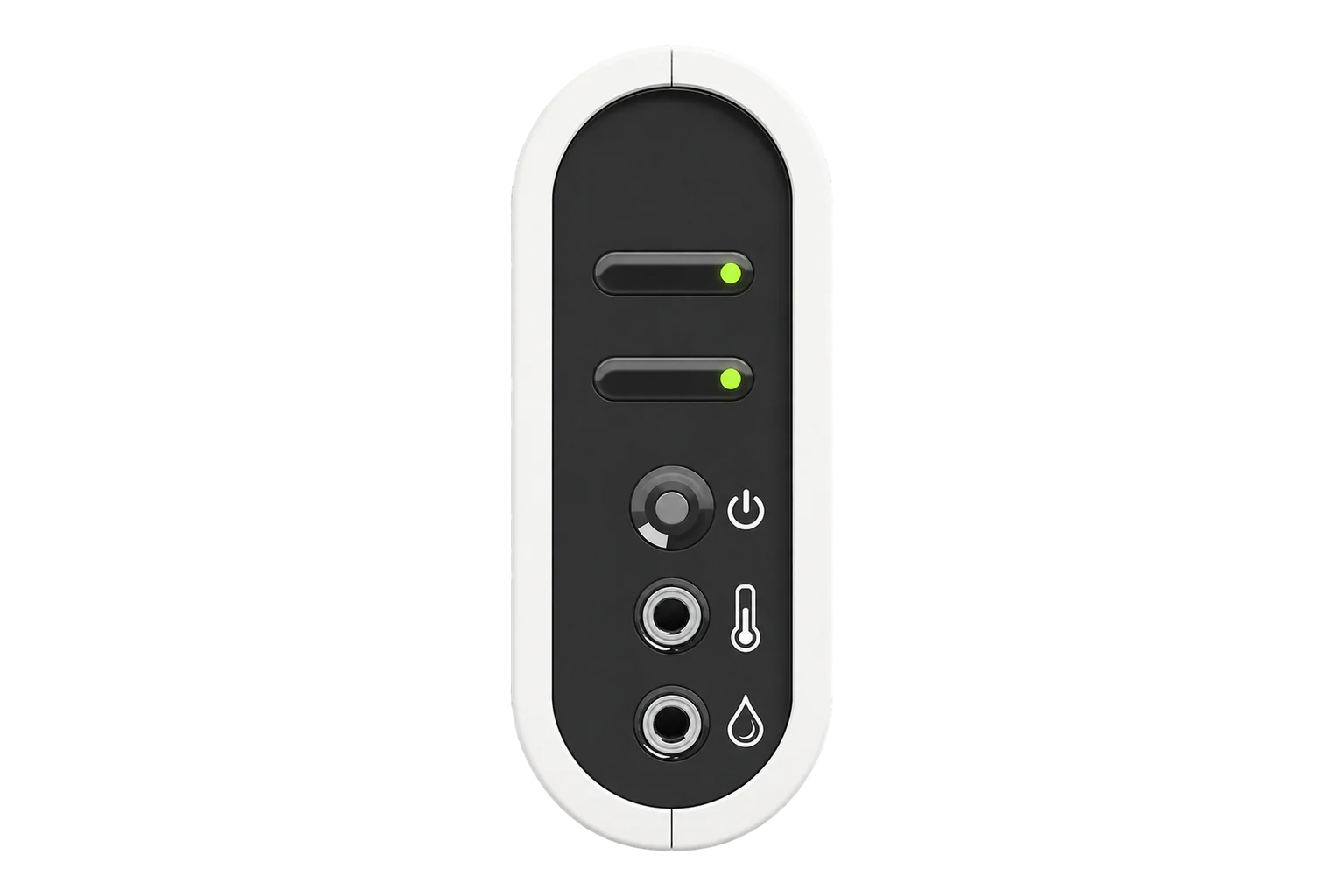
A Zigbee 3.0 load controller for electric water heaters up to 20.8 A at 240 V that meters voltage, current, power and energy, watches tank temperature through a supplied probe and can take a water leak cable.
Also sold asCalypso
- Zigbee
Water heater load controller
Compatibility
Compatible with EpiSensor Edge over Zigbee.
Pair it with the Zigbee radio on an EpiSensor Gateway. Edge reads it locally on the Gateway.
Edge reads 8 values from it, listed under Interface.
Connect it with
-
Gateway ZGW-20From €899 ex VAT Configure Gateway

Specifications
The RM3500ZB, sold as Calypso, sits between the supply and an electric water heater and switches it through a single-pole relay rated for a 20.8 A resistive load at 240 V. It runs on 120 V or 240 V circuits at 60 Hz, installs in a standard 4 × 4 inch electrical box on the heater circuit, and Sinopé requires a certified electrician to fit it.1
- Power
- Mains. Powered from the water heater circuit it switches, 120 V or 240 V at 60 Hz.1
- Operating voltage
- 120 V or 240 V, 60 Hz1
- Maximum load
- 20.8 A resistive at 240 V AC1
- Relay
- Single pole1
- Operating temperature
- 0 to 40 °C, indoor installation only1
- Storage temperature
- -20 to 50 °C1
- Wireless
- Zigbee 3.0, 2.4 GHz2
- Transmit power
- +20 dBm2
- Receiver sensitivity
- -108 dBm2
- Encryption
- AES-1282
- Standards
- Conforms to ANSI/UL 916; certified to CAN/CSA C22.2 No. 2052
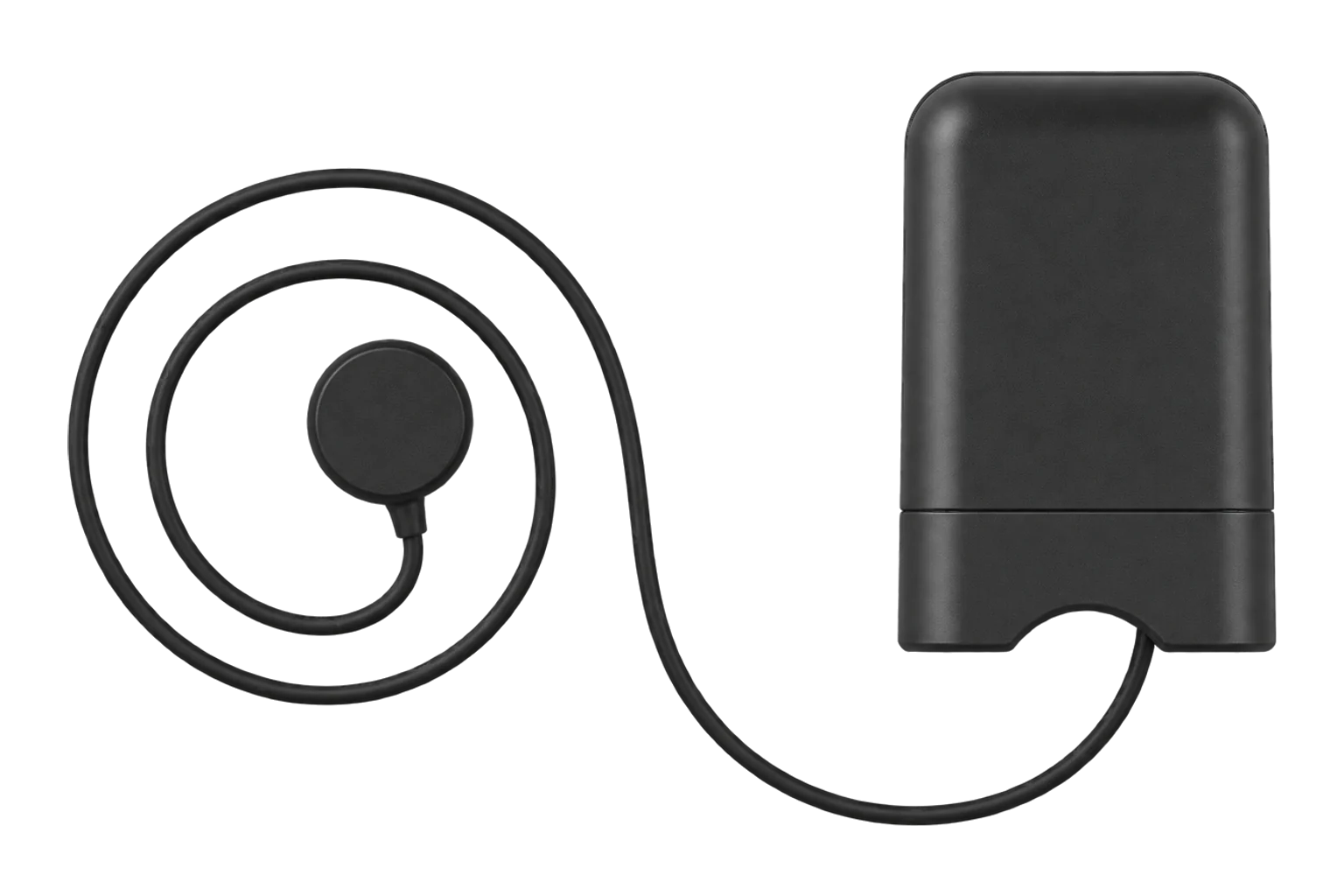
- Temperature probe
- AC3500-01, included2
- Leak detection
- AC4200C-02 water detection cable, sold separately2
- Low-water protection
- Restarts heating below 45 °C by default; settable 0 to 65 °C4
- Warranty
- 3 years1
Where it is used
Holding electric water heaters off through demand response events, with the tank temperature and a 45 °C floor keeping hot water available.
Electric boiler demand responseMetering water heater energy across a portfolio of homes or small sites, to show how much load each event moved.
Multi-site energy monitoringCutting power to a water heater through an Edge automation when the optional leak cable detects water at the base of the tank.
Interface
Readings and settings, with units and ranges where Sinopé publishes them. readable, readable and writable.4
| Reading | Unit | Range or values | Access |
|---|---|---|---|
| Measurements 6 | |||
| PowerInstantaneous power drawn by the water heater. | W | - | Read only |
| VoltageSupply voltage. | V | - | Read only |
| CurrentCurrent drawn by the water heater. | A | - | Read only |
| EnergyCumulative energy delivered to the heater. | kWh | - | Read only |
| TemperatureMeasured temperature. | °C | - | Read only |
| Water leakAlarm from the optional AC4200C-02 water detection cable. | - | truefalse |
Read only |
| Controls 1 | |||
| RelaySwitches the water heater. | - | ONOFFTOGGLE |
Read and write |
| Settings 1 | |||
| Low-water protectionTemperature below which heating resumes automatically; 45 °C by default. | °C | 0 to 65 °C | Read and write |
Voltage, current, power and energy come from the standard Zigbee metering clusters, the leak alarm from an IAS zone and the temperature from the temperature measurement cluster. The low-water protection threshold is a Sinopé manufacturer attribute.5
Switching the relay off from Edge holds the heater off only while the water stays above the protection threshold. Below it, the controller brings the heater back on to protect the stored water.1
Setup
-
Install it on the heater circuit
Turn the water heater circuit off at the panel. Bring the line and load cables into a 4 × 4 × 1-1/2 inch electrical box with wire clamps, bond the box ground to the heater's ground screw and wire the controller to Sinopé's 240 V or 120 V diagram.1
-
Fit the tank probe
Remove the door plate at the top of the heater, clean the side of the thermostat with isopropyl alcohol, stick the probe to it and plug the probe into the controller's temperature port. Fit the optional leak cable at the base of the tank if you have one.1
-
Open pairing in Edge
Open pairing on the Gateway's Zigbee network in Edge and restore power to the controller.
-
Hold the button for 3 seconds
Press and hold the ON/OFF button for 3 seconds. The Link LED blinks green while it connects and stays green once it has joined. A red LED for 10 seconds means the join failed.1
-
Check one reading
Switch the relay on from Edge, confirm the Load LED lights and that power reads close to the heater element's rating, and check the tank temperature is plausible before you schedule any shedding.1
Related devices
Sources
- RM3500ZB Calypso smart water heater controller installation guide (660-2151-0001-B) (opens in a new tab) (PDF)
- RM3500ZB smart water heater controller product sheet (270-2151-0001-B) (opens in a new tab) (PDF)
- Calypso Zigbee water heater controller (opens in a new tab)
- Sinopé RM3500ZB device documentation (opens in a new tab)
- Sinopé device definitions (sinope.ts, v26.111.0) (opens in a new tab)
Further reading
Product names and trademarks belong to their owners. Publication does not imply endorsement or a commercial relationship.