Fronius Wattpilot Flex Home 22 C6
EV charging station
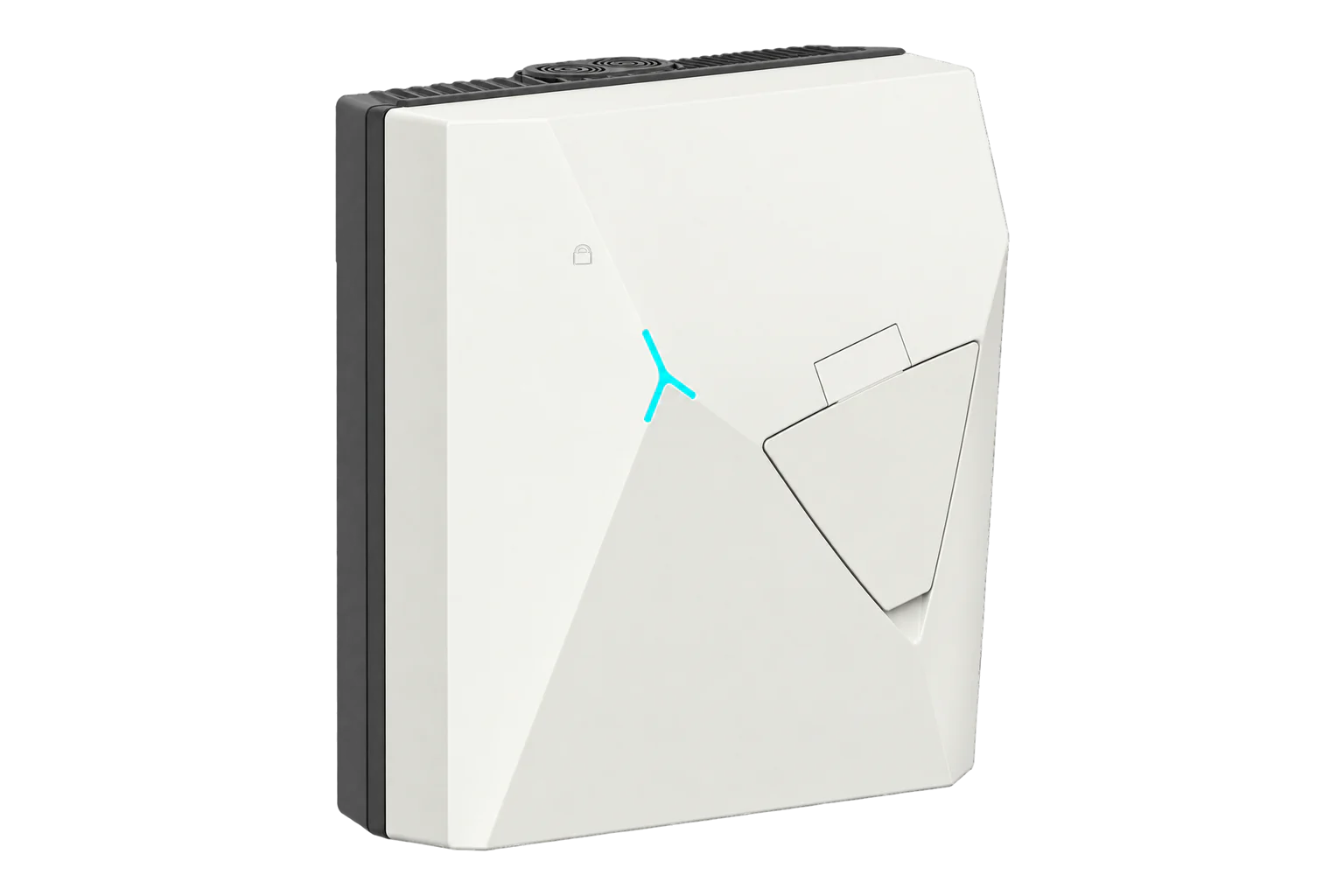
Wattpilot Flex Home 22 C6 is a Mode 3 AC charging station with a six-metre Type 2 cable, configurable 6–32 A charging and up to 22 kW on three phases. Fronius documents Ethernet, Wi-Fi and OCPP 1.6 J connection to a charging management system. The Home unit has no integrated MID meter; the separate CP6 has a plug shutter and Pro variants have different metering boundaries. OCPP management must be accepted by a separate CSMS. A direct Edge-to-charger connection has not been qualified.
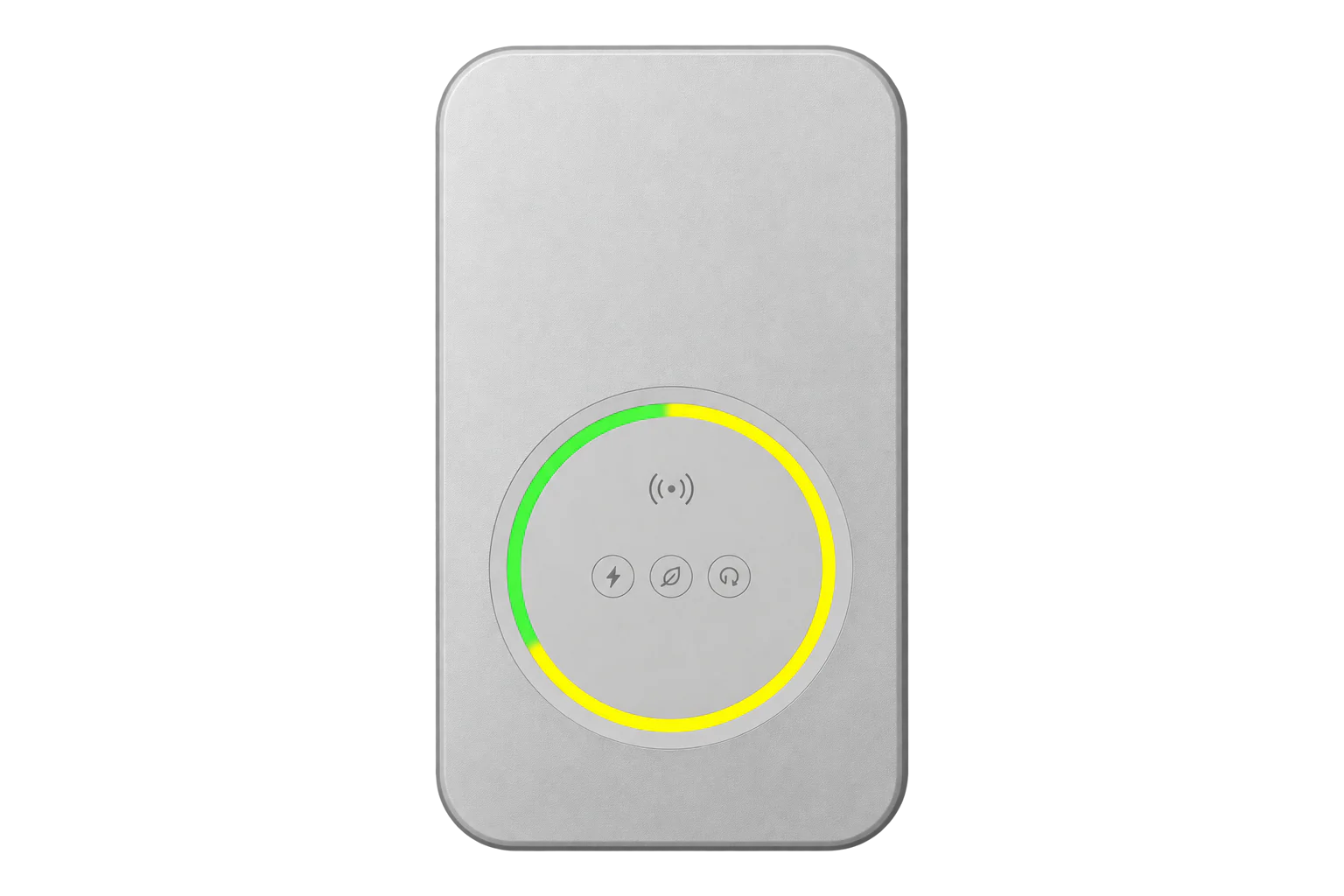
- OCPP 1.6 J
EV charging station
Compatibility
CSMS connection documented; Edge integration unverified
Fronius documents OCPP 1.6 J and the Solar.wattpilot app's server address and connection states. This proves a charger-to-CSMS option, not an Edge OCPP server, native Edge control, a tested CSMS pairing or physical commissioning.
Exact Wattpilot Flex Home 22 C6 with its six-metre Type 2 tether and no plug shutter. Home 11 C6, shutter-equipped Home 22 CP6, and Pro 11/22 C6E are distinct configurations. Confirm the installed firmware, local electrical design and CSMS support for OCPP 1.6 J. ISO 15118 and BLE are described as hardware-prepared, not active software integrations. No OCPP endpoint, charging profile or import template is supplied here.
Models
| Models | Interface | Route into Edge |
|---|---|---|
| Wattpilot Flex Home 22 C6 | 22 kW three-phase maximum, 6 m Type 2 tether, Ethernet/Wi-Fi, OCPP 1.6 J; no integrated MID meter | The charger can connect to an independently chosen CSMS. Edge-to-charger integration is unverified. |
| Wattpilot Flex Home 22 CP6 | 22 kW Home variant with an integrated shutter at the Type 2 plug | Separate shutter-equipped order; inspect the installed plug rather than transferring C6 identity. |
| Wattpilot Flex Home 11 C6 and Pro C6E | Home 11 has a 16 A / 11 kW limit; Pro models have a different metering and compliance boundary | Do not borrow their electrical rating or billing claims for Home 22 C6. |
Specifications
The exact Home 22 C6 table specifies a 6 m Type 2 cable, configurable 6–32 A, up to 7.4 kW single-phase or 22 kW three-phase, LAN or Wi-Fi networking, and OCPP 1.6 J. The Home charger is not an integrated MID billing meter. Fronius also warns that high continuous current can derate at elevated ambient temperature.1
- Charging hardware
- Mode 3 AC, six-metre tethered Type 2 plug; C6 has no CP6 plug shutter1
- Electrical range
- Configurable 6–32 A, one or three phases; 7.4 kW single-phase or 22 kW three-phase maximum at the stated nominal voltages1
- Thermal limit
- At 45 °C, 3 × 32 A can derate to 3 × 27 A after one hour; avoid direct sun and design for the installed ambient conditions1
- Networking and protocol
- 10/100 Mbit/s LAN, 2.4 GHz Wi-Fi and OCPP 1.6 J to an external charging management system13
- Authentication and metering
- RFID or Solar.wattpilot app; no integrated MID meter and no measurement-law compliance claim for this Home variant1
- Prepared interfaces
- ISO 15118 and Bluetooth Low Energy are hardware-prepared; do not assume active Plug & Charge, V2G or BLE integration1
- Siting and protection
- IP66, IK08, -25 to +45 °C. External RCD and circuit breaker remain required to local installation standards despite integrated 20 mA AC / 6 mA DC residual-current detection.1
Interface
Documented measurements and integration boundaries for Wattpilot Flex Home 22 C6.
- Solar.wattpilot shows charging sessions and charging amounts within the Fronius system; the manual does not establish a MID accuracy class for the Home 22 C6.
- The app's OCPP status distinguishes network connection from CSMS acceptance. Record both the server-side identity and accepted state before relying on management functions.
- PV surplus charging and dynamic load balancing require the documented Fronius system components and settings. Site meter headroom is a separate measurement boundary.
- Fronius documents MeterValues, StatusNotification, StartTransaction and StopTransaction for monitoring. Smart charging includes SetChargingProfile and ClearChargingProfile; GetConfiguration and ChangeConfiguration have limited support. Charging schedules use amperes. These are CSMS functions, with site permission required for control.
Assessment
Wattpilot Flex Home 22 C6, exact six-metre non-shutter variant, OCPP 1.6 J documented but no installed-device or Edge integration test.
- InteroperabilitySupported with conditions
- OCPP 1.6 J, LAN/Wi-Fi and the app's server-address and acceptance states are documented. CSMS compatibility, implementation scope and direct Edge use still need qualification.13
- AccuracyLimited
- The app records charging amounts, but this Home variant has no integrated MID meter or legal-metrology claim. The retained sources do not establish an OCPP meter-value accuracy class for billing.1
- SecuritySupported with conditions
- Fronius specifies wss:// for external OCPP servers. Local servers can use wss:// or ws://; prefer encrypted transport and restrict access to the site network. A user-defined certificate can be configured. Record the selected server and certificate policy.14
- ReliabilitySupported with conditions
- The manual specifies residual-current detection, upstream protection requirements, operating limits and thermal derating. OCPP reconnection and managed-charge fallback require site testing.1
- RuggednessSupported with conditions
- IP66, IK08 and -25 to +45 °C are specified, with outdoor cable-entry and direct-sun limitations that affect mounting and sustained output.1
Setup
-
Confirm the label reads Wattpilot Flex Home 22 C6 and inspect the six-metre Type 2 cable.
A CP6 shutter, 11 kW rating or Pro metering label changes the guide scope.
-
Have a qualified installer verify the one- or three-phase supply, upstream breaker and RCD, earthing, cable entry and permitted charging current.
Set the app current limit to the site design and allow for documented high-temperature derating.
-
Use the Fronius Solar.wattpilot app to record the firmware version, configure Ethernet or Wi-Fi and check the local charging and RFID/app authorization behavior with a suitable vehicle.
-
If PV surplus or dynamic load balancing is required, commission the supported Fronius inverter and primary Smart Meter at the feed-in point, set phase assignment, and check the actual site headroom.
Dynamic Load Balancing requires an Internet connection.
-
For OCPP, obtain a CSMS that accepts OCPP 1.6 J and its correct server address.
Enter it under the app's Connection > OCPP settings, activate OCPP and identify the charger at the CSMS.
-
Check the app reaches Connected and accepted.
Through the CSMS, read GetConfiguration for MeterValueSampleInterval, MeterValuesSampledData and SupportedFeatureProfiles. The Wattpilot family OCPP document 42,0410,2881 revision 002, 17 October 2024, gives a default sampling interval of 60 seconds and phase-current, phase/total-power and energy fields. Use this as a starting point and compare the actual Flex response once at commissioning. During a test charge, compare timestamps, units, active phases and the energy increase with Solar.wattpilot. Keep charging-profile changes separate from this monitoring check.
Common questions
- Does Connected prove the charger is managed by the CSMS?
- No. Fronius distinguishes Connected, where the connection has not yet been accepted, from Connected and accepted. Verify the latter and a bounded charging session at the CSMS.1
- Is Home 22 C6 a MID billing charger?
- No. Its technical table says no integrated MID meter and no measurement-and-calibration-law compliance. A Home charging amount must not be presented as a certified billing reading.1
- Does ISO 15118 or BLE readiness enable Plug & Charge or direct app integration now?
- The manual describes ISO 15118 and BLE as hardware-prepared. It does not establish an active software integration for either feature in this exact Home unit.1
Related devices
Sources
- Wattpilot Flex Home 11 C6 / Home 22 C6 / Pro C6E operating instructions, technical data and OCPP setup (opens in a new tab)
- Wattpilot Flex product family overview (opens in a new tab)
- Wattpilot OCPP 1.6 J manufacturer information (opens in a new tab)
- Wattpilot OCPP user information 42,0410,2881 revision 002, 17 October 2024, pages 25–29 (opens in a new tab) (PDF)
Further reading
Product names and trademarks belong to their owners. Publication does not imply endorsement or a commercial relationship.