
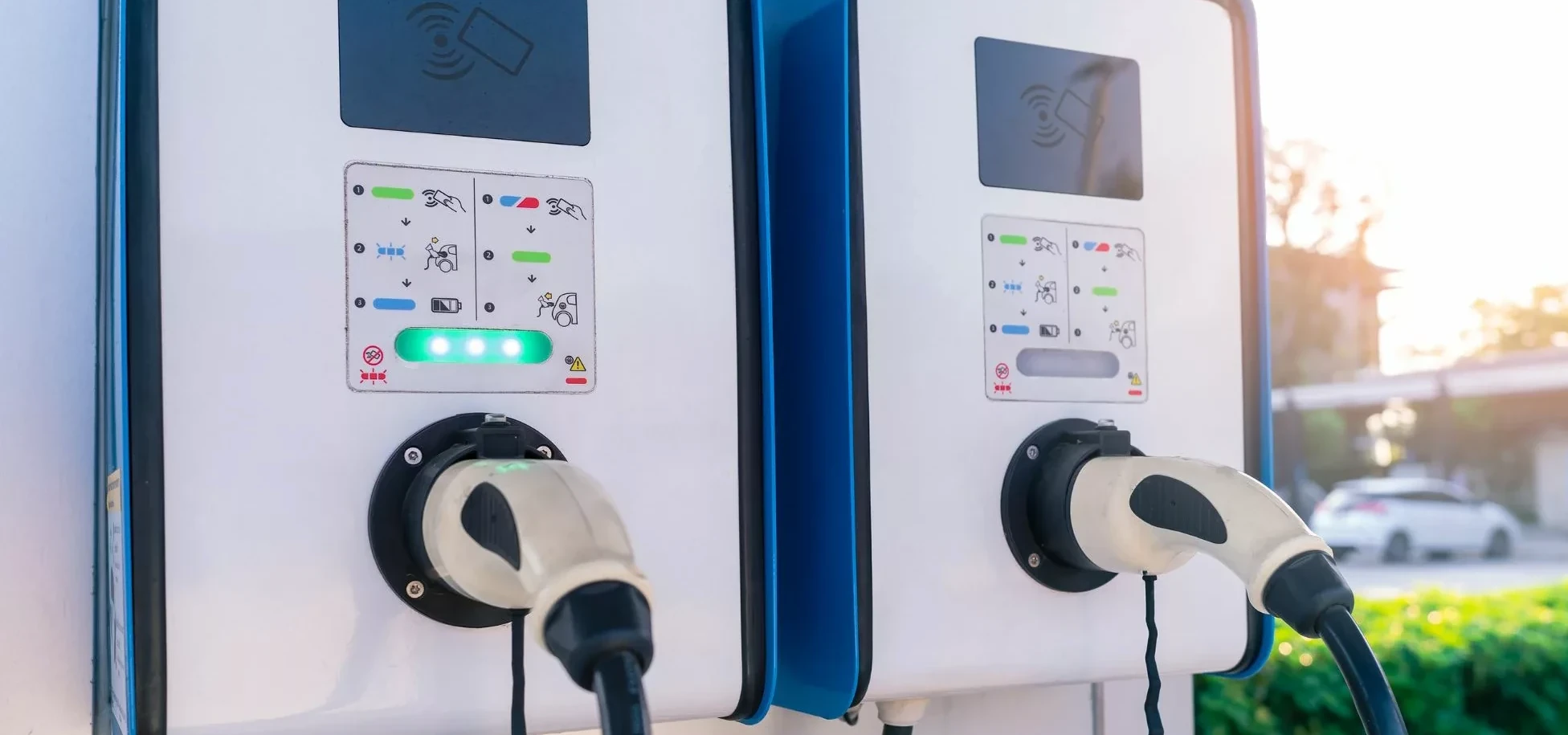
One operator can run chargers from different manufacturers on one platform because both ends of the link speak the Open Charge Point Protocol (OCPP). OCPP 1.6 calls the managing system the Central System; OCPP 2.0.1 calls it the CSMS. The Open Charge Alliance (OCA) publishes OCPP, and OCPP 2.0.1 is also the international standard IEC 63584:2024.
Versions
| Version | Released | What it added |
|---|---|---|
| OCPP 1.6 | 2015 | JSON over WebSocket (OCPP-J) beside SOAP; smart charging profiles; TriggerMessage; more connector states, such as SuspendedEV and Finishing |
| OCPP 2.0.1 | 2020 | A device model for configuration and monitoring; three security profiles; TransactionEvent; external charging limits; ISO 15118-2 support, including Plug and Charge. Approved as IEC 63584 in 2024 |
| OCPP 2.1 | 2025 | Bidirectional power transfer with ISO 15118-20 (V2X); DER control; battery swapping; new payment options |
OCPP 2.0 was published in 2018 and superseded by 2.0.1 in 2020. If a datasheet says "OCPP 2.0", ask the manufacturer which version the firmware implements.
The version is agreed when the connection opens. The charger offers a WebSocket subprotocol (ocpp1.6, ocpp2.0.1 or ocpp2.1) in the handshake, and the CSMS accepts one. OCPP 2.0.1 is not an extension of 1.6, so a 1.6 charger cannot connect to a CSMS that accepts only 2.0.1. Many installed chargers still run 1.6, and most platforms run several versions side by side. OCPP 2.1 is backward compatible with 2.0.1 functionality.
What OCPP carries
The charger opens the WebSocket to the CSMS and exchanges JSON messages.
| Group | Examples | Purpose |
|---|---|---|
| Provisioning | BootNotification, Heartbeat | The charger registers and stays connected |
| Status | StatusNotification | Connector state |
| Authorisation | Authorize, SendLocalList | Is this card or app allowed to charge? |
| Transactions | StartTransaction and StopTransaction (1.6); TransactionEvent (2.0.1) | Sessions, for billing |
| Metering | MeterValues | Energy, power and current during a session |
| Smart charging | SetChargingProfile, ClearChargingProfile, GetCompositeSchedule | Limit power or current over time |
| Management | Reset, UpdateFirmware, configuration | Operate the fleet remotely |
The CSMS sets the heartbeat interval in its BootNotification response. The meter value interval is a charger setting (MeterValueSampleInterval in 1.6). Both are set per deployment, so read them from the charger instead of assuming a value.
Connector states differ between versions. OCPP 1.6 reports states such as Charging, SuspendedEV and SuspendedEVSE. OCPP 2.0.1 reports only Available, Occupied, Reserved, Unavailable or Faulted, and the charging state moves into TransactionEvent.
Smart charging
The CSMS sends a charging profile to a charger with SetChargingProfile. A profile holds a schedule: a chargingRateUnit of A or W, a list of chargingSchedulePeriod entries, and optional validFrom and validTo times. For AC charging, numberPhases gives the number of phases and defaults to 3. A limit in amps applies to each phase. A tariff shift is a schedule with a low limit in the expensive hours and a higher one after them.
Each profile has a purpose, which sets what it limits:
| Purpose | Scope | Use |
|---|---|---|
| ChargePointMaxProfile (1.6), ChargingStationMaxProfile (2.0.1) | The whole charger (connector 0 only) | A cap on the total of all its connectors |
| TxDefaultProfile | New transactions on one connector, or on all connectors | The limit when no transaction-specific profile exists |
| TxProfile | One running transaction | The limit for that session; it replaces the TxDefaultProfile for it |
| ChargingStationExternalConstraints (2.0.1) | The whole charger | A limit from an external source, such as a local EMS or a DSO |
Within one purpose, the valid profile with the highest stackLevel wins. Across purposes, the charger applies the lowest of the station maximum, the external constraint and the transaction limit. The transaction limit is the TxProfile, or the TxDefaultProfile if there is no TxProfile. Send GetCompositeSchedule after you install profiles. The response reports the calculated combined schedule, not measured proof that the charger or vehicle applies it.
In OCPP 2.0.1, a charger can receive an external limit on a local interface. It then reports the limit to the CSMS with NotifyChargingLimit, and its removal with ClearedChargingLimit.
Profiles act on one charger at a time. OCPP has no message that sets a limit for a whole site. The CSMS divides the site limit between chargers and sends each charger its own profile.
On a 1.6 charger, read these keys with GetConfiguration during commissioning:
ChargeProfileMaxStackLevel: the highest stackLevel the charger accepts.ChargingScheduleAllowedChargingRateUnit:Current,Poweror both. A charger that accepts onlyCurrentneeds a kW limit converted to amps per phase. The kW to amps calculator makes the conversion.ChargingScheduleMaxPeriods: the maximum number of periods in one schedule.MaxChargingProfilesInstalled: the maximum number of profiles the charger stores.
An AC charger passes its limit to the car through the IEC 61851-1 pilot signal. The lowest current that signal can advertise is 6 A. At 230 V, 6 A is 4.14 kW on three phases and 1.38 kW on one phase. Below that, the CSMS must pause sessions instead of reducing them.
The EV charging capacity calculator starts with the same site and chargers, and a sample day that peaks at 420 kW. It gives the headroom and the number of chargers at full power in each interval:
The headroom must be calculated per phase. Single-phase cars on three-phase chargers load one phase only. If most of them draw from L1, that phase reaches its limit while the three-phase total still shows headroom. Use the worst phase.
An allocation in kW also changes the time needed to replenish a vehicle. Compare the charger, vehicle and site limits on the same AC or DC input basis, then allow explicitly for conversion losses and reduced average charging power.
When the limit stops arriving
Headroom control has three links: the site meter to the headroom calculation, the calculation to the CSMS, and the CSMS to the chargers. OCPP sees only the last link.
If a 1.6 charger loses its CSMS connection, stored profiles remain subject to their validity windows, schedule duration and transaction scope. An applicable TxProfile takes precedence over TxDefaultProfile; ChargePointMaxProfile still caps the charger. Without applicable profiles, OCPP imposes no profile limit, but vehicle and local hardware limits still apply. In the example, suppose the connection drops at 06:00 with twelve cars at 14.2 kW and those limits remain applicable. If the morning load rises to 420 kW, the site imports 590 kW.
If the headroom feed to the CSMS stops, OCPP reports no fault. The CSMS keeps dividing the last value it received, unless it rejects old values.
Design a fallback at each end:
- One possible charger fallback uses a site-approved TxDefaultProfile at a low stackLevel and a dynamic TxDefaultProfile at a higher stackLevel with a short
validTo. This works only while no applicable TxProfile overrides those default profiles. Verify profile validity, schedule duration and precedence, including active transactions, under an approved bounded offline test. Expiration alone does not establish a safe site limit. - In the CSMS, set a maximum age for the headroom value and a fallback for when it is older. In the example, an even share of the 30 kW peak headroom is 2.5 kW per charger, which is below the 6 A minimum. The fallback must therefore limit the number of sessions, not only the power per charger.
The loop time is the sum of the meter reporting interval, the headroom calculation, the CSMS allocation, the SetChargingProfile round trip and the car's response to the new pilot signal. Measure it during commissioning: step the published limit down and time the fall on the charger meter. The reserve must cover the largest load increase the site can have in that time. For example, if the loop takes 60 s and a 40 kW chiller can start within 60 s, the reserve must be at least 40 kW.
Security
OCPP 2.0.1 defines three security profiles. The OCA's OCPP 1.6 Security Whitepaper brings them to OCPP 1.6-J, where the charger reports its profile in the SecurityProfile configuration key.
| Profile | Charger authentication | Transport |
|---|---|---|
| 1 | User name and password | Unencrypted; for trusted private networks only |
| 2 | User name and password | TLS, with the CSMS authenticated by certificate |
| 3 | Client certificate | TLS, both ends authenticated by certificate |
Profile 1 sends the password in clear. Use profile 2 or 3 on any network you do not control, including a public mobile network. With profile 3, the charger's certificate expires. The charger requests a new one with SignCertificate and receives it with CertificateSigned. Test renewal before the first certificate expires. A charger that cannot renew goes offline and falls back to its stored profiles. Both versions report security events, such as failed connections and firmware changes, with SecurityEventNotification.
What OCPP does not do
A charger's MeterValues cover that charger only. OCPP has no view of the building's other loads, so the headroom must come from a meter at the site connection.
OCPP does not talk to the vehicle. ISO 15118 does, and OCPP 2.0.1 carries some of its data to the CSMS, such as the energy and departure time that a car reports in NotifyEVChargingNeeds.
OCPP does not define grid services. A flexibility programme or a DSO sends its signals through other protocols, such as OpenADR, or through the platform's own interface. The CSMS converts them into charging profiles.
Each charger and each platform implements a subset of OCPP. Before you rely on a feature, confirm the profile purposes, the rate units, the security profile and any 2.x features at both ends.
Chargers, the site and EpiSensor
An EpiSensor system measures the site that the chargers share. A ZEM electricity monitor on the incomer reports per-phase current and power. A second ZEM on the charger board separates the charging load from the rest of the site. Edge on the Gateway calculates the headroom from the worst phase and publishes it, with its age, over MQTT, HTTP or Modbus TCP.
Edge does not use OCPP and does not control the chargers. The CSMS reads the headroom through its own API and applies it with charging profiles. Before you choose a platform, confirm these points with its vendor:
- It accepts an external site limit, and states whether in kW or in amps per phase.
- It states how often it reads the limit and how quickly it sends new profiles.
- It states the maximum age of a value, and the fallback it applies when the value is older.
- It states what it does when the headroom is below the 6 A minimum for all waiting cars: pause sessions, rotate them or queue them.
The EV charging load management application describes the meters, the calculation and the fallback in more detail.
Common questions
What is OCPP?
The Open Charge Point Protocol, published by the Open Charge Alliance. It is the open standard for messages between an EV charge point and the central system that manages it: authorisation, sessions, meter values, status, configuration, firmware updates and charging limits.
What is the difference between OCPP 1.6 and 2.0.1?
OCPP 2.0.1 replaces the 1.6 configuration keys with a device model, and replaces StartTransaction and StopTransaction with TransactionEvent. It defines three security profiles, adds external charging limits with NotifyChargingLimit, and supports ISO 15118-2 Plug and Charge. The charger and the CSMS agree one version when the WebSocket opens, so a 1.6 charger cannot connect to a CSMS that accepts only 2.0.1.
Does OCPP support V2G?
OCPP 2.1, released in 2025, supports bidirectional power transfer with ISO 15118-20 and control of distributed energy resources. OCPP 1.6 and 2.0.1 cannot command a vehicle to discharge to the grid.
Is OCPP secure?
OCPP 2.0.1 defines three security profiles: basic authentication without encryption, basic authentication over TLS, and TLS with client certificates. The OCA's OCPP 1.6 Security Whitepaper brings the same profiles to OCPP 1.6-J. Profile 1 sends the password in clear, so use profile 2 or 3 on any network you do not control.