Schneider Electric PowerLogic ION9000
Power quality analyser
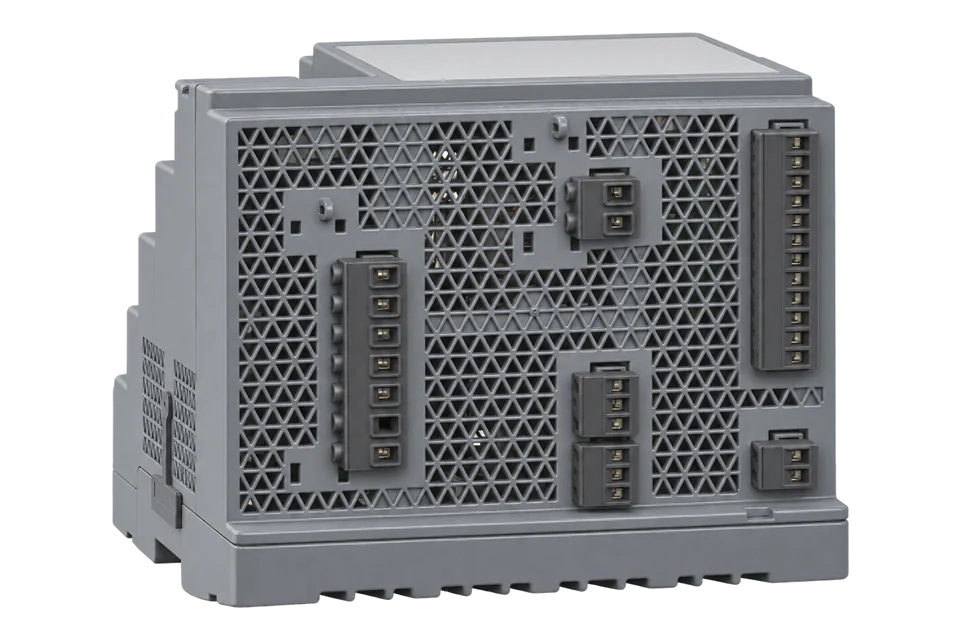
The PowerLogic ION9000 is Schneider's class 0.1S energy and IEC 61000-4-30 class A power quality meter, a DIN-rail base with an optional RD192 or PM89RD96 remote display. Its native protocol is ION, and it also serves a fixed Modbus map over Modbus TCP on port 502 and Modbus RTU on either RS-485 port. Schneider publishes that map as a workbook for firmware 004.005.000, with 32-bit floats for measurements and 64-bit integers for energy. Unlike the PM5300, the ION9000 map gives power in W and demand in W, not kW. Start with the frequency read below, then add current, voltage, power and energy.
Compatibility
Compatible with EpiSensor Edge over Modbus TCP, Modbus RTU or BACnet/IP
Schneider documents the ION9000 as a Modbus server over Ethernet on port 502 and over RS-485 with Modbus RTU, with FC03 holding-register reads and the most significant word first. It publishes the fixed Modbus map with register numbers, sizes, data types, units and read-only permissions. BACnet/IP is available from firmware 4.6.0.
ION9000 and ION9000T commercial references METSEION92030 to METSEION95040, using the fixed map ION9000_Modbus_Map_004.005.000. The workbook does not state its address base: start with the register number minus one and check frequency at register 3110 against the display. Read-only monitoring: Modbus access stays Read Only and the External Control section is not written.
Connect it with
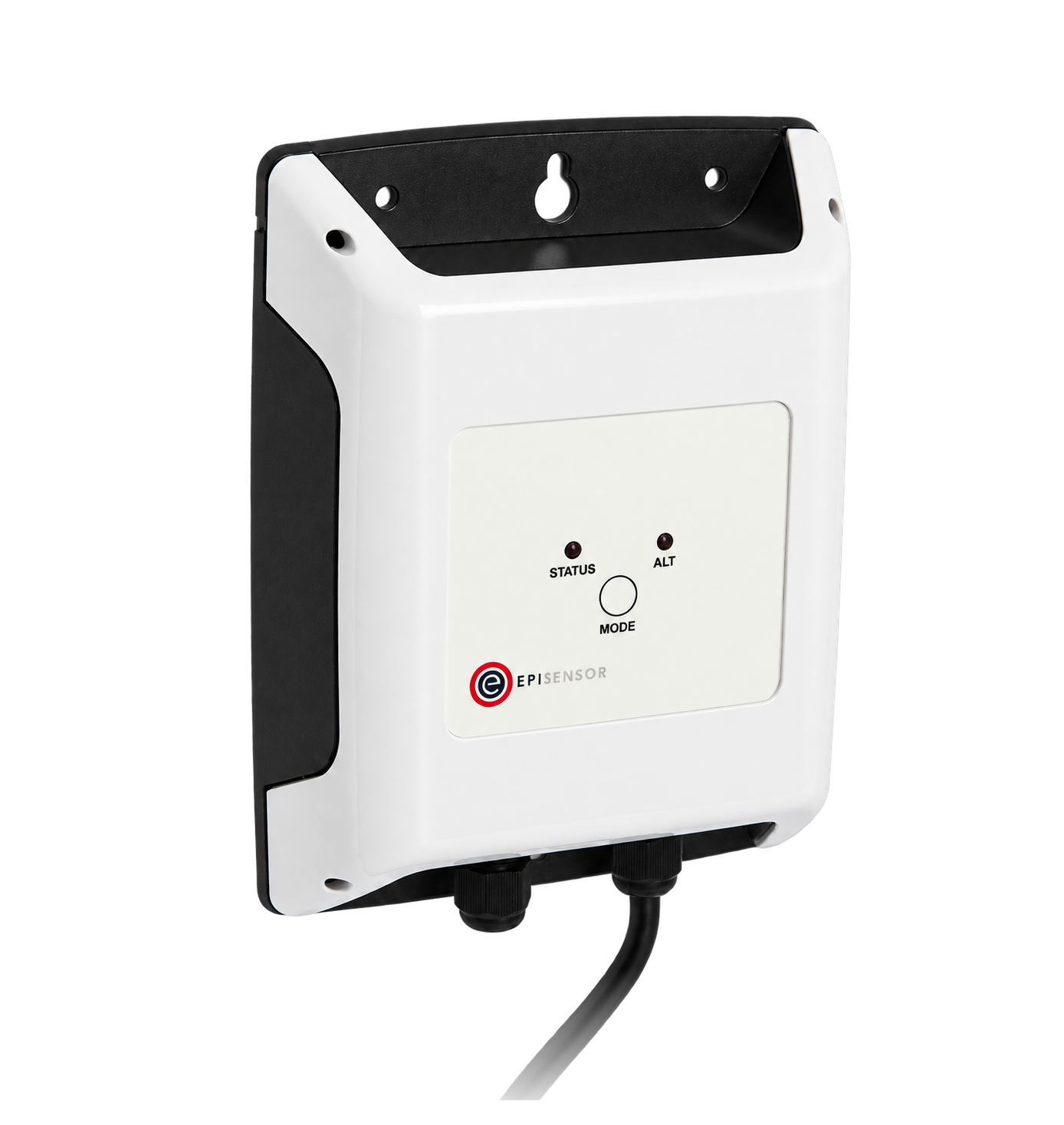
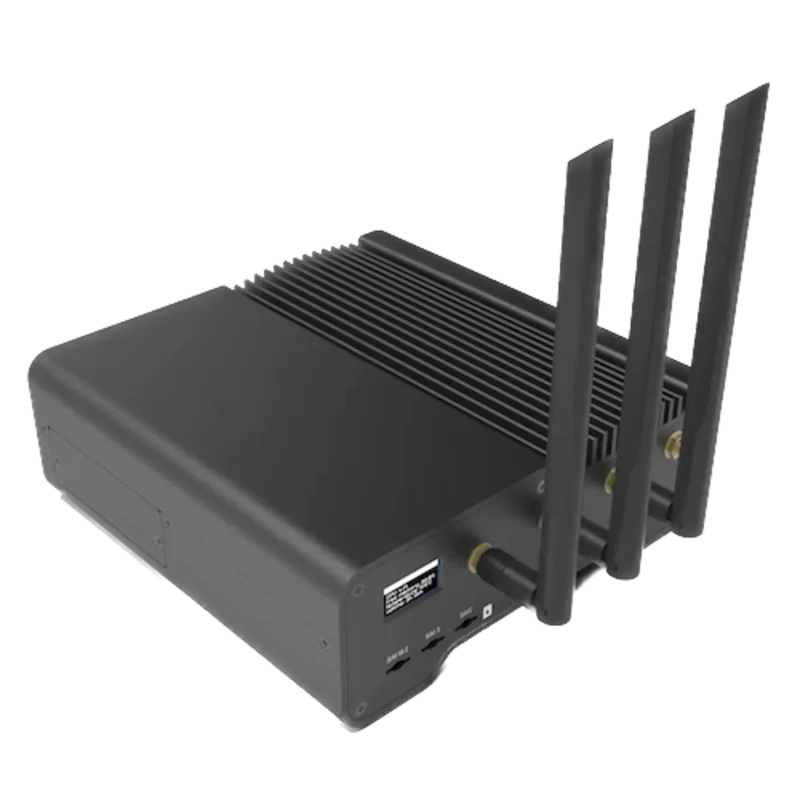
For any ION9000 on the site network, which Schneider recommends for best performance
- Modbus
- Edge
- Platforms
When the meter's Ethernet ports are taken by a separate network, or the Gateway sits in the same panel
- Modbus
- Wireless
- Edge
- Platforms
For an ION9000 on firmware 4.6.0 or later where the building network already uses BACnet/IP
- BACnet
- Edge
- Platforms
Models
| Models | Interface | Route into Edge |
|---|---|---|
| ION9000 (METSEION92030, METSEION92830) | DIN-rail base with no display; 2 RS-485 ports, 2 switched Ethernet ports, 8 digital inputs, 4 digital outputs and 2 form C relays | Modbus TCP on port 502 or Modbus RTU on COM1 or COM4 with the fixed map. |
| ION9000 with RD192 remote display (METSEION92040) | Same base meter with the 192 x 192 mm RD192 touchscreen display | Same routes and map. The display shows the values to compare during commissioning. |
| ION9000 Measurement Canada approved and sealed (METSEION92043, METSEION92044) | Measurement Canada approved and sealed versions of the base meter | Same Modbus read routes. Keep configuration changes to the meter owner. |
| LVDC and LVCS variants (METSEION92130, METSEION92140, METSEION93030, METSEION93040, METSEION93130, METSEION93140) | Low-voltage DC control power and low-voltage current sensor inputs; the same communication ports | Same routes and map. Check the CT or sensor setup with the installer before comparing current. |
| ION9000T (METSEION95030, METSEION95040) | ION9000 with high-speed voltage transient capture at 10 MHz | Covered by the same manual and Modbus chapter. Read the metering registers in this guide; transient captures stay in Schneider's ION tools. |
Specifications
The ION9000 is a DIN-rail power quality meter with a 1024 samples per cycle front end, class 0.1S active energy and IEC 61000-4-30 class A power quality. It has two RS-485 ports, two Ethernet ports acting as a switch, 8 digital inputs, 4 solid-state outputs, 2 form C relays and up to 4 option modules. Its native protocol is ION; Modbus, BACnet/IP, MQTT, DNP3, DLMS, SNMP and IEC 61850 are offered alongside.14
- Models
- METSEION92030 and METSEION92830 (no display), METSEION92040 (RD192 remote display), METSEION92043 and METSEION92044 (Measurement Canada), METSEION92130 to METSEION93140 (LVDC and LVCS), METSEION95030 and METSEION95040 (ION9000T)1
- Accuracy
- Active energy IEC 62053-22 class 0.1S; reactive energy IEC 62053-24 class 0.5S; IEC 61557-12 PMD/SD/K70/0.2 and PMD/SS/K70/0.2; current and voltage class 0.1; frequency class 0.021
- Power quality
- IEC 62586-1/2 PQI-A; IEC 61000-4-30 class A; IEC 61000-4-15 class F1 flicker; EN 50160 and IEEE 519 compliance; waveform capture at 16 to 1024 samples per cycle14
- Voltage inputs
- 57 to 400 V L-N and 100 to 690 V L-L (wye), or 100 to 600 V L-L (delta or wye with unearthed neutral) within the specified accuracy; measurement category III1
- Current inputs
- 1 A or 5 A nominal (IEC class 0.1S); specified accuracy range 10 mA to 20 A; starting current 1 mA; withstand 30 A continuous, 50 A for 10 s per hour, 500 A for 1 s per hour1
- Ethernet
- 2 RJ45 ports in switched mode with one IP address, 10Base-T or 100Base-TX; Modbus TCP on port 502 (8 shared connections), Modbus TCP dedicated on port 502 (32 connections), Modbus RTU over Ethernet on 7701, BACnet/IP on UDP 47808; factory IP address 169.254.0.10, mask 255.255.0.01
- RS-485
- 2 ports (COM1 and COM4); shielded twisted pair, up to 1200 m and 32 devices; 2400 to 115200 baud, 19200 recommended; parity none, even or odd; factory unit IDs 100 (COM1) and 103 (COM4)1
- Modbus function codes
- As a server: 1, 2, 3, 6, 16, 17 (serial only), 43 subcode 14 and 1001
- Control power
- 90 to 480 V AC ±10% at 50/60 Hz; 110 to 480 V DC ±10%; low-voltage DC variants 20 to 60 V DC; up to 16.5 W or 38 VA for the meter only at 480 V1
- Environment
- Operating from -25 °C to a maximum that depends on the option modules fitted; meter base IP30 except connectors; RD192 display front IP651
Interface
Documented measurements and integration boundaries for PowerLogic ION9000.
- The map gives register numbers in the same scheme as Schneider's PM5000 register lists, where register 3000 is zero-based address 2999 (Schneider FAQ FAQ000268374). The ION9000 workbook does not state its base, so start with address = register minus one and confirm with the frequency read in the worked check. The manual notes that ION9000 registers are numbered differently from earlier ION meters.
- The manual states that 32-bit values are sent most significant word first and each 16-bit word most significant byte first. Edge reads the map with FC03 Read Holding Registers.
- Current A, B and C at registers 3000, 3002 and 3004, neutral at 3006 and average at 3010: FLOAT32, two registers each, in A.
- Voltage A-B, B-C and C-A at 3020, 3022 and 3024 and the L-L average at 3026; A-N, B-N and C-N at 3028, 3030 and 3032 and the L-N average at 3036: FLOAT32 in V. Voltage 4-N is at 3096.
- Active power A, B and C at 3054, 3056 and 3058, total at 3060: FLOAT32 in W, not kW. Reactive power total at 3068 in VAR and apparent power total at 3076 in VA, with per-phase values in the three register pairs before each total.
- Power factor A, B, C and total at 3144, 3146, 3148 and 3150, displacement power factor total at 3158, and lagging and leading total PF at 3172 and 3174: FLOAT32. The meter's IEEE or IEC localisation setting decides the sign convention.
- Frequency at 3110: FLOAT32 in Hz.
- Active energy delivered (into the load) at 3204 and received (out of the load) at 3208: INT64, four registers, in Wh. Reactive energy delivered and received at 3220 and 3224 in VARh, apparent energy delivered at 3236 in VAh. FLOAT32 copies in kWh, kVARh and kVAh start at 2700 (delivered) and 2702 (received).
- Block demand, FLOAT32 in W: active power last demand at 29954 and predicted demand at 29956; delivered last and predicted demand at 29968 and 29970. Peak demand at 29958 is TIMESTAMPED_FLOAT32, six registers: the value, then a 4-register date and time.
- Power quality, FLOAT32: THD current A, B and C at 21300, 21302 and 21304; THD voltage A-N, B-N and C-N at 21330, 21332 and 21334; K-factor A at 21358; crest factor A at 21364; current and voltage unbalance worst at 3018 and 3052.
- Identity, UTF8: meter name at register 30 (20 registers), serial number at 117 (12 registers) and firmware version at 1717 (6 registers).
- Invalid reads: an unmapped register returns 0x8000, an unavailable FLOAT32 0xFFC00000 (NaN) and an unavailable INT64 0x8000000000000000. A read that splits a multi-register value returns exception 03. Record these as missing, not zero.
- The map marks measurements R/O. The External Control section at 52001 to 53000 is R/W (external pulse, external boolean and external numeric registers), and Modbus programming of setup is disabled from the factory. Keep the poll to R/O registers.
Assessment
ION9000 and ION9000T commercial references METSEION92030 to METSEION95040, using the fixed map ION9000_Modbus_Map_004.005.000. The workbook does not state its address base: start with the register number minus one and check frequency at register 3110 against the display. Read-only monitoring: Modbus access stays Read Only and the External Control section is not written.
- InteroperabilitySupported with conditions
- Schneider documents Modbus TCP on port 502, Modbus RTU on two RS-485 ports, the function codes and the word order, and publishes the fixed map with types, units and permissions. The workbook does not state whether its register numbers are one-based, so the first read settles the offset.123
- AccuracyWell supported
- Class 0.1S active energy to IEC 62053-22, IEC 61557-12 class 0.1 current and voltage, IEC 61000-4-30 class A power quality and INT64 delivered and received energy counters in Wh. Accuracy of the installation also depends on the CTs and VTs.12
- SecuritySupported with conditions
- Modbus Access is Read Only and Modbus programming disabled from the factory, ports and protocols can be switched off one by one, and the meter supports up to 50 user accounts, HTTPS and syslog. Modbus TCP itself is unencrypted and the default USER1 password is 0, so segment the network and change it.14
- ReliabilityWell supported
- The manual lists IEC 61000-4-2 to 4-12 immunity, IEEE C37.90.1 surge withstand, up to 1200 ms ride-through at 480 V AC, a 7-year clock battery and defined invalid-read codes for every data type.1
- RuggednessSupported with conditions
- The base is IP30 except connectors and the remote display front IP65; vibration and shock follow IEC 60068-2. The upper operating temperature falls as option modules are added.14
- ScalabilityWell supported
- Eight shared Modbus TCP connections plus a 32-connection dedicated Modbus TCP service, two RS-485 ports and a Modbus gateway function for downstream serial meters.1
Setup
Read ION9000 frequency, then total active power and energy
Schneider's ION9000 Modbus map for firmware 004.005.000 gives Frequency at register 3110 as FLOAT32 in Hz, Active Power Total at register 3060 as FLOAT32 in W and Active Energy Delivered at register 3204 as INT64 in Wh, all R/O. The workbook does not state its address base, so this read starts from the register number minus one, as Schneider's PM5000 lists do, and uses frequency to prove it.
- Request
- 64 03 0C 25 00 02 DF 65: Modbus unit ID 100 (COM1 factory setting), FC03, address 0x0C25 (register 3110 minus one), two registers, RTU CRC.
- Address convention
- Register 3110 is sent as zero-based address 3109 (0x0C25). A client that numbers holding registers from one takes 3110 (or 43110). If 0x0C25 does not decode near 50 or 60 Hz, the base is different: read 0x0C26 once and keep whichever agrees with the display.
- Synthetic response
- 64 03 04 42 48 00 00 5B 5B: four data bytes, most significant word 0x4248 first, then 0x0000.
- Decode
- 0x42480000 as IEEE-754 FLOAT32 is 50.0 Hz.
- Power read
- 64 03 0B F3 00 02 3F E9 reads two registers from 0x0BF3 (register 3060 minus one). Synthetic response 64 03 04 47 C3 50 00 17 BD gives 0x47C35000 = 100000.0 W, so 100.0 kW.
- Energy read
- 64 03 0C 83 00 04 BF 44 reads four registers from 0x0C83 (register 3204 minus one). Synthetic response 64 03 08 00 00 00 00 07 5B CD 15 9F E2 gives the INT64 0x00000000075BCD15 = 123456789 Wh, so 123456.789 kWh.
- Modbus TCP
- Over Ethernet the PDU 03 0C 25 00 02 follows the MBAP header 00 01 00 00 00 06 FF: transaction 1, protocol 0, six bytes to follow, unit identifier 255, and no CRC, sent to TCP port 502.
- Acceptance
- Keep the points when frequency, total active power and active energy delivered agree with the display at the same time. A FLOAT32 read one register off normally decodes to a value far from the display or to NaN.
Acceptance: The response bytes are a synthetic decoder check, not a captured meter reply. A real reply must give a frequency that agrees with the display before power and energy points are enabled.
-
Identify the meter and its firmware
Read the commercial reference on the label (METSEION92030 to METSEION95040) and the firmware version on the display or in ION Setup. The map used here is for firmware 004.005.000, and BACnet/IP needs 4.6.0 or later.
-
Choose the port
Prefer Ethernet: Modbus TCP is enabled from the factory on port 502. For RS-485, set COM1 or COM4 to Modbus RTU with RS-485 bias OFF in ION Setup, the webpages or the display, and note the unit ID (100 on COM1 and 103 on COM4 from the factory), baud rate and parity.
-
Leave Modbus access read-only
In ION Setup's Security wizard, Modbus Access is Read Only from the factory and configuration through Modbus programming is disabled. Keep both, and change the default password of 0 for USER1.
-
Read frequency to settle the address base
Send FC03 for two registers at zero-based address 3109 (0x0C25), register 3110 minus one, and decode a FLOAT32 with the most significant word first. It must read near 50 or 60 Hz and agree with the display.
-
Add power and energy
Read total active power at register 3060 (address 3059) in W and active energy delivered at 3204 (address 3203) as INT64 in Wh, then compare both with the display. Divide power by 1000 only where the destination wants kW.
-
Keep the poll read-only
Leave the External Control registers at 52001 to 53000 and every R/W register out of the poll, and treat 0x8000, 0xFFC00000 and exception 03 as missing data.
Common questions
- Is ION9000 active power in W or kW over Modbus?
- In W. The ION9000 map gives Active Power Total at register 3060 as FLOAT32 in W, reactive power in VAR and apparent power in VA, and demand in W. Schneider's PM5300 list uses kW at the same register numbers, so do not copy a PM5300 template's scaling.2
- Which Modbus TCP port and unit ID does the ION9000 use?
- TCP port 502, enabled from the factory. The manual names unit identifier 255 as the meter itself when the Modbus gateway is in use, so use 255 over TCP. On RS-485 the factory unit IDs are 100 on COM1 and 103 on COM4.1
- Does the ION9000 send FLOAT32 values high word first?
- Yes. The manual states that 32-bit data is transmitted most significant word first and least significant word second, and that each 16-bit word is sent most significant byte first.1
- Why does a register read return exception 03 or 0x8000?
- Exception 03 means the read started inside a multi-register value, or the value is not allowed. An unmapped register returns 0x8000, and a reserved FLOAT32 returns 0xFFC00000 (NaN). Read each value from its first register and for its full length.1
- Can Edge read the ION9000 over BACnet/IP?
- Yes, from firmware 4.6.0. BACnet/IP is disabled from the factory and uses UDP port 47808 once enabled with communication configuration access. Modbus TCP is enabled from the factory, so it needs no meter change.1
- Can I add my own registers to the ION9000 Modbus map?
- Yes. The fixed map comes from the meter's Data Mapping modules, and ION Setup's Modbus Slave setup can add custom registers or replace the default map entirely. A site that has customised the map needs its own register list; this guide uses the default fixed map.12
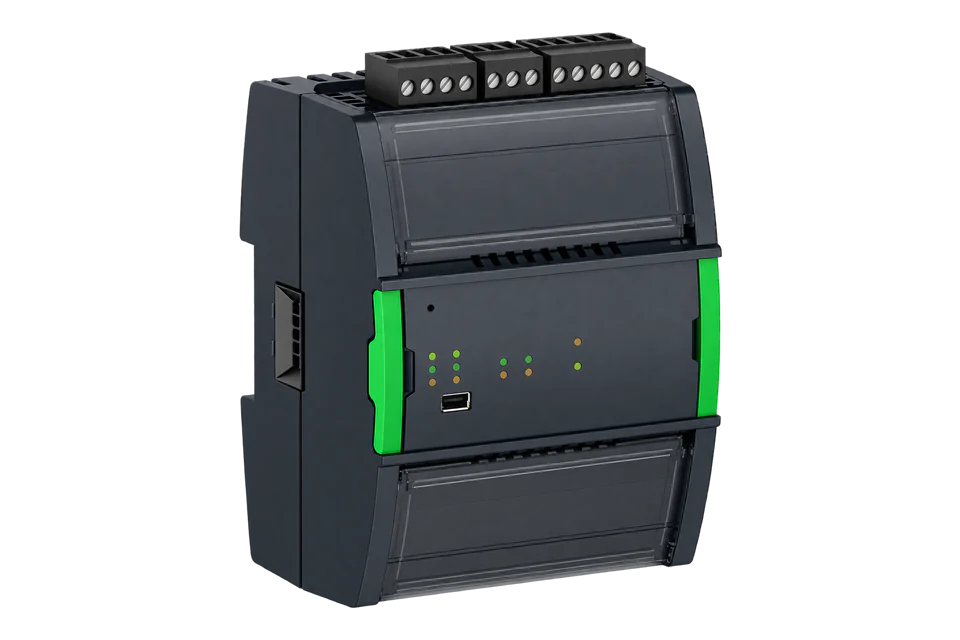
Related devices



Sources
- PowerLogic ION9000 series user manual 7EN02-0390-10, March 2026 (opens in a new tab)
- ION9000 Modbus Register MAP.zip with ION9000_Modbus_Map_004.005.000.xlsx (firmware 004.005.000), attached to FAQ FA362601 (opens in a new tab)
- ION9000 Modbus Register Map, FAQ FA362601, modified 29 July 2025 (opens in a new tab)
- METSEION92030 product page, PowerLogic ION9000 meter, DIN mount, no display, HW kit (opens in a new tab)
- Reading PM5320 currents over Modbus TCP/IP, FAQ FAQ000268374 (Italian), 4 February 2025 (opens in a new tab)
Further reading
- ApplicationPower quality and transformer capacity monitoring
- ApplicationData centre power monitoring
- ToolModbus register address translator
- ToolModbus data decoder
- GuidePower quality analyser or energy meter
- GuideTotal harmonic distortion
- GuidePowerLogic PM8240 power quality meter
- GuidePowerLogic PM5560 Ethernet meter
- ManufacturerSchneider Electric devices
- ProtocolModbus devices and register maps
- CategoryEnergy meters
Product names and trademarks belong to their owners. Publication does not imply endorsement or a commercial relationship.