Heiman HS2SK
Metering smart plug
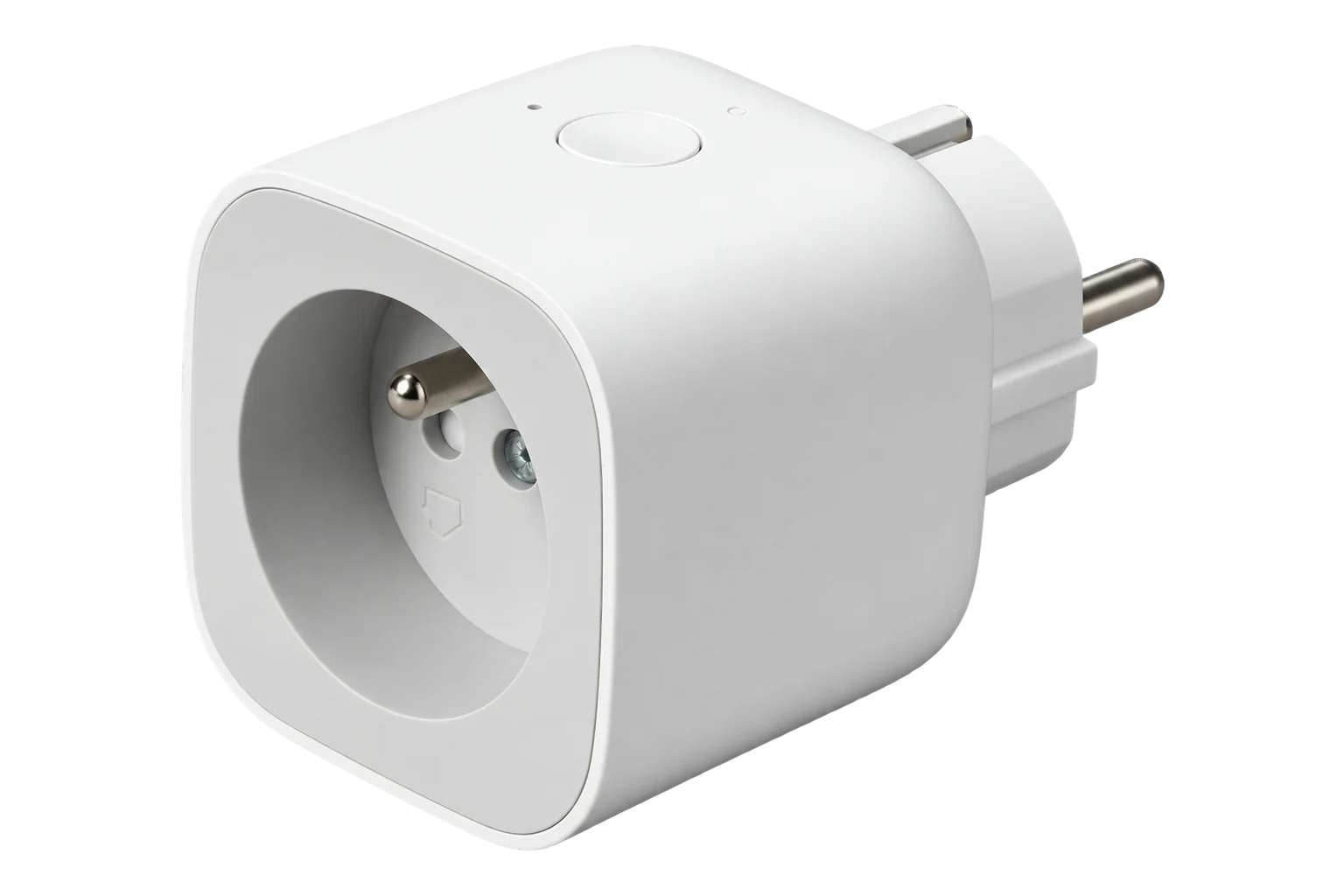
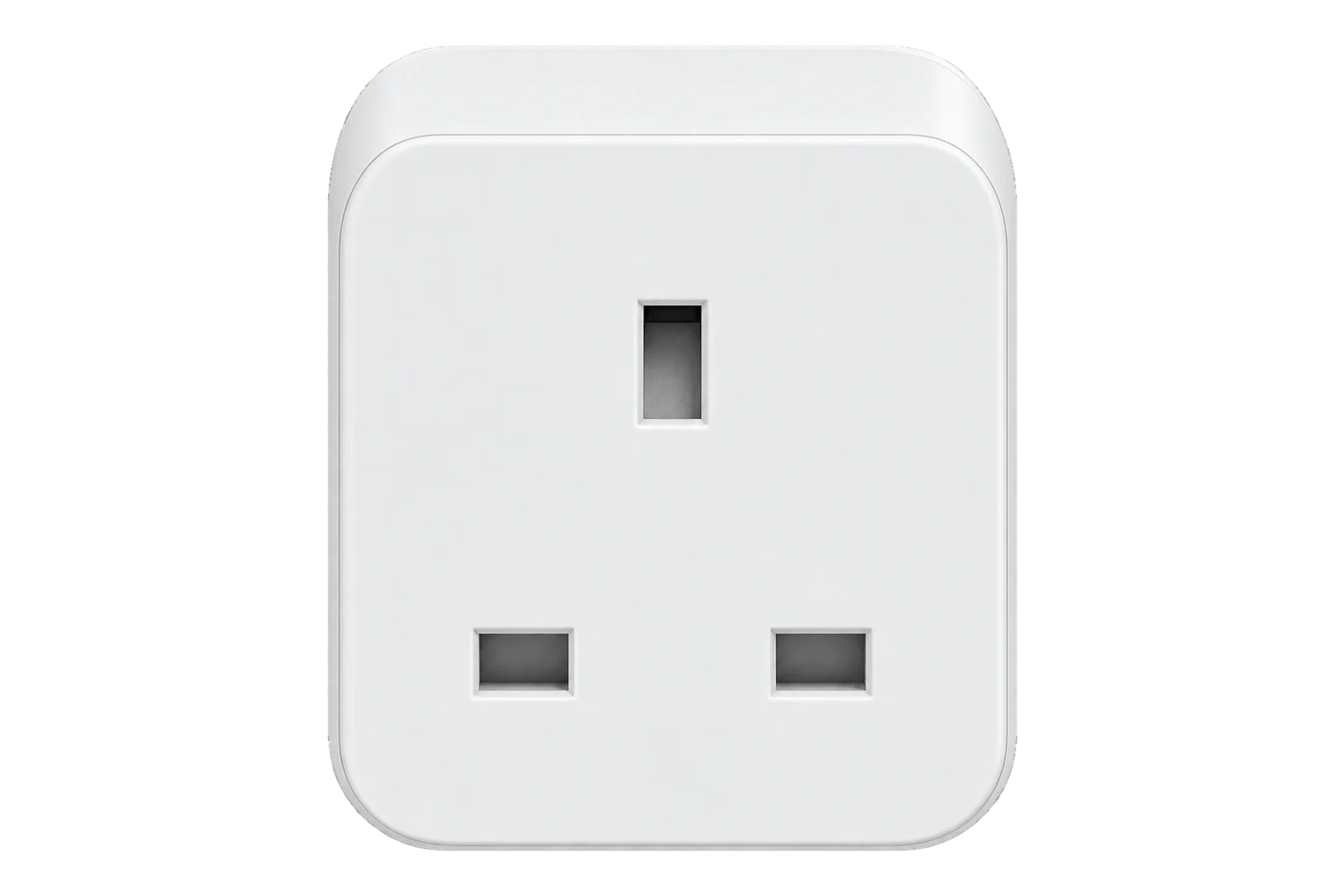
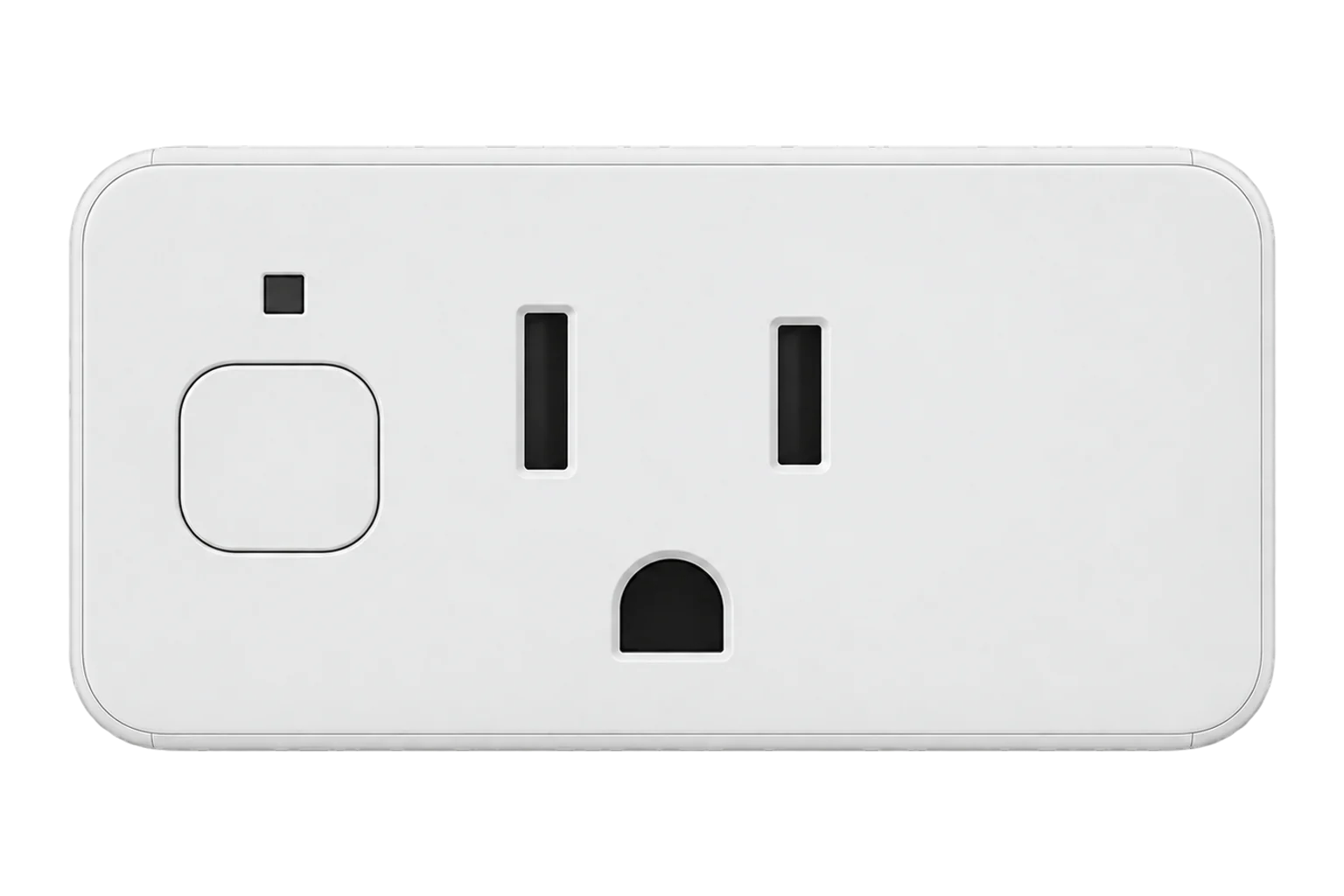
A Zigbee plug-in adapter that switches one appliance and meters its power, voltage, current and energy. The EU and UK versions run on 100 to 240 V AC and carry up to 3000 W, and Heiman also makes French, Indian and US versions.
Also sold asSchneider Electric CCTFR6500
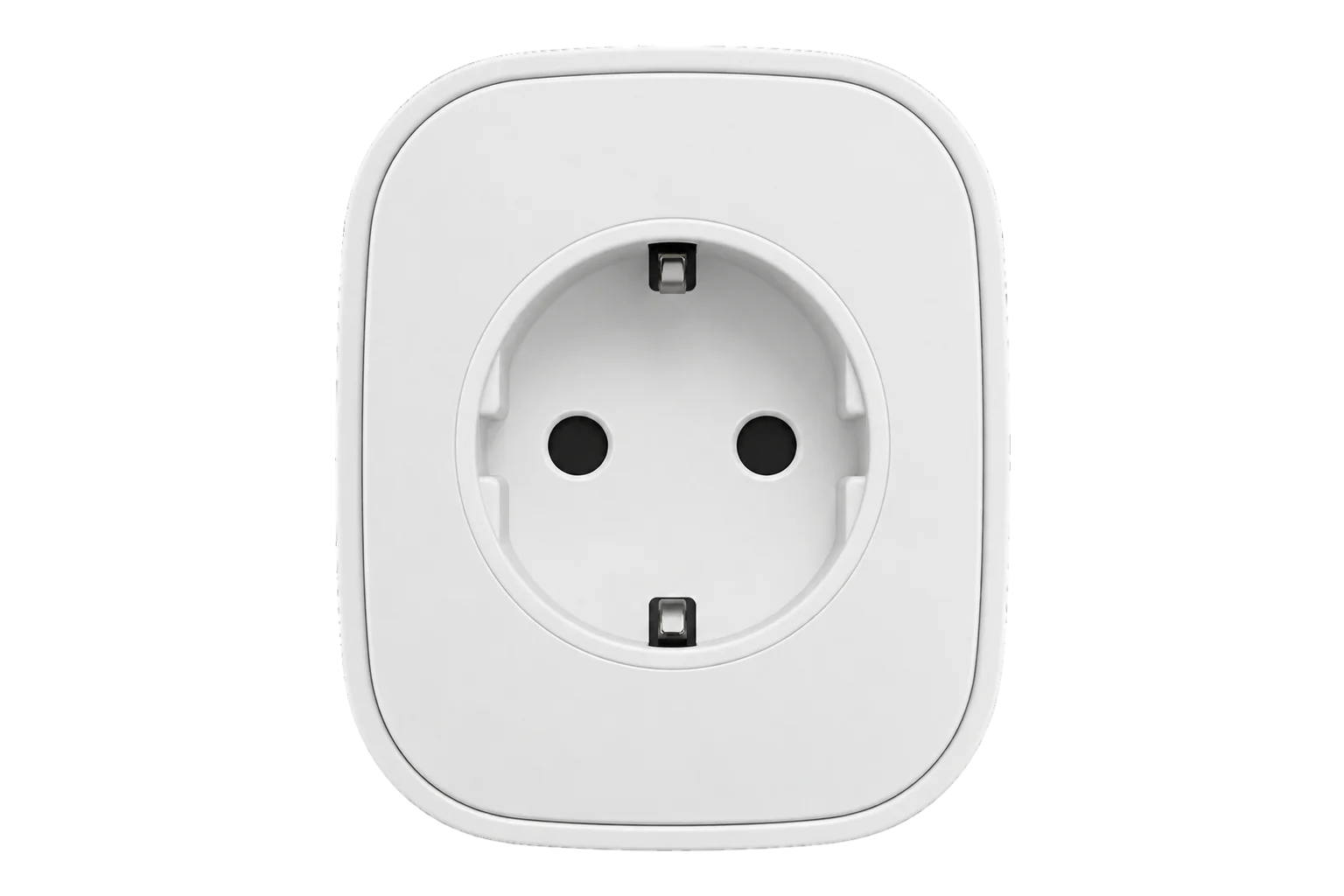
- Zigbee
Metering smart plug
Compatibility
Compatible with EpiSensor Edge over Zigbee.
Pair it with the Zigbee radio on an EpiSensor Gateway. Edge reads it locally on the Gateway.
Edge reads 6 values from it, listed under Interface.
Connect it with
-
Gateway ZGW-20From €899 ex VAT Configure Gateway

Specifications
Edge reads active power, RMS voltage, RMS current and cumulative energy, and switches the relay. The plug reports these through the standard Zigbee Electrical Measurement and Simple Metering clusters, and Edge reads the plug's own multipliers and divisors so the values arrive in W, V, A and kWh.5
- Power
- Mains. Powered from the 100 to 240 V AC socket it plugs into; it draws under 0.5 W itself.1
- Supply
- 100 to 240 V AC1
- Maximum load
- 3000 W1
- Metering voltage
- 100 to 240 V AC1
- Metering current, EU series
- Up to 16 A1
- Metering current, UK series
- Up to 13 A2
- Own consumption
- Under 0.5 W1
- Working temperature
- -10 to 50 °C1
- Working humidity
- Up to 95 % RH, non-condensing1
- Socket versions
- EU, UK, FR, IN and US series3
- Zigbee certification
- Home Automation 1.2.1, certificate ZIG16074ZHA25798-244
Where it is used
Plug-in refrigeration such as bottle coolers and display fridges, metered one by one to find the units that run longest or draw most out of hours.
Refrigeration energy monitoringPortable heaters, dehumidifiers and fans in offices and stores, metered and switched off outside occupied hours.
HVAC energy monitoring for commercial buildings
Interface
Readings and settings, with units and ranges where Heiman publishes them. readable, readable and writable.
| Reading | Unit | Range or values | Access |
|---|---|---|---|
| Measurements 5 | |||
| Switch | - | - | Read only |
| Power | W | - | Read only |
| Current | A | - | Read only |
| Voltage | V | - | Read only |
| Energy | kWh | - | Read only |
| Controls 1 | |||
| State | - | Binary state | Read and write |
Endpoint 1 carries On/Off for the relay, Electrical Measurement for RMS voltage, RMS current and active power, and Simple Metering for the energy total.5
The multipliers and divisors for both measurement clusters are read from the plug when it is configured, so scaling follows the plug's firmware rather than a fixed factor.5
The plug reports its model as SmartPlug or SmartPlug-EF-3.0 rather than HS2SK. Both are matched to this device.5
Setup
-
Open pairing in Edge
In Edge, open pairing on the Gateway’s Zigbee network. The Gateway accepts new devices while pairing is open.
-
Plug it in
Plug the HS2SK into a 100 to 240 V AC socket of the type its series is made for, within range of the Gateway or another mains-powered Zigbee device.1
-
Free it from any old hub
If the plug was paired to another hub before, remove it there first so that it is free to join the Gateway's network.
-
Confirm the join
Check that Edge identifies it as Heiman HS2SK. The plug itself reports SmartPlug or SmartPlug-EF-3.0 as its model.5
-
Check one reading
Switch the relay from Edge, then run a load with a known rating, such as a heater with a rating plate, and compare the reported power and voltage with it.
Related devices


Sources
- Smart Metering Plug HS2SK-EU series (opens in a new tab)
- Smart Metering Plug HS2SK-UK series (opens in a new tab)
- Smart Metering Plug range (opens in a new tab)
- Smart Metering Plug, Shenzhen Heiman Technology (opens in a new tab)
- Heiman device definitions (heiman.ts) (opens in a new tab)
- Heiman HS2SK device documentation (opens in a new tab)
Further reading
Product names and trademarks belong to their owners. Publication does not imply endorsement or a commercial relationship.