Develco SPLZB-131
Metering smart plug
A 230 V Zigbee plug-in adapter that switches one appliance and meters it: power, cumulative energy, voltage, current and frequency, at a typical ±2 % accuracy. It carries 10 A continuously and 16 A for short periods.
Also sold asfrient Smart Plug Mini
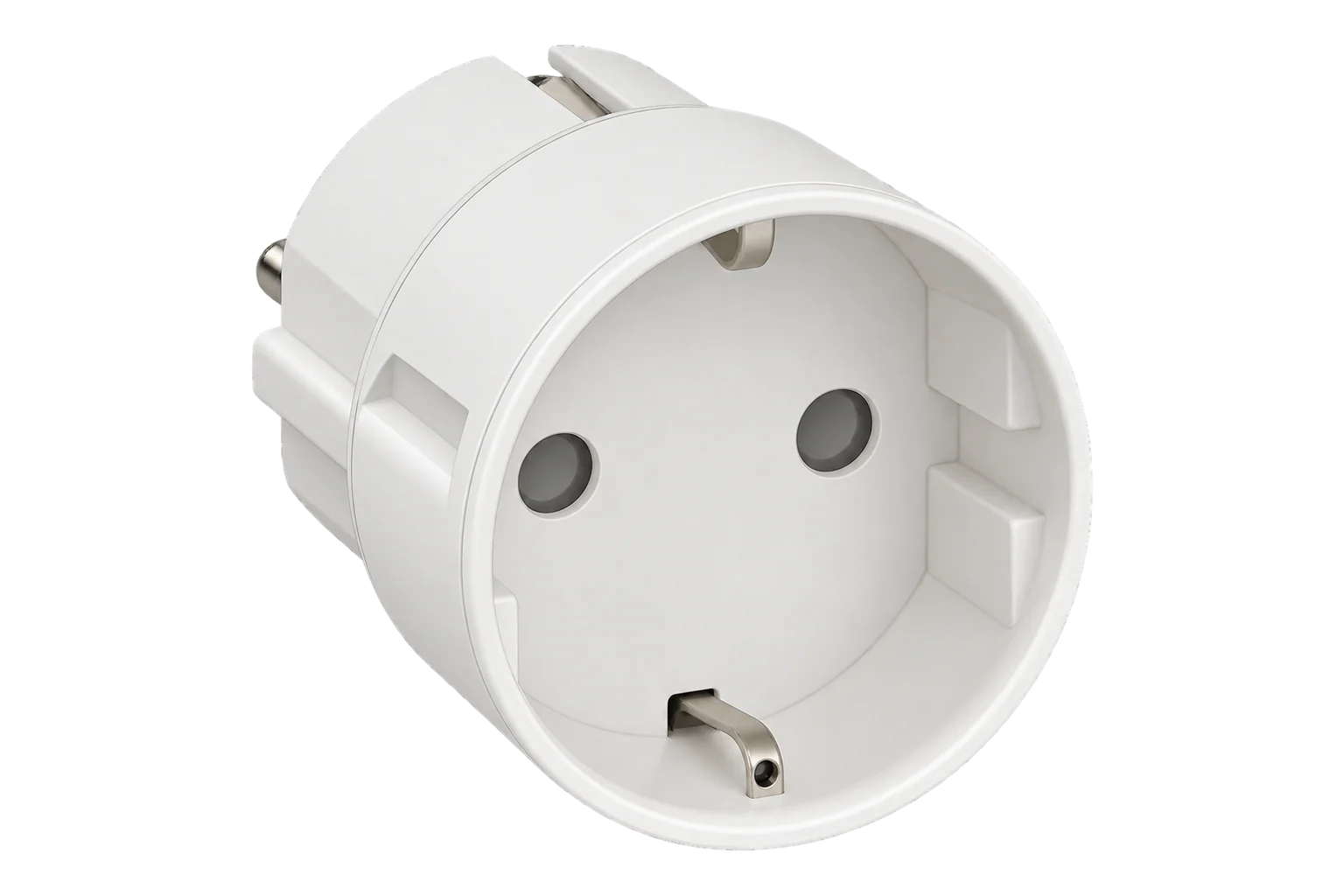
- Zigbee
Metering smart plug
Compatibility
Compatible with EpiSensor Edge over Zigbee.
Pair it with the Zigbee radio on an EpiSensor Gateway. Edge reads it locally on the Gateway.
Edge reads 8 values from it, listed under Interface.
Connect it with
-
Gateway ZGW-20From €899 ex VAT Configure Gateway

Specifications
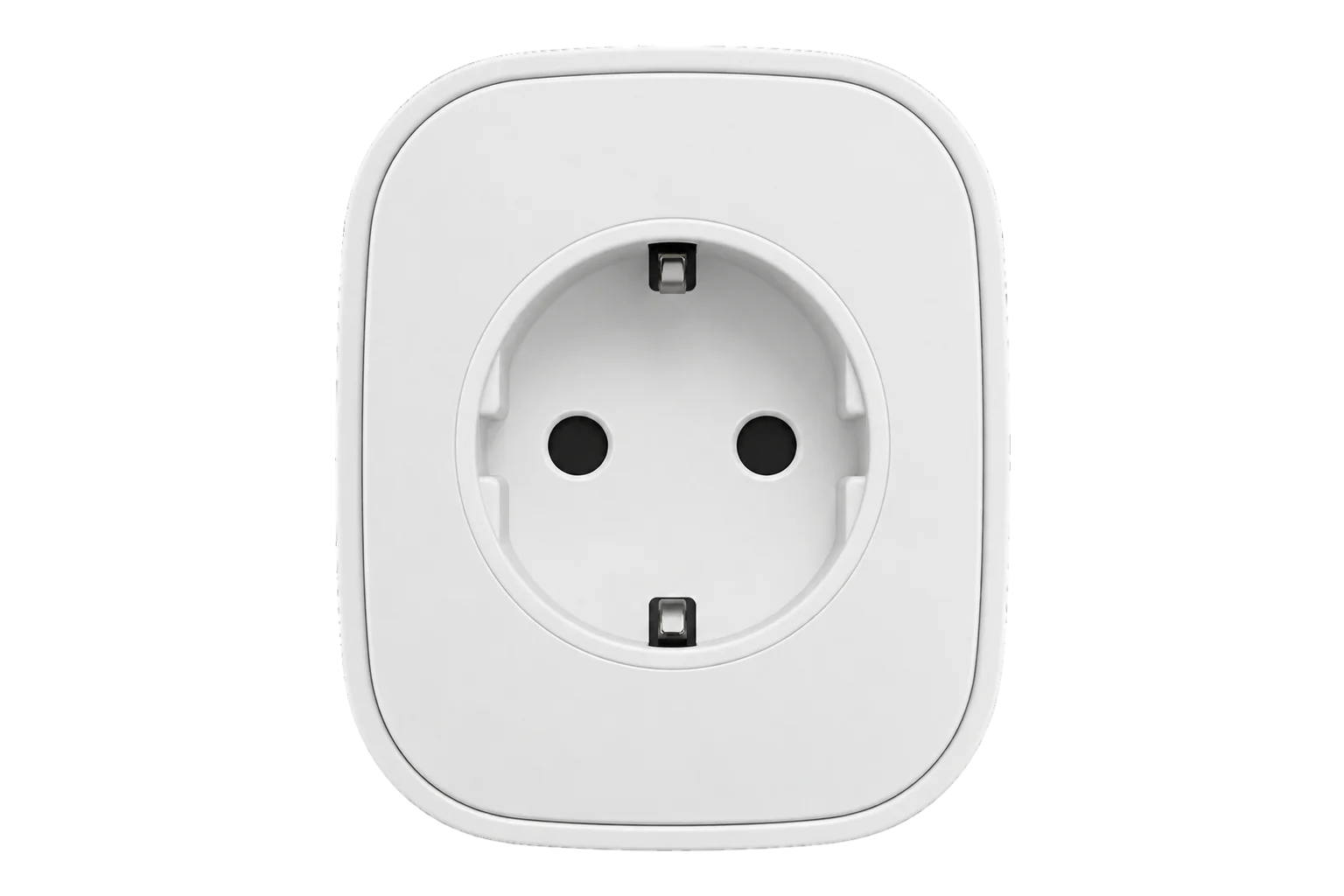
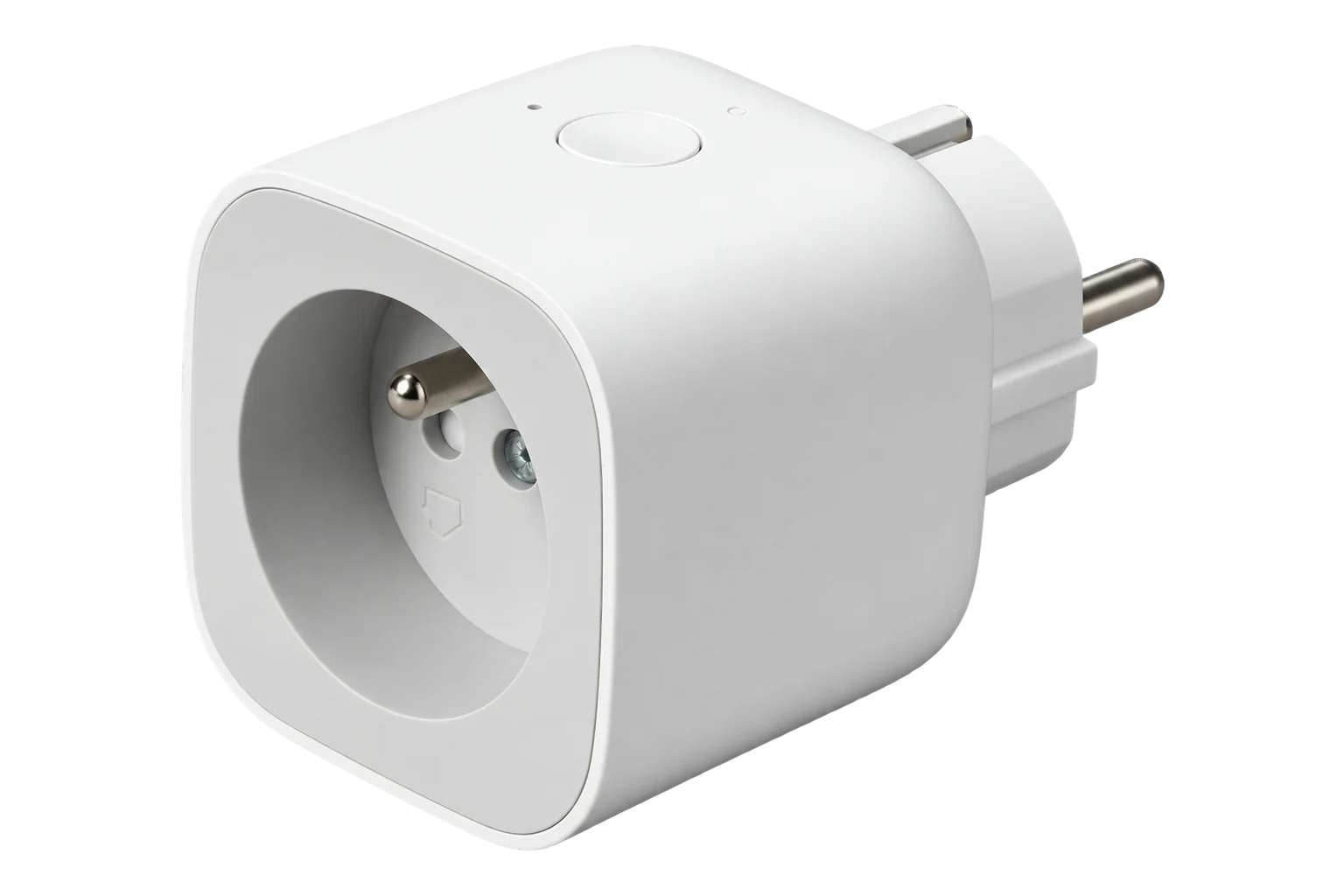
The SPLZB-131 is Develco Products' Zigbee Smart Plug Mini, now sold under the frient brand. It sits between a wall socket and one appliance, switches the appliance through a relay and meters what it draws. frient states a typical accuracy of ±2 % over a 207 to 253 V AC measuring range, with power reported to 1 W. The plug itself uses 0.4 W.14
- Power
- Mains. Powered from the 230 V AC socket it plugs into; it draws 0.4 W itself.1
- Supply
- 230 V AC ±10 %1
- Measuring range
- 207 to 253 V AC1
- Metering accuracy
- Typically ±2 %1
- Power resolution
- 1 W1
- Continuous load
- 10 A2
- Maximum load
- 16 A (about 3500 W), short time2
- Switch voltage
- 250 V AC maximum1
- Protection
- Switches off on overload above 16 A or over-temperature2
- Own consumption
- 0.4 W1
- Wireless
- Zigbee Home Automation 1.2, router1
- Radio
- +8 dBm output, -101 dBm sensitivity at 1 % PER1
- Environment
- Indoor, IP40, 0 to 50 °C, 5 to 85 % RH non-condensing1
- Dimensions
- Ø41 × 45 mm (Type E and F)1
- Approvals
- CE, RoHS, REACH; EN 300 328, EN 301 489, EN 60669-2-14
Where it is used
Plug-in refrigeration such as bottle coolers and display fridges, metered one by one to find the units that run longest or draw most out of hours.
Refrigeration energy monitoringPortable heaters, dehumidifiers and fans in offices and stores, metered and switched off outside occupied hours.
HVAC energy monitoring for commercial buildingsA Zigbee router in a plant room or corridor, extending the mesh for battery temperature sensors while it meters the load it feeds.
Interface
On the Zigbee network it joins as a router and extends the mesh for other devices.1
Readings and settings, with units and ranges where Develco publishes them. readable, readable and writable.
| Reading | Unit | Range or values | Access |
|---|---|---|---|
| Measurements 6 | |||
| Power | W | - | Read only |
| Voltage | V | - | Read only |
| AC frequency | Hz | - | Read only |
| Current | A | - | Read only |
| Energy | kWh | - | Read only |
| Switch | - | - | Read only |
| Controls 1 | |||
| State | - | Binary state | Read and write |
| Diagnostics 1 | |||
| Device temperature | °C | - | Read only |
Metering uses the standard Zigbee Simple Metering and Electrical Measurement clusters, so power, energy, voltage, current and frequency arrive as standard attributes with the plug's own multipliers and divisors.35
The relay is controlled on endpoint 2. The plug also exposes an on/off cluster on endpoint 1, which does not accept reporting configuration, so Edge uses endpoint 2 for switching and state.5
A factory reset clears the plug's accumulated energy register as well as its network settings. Edge sees the energy total restart from zero after a reset.23
Setup
-
Open pairing in Edge
In Edge, open pairing on the Gateway’s Zigbee network. The Gateway accepts new devices while pairing is open.
-
Plug it in
Plug the Smart Plug Mini into a socket within range of the Gateway or another mains-powered Zigbee device. A new plug searches for a Zigbee network for up to 15 minutes, with the button LED flashing red.2
-
Confirm the join
The LED stops flashing when the plug has joined. Check that Edge identifies it as Develco SPLZB-131. If the search timed out first, a short press on the button starts it again.2
-
Reset a plug that was paired before
With the plug in the socket, press and hold the button until the red LED flashes continuously, then release it. The red LED stays on for 2 to 5 seconds; do not unplug it during that time. Then pair it as a new plug.2
-
Check one reading
Switch the relay from Edge and confirm the button LED goes green for on and dark for off. Then run a known load, such as a kettle or heater with a rating plate, and compare the reported power with it.
Common questions
- Does the SPLZB-131 need a frient hub to work with Edge?
- No. frient states that the plug's data is reached by connecting it to any Zigbee-compliant hub, through the standard Zigbee cluster library. It joins the Zigbee radio on an EpiSensor Gateway directly and Edge reads it there.3
- How much load can it switch?
- 10 A continuously and 16 A, about 3500 W, for short periods, at up to 250 V AC. Above 16 A, or if it gets too hot inside, it switches itself off.12
- What happens after a power cut?
- The plug restores the on or off state it had before the power failed, so a load that was on comes back on.2
- Does a reset clear the energy total?
- Yes. frient's reset procedure also resets the accumulated registers and logs, so the cumulative energy starts again from zero. Edge keeps the history it has already recorded.2
Related devices

Sources
- Smart Plug Mini technical specifications (opens in a new tab)
- Smart Plug Mini installation manual, types E, F and G (opens in a new tab) (PDF)
- Factsheet for Smart Plug Mini according to the EU Data Act (opens in a new tab) (PDF)
- Declaration of Conformity, Smart Plug Mini type SPLZB-131 (opens in a new tab) (PDF)
- Develco device definitions (develco.ts) (opens in a new tab)
- Develco SPLZB-131 device documentation (opens in a new tab)
Further reading
Product names and trademarks belong to their owners. Publication does not imply endorsement or a commercial relationship.