Tuya ZY-M100-24G
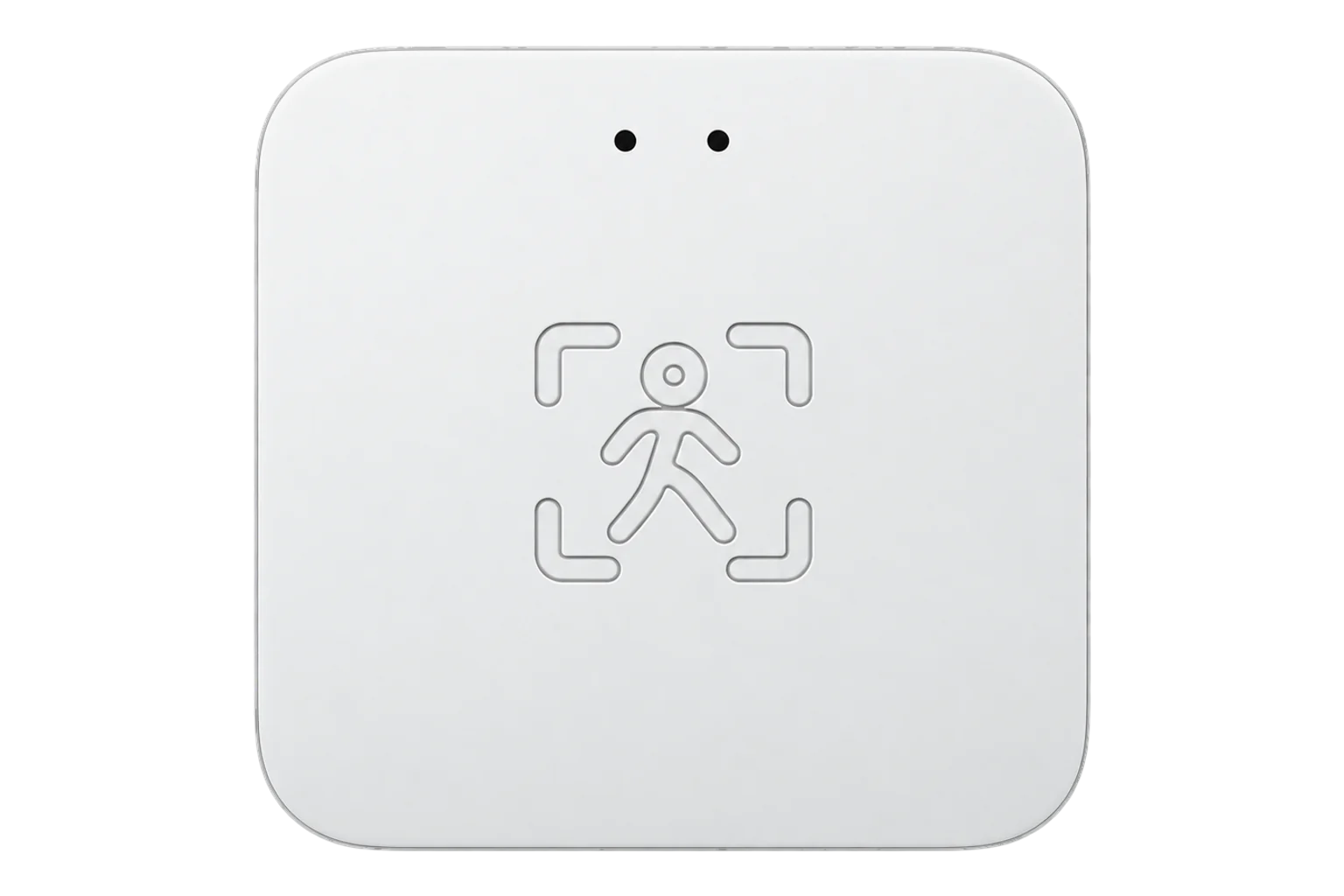
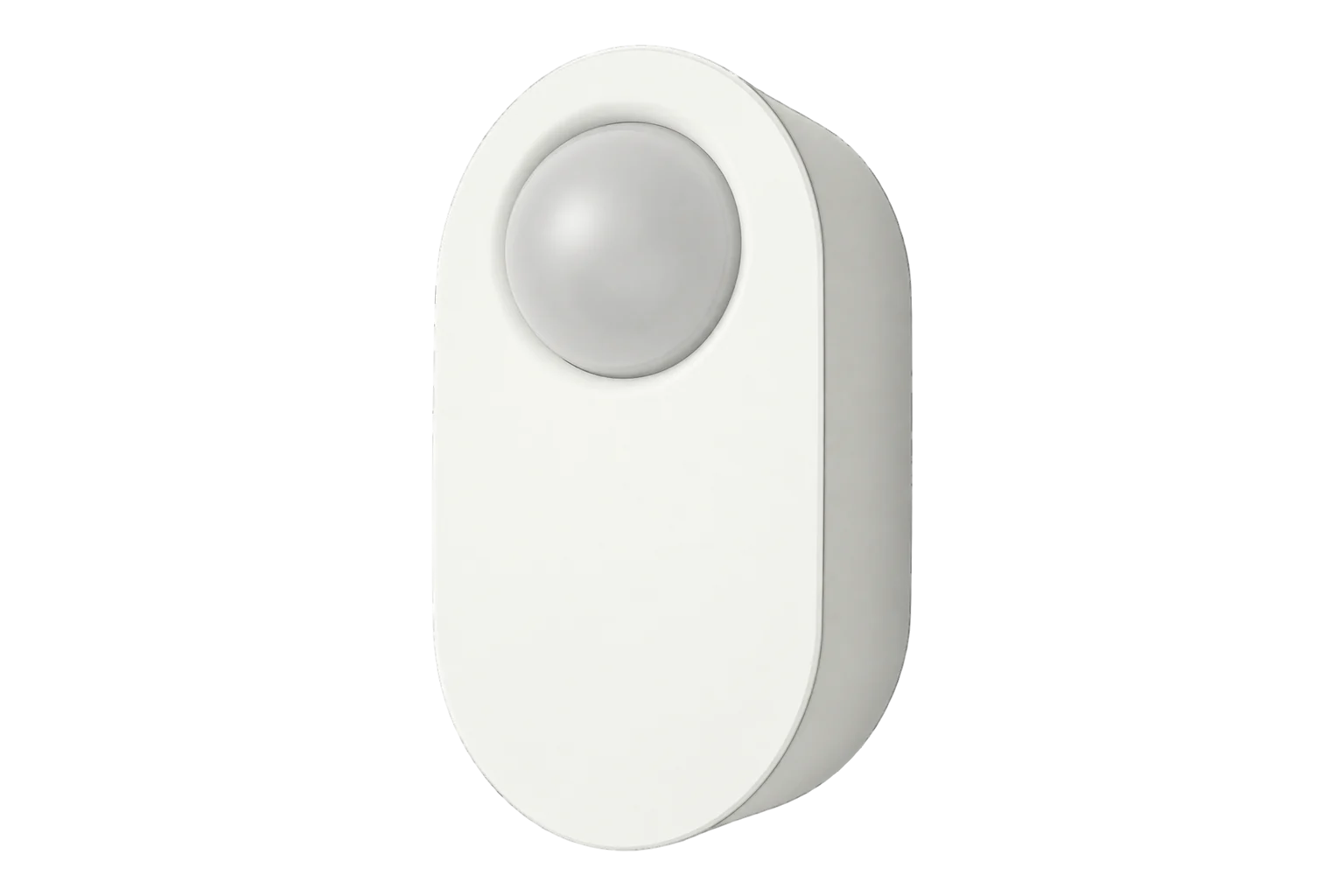
24 GHz radar presence sensor
A 24 GHz radar presence sensor on Zigbee that reports presence, movement, the distance to the person and light level, with a detection range you set from 1.5 to 5.5 m and a timeout of up to 25 minutes.
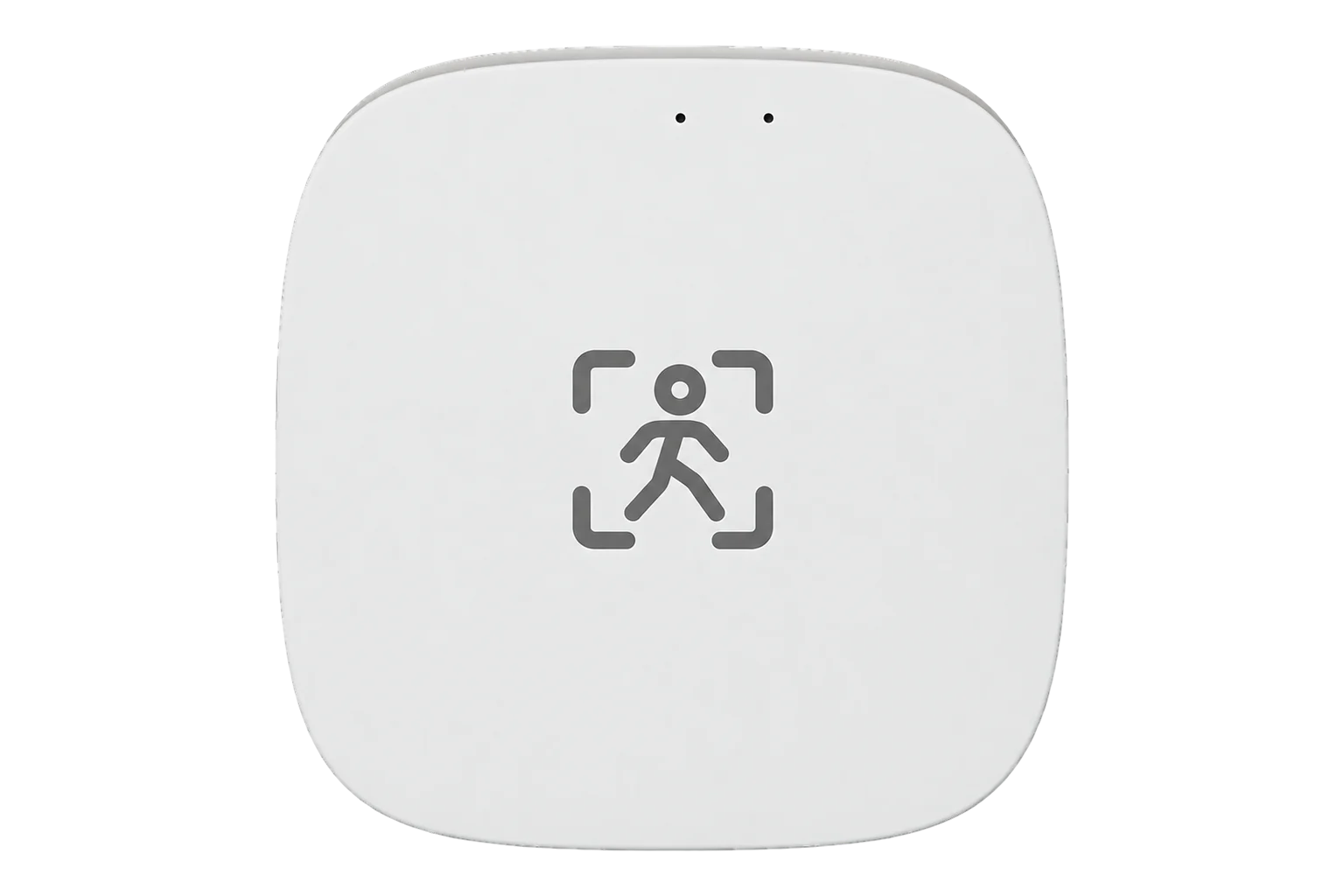
- Zigbee
24 GHz radar presence sensor
Compatibility
Compatible with EpiSensor Edge over Zigbee.
Pair it with the Zigbee radio on an EpiSensor Gateway. Edge reads it locally on the Gateway.
Edge reads 8 values from it, listed under Interface.
Connect it with
-
Gateway ZGW-20From €899 ex VAT Configure Gateway

Specifications
It is a Tuya device, so its readings travel as numbered data points in Tuya's private cluster 0xEF00 rather than in the standard Zigbee occupancy cluster. On this model data point 105 is the state, 112 presence, 109 the target distance in centimetres and 104 the light level. Motion sensitivity, presence sensitivity, range and timeout are writable data points 106, 111, 107 and 110. Edge reads them as named readings for the fingerprint _TZE204_ijxvkhd0.12
- Radar
- 24 GHz3
- Readings
- Presence, state (none, presence, move), target distance and light level2
- Maximum range setting
- 1.5 to 5.5 m2
- Presence timeout
- 1 to 1500 s2
- Sensitivity
- 1 to 10, separately for motion and for presence2
- Reporting
- About once a second on standard firmware, not configurable3
- Data transport
- Tuya private cluster 0xEF00, numbered data points1
- Zigbee identity
- TS0601, _TZE204_ijxvkhd02
Where it is used
Single offices and meeting rooms, to compare heating, cooling and lighting run hours with the hours a room is actually used.
HVAC energy monitoring for commercial buildingsPresence beside temperature, humidity and CO₂ readings, so ventilation data can be read against whether a room was in use.
Indoor environmental monitoring
Interface
Readings and settings, with units and ranges where Tuya publishes them. readable, readable and writable.2
| Reading | Unit | Range or values | Access |
|---|---|---|---|
| Measurements 4 | |||
| PresenceData point 112 | - | Binary state | Read only |
| Presence stateData point 105 | - | nonepresencemove |
Read only |
| Target distanceDistance to the detected person. Data point 109. | m | - | Read only |
| IlluminanceData point 104 | lx | - | Read only |
| Settings 4 | |||
| Maximum rangeData point 107 | m | 1.5 to 5.5 m | Read and write |
| Presence timeoutTime before presence clears. Data point 110. | s | 1 to 1,500 s | Read and write |
| Motion sensitivityData point 106 | - | 1 to 10 | Read and write |
| Presence sensitivityData point 111 | - | 1 to 10 | Read and write |
Tuya devices carry their readings as data points in the private cluster 0xEF00. Each data point has an id, a type (raw, bool, value, string, enum or bitmap) and a value.1
Distance and range arrive in centimetres and are divided by 100 to give metres. Motion and presence sensitivity are reported ten times larger than the value you write.2
Data points 102 and 103 hold upper and lower light thresholds. They are not part of the reading list.2
Setup
-
Open pairing in Edge
In Edge, open pairing on the Gateway’s Zigbee network. The Gateway accepts new devices while pairing is open.
-
Power it and start pairing
Power the sensor and put it into pairing mode as its instruction card describes.
-
Confirm the join
Check that Edge identifies it as Tuya ZY-M100-24G with the fingerprint _TZE204_ijxvkhd0. The V2, V3 and S models report other fingerprints and data points.2
-
Set the zone
Set the maximum range to the room, from 1.5 to 5.5 m, and a presence timeout between 1 and 1500 s. Sit still inside the zone and confirm the state stays at presence rather than none.2
-
Watch the network load
The standard firmware reports about once a second. Check that other devices on the same Gateway still report on time after you add it.3
Common questions
- Does the ZY-M100-24G need a Tuya hub?
- No. It is a Zigbee device and joins the Zigbee radio on an EpiSensor Gateway directly. Edge decodes its Tuya data points locally, without a Tuya hub or the Tuya cloud.12
- Why does it send so much traffic?
- Its standard firmware reports about once a second, and the rate cannot be set. That traffic can overload a Zigbee network and delay other devices, so check the rest of the network after adding one.3
- Will it detect someone sitting still?
- It reports presence separately from movement: the state is presence for a still person and move for a moving one. Set the presence sensitivity and the timeout for the room, then test it with someone seated at the far edge of the zone.2
- Which ZY-M100 do I have?
- Check the fingerprint Edge reports. This page covers _TZE204_ijxvkhd0. The ZY-M100-24GV2, ZY-M100-24GV3 and ZY-M100-S models have other fingerprints, other data points and different range settings.2
Related devices
Sources
- Zigbee Generic Interfaces (opens in a new tab)
- Tuya ZY-M100-24G device definition (opens in a new tab)
- Tuya ZY-M100-24G device documentation (opens in a new tab)
Further reading
Product names and trademarks belong to their owners. Publication does not imply endorsement or a commercial relationship.