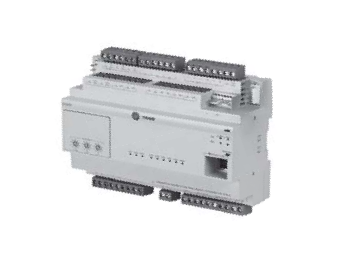
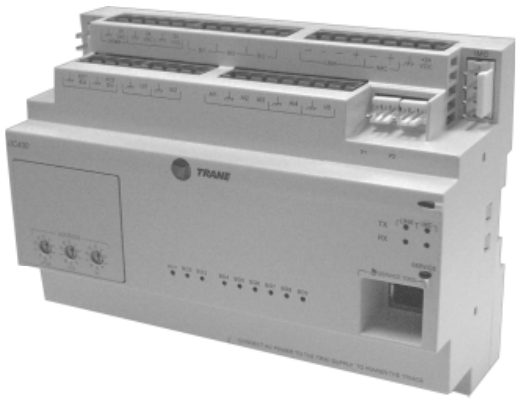
Trane Tracer UC400
Building automation controller
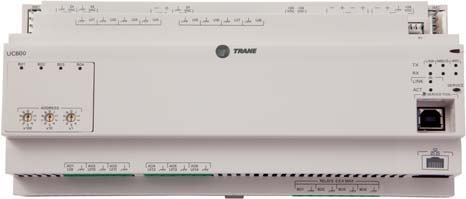
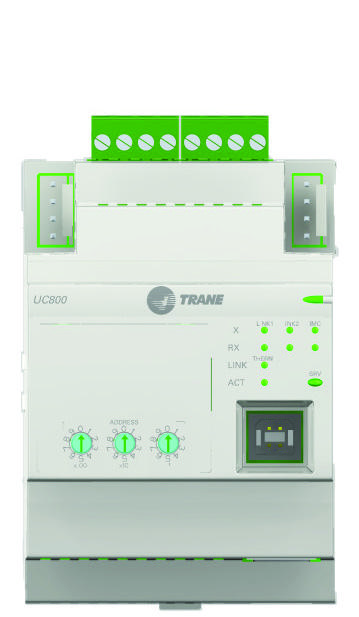
The UC400 can run a VAV application or other equipment-specific programming. Record the loaded application and the equipment tag before copying any point schedule. An interface module built on UC400 hardware can serve a different purpose from the programmable controller.
Compatibility
Compatible with Edge through routed BACnet MS/TP
UC400 supports BACnet MS/TP through a site router.
Use the object list from the commissioned equipment and its installed application.
Connect it with

For a UC400 on the MS/TP network
- BACnet
- Edge
- Platforms
Models
| Models | Interface | Route into Edge |
|---|---|---|
| Tracer UC400 | BACnet MS/TP through a site router. | The BTL listing names UC400 at software 8.0. |
Interface
Documented measurements and integration boundaries for Tracer UC400.
- For a cooling-only terminal, start with airflow feedback. For a custom application, have the controls owner trace one reported value to the sensor or calculation that supplies it.
Assessment
Tracer UC400 on the documented building network.
- InteroperabilityWell supported
- Trane documents UC400 communication over the selected building network.3
- AccuracyNot yet assessed
- The installed equipment and the measurement source determine the meaning of the feedback.2
- SecurityNot yet assessed
- Consult the site controls owner for the permitted network route.1
- ReliabilityNot yet assessed
- Site operation depends on the installed controller and network.1
- RuggednessNot yet assessed
- Confirm the rating of the installed equipment enclosure.2
- ScalabilitySupported with conditions
- Group units by controller, network and loaded application before mapping points.1
- LifecycleSupported with conditions
- Retain the installed application and equipment identifiers with the point list.2
Setup
-
Identify the equipment tag, controller application and commissioned Device instance.
-
Read the mapped feedback and compare it with the same measurement locally.
For a VAV box, check the airflow unit and operating condition against the balancing report.
-
Record the object type and instance, Present_Value, Units and the timestamp alongside the comparison.
Related devices
Sources
- Tracer SC catalogue BAS-PRC031T-EN (opens in a new tab) (PDF)
- VAV terminal installation and balancing guide VAV-SVN09E-EN (opens in a new tab) (PDF)
- UC400 BTL listing, software 8.0 (opens in a new tab) (PDF)
Further reading
Product names and trademarks belong to their owners. Publication does not imply endorsement or a commercial relationship.