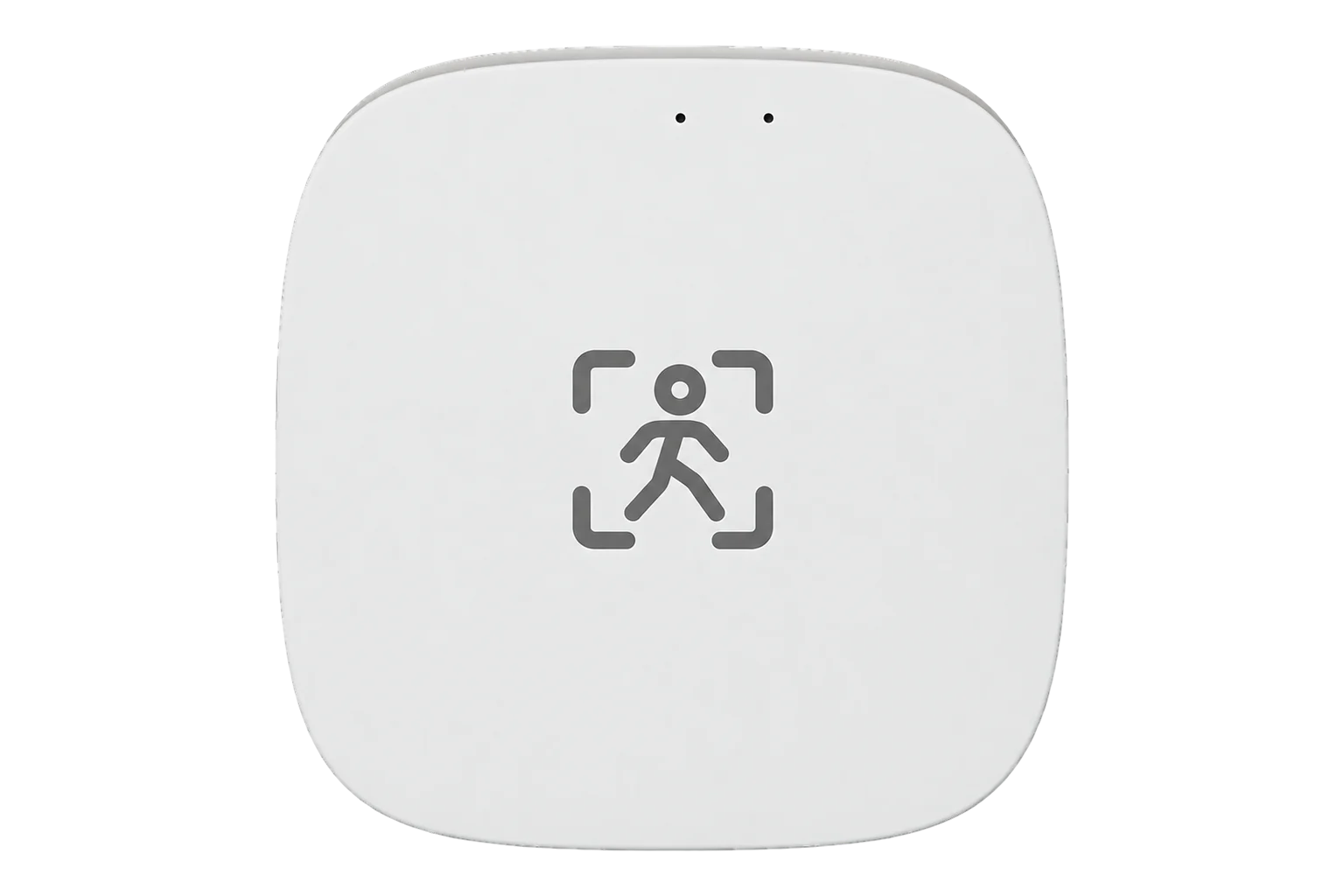
SONOFF SNZB-06P
Radar presence sensor
A USB-powered Zigbee 3.0 presence sensor using 5.8 GHz microwave radar, so it keeps reporting a person who sits still. It covers about 4 m, with three sensitivity levels, a clear delay from 15 seconds and a dim or bright light flag.
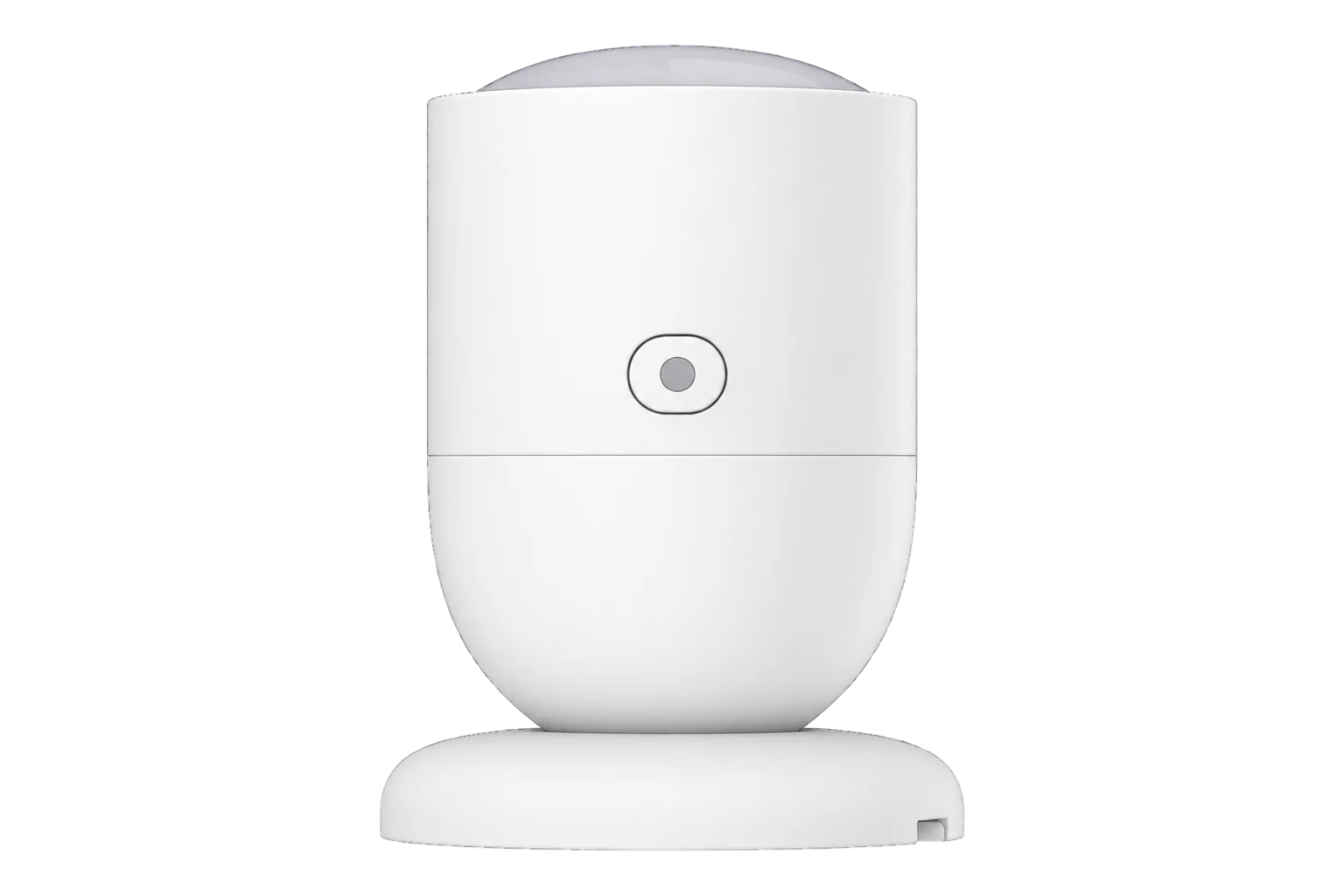
- Zigbee
Radar presence sensor
Compatibility
Compatible with EpiSensor Edge over Zigbee.
Pair it with the Zigbee radio on an EpiSensor Gateway. Edge reads it locally on the Gateway.
Edge reads 4 values from it, listed under Interface.
Connect it with
-
Gateway ZGW-20From €899 ex VAT Configure Gateway

Specifications
The SNZB-06P is a human presence sensor that uses 5.8 GHz microwave radar. SONOFF says it detects both ambient motion and breathing, so it keeps reporting presence while someone sits still, where a PIR motion sensor would time out. Its radial detection distance is about 4 m. It also has a light sensor, and it runs on an EFR32MG22 Zigbee 3.0 radio.1
- Power
- DC supply. 5 V at 1 A through a USB Type-C socket. There is no battery.1
- Sensor
- 5.8 GHz microwave radar1
- Detection distance
- About 4 m, radial1
- Sensitivity levels
- Low 2.5 m, medium 3.5 m, high 4 m2
- Clear delay
- 15 to 65,535 s (30 s minimum before firmware 1.0.5)2
- Light sensing
- Dim or bright, updated when presence is detected2
- Wireless
- Zigbee 3.0 (IEEE 802.15.4)1
- Radio chip
- EFR32MG221
- Indoor radio range
- 30 m1
- Working temperature
- -10 to 60 °C1
- Working humidity
- 0 to 90 % RH, non-condensing1
- Dimensions
- 44.2 × 44.2 × 59 mm1
- Weight
- 31 g1
- Enclosure
- PC and ABS, indoor use only1
- Mounting
- Desktop, magnetic base, adhesive pad or screws1
- Certification
- CE, FCC, ISED, RoHS; EN IEC 62368-11
Where it is used
Presence in meeting rooms, offices and hot desks, to show heating, cooling and lighting running when nobody is there.
HVAC energy monitoring for commercial buildingsRoom use beside temperature, humidity and CO₂ readings, so ventilation and comfort can be judged against who was actually in the room.
Indoor environmental monitoringRoom utilisation for space planning, where a PIR sensor would count a seated meeting as an empty room.
Interface
Readings and settings, with units and ranges where SONOFF publishes them. readable, readable and writable.2
| Reading | Unit | Range or values | Access |
|---|---|---|---|
| Measurements 2 | |||
| PresenceTrue while the radar detects a person, moving or still. | - | Binary state | Read only |
| Light at last detectionWhether the room was dim or bright; updated only when presence is detected. | - | dimbright |
Read only |
| Settings 2 | |||
| Clear delayTime with nobody detected before the sensor reports the room empty. | s | 15 to 65,535 s | Read and write |
| SensitivityDetection distance: low 2.5 m, medium 3.5 m, high 4 m. | - | lowmediumhigh |
Read and write |
Presence, the clear delay and the sensitivity use the standard Zigbee occupancy-sensing cluster (0x0406, attributes 0x0020 and 0x0022). The light flag is a SONOFF manufacturer-specific attribute (0x2001 on cluster 0xFC11).3
Use firmware 1.0.5 or later; the sensor takes firmware updates over the air. Earlier versions need a clear delay of at least 30 seconds, or the sensor can stay in the detected state, and version 1.0.3 is known to misbehave.2
Setup
-
Open pairing in Edge
In Edge, open pairing on the Gateway’s Zigbee network. The Gateway accepts new devices while pairing is open.
-
Power it on
Connect a 5 V, 1 A USB supply to the Type-C socket. On its first power-up the LED flashes slowly for 180 seconds while the sensor looks for a network.1
-
Or start pairing by hand
On a sensor that has been paired before, press and hold the button for 5 seconds until the LED flashes slowly.1
-
Confirm the join
The LED stays on for 3 seconds and then goes out when the sensor has joined. Check that Edge identifies it as SONOFF SNZB-06P and note its firmware version: a clear delay under 30 seconds needs 1.0.5 or later.1
-
Place it away from movement
Point it away from fans, air-conditioning outlets, curtains and plants. Where several sensors share a space, mount them facing the same way or back to back, at least 1.5 m apart, never facing each other.1
-
Test the empty room
Sit still in the room and confirm Edge keeps showing presence, then leave and confirm it clears after the delay. If it stays on in an empty room, lower the sensitivity or move it.1
Common questions
- Does the SNZB-06P need a SONOFF hub to work with Edge?
- No. It is a Zigbee 3.0 device, so it joins the Zigbee radio on an EpiSensor Gateway directly, without a SONOFF hub or the eWeLink app.1
- Will it detect someone sitting still?
- Yes. SONOFF designed it to detect breathing as well as movement, so it keeps reporting presence while a person is still. Someone lying under a thick quilt may not be detected, because the movement of their chest is too weak.1
- Why does it report presence in an empty room?
- Radar picks up anything that moves: air conditioners, fans, curtains, plants, pets, robot vacuums, pipes, and people in a neighbouring room through the wall. SONOFF recommends moving it away from the source, lowering the sensitivity or lengthening the clear delay.1
- Does it need a battery?
- No. It has no battery and needs a 5 V, 1 A supply through its USB Type-C socket, so plan a socket or USB supply near where it will be mounted.1
- Can it see through walls and glass?
- Through some. SONOFF notes that its radar passes through non-metallic materials such as glass, plastic, ceramics and wooden boards, and that it can detect people or objects in adjacent rooms.1
Related devices


Sources
- SNZB-06P user guide and specifications (opens in a new tab)
- SONOFF SNZB-06P device documentation (opens in a new tab)
- SONOFF device definitions (sonoff.ts, v26.111.0) (opens in a new tab)
Further reading
Product names and trademarks belong to their owners. Publication does not imply endorsement or a commercial relationship.