Shelly BLU TRV
Thermostatic radiator valve
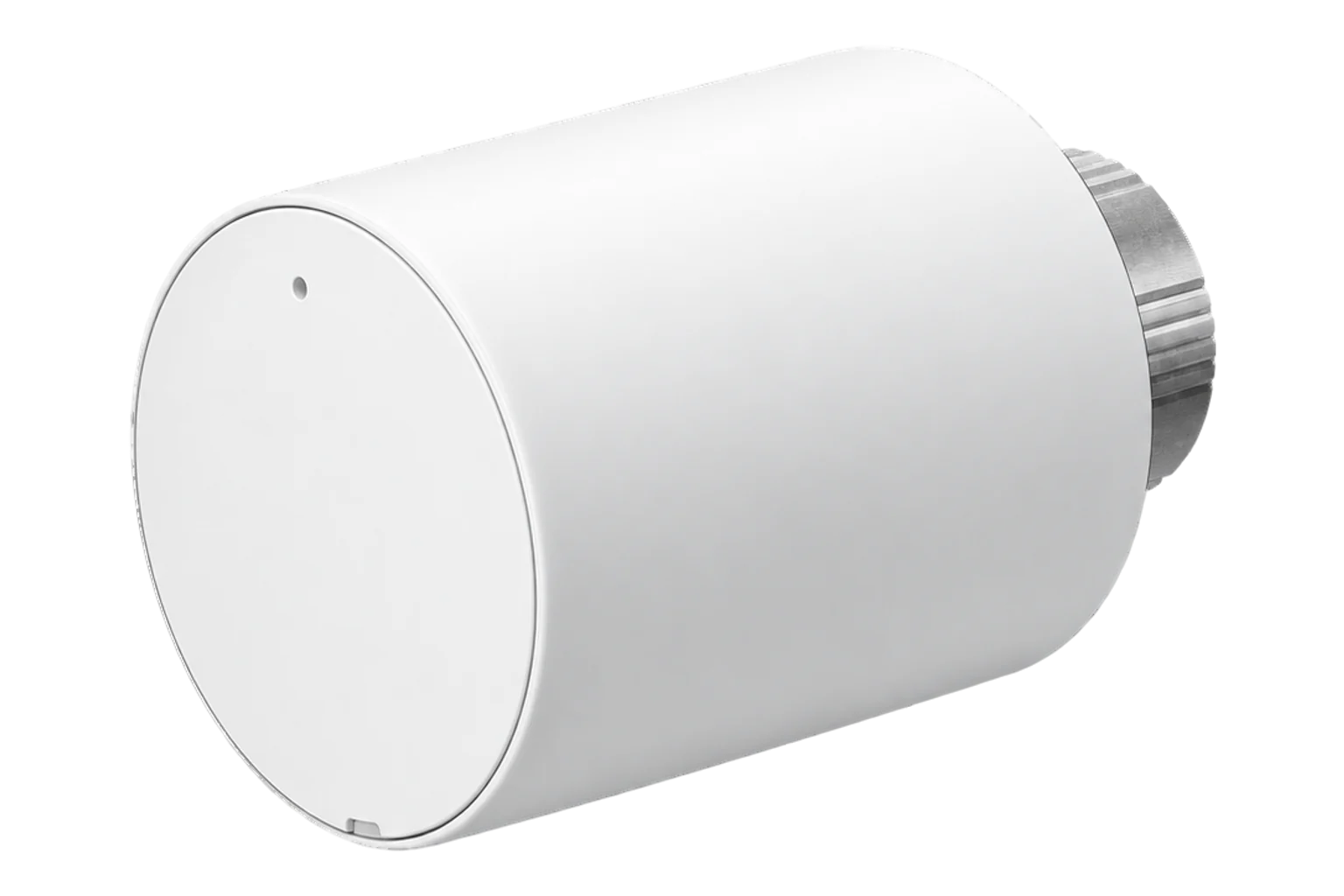
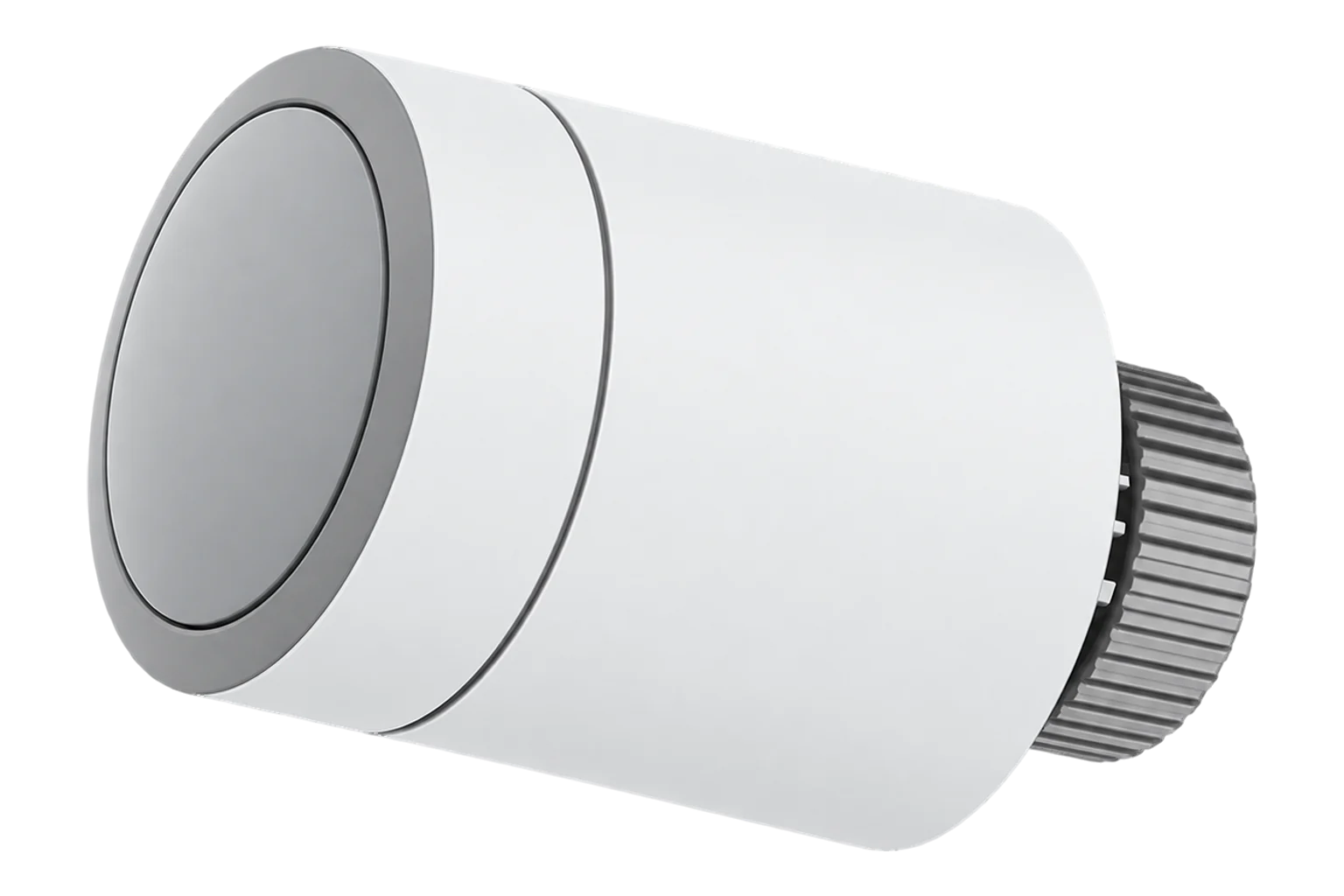
A battery-powered radiator valve head with both Bluetooth and Zigbee radios, a rotary knob that sets the temperature in 0.1 °C steps, and a Zigbee interface that accepts an external room temperature and occupancy from the controller.
Also sold asShelly SBTR-001AEU
Compatibility
Compatible with EpiSensor Edge over Zigbee.
Pair it with the Zigbee radio on an EpiSensor Gateway. Edge reads it locally on the Gateway.
Edge reads 17 values from it, listed under Interface.
Connect it with

Specifications
The BLU TRV replaces the manual head on a radiator valve and controls the room temperature by changing the flow of hot water through the radiator. It fits M30 × 1.5 valves directly, and the supplied adapters cover Danfoss RA, RAV and RAVL, Caleffi, Giacomini and M28 × 1.5 valves such as Comap, Herz and TA. The temperature is set with the knob in 0.1 °C steps, and a quick turn of more than ten steps starts a boost that opens the valve fully.1
- Power
- Battery. Two 1.5 V AA cells, included. Shelly estimates battery life at up to two years.1
- Setpoint range
- 4 to 30 °C, 0.1 °C steps3
- Valve connection
- M30 × 1.5; adapters for Danfoss RA, RAV, RAVL, Caleffi, Giacomini and M28 × 1.51
- Working temperature
- -20 to 60 °C1
- Working humidity
- 25 to 80 % RH1
- Zigbee radio
- IEEE 802.15.4, 2405 to 2480 MHz, below 8 dBm1
- Bluetooth radio
- Bluetooth 5 (LE), 2402 to 2480 MHz, below 8 dBm1
- Radio range
- Up to 10 m indoors, 30 m outdoors1
- Size
- 78 × Ø54 mm1
- Weight
- 107 g1
- Mounting ring
- Nickel-plated brass1
- External temperature input
- -40 to 85 °C over Zigbee3
Where it is used
Radiator control in offices, meeting rooms and hotel rooms, where a room sensor on the wall gives Edge a better temperature than the valve head can.
Indoor environmental monitoringSetting rooms back when they are empty by switching external occupancy from Edge, and reading heating demand across a building to see which rooms keep the boiler firing.
Boiler performance monitoring
Interface
Readings and settings, with units and ranges where Shelly publishes them. readable, readable and writable, writable only.
| Reading | Unit | Range or values | Access |
|---|---|---|---|
| Measurements 4 | |||
| Calibration ok | - | Binary state | Read only |
| Climate | - | - | Read only |
| Local temperature | °C | - | Read only |
| Pi heating demand | % | 0 to 100 % | Read only |
| Controls 2 | |||
| Occupied heating setpoint | °C | 4 to 30 °C | Read and write |
| System mode | - | offautoheat |
Read and write |
| Settings 10 | |||
| Calibrate | - | trigger |
Write only |
| External temperature | °C | -40 to 85 °C | Read and write |
| External occupancy | - | Binary state | Read and write |
| Local temperature calibration | °C | -10 to 10 °C | Read and write |
| Unoccupied heating setpoint | °C | 4 to 30 °C | Read and write |
| Min heat setpoint limit | °C | 4 to 30 °C | Read and write |
| Max heat setpoint limit | °C | 4 to 30 °C | Read and write |
| Manual mode | - | Binary state | Read and write |
| Valve position | % | 0 to 100 % | Read and write |
| Identify | - | identify |
Write only |
| Diagnostics 1 | |||
| Battery | % | 0 to 100 % | Read only |
Writing External temperature gives the valve a room temperature from another sensor. Shelly describes two behaviours for an external sensor: with Underfloor Heating mode off the valve uses it to correct its own sensor, and with the mode on it relies on the external sensor alone. The mode is set in Shelly’s app or BLU Gateway, not over Zigbee.13
External occupancy chooses between the occupied and unoccupied heating setpoints, so an occupancy sensor or a schedule in Edge can set a room back without rewriting the setpoint.3
Calibration OK reports whether the last valve calibration passed, and Calibrate starts a new one. Manual mode switches between automatic and manual control, and Valve position reads or sets the valve opening from 0 to 100 %.3
Firmware cannot yet be updated over Zigbee. Update it over Bluetooth with Shelly’s app before commissioning it on Zigbee.2
Setup
-
Update the firmware first
Bring the valve up to date over Bluetooth with Shelly’s app while it is still in your hands. Zigbee cannot update it yet.2
-
Mount it on the valve
Fit the adapter the valve needs, insert the batteries and mount the head on its back plate. Calibration starts by itself, and the display shows whether it passed.1
-
Open pairing in Edge
In Edge, open pairing on the Gateway’s Zigbee network.
-
Start Zigbee association
Press the user button three times, or open the knob menu and turn 5 steps clockwise. Association stays open for 30 seconds.1
-
Check one reading and one setting
Confirm Edge identifies it as Shelly SBTR-001AEU and that Calibration OK is true. Compare the temperature with a thermometer in the room, then change the setpoint from Edge and check the display follows.
Common questions
- Does the BLU TRV need a Shelly gateway to work with Edge?
- No. It has a Zigbee radio as well as Bluetooth, so it joins the Zigbee network on an EpiSensor Gateway directly. The Shelly BLU Gateway Gen3 is only needed for its Bluetooth and Wi-Fi control.1
- What happens if it loses the Zigbee network?
- It retries every 60 minutes for 12 hours, every 6 hours for the next 24 hours and every 24 hours for 7 days, then stops until it is rebooted. Selecting ZbE in the valve’s menu starts a reconnection straight away.1
- Why will the valve not close fully?
- On some valves the plunger is slightly short. Shelly suggests fixing a small metal disc, about the size of a one-cent coin, to the plunger tip and letting the valve calibrate again.1
- How do I factory reset it?
- Hold the user button for 30 seconds. After a reset, start Zigbee association again with three presses of the button.1
Related devices

Sources
- Shelly BLU TRV (opens in a new tab)
- Shelly SBTR-001AEU (opens in a new tab)
- Shelly device definitions (shelly.ts), v26.111.0 (opens in a new tab)
Further reading
Product names and trademarks belong to their owners. Publication does not imply endorsement or a commercial relationship.