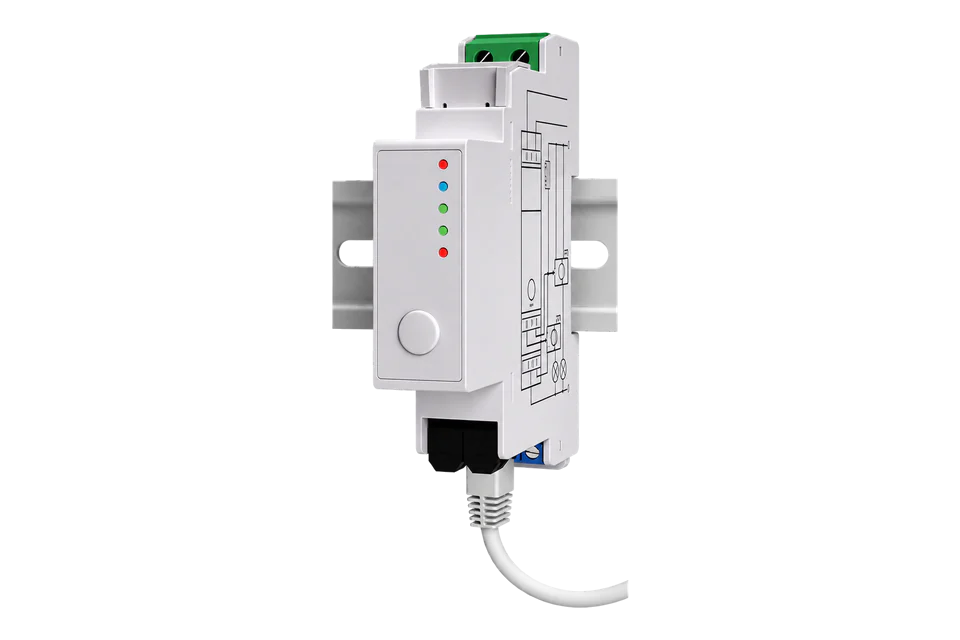
Shelly Pro EM-50
Single-phase energy meter
A DIN-rail meter with two 50 A measurement channels, Ethernet and a separate contactor-control relay.
- HTTP RPC
- MQTT
- Modbus TCP
Single-phase energy meter
Compatibility
Compatible with conditions
The local JSON API and MQTT allow a custom integration through Edge’s Node-RED integration workspace. This guide supplies read-only requests and validation checks, not a built-in driver or downloadable device template. Physical integration has not been tested.
SPEM-002CEBEU50 only. Use em1:0/em1:1 and em1data:0/em1data:1, not the three-phase EM component.
Read an already commissioned meter on the same protected network
- Wired
- Edge
- Platforms
An MQTT broker and device publication settings are already configured
- Wired
- Edge
- Platforms
The installed firmware exposes and enables the documented Modbus component
- Modbus
- Edge
- Platforms
Models
| Models | Interface | Route into Edge |
|---|---|---|
| SPEM-002CEBEU50 | Ethernet or site Wi-Fi; local RPC and MQTT | SPEM-002CEBEU50 only. Use em1:0/em1:1 and em1data:0/em1data:1, not the three-phase EM component. |
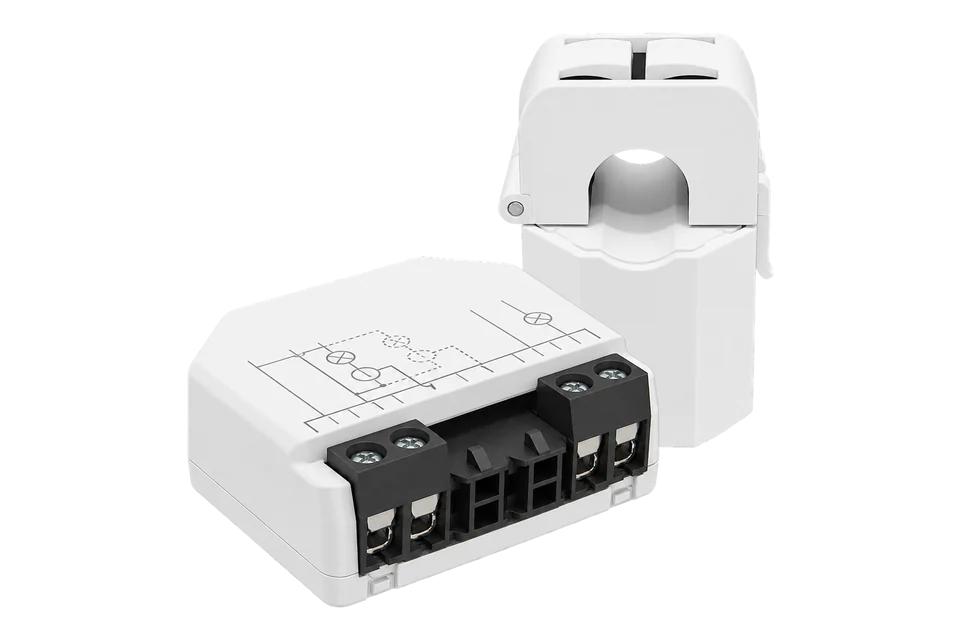
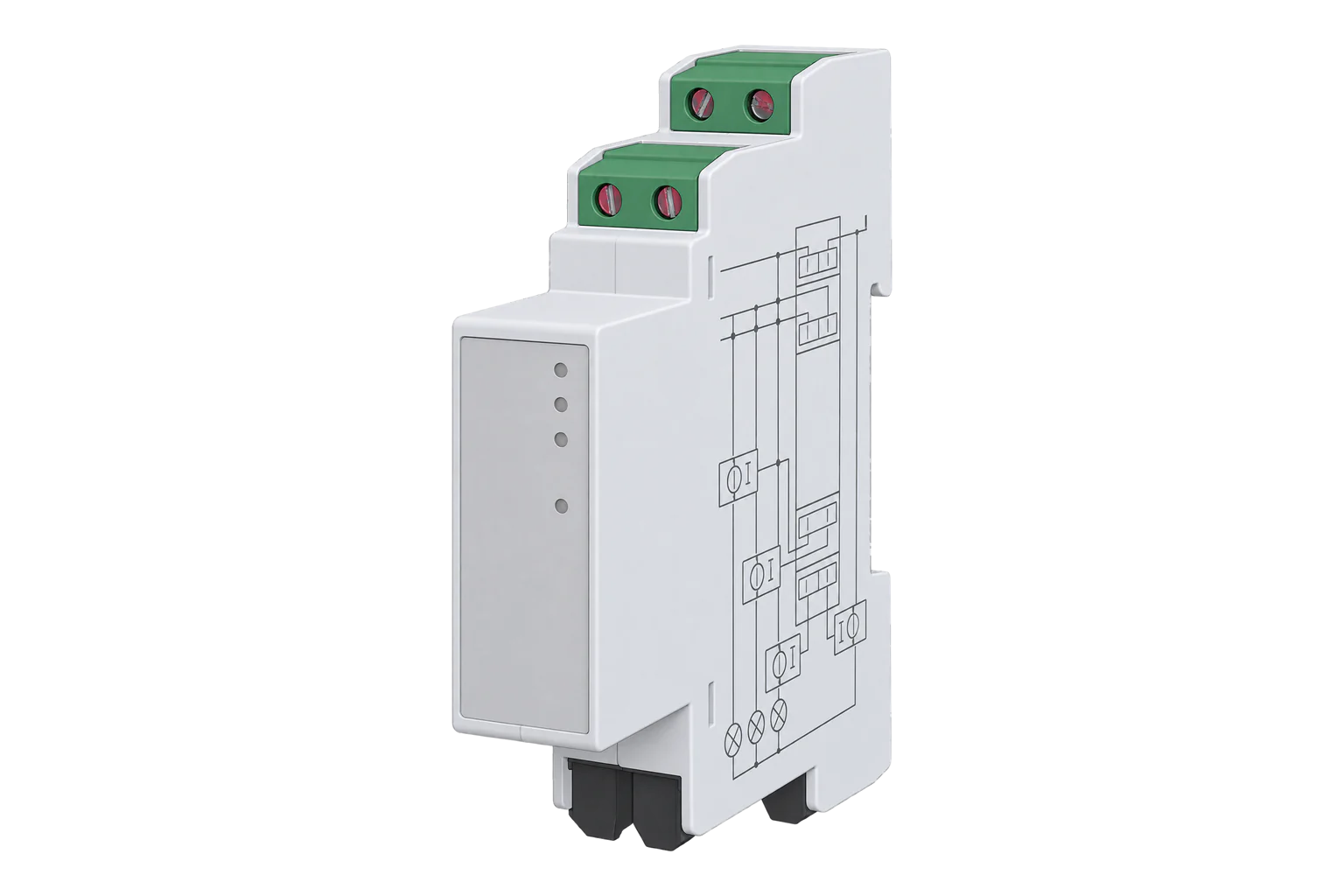
| Pro 3EM 120 A, Pro EM-50 and EM Gen3 | Different CT limits, networking and component instances | The 120 A Pro 3EM map is a separate guide. A similar product name does not make CTs or register blocks interchangeable. |
Specifications
Choose Pro EM-50 for two monitored single-phase circuits and wired networking. The dry-contact relay is separate from measurement and is not a 50 A load switch.1
- Exact model
- SPEM-002CEBEU501
- Measurement topology
- Two single-phase measurement channels1
- Current transformers
- 50 A maximum per measurement channel1
- Local history
- Up to 60 days, one-minute resolution1
- Network
- Ethernet and Wi-Fi1
- Relay
- Separate dry-contact output for external contactor control1
- Installation
- Indoor DIN rail; -20 to 40°C1
Interface
Documented measurements and integration boundaries for Pro EM-50.
- Per-channel current (A), voltage (V), signed active power (W), apparent power (VA), power factor and frequency (Hz).
- EM1Data consumed and returned active-energy counters in Wh; keep directions separate before calculating net energy.
- Timestamped recorded data: use returned keys, periods and continuity information rather than treating a missing interval as zero.
Assessment
SPEM-002CEBEU50 only. Use em1:0/em1:1 and em1data:0/em1data:1, not the three-phase EM component. Documentation review only; no physical commissioning claim.
- InteroperabilitySupported with conditions
- Documented local JSON methods and MQTT status transport support a custom mapping. Validate exact model, components and installed firmware.256
- AccuracySupported with conditions
- Direction-aware active energy and instantaneous power support operational monitoring. CT fit, reference phase and low-load accuracy remain model-specific; no billing certification is inferred.13
- SecuritySupported with conditions
- The RPC protocol supports authentication; network isolation and broker TLS configuration remain the integrator’s responsibility.56
- ReliabilitySupported with conditions
- Local stored history supports recovery after network interruption. Handle storage horizon, gaps and counter resets explicitly.14
- RuggednessSupported with conditions
- Published indoor installation and ambient limits require an appropriate electrical enclosure.1
- ScalabilityNot yet assessed
- No verified fleet polling capacity or concurrent-client limit is established by this guide.
Setup
Read one channel and its energy counters
Read-only requests against an already commissioned local meter. The numbers below are synthetic arithmetic examples, not captured device measurements.
- Identity first
- GET /rpc/Shelly.GetDeviceInfo: record model, firmware and profile; reject another model.
- Instantaneous read
- GET /rpc/EM1.GetStatus?id=0; compare voltage and act_power with the local web interface.
- Energy read
- GET /rpc/EM1Data.GetStatus?id=0; inspect total_act_energy and total_act_ret_energy for channel 0.
- Synthetic counter difference
- Consumed 125000 to 125750 Wh = 0.750 kWh; returned 8000 to 8125 Wh = 0.125 kWh; net consumed = 0.625 kWh.
- History read
- GET /rpc/EM1Data.GetRecords?id=0, then EM1Data.GetData with a bounded ts/end_ts window. Decode the returned keys and period; preserve gaps.
Acceptance: Accept only fresh, error-free responses for the expected component and matching local readings. A decreasing/reset counter starts a new interval; never interpret it as negative consumption.
-
SPEM-002CEBEU50 only.
Use em1:0/em1:1 and em1data:0/em1data:1, not the three-phase EM component.
-
Record Shelly.GetDeviceInfo model and firmware.
API documentation version 1.0 is the documentation edition, not a minimum firmware promise. Verify available methods and components on the installed release.
-
Read both channel IDs independently and preserve their labels; do not interpret two channels as a three-phase meter.
-
Have the installation checked against the exact manufacturer wiring and CT instructions.
Match CT direction to the voltage reference and validate consumed/returned direction against a known load.
-
Read /rpc/EM1.GetStatus?id=0 and /rpc/EM1Data.GetStatus?id=0.
Do not convert missing, null or error-bearing values to zero. Repeat for the remaining configured channels.
-
Use a protected LAN and the configured authentication.
HTTP requests are not inherently encrypted; use MQTT TLS where configured and keep credentials out of URLs, logs and exported diagrams.
-
Retrieve stored intervals with the component history API.
Respect timestamps, returned field keys, response chunking and interruptions after power loss. Cloud access is optional for local metering.
-
This monitoring workflow never switches the relay, resets counters, changes calibration, changes profile or writes Modbus registers.
Those operations can alter the installation or erase history.
Common questions
- Does local monitoring require Shelly Cloud?
- No. The exact product supports standalone local operation. Remote access outside the LAN needs a separately secured network or cloud arrangement; it is not required for local RPC or broker-based collection.1
- Can I use the Pro 3EM 120 A downloadable template?
- No. This guide covers different hardware or CT scope and supplies no template. Map the exact component instances; the 3CT63 triphase and monophase profiles also expose different APIs.2
- How do I calculate imported and exported energy?
- Use differences between successive consumed and returned Wh counters separately, then divide by 1000 for kWh. Keep phase/channel identity, timestamps and reset boundaries. Subtract returned energy only when a net figure is wanted.4
Related devices
Sources
- Shelly Pro EM-50 model, specifications and wiring (opens in a new tab)
- Shelly Pro EM-50 device components and profiles (opens in a new tab)
- EM1 single-channel measurements (opens in a new tab)
- EM1Data counters and recorded data (opens in a new tab)
- Shelly RPC protocol and authentication (opens in a new tab)
- MQTT configuration and notifications (opens in a new tab)
- Shelly firmware changelog (opens in a new tab)
- Modbus TCP component and register addressing (opens in a new tab)
Further reading
Product names and trademarks belong to their owners. Publication does not imply endorsement or a commercial relationship.