Shelly EM Gen4
Two-channel energy meter
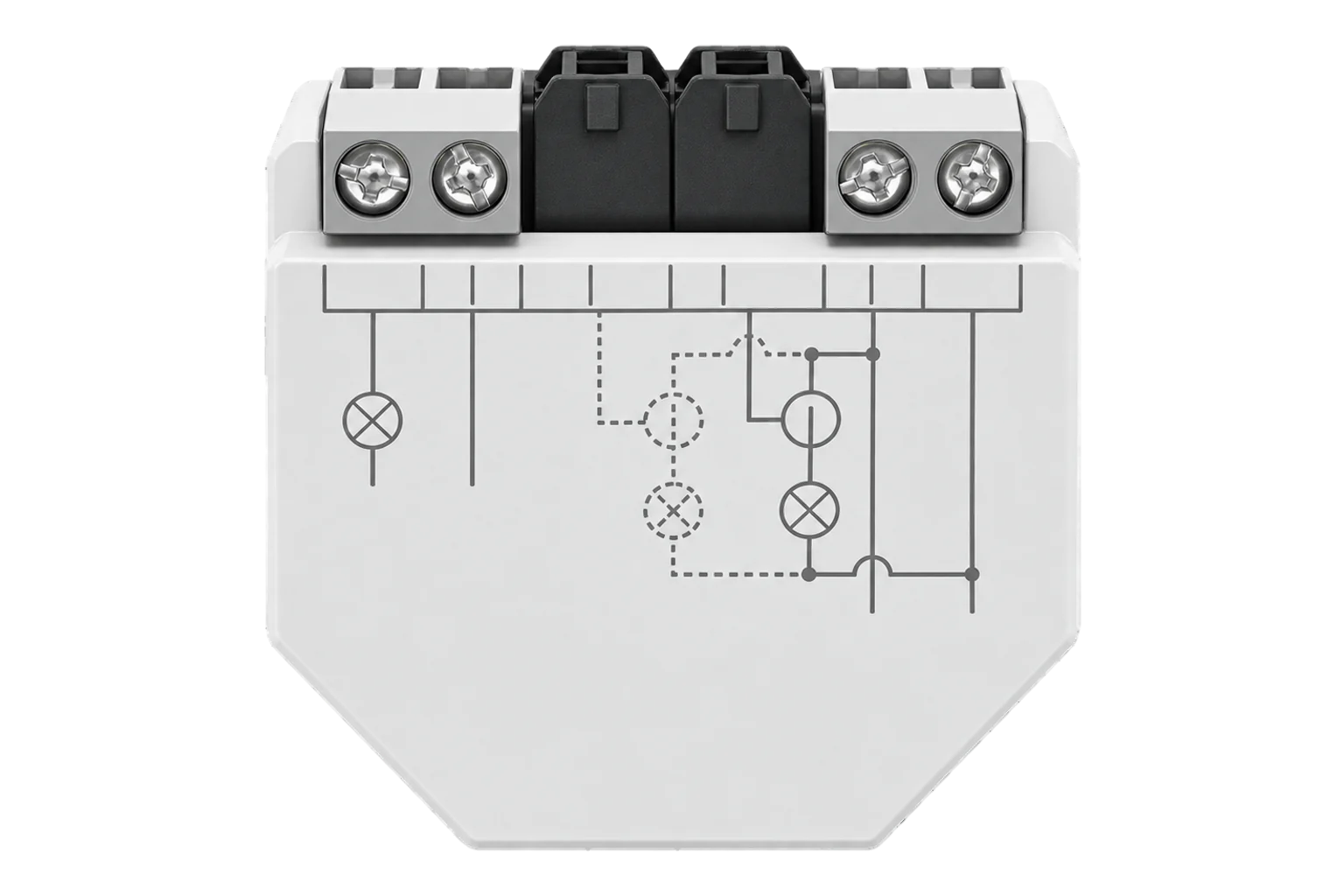
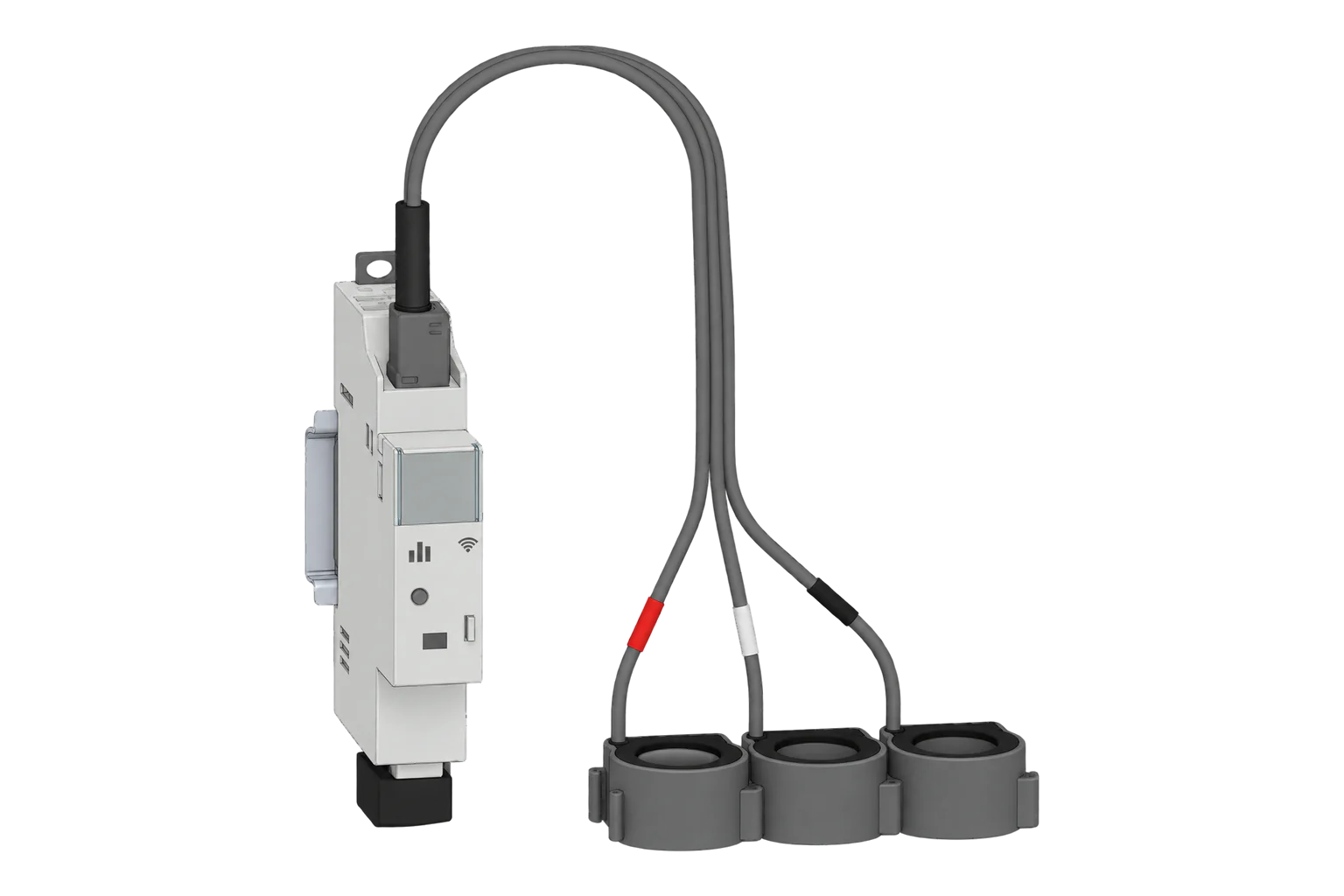
A single-phase meter with two clamp-on current transformer channels up to 120 A and a 2 A dry contact for a contactor coil. It reports power, voltage, current and imported and exported energy per channel over Zigbee.
Compatibility
Compatible with EpiSensor Edge over Zigbee.
Pair it with the Zigbee radio on an EpiSensor Gateway. Edge reads it locally on the Gateway.
Edge reads 24 values from it, listed under Interface.
Connect it with

Specifications
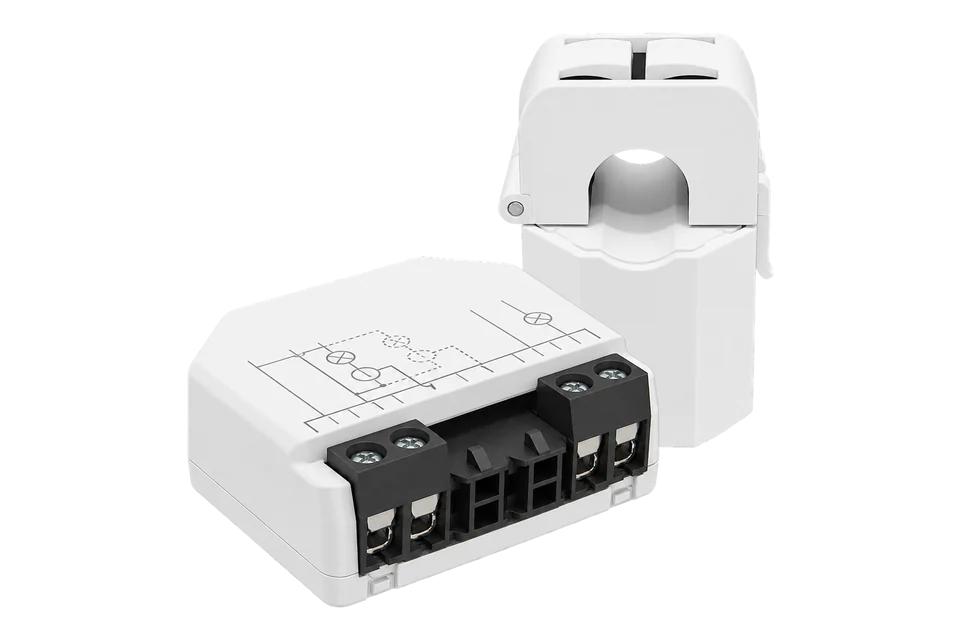
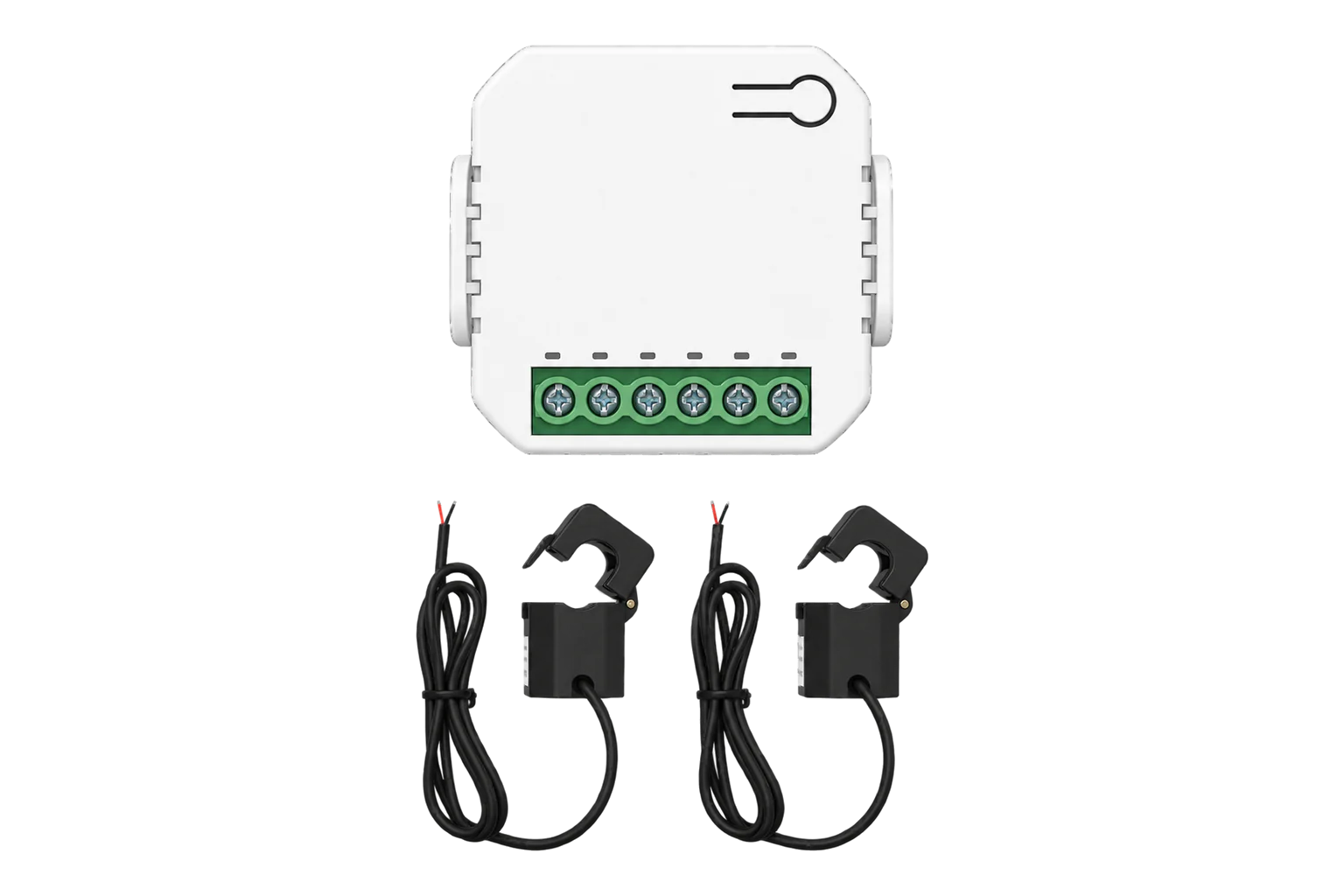
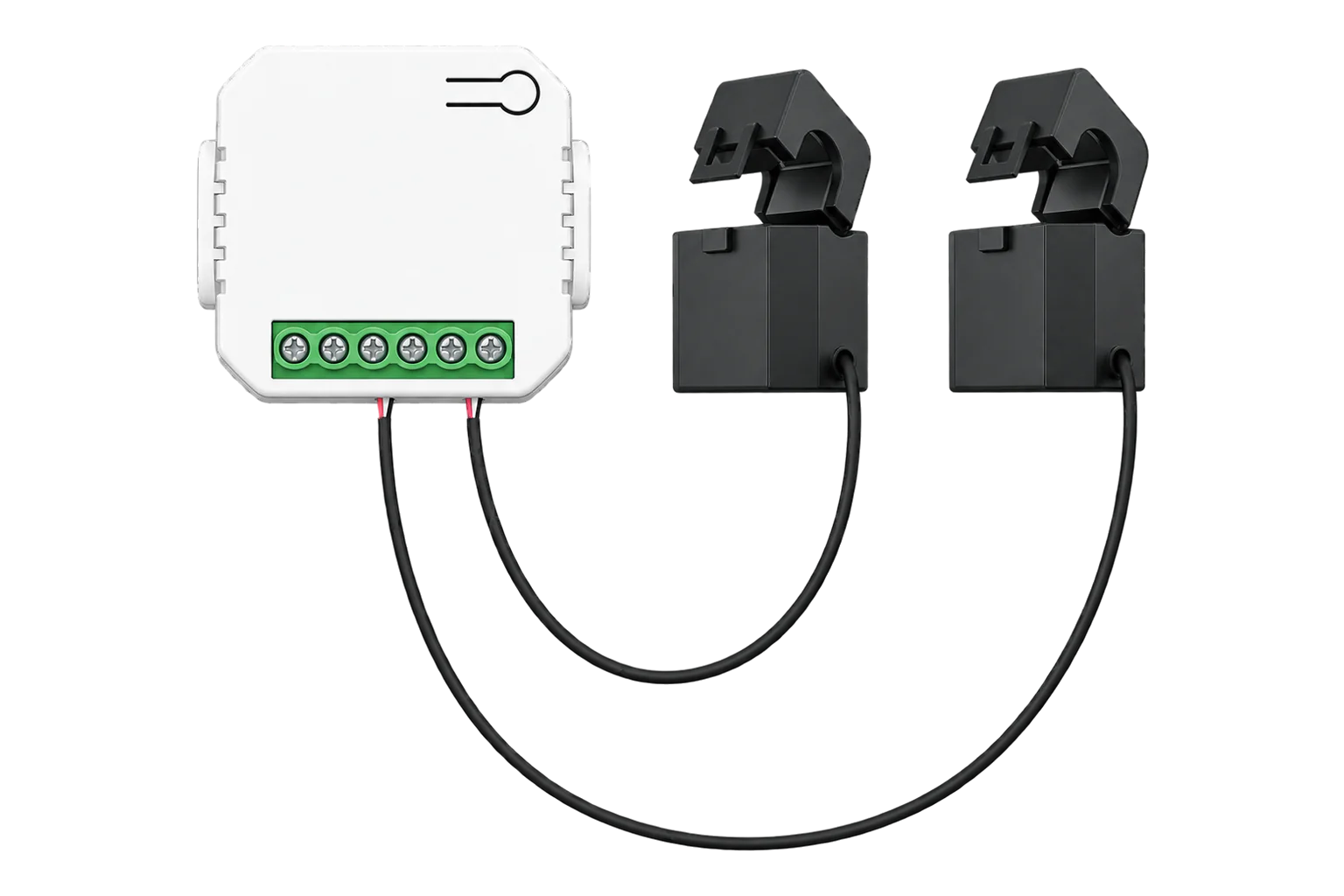
The EM Gen4, order code S4EM-002CXCEU, measures two circuits on one phase with clamp-on current transformers, so the monitored cables are not broken into. A 50 A transformer comes in the box; 80 A and 120 A transformers are also compatible. The meter itself takes its supply and voltage reference from L and N at 110 to 240 V AC.12
- Power
- Mains. Powered from 110 to 240 V AC at 50 or 60 Hz on its L and N terminals, under 1 W.1
- Order code
- S4EM-002CXCEU1
- Channels
- Single phase, two current transformer channels (IA, IB)1
- Current transformers
- 50 A included; 80 A and 120 A compatible1
- Current range
- 0 to 120 A1
- Current accuracy
- ±2 % from 1 to 50 A, ±5 % from 0 to 1 A1
- Voltage range and accuracy
- 110 to 240 V AC, ±2 %1
- No-load threshold
- 30 VA per phase1
- Relay output
- Dry contact, 2 A at 240 V AC maximum1
- External protection
- 2 A breaker, B or C characteristic, 6 kA, energy limiting class 31
- Terminals
- 0.5 to 4 mm², 6 to 7 mm stripped, 0.4 Nm maximum1
- Operating temperature
- -20 to 40 °C1
- Humidity
- 30 to 70 % RH1
- Dimensions (H × W × D)
- 37 × 42 × 16 mm1
- Weight
- 26 g1
- Zigbee radio
- IEEE 802.15.4, 2405 to 2480 MHz, under 20 dBm, repeater1
- Zigbee range
- Up to 100 m indoors, 300 m outdoors, depending on the site1
- Local data log
- At least 30 days of 1 minute records on the device1
Where it is used
Grid import and solar generation on one single-phase supply, one channel each, using the separate exported energy counters.
Solar PV monitoringMetering an electric water heater or boiler and switching its contactor from the same device for load shedding.
Electric boiler demand responseTwo final circuits in a small shop, office or apartment, without breaking into the cables.
Tenant submetering and cost allocation
Interface
On the Zigbee network it joins as a router and extends the mesh for other devices.1
Readings and settings, with units and ranges where Shelly publishes them. readable, readable and writable, writable only.4
| Reading | Unit | Range or values | Access |
|---|---|---|---|
| Measurements 12 | |||
| Active power, endpoint 2Instantaneous active power | W | - | Read only |
| Voltage, endpoint 2RMS voltage | V | - | Read only |
| Current, endpoint 2RMS current | A | - | Read only |
| Frequency, endpoint 2Mains frequency | Hz | - | Read only |
| Imported energy, endpoint 2Energy consumed, cumulative | kWh | - | Read only |
| Exported energy, endpoint 2Energy fed back towards the supply, cumulative | kWh | - | Read only |
| Active power, endpoint 3Instantaneous active power | W | - | Read only |
| Voltage, endpoint 3RMS voltage | V | - | Read only |
| Current, endpoint 3RMS current | A | - | Read only |
| Frequency, endpoint 3Mains frequency | Hz | - | Read only |
| Imported energy, endpoint 3Energy consumed, cumulative | kWh | - | Read only |
| Exported energy, endpoint 3Energy fed back towards the supply, cumulative | kWh | - | Read only |
| Controls 2 | |||
| Relay outputDry contact relay output on endpoint 1 | - | ONOFF |
Read and write |
| IdentifyStarts the device identify routine | - | identify |
Write only |
| Settings 7 | |||
| Wi-Fi enabledTurns Wi-Fi on or off | - | Binary state | Read and write |
| Wi-Fi networkSSID of the Wi-Fi network to join | - | - | Read and write |
| Wi-Fi passwordPassword for that network; write only | - | - | Write only |
| Static IPv4 addressUsed when DHCP is off | - | - | Read and write |
| Network maskFor the static address | - | - | Read and write |
| Default gatewayFor the static address | - | - | Read and write |
| DNS serverFor the static address | - | - | Read and write |
| Diagnostics 3 | |||
| Wi-Fi statusCurrent Wi-Fi connection status | - | - | Read only |
| IP addressIP address currently assigned on Wi-Fi | - | - | Read only |
| DHCP enabledWhether DHCP assigns the Wi-Fi network settings | - | Binary state | Read only |
The Zigbee definition has three endpoints. Endpoint 1 is the relay (state_1). Endpoints 2 and 3 are the two current transformer channels, so each measurement appears twice with the suffix _2 or _3, for example power_2 and power_3.4
Energy is split into imported energy (energy) and exported energy (produced_energy), both in kWh, which suits a channel on a solar inverter feed. Apparent power and power factor are calculated on the device but are not in the Zigbee definition.14
The same definition carries the device's Wi-Fi settings and status. Firmware updates are not delivered over Zigbee, so update the device over Wi-Fi before you switch it to Zigbee.34
Setup
-
Wire it with the circuit dead
Connect L and N through a 2 A B or C breaker. Clamp each current transformer around the live conductor of its circuit and connect it to IA or IB. Wire the contactor coil circuit through the relay's I and O terminals if you use it.1
-
Update the firmware first
While it is still on Wi-Fi, update its firmware from the Shelly app or the web interface at 192.168.33.1 on its own access point.2
-
Open pairing in Edge
In Edge, open pairing on the Gateway's Zigbee network.
-
Switch it to Zigbee
Press the button 5 times quickly. The device switches from Wi-Fi (Matter) to Zigbee and stays in inclusion mode for 2 minutes.2
-
Check both channels
Load each circuit in turn and compare current with a clamp meter. If power reads negative on a consuming load, turn that transformer round.
Related devices
Sources
- Shelly EM Gen4 knowledge base page (opens in a new tab)
- Shelly EM Gen4 user and safety guide (opens in a new tab) (PDF)
- Shelly S4EM-002CXCEU device documentation (opens in a new tab)
- Shelly S4EM-002CXCEU converter source (opens in a new tab)
Further reading
Product names and trademarks belong to their owners. Publication does not imply endorsement or a commercial relationship.