Shelly EM Mini Gen4
Single-phase energy meter
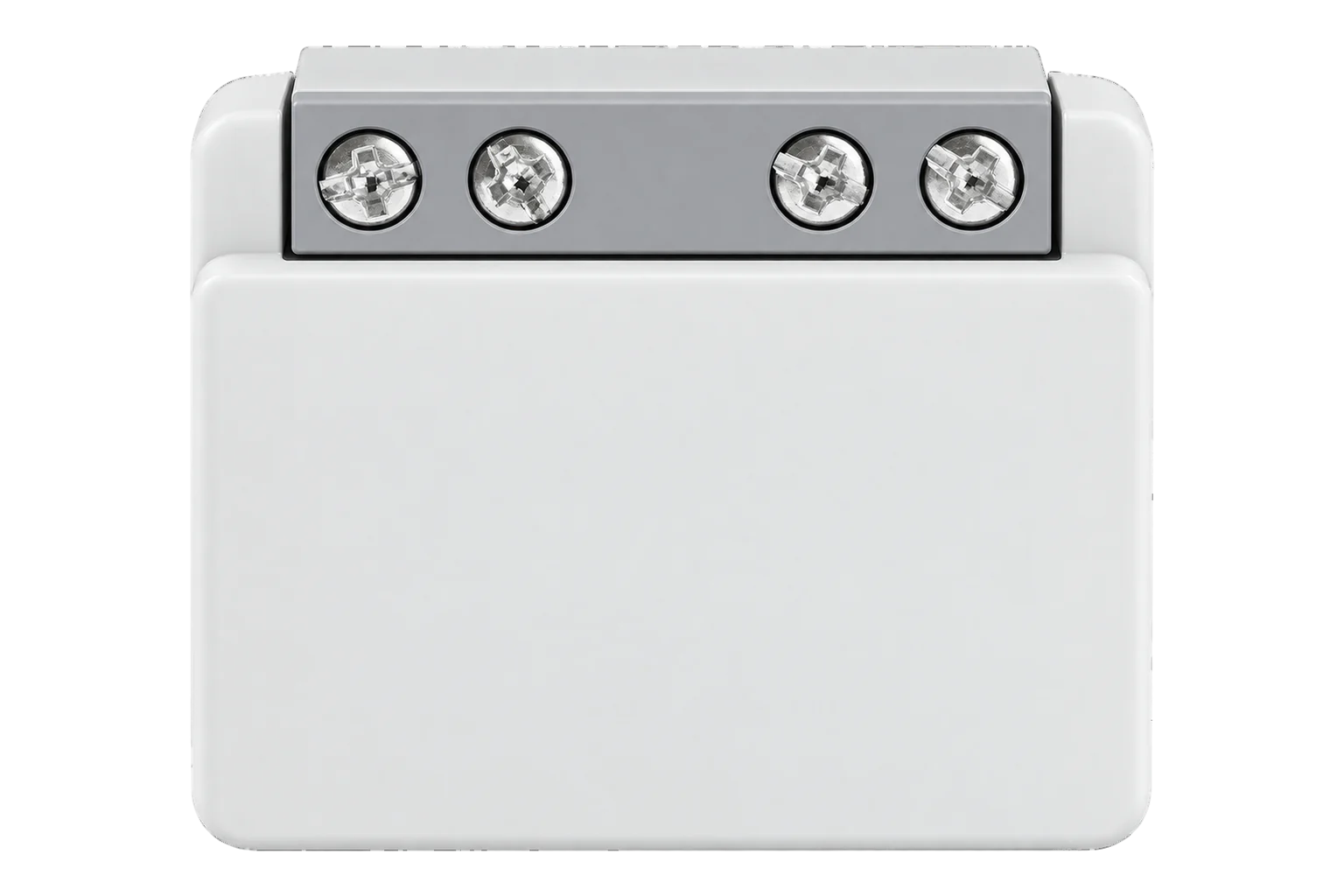
A compact 16 A single-phase meter that the load current passes through. It measures voltage, current, power and energy to ±1 % and reports them over Zigbee once it is switched out of its default Matter mode.
Compatibility
Compatible with EpiSensor Edge over Zigbee.
Pair it with the Zigbee radio on an EpiSensor Gateway. Edge reads it locally on the Gateway.
Edge reads 17 values from it, listed under Interface.
Connect it with

Specifications
The EM Mini Gen4, order code S4EM-001PXCEU16, is a small single-phase meter for one circuit up to 16 A. The circuit's live conductor runs through it: the supply connects to the L terminal and the load to one of the two internally bridged O terminals, with neutral to N. It measures up to 240 V and 3840 W, and Shelly states ±1 % for both voltage and current.12
- Power
- Mains. Powered from the 110 to 240 V AC circuit it measures, under 1 W.1
- Order code
- S4EM-001PXCEU161
- Measuring range
- 0 to 16 A, 110 to 240 V AC, 50/60 Hz, up to 3840 W1
- Voltage accuracy
- ±1 %1
- Current accuracy
- ±1 %1
- Terminals
- L and N inputs; two O load outputs, bridged internally1
- External protection
- B or C characteristic breaker, 16 A maximum, 6 kA minimum, energy limiting class 31
- Screw terminal torque
- 0.4 Nm maximum1
- Operating temperature
- -20 to 40 °C1
- Humidity
- 30 to 70 % RH1
- Dimensions (H × W × D)
- 29 × 34 × 16 mm1
- Weight
- 13 g1
- Zigbee radio
- IEEE 802.15.4, 2400 to 2483.5 MHz, under 20 dBm1
- Zigbee range
- Up to 100 m indoors, 300 m outdoors, depending on the site1
- Other radios
- Wi-Fi 802.11 b/g/n/ax and Bluetooth 5.01
- Local data log
- At least 10 days of 1 minute records on the device1
Where it is used
Metering a single final circuit or appliance up to 16 A, such as a water heater, a server rack feed or a vending machine.
Data centre power monitoring and PUE inputsImport and export on a small plug-in or micro-inverter solar circuit, using its separate exported energy counter.
Solar PV monitoringAdding a Zigbee router in a plant room or riser while metering the circuit that powers it.
Interface
On the Zigbee network it joins as a router and extends the mesh for other devices.1
Readings and settings, with units and ranges where Shelly publishes them. readable, readable and writable, writable only.5
| Reading | Unit | Range or values | Access |
|---|---|---|---|
| Measurements 6 | |||
| Active powerInstantaneous active power | W | - | Read only |
| VoltageRMS voltage | V | - | Read only |
| CurrentRMS current | A | - | Read only |
| FrequencyMains frequency | Hz | - | Read only |
| Imported energyEnergy consumed, cumulative | kWh | - | Read only |
| Exported energyEnergy fed back towards the supply, cumulative | kWh | - | Read only |
| Controls 1 | |||
| IdentifyStarts the device identify routine | - | identify |
Write only |
| Settings 7 | |||
| Wi-Fi enabledTurns Wi-Fi on or off | - | Binary state | Read and write |
| Wi-Fi networkSSID of the Wi-Fi network to join | - | - | Read and write |
| Wi-Fi passwordPassword for that network; write only | - | - | Write only |
| Static IPv4 addressUsed when DHCP is off | - | - | Read and write |
| Network maskFor the static address | - | - | Read and write |
| Default gatewayFor the static address | - | - | Read and write |
| DNS serverFor the static address | - | - | Read and write |
| Diagnostics 3 | |||
| Wi-Fi statusCurrent Wi-Fi connection status | - | - | Read only |
| IP addressIP address currently assigned on Wi-Fi | - | - | Read only |
| DHCP enabledWhether DHCP assigns the Wi-Fi network settings | - | Binary state | Read only |
The device leaves the factory in Matter mode. Until it has been switched to Zigbee with five button presses, it will not appear on a Zigbee network at all.1
Energy is split into imported energy (energy) and exported energy (produced_energy), both in kWh. The same Zigbee definition also carries the device's Wi-Fi settings and status, which appear in the table as settings and diagnostics.5
Firmware updates are not delivered over Zigbee. Update the device from its web interface or the Shelly app over Wi-Fi before you commission it.14
Setup
-
Wire it with the circuit dead
Connect the incoming live to L, neutral to N and the load's live to an O terminal. Tighten the screw terminals to no more than 0.4 Nm.1
-
Update the firmware first
While it is still on Wi-Fi, update its firmware from the Shelly app or its web interface. Zigbee does not carry firmware updates for Shelly devices yet.4
-
Open pairing in Edge
In Edge, open pairing on the Gateway's Zigbee network.
-
Switch it to Zigbee
Press the button 5 times quickly. The device changes from Matter to its Zigbee profile and stays in inclusion mode for 3 minutes. If you miss the window, press the button 3 times to restart it.1
-
Check one reading
Run a known load, such as a heater, and compare power and current with a clamp meter. Confirm that energy counts up as imported energy, not exported.
Common questions
- Does it need a current transformer?
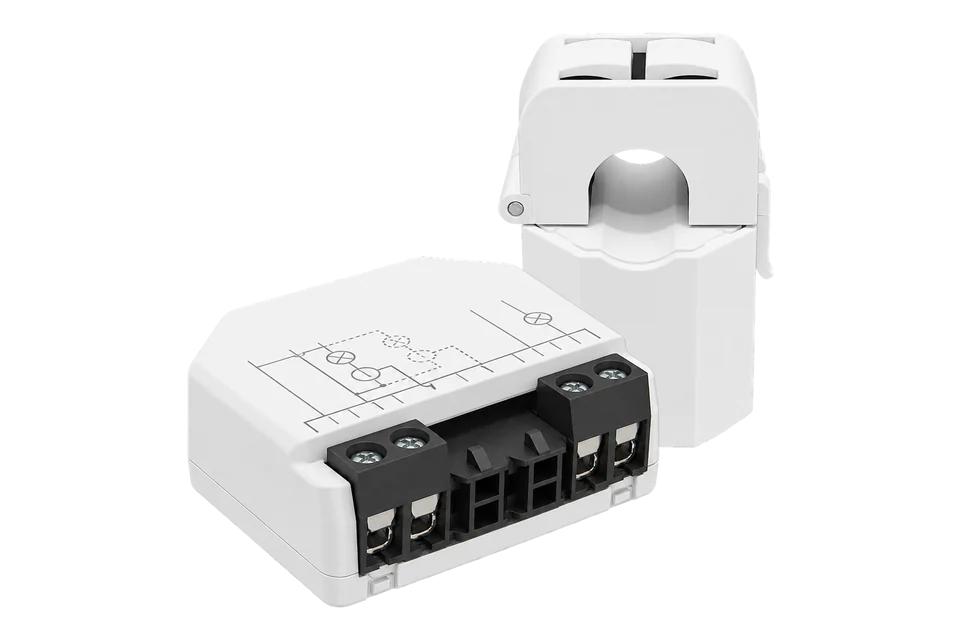
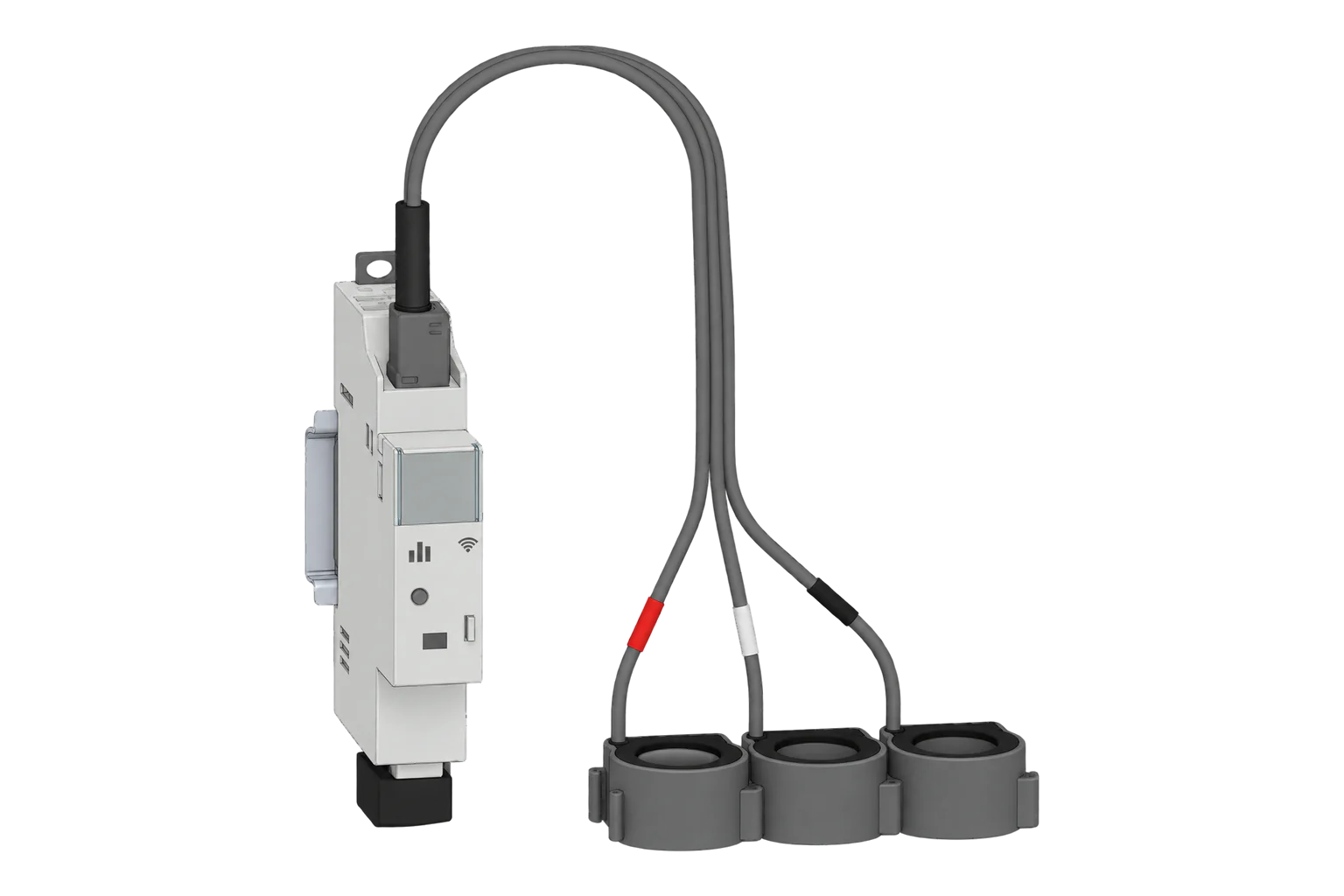
- No. The circuit passes through the device itself, so it is limited to 16 A. For larger circuits or several channels, the Shelly EM Gen4 uses clamp-on current transformers up to 120 A.13
- Can it measure solar export?
- Yes. Its Zigbee definition reports exported energy separately from imported energy, both in kWh.5
- How do I reset it?
- Hold the button for 10 seconds to return it to factory settings.1
Related devices
Sources
- Shelly EM Mini Gen4 knowledge base page (opens in a new tab)
- Shelly EM Mini Gen4 user and safety guide (opens in a new tab) (PDF)
- Shelly EM Gen4 knowledge base page (opens in a new tab)
- Shelly S4EM-001PXCEU16 device documentation (opens in a new tab)
- Shelly S4EM-001PXCEU16 converter source (opens in a new tab)
Further reading
Product names and trademarks belong to their owners. Publication does not imply endorsement or a commercial relationship.