Schneider Electric WDE002497
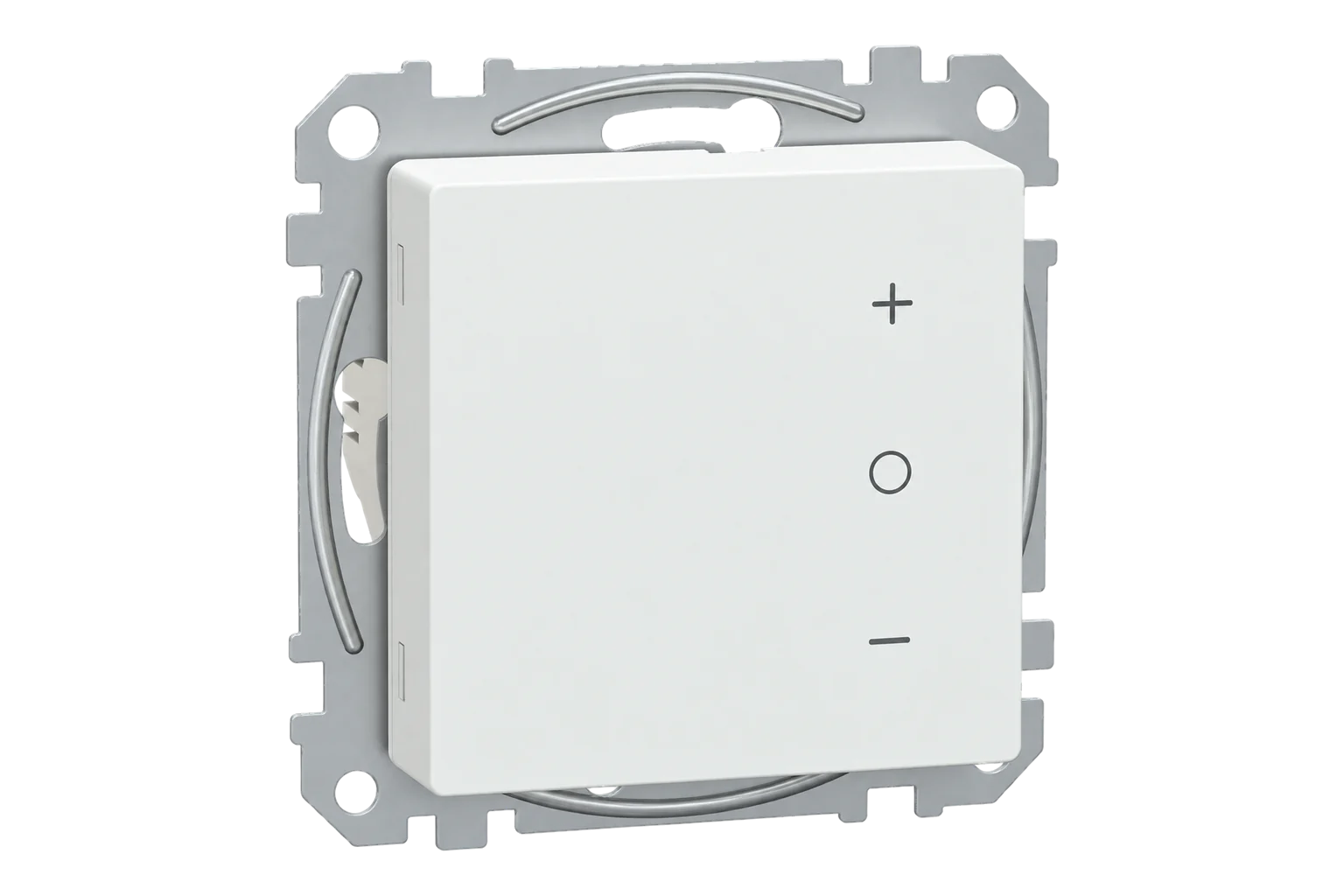
Floor heating thermostat
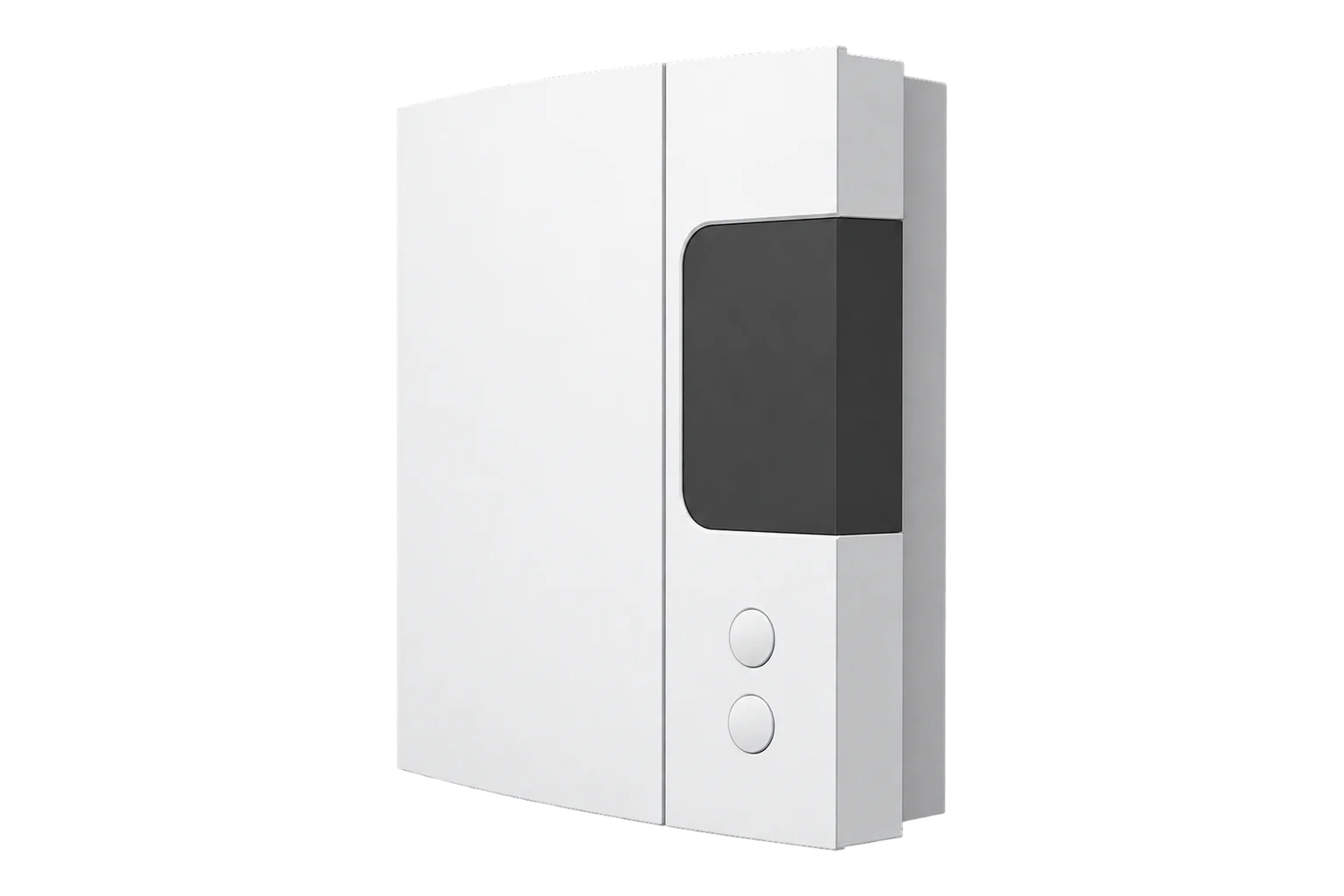
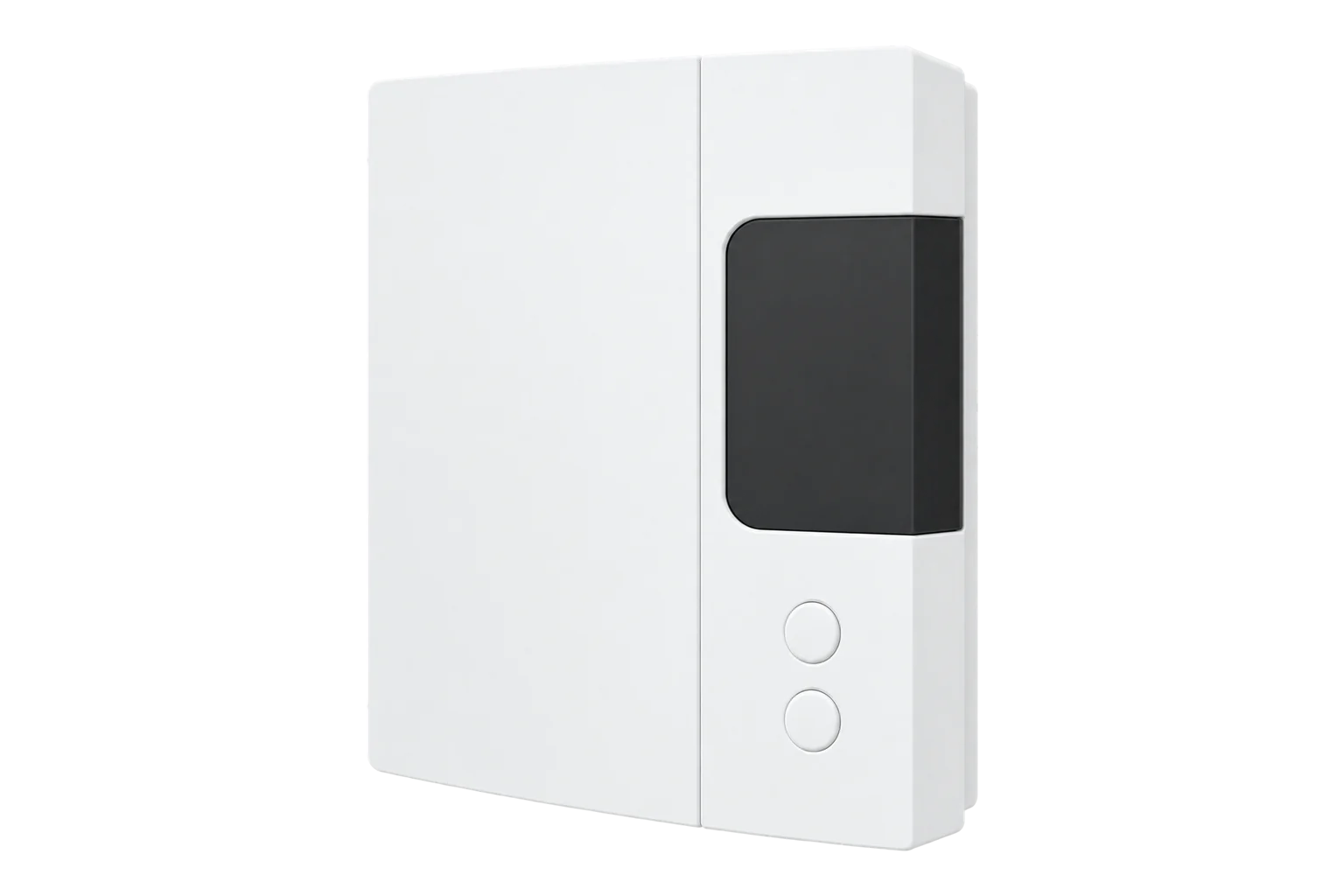
A flush-mounted 230 V Zigbee thermostat from Schneider Electric’s Exxact range that switches up to 16 A of electric heating through its own relay, controlling on room temperature or a floor probe, with a touch screen.
Also sold asSchneider Electric Exxact connected thermostat
Compatibility
Compatible with EpiSensor Edge over Zigbee.
Pair it with the Zigbee radio on an EpiSensor Gateway. Edge reads it locally on the Gateway.
Edge reads 25 values from it, listed under Interface.
Connect it with

Specifications
It can control on the air temperature at the thermostat or on an external floor probe, which matters for underfloor heating where the floor surface must not overheat. The floor input accepts 2 kΩ, 10 kΩ, 12 kΩ, 15 kΩ, 33 kΩ and 47 kΩ probes, the values used by Alre, OJ, DEVI, Eberle and other makers, so a probe from another make can often stay in place. Control can be on/off or proportional (PI), and the setpoint and its limits run from 4 to 40 °C in 0.5 °C steps.23
- Power
- Mains. 230 V AC, 50 Hz, wired to screw terminals. The same supply feeds the heating load through the 16 A relay.1
- Relay rating
- 16 A resistive1
- Application
- Electric floor and room heating1
- Setpoint range over Zigbee
- 4 to 40 °C, 0.5 °C steps3
- Floor probe types
- 2 kΩ, 10 kΩ, 12 kΩ, 15 kΩ, 33 kΩ, 47 kΩ3
- Floor probe correction
- -9 to 9 °C2
- Control
- On/off or PI2
- Wireless
- Zigbee, 2.4 GHz1
- User interface
- Touch screen, heating LED1
- Mounting
- Flush, fixed by screws, screw terminals1
- Dimensions
- 72.5 × 72.5 × 43 mm1
- Protection
- IP311
- Standards
- EN 60730-1, EN 60730-2-9, EN 300 328, EN 505661
Where it is used
Electric underfloor heating in offices, apartments and bathrooms, controlled room by room with a floor limit.
Indoor environmental monitoringSeeing when electric heating runs across a building, using each thermostat’s heating state and configured load to spot rooms heated out of hours.
HVAC energy monitoring for commercial buildings
Interface
Readings and settings, with units and ranges where Schneider Electric publishes them. readable, readable and writable.
| Reading | Unit | Range or values | Access |
|---|---|---|---|
| Measurements 8 | |||
| Climate | - | - | Read only |
| Local temperature | °C | - | Read only |
| Running state | - | idleheat |
Read only |
| Pi heating demand | % | 0 to 100 % | Read only |
| Control sequence of operation | - | cooling_onlyheating_only |
Read only |
| Power | W | - | Read only |
| Energy | kWh | - | Read only |
| Control status | - | Normal OperationNo TemperatureRemote Demand OverrideWindow OpenLocal Force OnMaintenanceOutput Temporal LimitSensor Fault |
Read only |
| Controls 2 | |||
| Occupied heating setpoint | °C | 4 to 40 °C | Read and write |
| System mode | - | offheat |
Read and write |
| Settings 15 | |||
| Max heat setpoint limit | °C | 4 to 40 °C | Read and write |
| Min heat setpoint limit | °C | 4 to 40 °C | Read and write |
| Fixed load demand | W | 0 to 3,600 W | Read and write |
| Display brightness active | % | 0 to 100 % | Read and write |
| Display brightness inactive | % | 0 to 100 % | Read and write |
| Display active timeout | seconds | 5 to 600 seconds | Read and write |
| Local temperature source select | - | AmbientExternal |
Read and write |
| Control type | - | On/OffPINone |
Read and write |
| Thermostat application | - | Occupied SpaceFloorNot known |
Read and write |
| Heating emitter | - | NoneRadiatorFan Assisted RadiatorRadiant PanelFloorNot specified |
Read and write |
| Heating output mode | - | DisabledRelay |
Read and write |
| Temperature sensor correction floor | °C | -9 to 9 °C | Read and write |
| Temperature sensor type floor | - | 2kΩ sensor from HRT/Alre10kΩ sensor from B+J12kΩ sensor from OJ15kΩ sensor from DEVI33kΩ sensor from EBERLE47kΩ sensor from CTMNo sensor |
Read and write |
| Temperature display mode | - | celsius |
Read and write |
| Child lock | - | Binary state | Read and write |
Fixed load demand is the heater load in watts, from 1 to 3600 W. The thermostat reports it as power while heating is on, and running state is derived from that power, so set it or running state stays idle.3
Local temperature source select chooses whether the local temperature comes from the ambient sensor or the external probe. The floor probe type and its correction sit on a separate floor endpoint.23
Control status reports why the output is in its current state: normal operation, no temperature, remote demand override, window open, local force on, maintenance, output time limit or sensor fault.2
Setup
-
Wire and power it
A qualified electrician wires the supply, the heating load and any floor probe to the screw terminals, then fits the thermostat flush in its frame and switches on.1
-
Open pairing in Edge
In Edge, open pairing on the Gateway’s Zigbee network.
-
Start joining on the thermostat
Hold the O button until the display shows Jn, then release it. A thermostat already joined to another Zigbee network, such as a Wiser system, has to leave it first: a factory reset, holding O until Fr appears, does that.2
-
Set the load and the sensor
From Edge, set Fixed load demand to the heater’s rated power, choose ambient or external sensing, and set the floor probe type if one is fitted.3
-
Check one reading and one setting
Compare the local temperature with a thermometer, then raise the setpoint above it and check the relay switches on and power reads the load you entered.
Common questions
- Does the WDE002497 need a Wiser hub to work with Edge?
- No. It is a Zigbee device, so it joins the Zigbee radio on an EpiSensor Gateway directly. In Schneider’s own system it pairs with the second-generation Wiser hub; Edge does not need that hub.12
- Does it measure the energy the heating uses?
- No. It reports a fixed load you set, up to 3600 W, as its power while heating is on. That gives a good picture of when heating runs, but it is not a measurement. Meter the circuit when you need measured energy.3
- How do I reset it?
- Hold the O button for more than 20 seconds for a soft reset, which clears the account details and restores the default setpoint. Hold it until Fr appears for a factory reset, which clears all settings and schedules.2
Related devices


Sources
- Connected thermostat, Exxact, floor/room, 16A, Zigbee, white: WDE002497 product datasheet (opens in a new tab)
- Schneider Electric WDE002497 (opens in a new tab)
- Schneider Electric device definitions (schneider_electric.ts), v26.111.0 (opens in a new tab)
Further reading
Product names and trademarks belong to their owners. Publication does not imply endorsement or a commercial relationship.