Deye MC-LC480-2H2
Commercial battery energy storage system
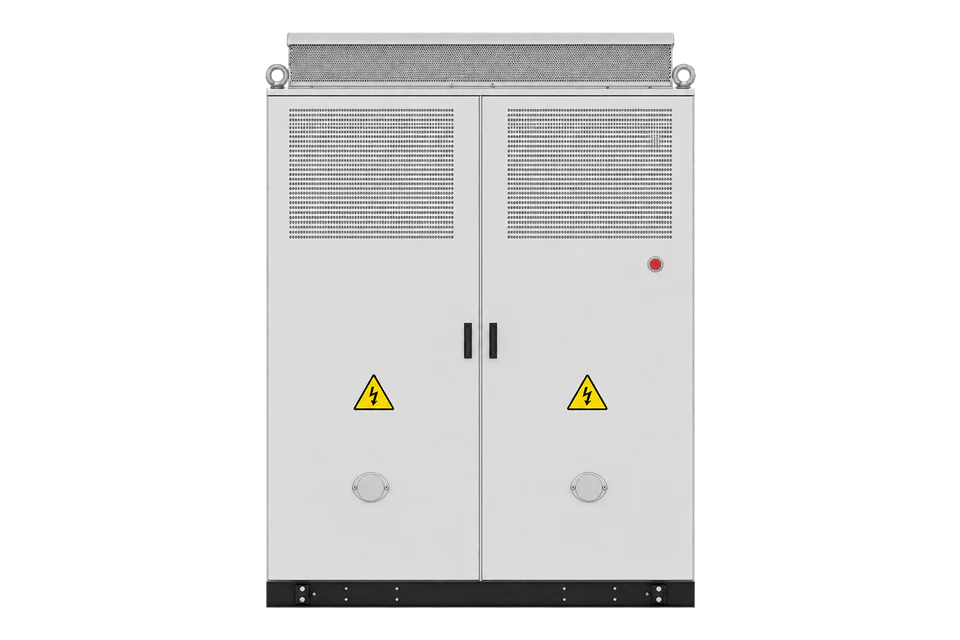
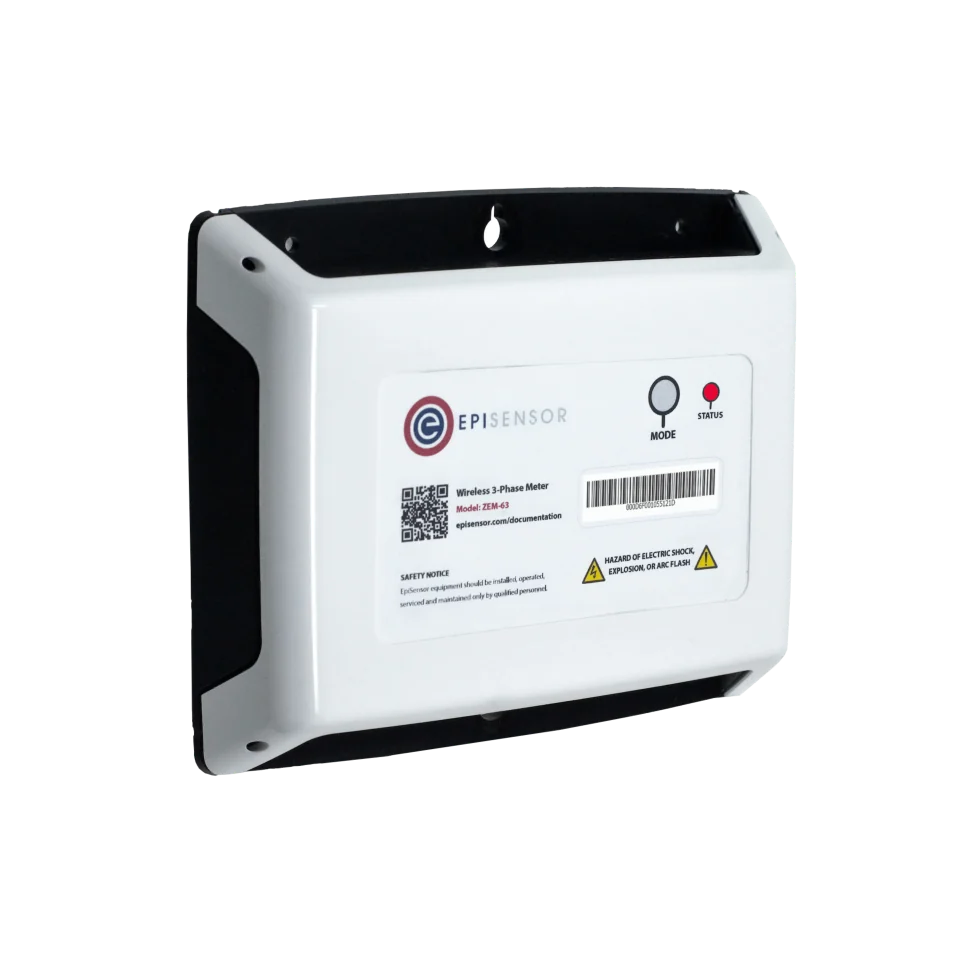
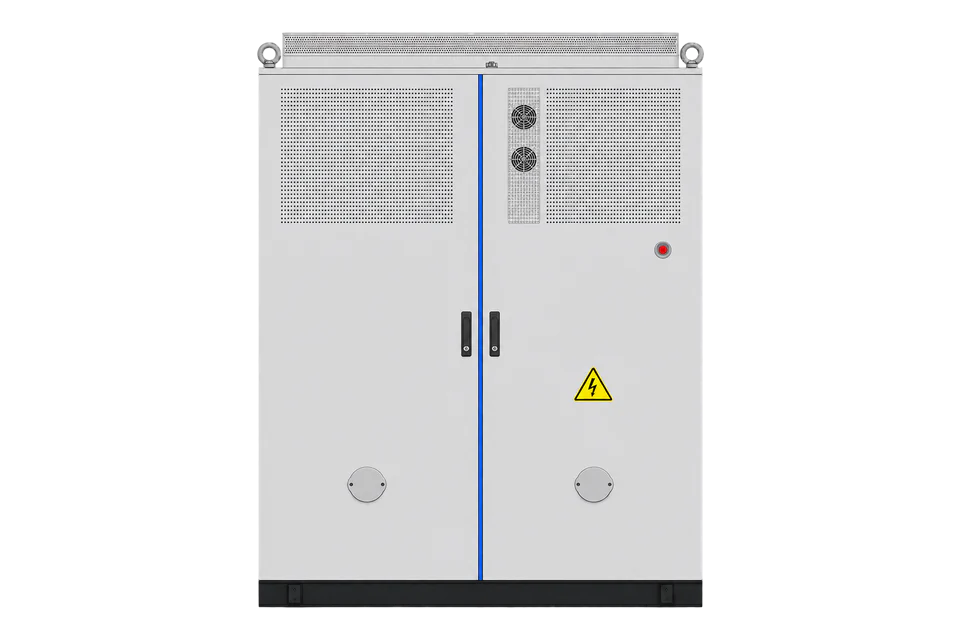
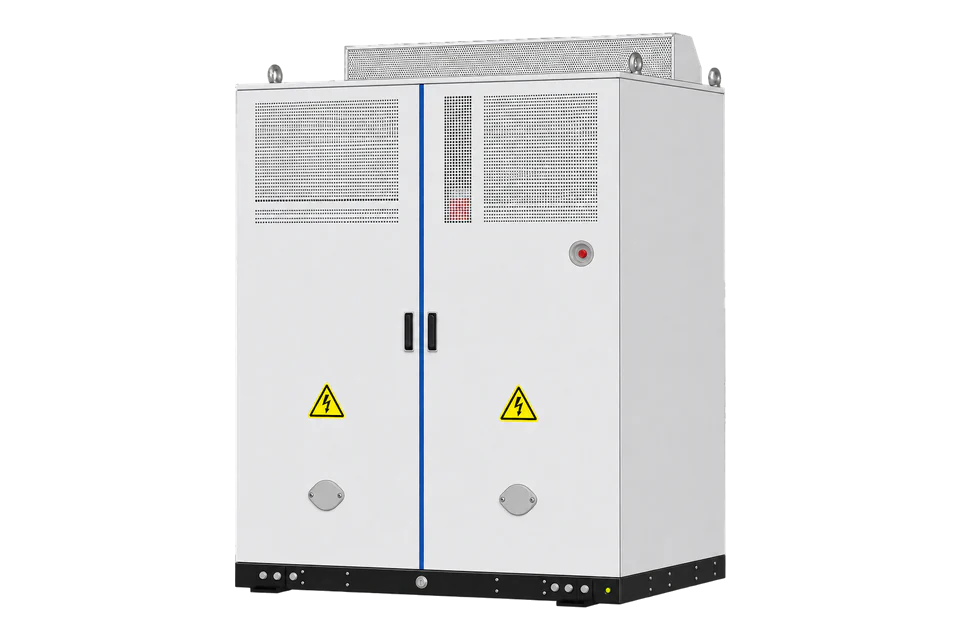
The MC-LC480-2H2 is a 200 kW AC battery cabinet with 482.304 kWh of 314 Ah LiFePO4 cells, built as the storage core of Deye’s PV, battery and EV charging solution. It couples to Deye MPPT and DC charging cabinets on a DC bus and lists RS485, Modbus TCP and DIDO for site energy management. Edge reads it over Modbus TCP with the project point list from Deye, or measures its 400 V AC feeder with an EpiSensor ZEM.
Compatibility
Compatible with EpiSensor Edge over Modbus TCP, or through an EpiSensor ZEM on the AC feeder
Deye’s product page and brochure list RS485, Modbus TCP and DIDO, and the brochure draws the MS-EMS linked to the MC-LC480-2H2 over those interfaces. Edge is a Modbus TCP client and reads the cabinet with the addresses, data types and units in the project point list from Deye. Edge also measures the cabinet through an EpiSensor ZEM with Rogowski coils on its 380/400 V AC connection; energy that flows over the DC bus to the charging cabinet does not pass that feeder.
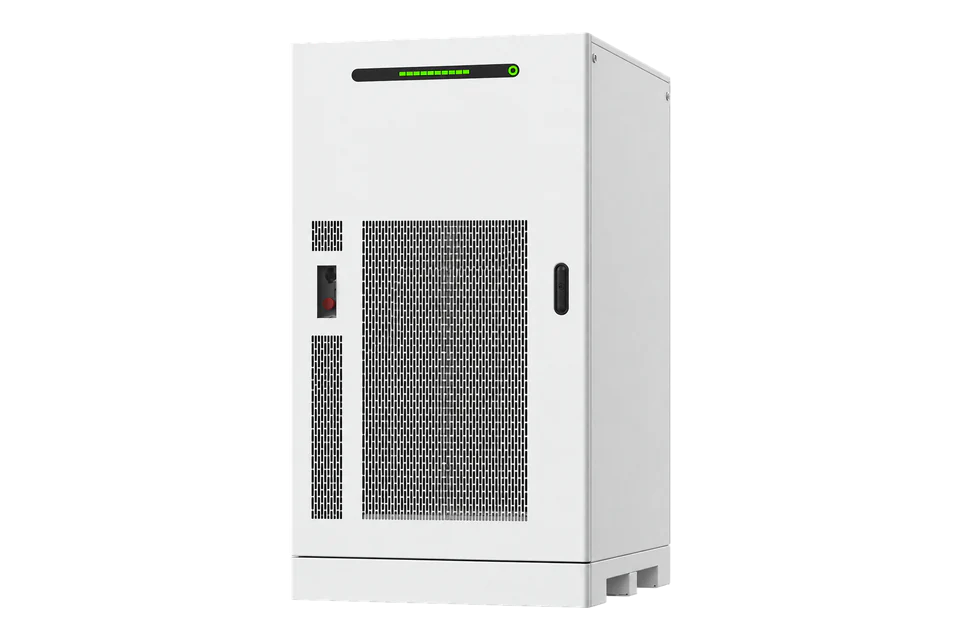
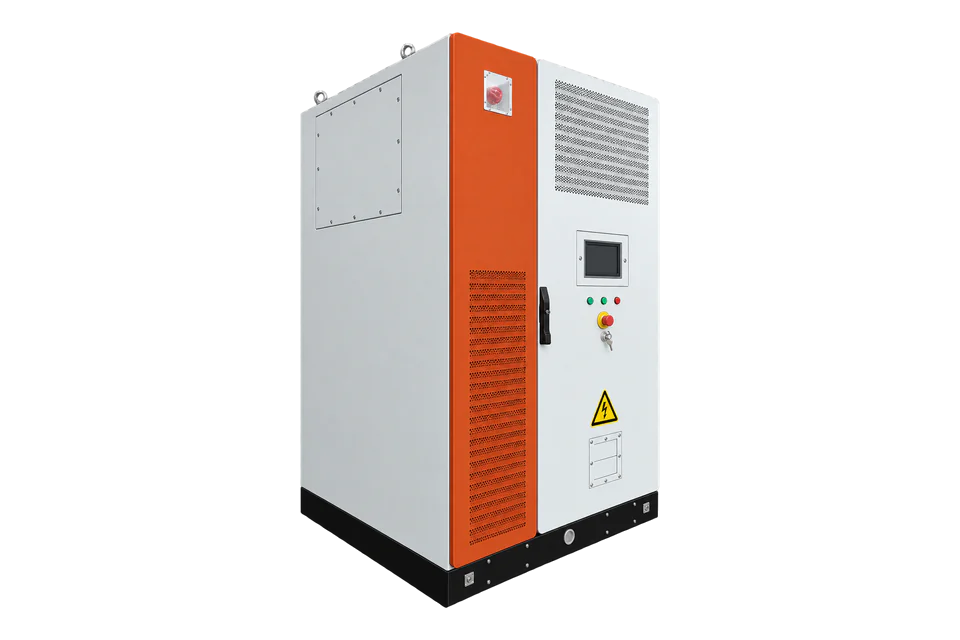
MC-LC480-2H2 AC cabinet with MC-LC480-BC-2 battery cabinets, MS-MPPT and MS-DC480-2 charging cabinets, from the 20260731 V1.0 EU brochure and the product page. Site check: obtain the Modbus TCP endpoint and point list for the installed cabinet and MS-EMS from Deye, and record the nameplate, firmware and DC bus arrangement. Read only; dispatch and charger power allocation stay with the MS-EMS and the charging system.
Connect it with
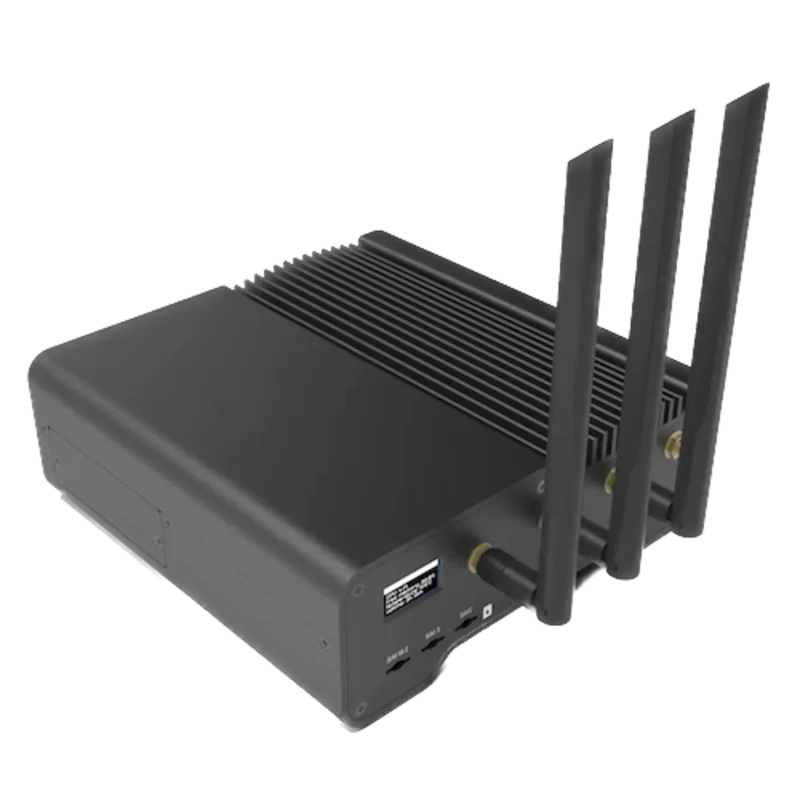
When Deye supplies the Modbus TCP endpoint and point list for the installed cabinet or its MS-EMS
- Modbus
- Edge
- Platforms
For power and energy the cabinet exchanges with the site’s 380/400 V AC network
- Wired
- Edge
- Platforms
Models
| Models | Interface | Route into Edge |
|---|---|---|
| MC-LC480-2H2 | AC cabinet: 200 kW rated, 220 kW maximum, 482.304 kWh, 314 Ah LiFePO4 at 768 V DC nominal; charge 0.4P, discharge 0.9P | Read over Modbus TCP with Deye’s project point list, or measure the cabinet’s AC exchange with an EpiSensor ZEM. |
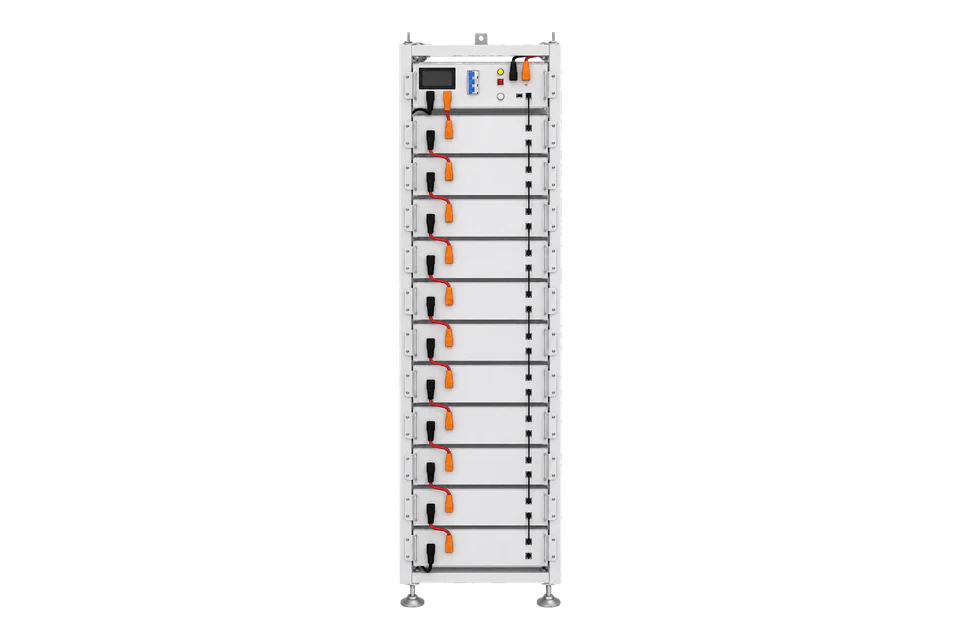
| MC-LC480-BC-2 | DC battery cabinet: 482.304 kWh, 768 V DC nominal, RS485, Modbus TCP and DIDO, 4800 kg or less | Take battery-cabinet values from the point list Deye issues for the system; it has no AC feeder of its own. |
| MS-DC480-2 and MS-DCC180-2 | 480 kW DC charging power cabinet and charging terminals with two CCS2 guns at up to 180 kW each | Charging sessions and per-vehicle energy come from the charging system, not from the battery cabinet or its AC feeder. |
| MC-L430-2H2 and MC-LC430-2H2 | Earlier 280 Ah cabinets with 430.08 kWh nominal energy | Treat each as a separate product; do not reuse the MC-LC480-2H2 ratings. |
Specifications
Deye sells the MC-LC480-2H2 as the storage core of a PV, battery and EV charging system. With Deye MPPT equipment, the MS-DC480-2 charging power cabinet and MS-DCC180-2 terminals, solar, storage and vehicle charging share a DC-coupled architecture.12
Interface
Documented measurements and integration boundaries for MC-LC480-2H2.
- Deye does not publish the cabinet’s Modbus TCP point list in the brochure or on the product page; the project point list from Deye supplies addresses, function codes, data types, scale factors, word order and power sign.
- From that list, start with identity, operating state, AC active power, DC bus power, state of charge and alarm words, and keep the cabinet, battery cabinets, MPPT cabinet, charging cabinet and site meter as separate sources with their own timestamps.
- Through an EpiSensor ZEM on the AC feeder, Edge records voltage, current and active power per phase and import and export energy for the cabinet’s AC exchange only.
- No charge, discharge, charger power allocation or grid-service command is in scope of this guide; any control needs the site owner’s and Deye’s agreement.
Assessment
MC-LC480-2H2 with MC-LC480-BC-2, MS-MPPT and MS-DC480-2 cabinets, from the 20260731 V1.0 EU brochure and the product page. Read-only monitoring; no dispatch, charger control or grid-service claim.
- InteroperabilityLimited
- Deye lists Modbus TCP, RS485 and DIDO and draws them between the MS-EMS and the cabinet. The point list is not public, so each project needs Deye’s document before Edge can read the cabinet.12
- AccuracyNot yet assessed
- The retained documents give ratings but no readable point set with units, resolution, sign or update rate.
- SecurityNot yet assessed
- No authentication, roles or network hardening are documented for the local Modbus TCP interface, so keep it on a protected site network.
- ReliabilityLimited
- Liquid cooling and aerosol and water fire suppression are published, and the brochure lists real-time fault alarms in the MS-EMS. The retained documents do not describe client recovery or data buffering for the monitoring interface.12
- RuggednessSupported with conditions
- Overall IP54 with an IP65 PCS, C4-M corrosion protection (C5 optional), -25 to 55 °C and up to 2000 m are published for outdoor installation.2
- ScalabilityLimited
- The brochure states up to 10 cabinets in parallel and shows battery cabinets on a shared DC bus. The number of monitoring clients and polling capacity are not published.2
Setup
-
Record the installed system
Record the MC-LC480-2H2 nameplate, the number of MC-LC480-BC-2 battery cabinets, the MS-MPPT and MS-DC480-2 cabinets, the charging terminals, the MS-EMS and the firmware. Note which equipment shares the DC bus, because DC energy to vehicles does not appear on the cabinet’s AC feeder.
-
Ask Deye for the Modbus TCP point list
The brochure and product page list Modbus TCP but publish no register table and name no third-party port. Ask Deye ESS for the endpoint (IP address, TCP port and unit identifier), the point list for the installed firmware and whether the cabinet or the MS-EMS serves it. Ask whether a second client may poll while the MS-EMS is running.
-
Configure the first reads
In Edge, add a Modbus TCP device at the address Deye gives. From the point list, read identity, operating state, AC active power, DC bus power, state of charge and the alarm words first, with the function code, data type, scale, word order and sign the list states. Compare each value with Deye EMS at the same time before adding more points. A timeout or exception is missing data, not zero.
-
Fit the ZEM on the AC feeder
220 kW at 400 V is about 318 A per phase at unity power factor, so 1000 A Rogowski coils suit the cabinet feeder. A qualified electrician fits them on the three phases of the cabinet’s AC feeder and takes the ZEM voltage reference from the same circuit. Record which direction is import.
-
Compare during an existing schedule
During a charge from the grid that the MS-EMS already schedules, compare the ZEM active power with the cabinet AC power in Deye EMS over the same interval. During vehicle charging from the DC bus, expect the ZEM to show only the AC share. Send no new command for the check.
Related devices
Sources
- MC-LC480-2H2 Battery Storage for EV Charging product page (opens in a new tab)
- MC-LC480-2H2 C&I PV-BESS-EV Charging Integrated Solution Series brochure, EU, V1.0 (opens in a new tab) (PDF)
- MS-EMS EU (EN) user manual V04 (opens in a new tab) (PDF)
Further reading
- ApplicationEV charging load management
- ApplicationBattery energy storage monitoring and local control
- GuideBESS, BMS, EMS and PCS roles
- ToolEV site headroom
- ToolkW to amps calculator
- ToolModbus register address converter
- ToolModbus data decoder
- ToolRS-485 termination and bias
- ManufacturerDeye devices
- ProtocolModbus devices and register maps
- CategoryBattery systems and controls
Product names and trademarks belong to their owners. Publication does not imply endorsement or a commercial relationship.