FENECON Commercial 92
Commercial battery energy storage system
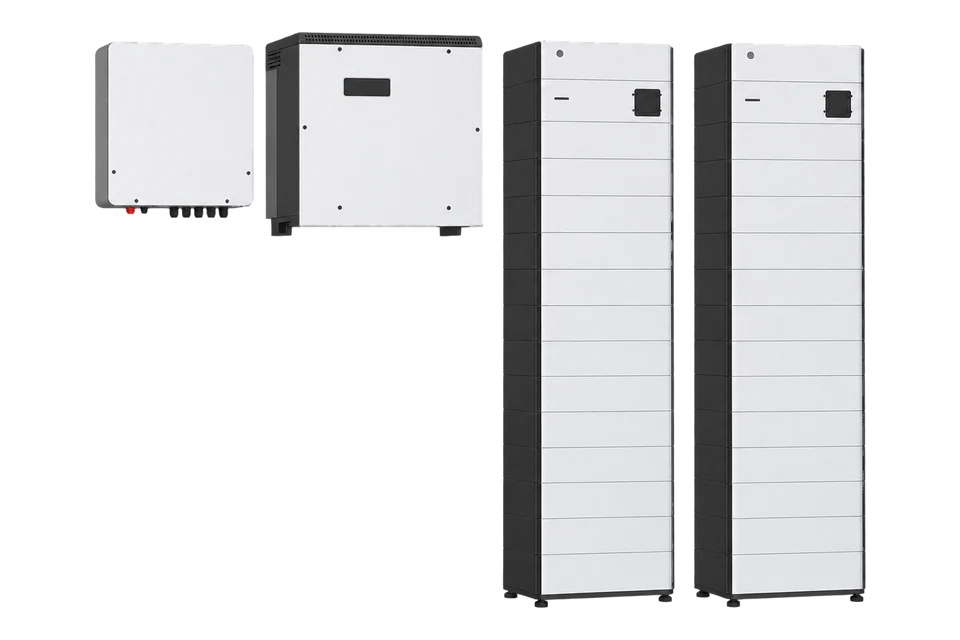
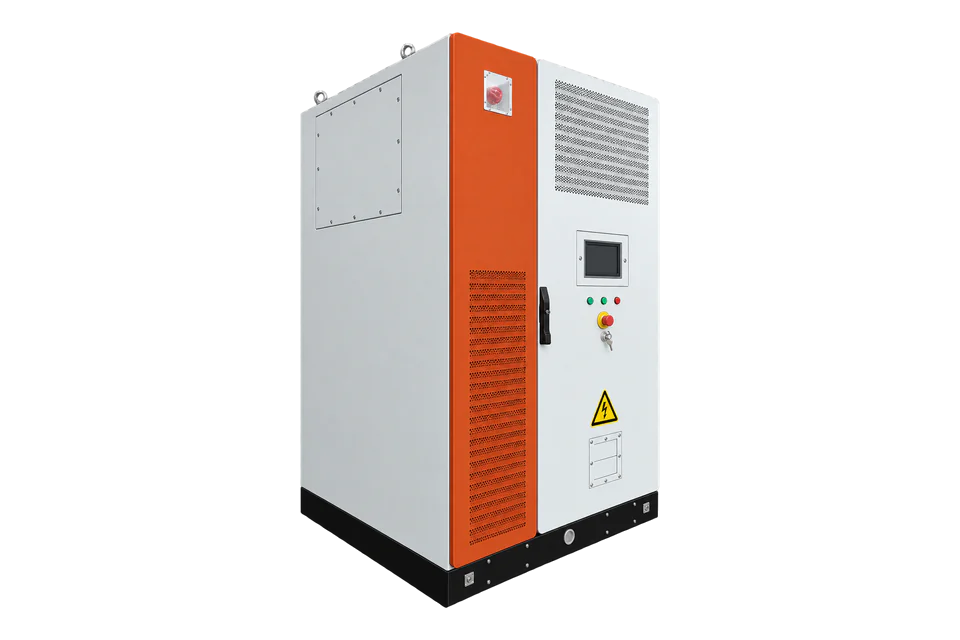
FENECON Commercial 92 is a commercial LFP storage system built from a 92 kVA KACO battery inverter, 42 kWh battery towers and the FENECON energy management system, FEMS. The FEMS carries a Modbus/TCP read interface from the factory on port 502, unit ID 1. Edge reads its _sum component: state of charge, storage, grid, production and consumption power and energy.
Compatibility
Compatible with EpiSensor Edge over Modbus TCP through the FEMS
FENECON documents the FEMS Modbus/TCP read access: pre-installed ex works, port 502, unit ID 1, FC03 and FC04, and a register table for the _sum component. The FEMS lists a local Modbus/TCP API on its LAN. Edge reads it as a Modbus TCP client.
Commercial 92 with one FEMS and the read-only Modbus/TCP interface, using the FEMS App Modbus/TCP Read Access page and the system's own protocol file from Online Monitoring. Site check: download that protocol file, read SoC at address 302 and compare it with Online Monitoring. Read-only: the separate write app, battery charging and peak-shaving control are outside this guide.
Connect it with
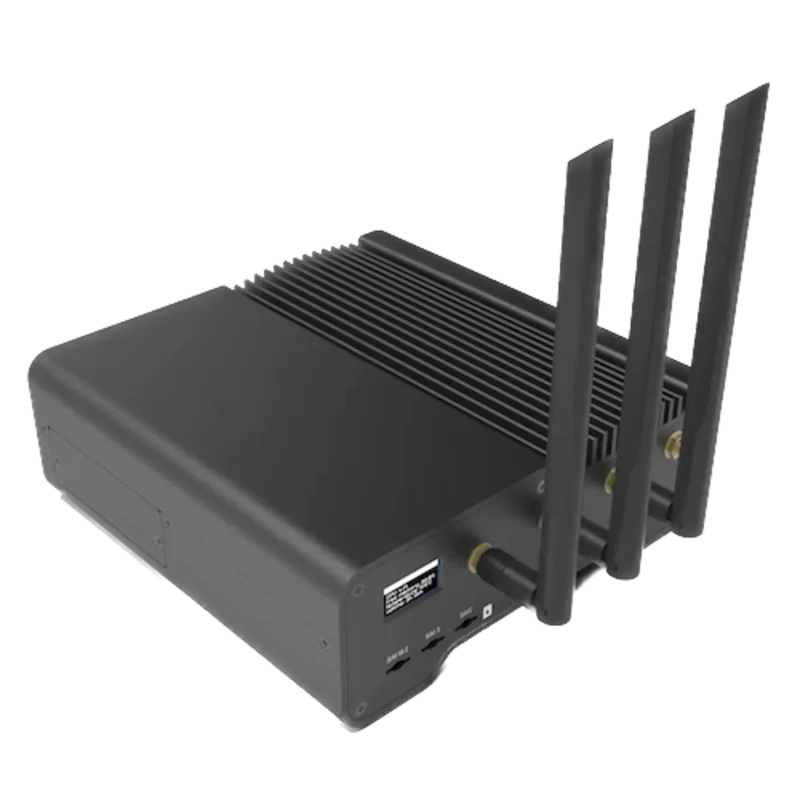
For any Commercial 92 whose FEMS box is on the customer network through its LAN port
- Wired
- Edge
- Platforms
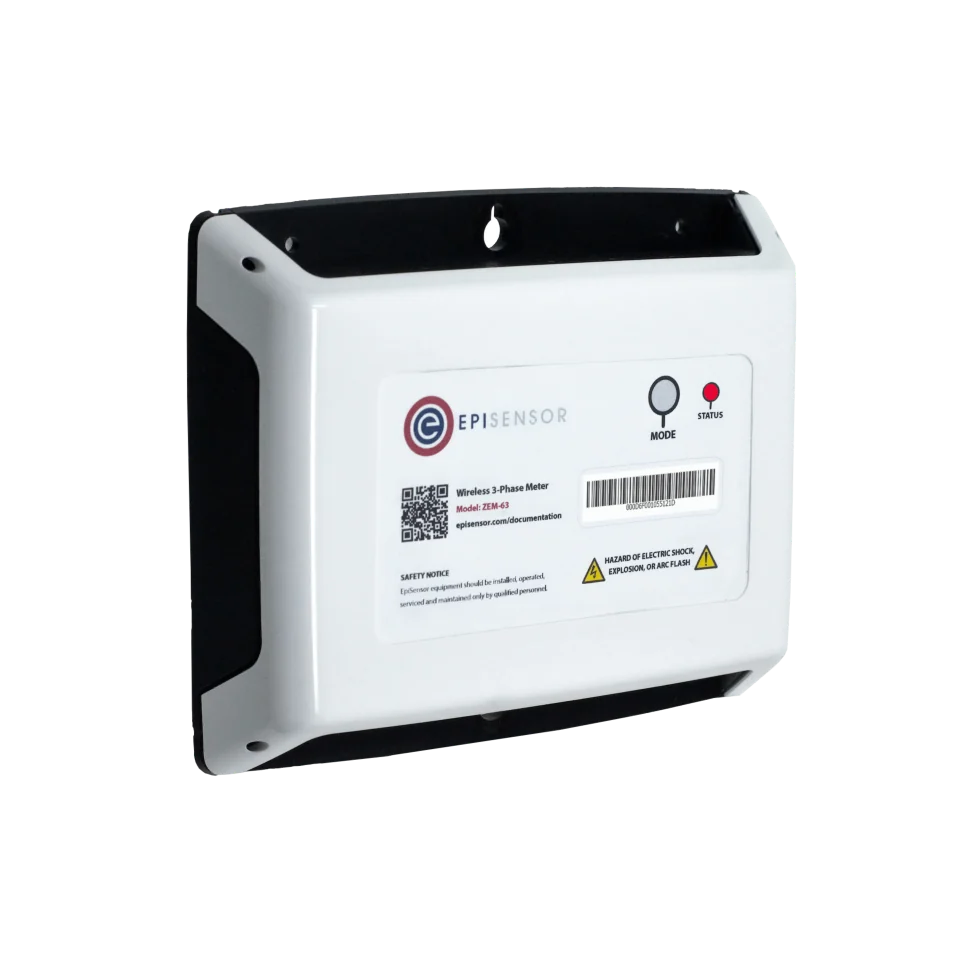
For charge and discharge power and energy at the 400 V AC connection of each KACO inverter, independent of the FEMS
- Wired
- Edge
- Platforms
Models
| Models | Interface | Route into Edge |
|---|---|---|
| Commercial 92 with one KACO blueplanet gridsave 92.0 TL3-S and 2 to 5 battery towers | FEMS box with customer LAN (RJ45), RS485 Modbus RTU for meters, no Wi-Fi | Modbus TCP to the FEMS on port 502, unit ID 1. Usable capacity is 84 to 210 kWh per inverter. |
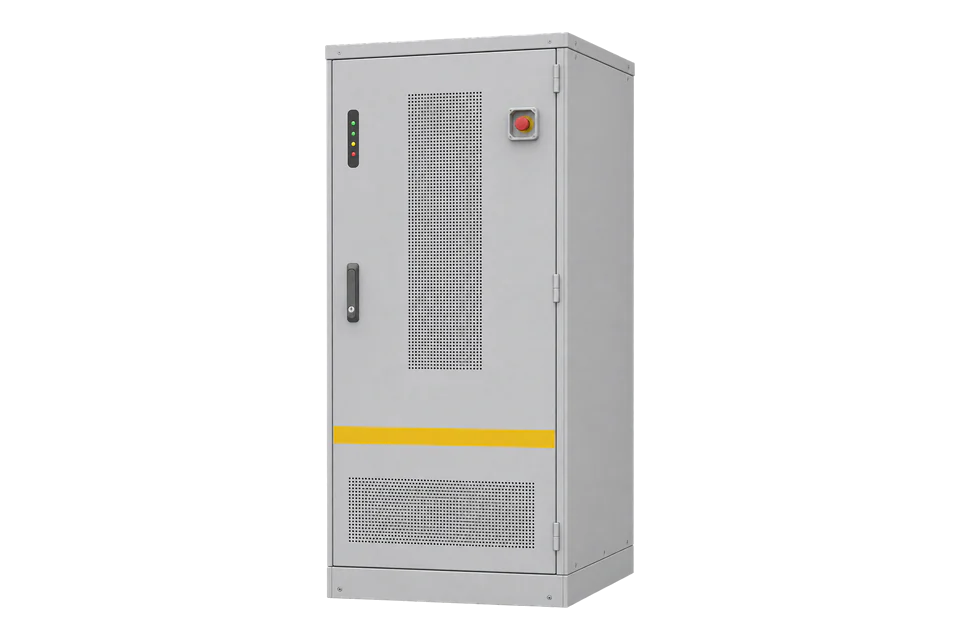
| Commercial 92 Cluster, up to 5 inverters and 1,050 kWh | FEMS Cluster Box and its own assembly and operating instructions | Read the FEMS that runs the system and check its downloaded protocol file for the component list. This guide does not cover cluster-specific registers. |
| Commercial 50, Commercial 100, FENECON Industrial and Home systems | Same FEMS Modbus/TCP read app, different hardware | The _sum table is the same app, but take ratings from that system's own documents. |
Specifications
Each Commercial 92 inverter is a KACO blueplanet gridsave 92.0 TL3-S rated 92,000 VA, connected to 2 to 5 LFP battery towers of 42 kWh usable capacity. Up to 5 inverters form a 460 kW, 1,050 kWh system.2
- Battery tower
- LiFePO4, 42 kWh usable (43.01 kWh nominal), 487 kg2
- System range
- 84 kWh (1 inverter, 2 towers) to 1,050 kWh (5 inverters, 5 towers each)2
- Modbus TCP read
- FEMS IP address, port 502, unit ID 1, FC03 and FC04, pre-installed1
- FEMS interfaces
- RS485 Modbus RTU and LAN Modbus TCP; 4 digital inputs; relay outputs2
- Installation
- IP55; -20 to +45 °C installation and operating temperature; up to 2,000 m2
Interface
Documented measurements and integration boundaries for Commercial 92.
- Addressing: the FEMS table addresses are zero-based. FENECON warns that a client with a base address of 1 shifts every register by one, so set the base to 0 in Edge.
- Status, _sum component: Component-ID at 200 (string16, reads _sum), state at 222 (enum16: 0 Ok, 1 Info, 2 Warning, 3 Fault) and grid mode at 417 (enum16: 1 On-Grid, 2 Off-Grid).
- Storage: EssSoc at 302 (uint16, 0 to 100 %), EssActivePower at 303 (float32, W, AC-side power of the storage including excess DC generation of a hybrid inverter), EssReactivePower at 309 (float32, var) and EssDischargePower at 415 (float32, W).
- Site power, float32 in W: GridActivePower at 315 (power at the grid connection point), ProductionActivePower at 327, ProductionAcActivePower at 331 (external AC inverters), ProductionDcActualPower at 339 and ConsumptionActivePower at 343.
- Energy counters, float64 in Wh (four registers each): EssActiveChargeEnergy at 351, EssActiveDischargeEnergy at 355, GridBuyActiveEnergy at 359, GridSellActiveEnergy at 363, ProductionActiveEnergy at 367 and ConsumptionActiveEnergy at 379. Edge's Modbus client reads 16- and 32-bit values, so it does not read these 64-bit counters; for energy at the inverter's AC connection, fit an EpiSensor ZEM on the feeder.
- Maxima for context, float32 in W: GridMinActivePower at 317, GridMaxActivePower at 319, ProductionMaxActivePower at 329 and ConsumptionMaxActivePower at 345.
- Word order: the FENECON page gives types but not the word order of float32 values. Use the protocol file downloaded from Online Monitoring for the installed system, and compare the first decoded power with Online Monitoring.
- FENECON describes the readable values as real-time data for information that may contain deviations; billing and settlement stay with the commissioned meters.
- Writing is a separate, licensed FEMS app (Modbus/TCP write access). This guide does not use it; battery control needs the site owner's and FENECON's agreement.
Assessment
Commercial 92 with one FEMS, read through the pre-installed FEMS Modbus/TCP read app. Cluster-specific components, the write app and battery control are excluded.
- InteroperabilitySupported with conditions
- Port, unit ID, function codes, address base and the _sum table are public. The word order of float values is not stated on the page and comes from the downloaded protocol file.1
- AccuracySupported with conditions
- Storage, grid, production and consumption power are separate float32 points with units. Energy counters are float64, which Edge's Modbus client does not read, and FENECON describes the values as information that may contain deviations.1
- SecuritySupported with conditions
- The default app is read access, with writing a separate app. The FEMS software is checked with automated tools to fix security vulnerabilities at short notice. The page documents no client authentication, so keep the FEMS on a protected network.13
- ReliabilitySupported with conditions
- A system state enum (Ok, Info, Warning, Fault) and grid mode are exposed, and the manual gives a troubleshooting table and service procedures.13
- RuggednessSupported with conditions
- IP55 system, IP66 inverter and -20 to +45 °C installation temperature; battery output may reduce outside +15 to +30 °C.2
Setup
Read state and SoC from the FEMS _sum component
FENECON's read access page lists _sum State at address 222 (enum16) and EssSoc at address 302 (uint16, percent), read with FC03 or FC04 on port 502, unit ID 1, with zero-based addresses. The response bytes are a synthetic decoder check, not a captured FEMS reply.
- Target
- FEMS IP address, TCP port 502, unit ID 1 in the MBAP header
- Address convention
- Zero-based: 302 is sent as 0x012E. With a base address of 1 the client would read 301 and return the wrong value.
- State request PDU
- 03 00 DE 00 01: FC03, address 222, one register
- Synthetic state response PDU
- 03 02 00 00: value 0, Ok
- SoC request PDU
- 03 01 2E 00 01: FC03, address 302, one register
- Synthetic SoC response PDU
- 03 02 00 4B: uint16 75, so 75 %
- Acceptance
- Keep the points when SoC matches Online Monitoring at the same moment, as FENECON's own example does. FENECON lists FC04 as a read function too.
Acceptance: A matching SoC confirms address base, unit ID and port. Add the float32 power points next and settle their word order against the downloaded protocol file and Online Monitoring.
-
Put the FEMS on the Gateway's network
The FEMS box has an RJ45 customer network port and no Wi-Fi. FENECON's read access requires the client to reach the FEMS IP address directly, for example on the same physical network. Give the FEMS a fixed or reserved address so Edge does not lose it.
-
Download the system's own protocol file
In FENECON Online Monitoring open Settings, then the system profile, then ctrlApiModbusTcp, and select DOWNLOAD PROTOCOL. The Excel file lists every register for that installation. Use it with the quick _sum table in this guide.
-
Connect Edge with a zero base address
Create a Modbus TCP connection to the FEMS IP address, port 502, unit ID 1. Use FC03 or FC04, both supported for read access. Set the base address to 0: the FEMS addresses are zero-based, and a base of 1 shifts every point by one register.
-
Read state and SoC, then power
Read state at 222 and SoC at 302 as in the worked check, then grid power at 315, storage power at 303, production at 327 and consumption at 343 as two-register float32 values. Compare each with Online Monitoring at the same moment. The float64 energy counters at 351 to 387 are 64-bit and outside Edge's Modbus client.
-
Keep monitoring and control apart
Leave the Modbus/TCP write access app uninstalled for this connection. Peak shaving, grid-optimised charging and manual charging belong to the FEMS apps the operator has configured. Keep a timed-out poll stale rather than zero.
Common questions
- Is the FENECON Modbus TCP read interface already installed?
- Yes. FENECON states that the read interface is included and pre-installed ex works. Write access is a separate FEMS app.12
- Why are all my FENECON values one register out?
- The FEMS uses zero-based addresses. FENECON's example notes that a tool with a base address of 1 shifts every register by one. Set the base address to 0 in Edge and read SoC at 302.1
- Where is the complete FENECON register list?
- Each system has its own table. Download it from Online Monitoring under Settings, system profile, ctrlApiModbusTcp, DOWNLOAD PROTOCOL. The public page shows the most important _sum points.1
Related devices
Sources
- FEMS App Modbus/TCP Read Access (opens in a new tab)
- FENECON Commercial 92 product sheet MAR1138 (EN) (opens in a new tab) (PDF)
- FENECON Commercial 92 assembly and operating instructions, version 2026.07.01 (opens in a new tab)
Further reading
- ApplicationBattery storage performance monitoring
- ApplicationBattery demand response
- GuideBESS, BMS, EMS and PCS roles
- ToolModbus register decoder
- ToolBattery runtime calculator
- GuideINTILION scalepac
- ToolModbus register address converter
- ToolRS-485 termination and bias
- ProtocolModbus devices and register maps
- CategoryBattery systems and controls
Product names and trademarks belong to their owners. Publication does not imply endorsement or a commercial relationship.