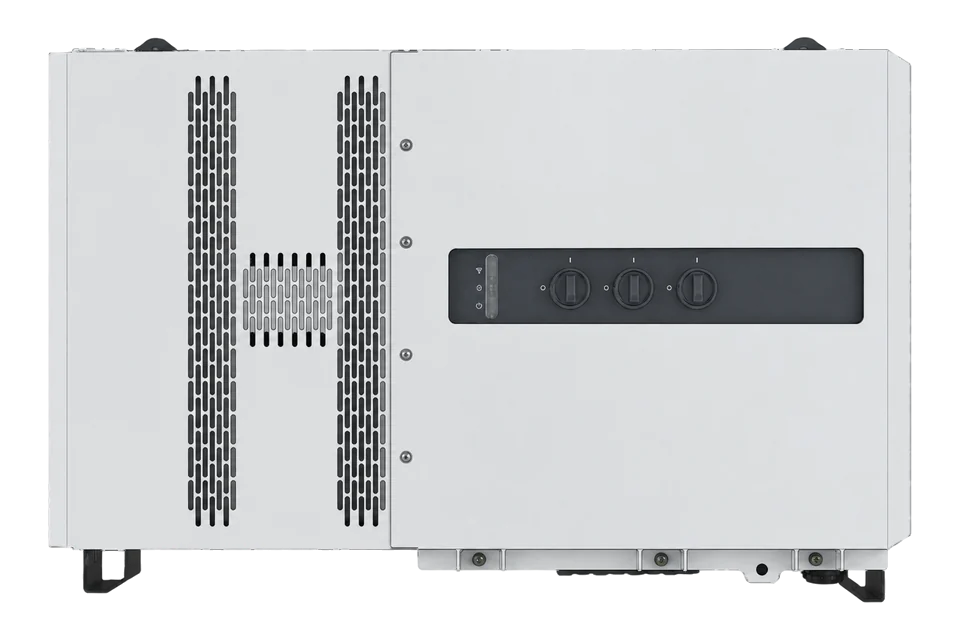
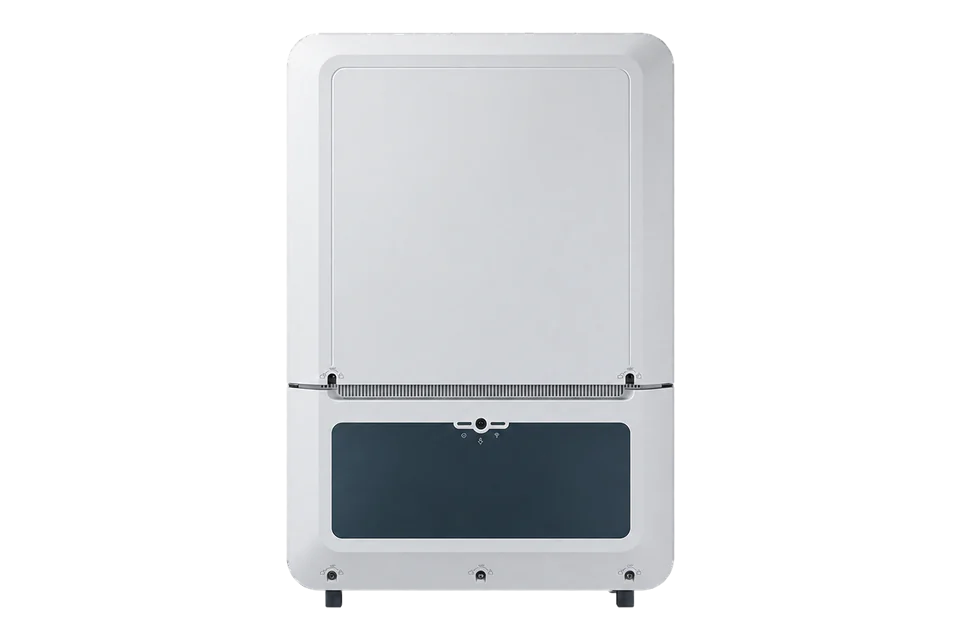
Deye SUN-100/125K-SG02HP3
Commercial hybrid PV inverter
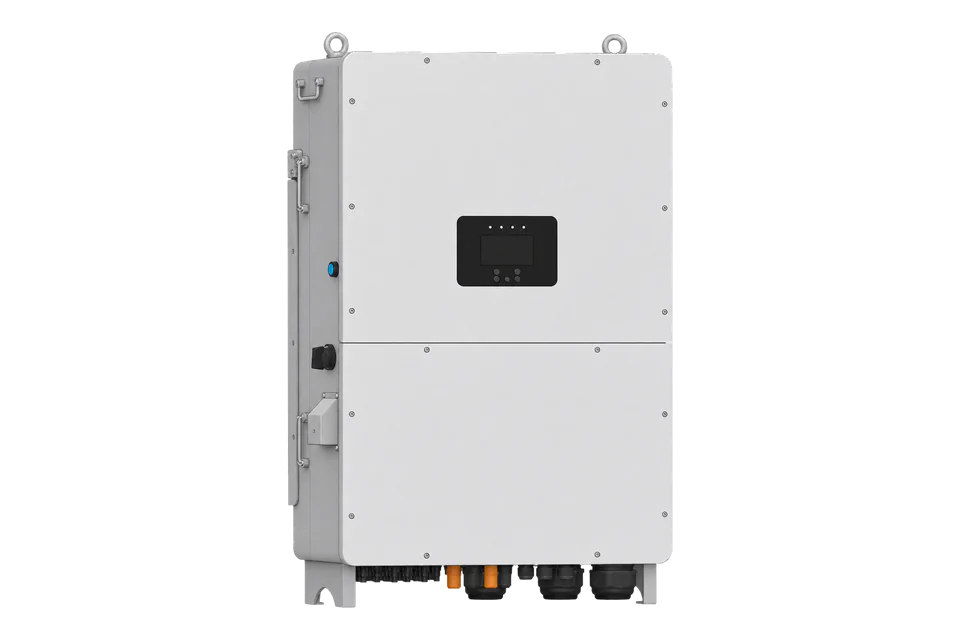
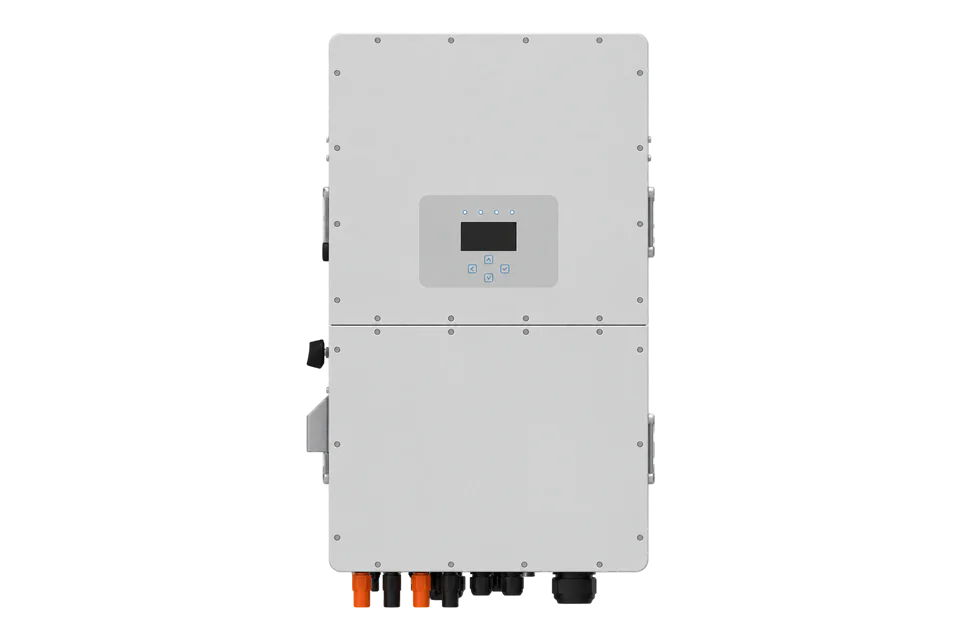
The SUN-100K-SG02HP3-EU-GM8 and SUN-100/125K-SG02HP3-EU-GM10 are 100 and 125 kW three-phase hybrid inverters for 160 to 1000 V batteries. Deye’s manual gives a LAN1 port for Modbus TCP with a host computer and a separate RS485 port. Edge reads the inverter over Modbus TCP with the register list Deye supplies for the installed firmware, or measures its grid port with an EpiSensor ZEM.
Compatibility
Compatible with EpiSensor Edge over Modbus TCP on LAN1, or through an EpiSensor ZEM on the grid port
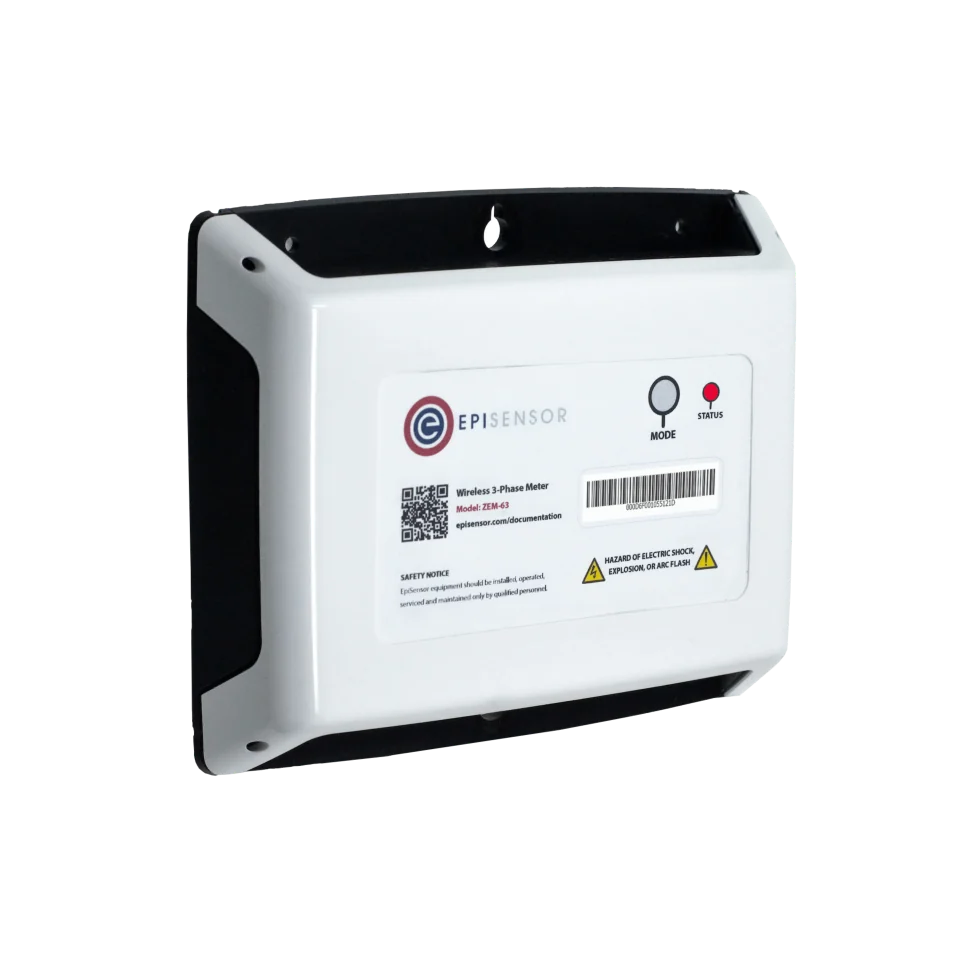
The exact-family manual says LAN1 is used for Modbus TCP communication with the host computer, and its Network menu sets a static or DHCP address for monitoring software based on Modbus TCP. Edge is a Modbus TCP client and reads LAN1 with the register list Deye supplies for the installed firmware; the manual and datasheet publish no register table. Edge also measures the inverter through an EpiSensor ZEM with CTs on the three phases of its GRID port.
SUN-100K-SG02HP3-EU-GM8, SUN-100K-SG02HP3-EU-GM10 and SUN-125K-SG02HP3-EU-GM10, from the 20260610 manual and 20260911 datasheet. Site check: obtain Deye’s register list for the installed firmware, set a fixed LAN1 address, and compare the first power reading with the inverter display. Read only; battery, export and generator settings stay with the commissioned installation.
Connect it with
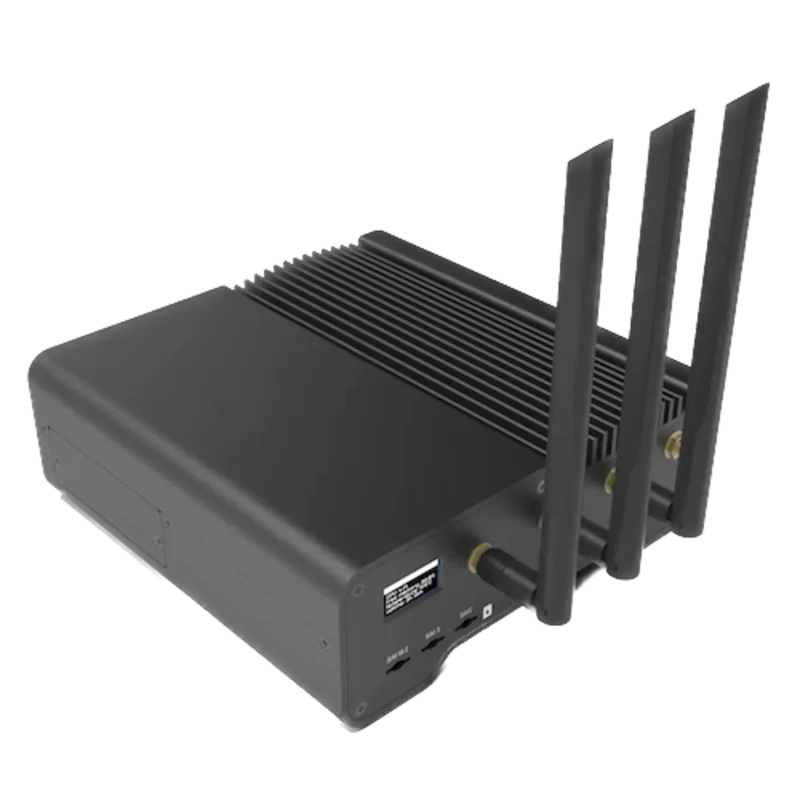
When Deye supplies the register list for the installed firmware and LAN1 is free for the site network
- Modbus
- Edge
- Platforms
On any SG02HP3 site, for power and energy the inverter exchanges at its grid connection
- Wired
- Edge
- Platforms
Models
| Models | Interface | Route into Edge |
|---|---|---|
| SUN-100K-SG02HP3-EU-GM8 | 100 kW rated, 110 kVA maximum; eight MPPTs with two strings each; two battery inputs | Read LAN1 over Modbus TCP with Deye’s register list, or measure the grid port with an EpiSensor ZEM. |
| SUN-100K-SG02HP3-EU-GM10 | 100 kW rated, 110 kVA maximum; ten MPPTs with two strings each; two battery inputs | Same route as the GM8; keep each MPPT as its own channel if the register list provides it. |
| SUN-125K-SG02HP3-EU-GM10 | 125 kW rated, 135 kVA maximum; ten MPPTs; 250 kW maximum PV access power | Same route; size the ZEM CTs for up to 204.6 A per phase at 380 V. |
| SUN-29.9-50K-SG01HP3-EU | Smaller high-voltage hybrid family covered by Deye’s public three-phase storage protocol | Use its own guide and protocol; do not transfer its register addresses to the SG02HP3. |
Specifications
The SG02HP3 is a 230/400 V three-phase hybrid inverter with grid, load and generator ports, two high-voltage battery inputs and eight or ten MPPTs. Up to ten units run in parallel for on-grid and off-grid operation.12
- AC power
- 100 kW rated and 110 kVA maximum (100K); 125 kW rated and 135 kVA maximum (125K)2
- AC current
- Rated 151.6/145.0 A and maximum 166.7/159.5 A (100K); rated 189.4/181.2 A and maximum 204.6/195.7 A (125K), at 220/380 and 230/400 V2
- Battery input
- Lithium-ion, 160 to 1000 V; two battery inputs; 100 + 100 A maximum charge and discharge current2
- PV input
- 1000 V maximum, 150 to 850 V MPPT range; 8 MPPTs (GM8) or 10 MPPTs (GM10), two strings each2
- Interfaces
- RS485, RS232 and CAN; LAN1 for Modbus TCP; optional GPRS, Wi-Fi, Bluetooth, 4G or LAN monitoring12
- Efficiency
- 98.70% maximum; 98.10% Euro2
Interface
Documented measurements and integration boundaries for SUN-100/125K-SG02HP3.
- Deye publishes no register table for the SG02HP3 in the manual or datasheet. The register list Deye supplies for the installed firmware gives the addresses, function codes, data types, scale factors and sign convention.
- The public three-phase storage protocol V105 identifies three-phase high-voltage hybrids only up to 20 to 50 kW (device type 0x0601), so do not reuse its addresses for this family unless Deye confirms them.
- From Deye’s list, start with identity, grid voltage, inverter AC power, PV power and battery 1 and battery 2 state of charge, and keep grid, load, generator, PV and battery values as separate channels.
- Through an EpiSensor ZEM on the GRID port cable, Edge records voltage, current and active power per phase and import and export energy at the inverter’s grid connection. No write path is in scope; export limits, battery and generator settings stay with the commissioned installation.
Assessment
SUN-100K-SG02HP3-EU-GM8, SUN-100K-SG02HP3-EU-GM10 and SUN-125K-SG02HP3-EU-GM10, from the 20260610 manual and 20260911 datasheet. Read-only monitoring over LAN1 Modbus TCP or a ZEM on the grid port.
- InteroperabilityLimited
- The manual documents LAN1 for Modbus TCP and the network settings, but no register table, port number or unit identifier is public.1
- AccuracyNot yet assessed
- No public point set gives units, resolution, sign or update rate for this family.
- SecurityNot yet assessed
- The manual does not describe authentication, roles or encryption for LAN1, so keep it on a protected site network.1
- ReliabilityLimited
- Protection functions and operating limits are published. Communication recovery and concurrent clients are not described, so treat a timeout as missing data.12
- RuggednessSupported with conditions
- IP65, -40 to +60 °C with derating above 45 °C and up to 3000 m are published; the installation must stay within them.2
Setup
-
Identify the model and ports
Record the nameplate (GM8 or GM10, 100 or 125 kW), the firmware shown on the display and whether the unit is a parallel master or slave. On the function port panel, LAN1 is the Modbus TCP port for a host computer. The RS485 RJ45 has B on pins 1 and 8, A on 2 and 7 and GND_485 on 3 and 6; the Meter, BMS1 and BMS2 ports keep their existing roles.
-
Set the LAN1 address
In Setting, Network, choose Manual and enter an IP address, subnet mask and gateway on the protected site network, or choose DHCP and reserve the address on the router. The manual states that this function is for monitoring software based on the Modbus TCP protocol. In a parallel system each inverter has its own Modbus address.
-
Ask Deye for the register list
The 20260610 manual and 20260911 datasheet do not publish the register table, TCP port or unit identifier. Ask Deye or the distributor for the Modbus TCP register list that matches the installed firmware. Start with identity, grid voltage, inverter AC power and battery state of charge, using the function code, data type, scale and sign the list gives, and compare each value with the display.
-
Fit the ZEM on the GRID port
The 125K carries up to 204.6 A per phase at 380 V and the 100K up to 166.7 A, so 300 A split-core CTs suit the grid cable where it fits their 24 mm aperture, and 1000 A Rogowski coils suit larger cables. Fit them on the three phases of the GRID port cable, take the voltage reference from the same circuit and record which direction is import.
-
Keep boundaries and freshness
Inverter AC power, PV power, battery power and the site connection meter are different quantities. A timeout or Modbus exception is missing data, not zero. Keep timestamps, poll at a modest interval and leave export limits, time-of-use, battery and generator settings with the commissioned installation.
Common questions
- Does the Deye SUN-125K-SG02HP3 support Modbus TCP?
- Yes. The manual says LAN1 is used for Modbus TCP communication with the host computer, and the Network menu sets its address for monitoring software based on Modbus TCP. The register table is not in the manual or datasheet; Deye supplies it.1
- Can I use the Deye three-phase storage protocol V105 for this inverter?
- Not without Deye confirming it. The retained V105 copy identifies three-phase high-voltage hybrids up to 20 to 50 kW as device type 0x0601 and does not name the 100 to 125 kW SG02HP3 family.23
- What is the difference between the GM8 and GM10 models?
- The GM8 has eight MPPTs and the GM10 ten, each with two strings. The 100 kW GM8 and GM10 share the same AC ratings; the 125 kW model is GM10 only.2
Related devices
Sources
- SUN-100K-SG02HP3-EU-GM8 and SUN-100/125K-SG02HP3-EU-GM10 user manual (opens in a new tab) (PDF)
- SUN-100K-SG02HP3-EU-GM8 and SUN-100/125K-SG02HP3-EU-GM10 datasheet (opens in a new tab) (PDF)
- Three-phase storage Modbus RTU V105, public copy with January 2025 revision history (opens in a new tab) (PDF)
Further reading
- ApplicationSolar inverter monitoring across a PV fleet
- GuideDeye SUN-29.9-50K-SG01HP3-EU
- GuideModbus TCP vs Modbus RTU
- ToolModbus register decoder
- ToolPV string sizing
- ToolModbus register address converter
- ToolRS-485 termination and bias
- ManufacturerDeye devices
- ProtocolModbus devices and register maps
- CategoryInverters and charge controllers
Product names and trademarks belong to their owners. Publication does not imply endorsement or a commercial relationship.