OWON CB432
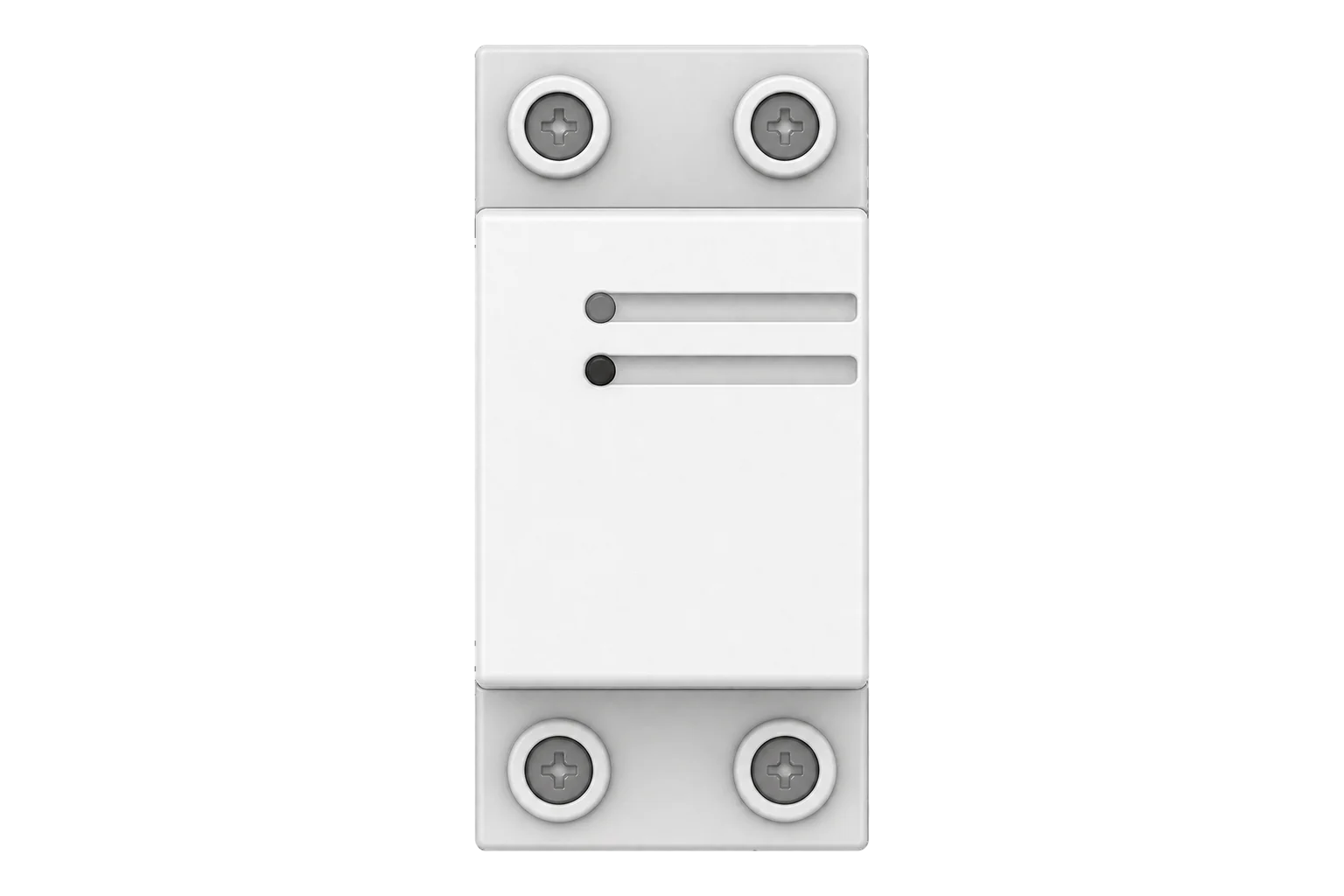
DIN-rail relay with energy metering
A Zigbee 3.0 DIN-rail relay in 32 A and 63 A versions that switches a single-phase circuit and meters its power and energy, to within ±2 W up to 100 W and ±2 % above.
- Zigbee
DIN-rail relay with energy metering
Compatibility
Compatible with EpiSensor Edge over Zigbee.
Pair it with the Zigbee radio on an EpiSensor Gateway. Edge reads it locally on the Gateway.
Edge reads 5 values from it, listed under Interface.
Connect it with
-
Gateway ZGW-20From €899 ex VAT Configure Gateway

Specifications
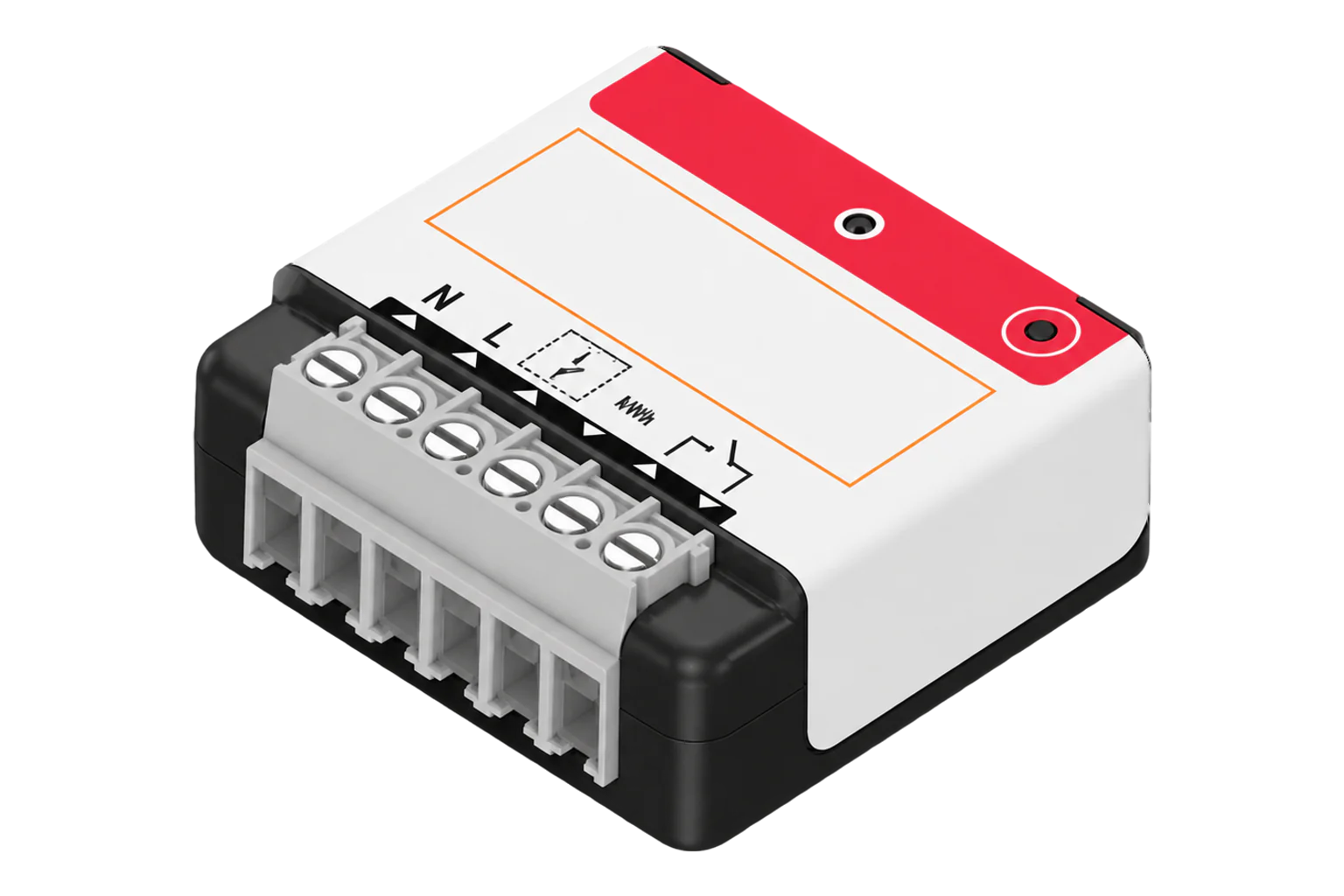
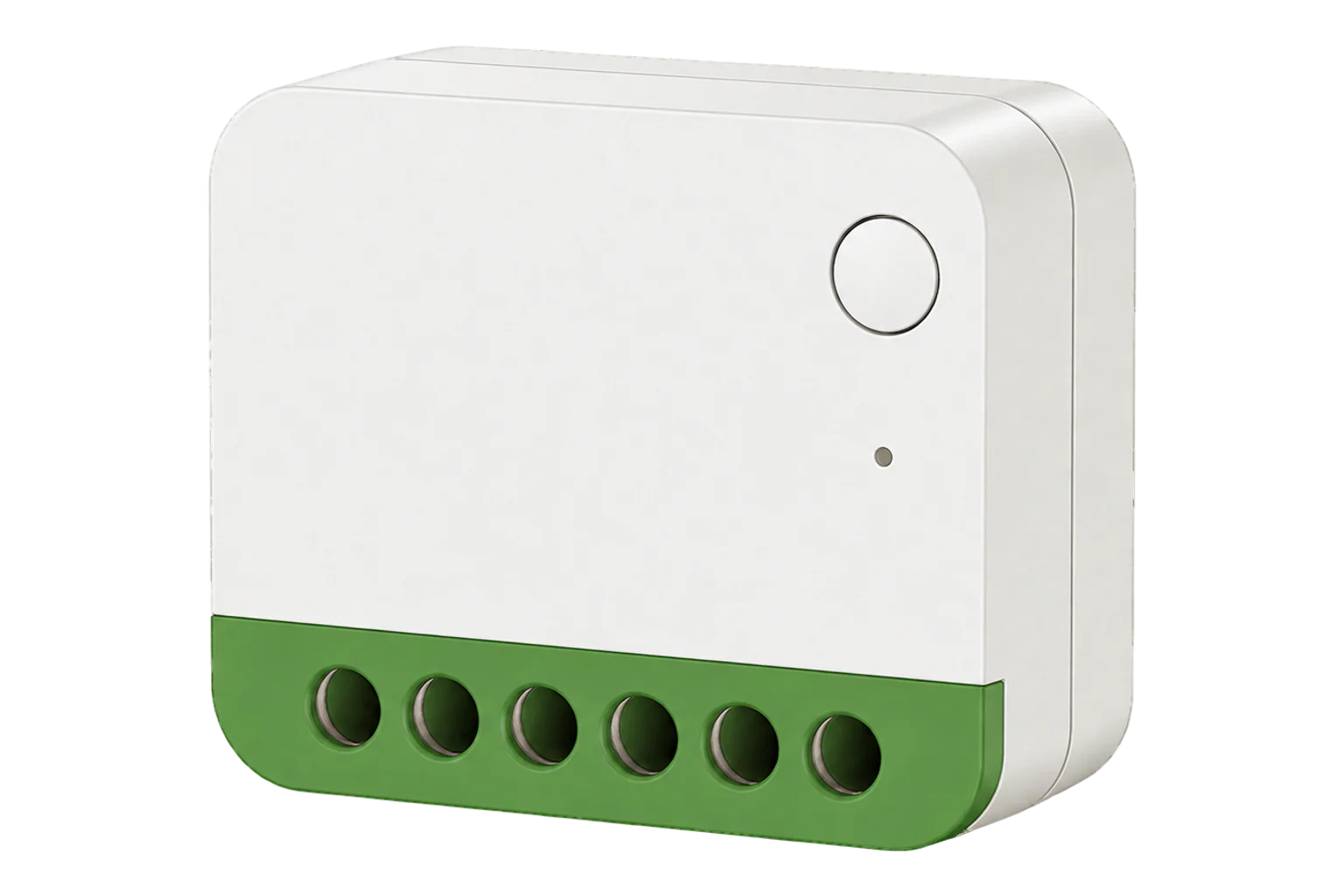
The CB432 is a DIN-rail relay with a built-in energy meter for single-phase circuits at 100 to 240 V AC. OWON makes it in 32 A and 63 A versions under the one model name. The circuit's live and neutral pass through the IN and OUT terminals, so the relay can switch the load while the meter measures what it draws.123
- Power
- Mains. Powered from the 100 to 240 V AC circuit it switches, under 1 W.1
- Maximum load current
- 32 A or 63 A, by version1
- Operating voltage
- 100 to 240 V AC, 50/60 Hz1
- Metering accuracy
- ±2 W up to 100 W; ±2 % above 100 W1
- Relay
- Single break1
- Own consumption
- Under 1 W1
- Zigbee
- Zigbee 3.0, IEEE 802.15.4, 2.4 GHz, internal PCB antenna1
- Radio range
- 100 m outdoors in open space, 30 m indoors1
- Operating temperature
- -20 to 55 °C, indoor1
- Humidity
- Up to 90 % RH, non-condensing1
- Dimensions (L × W × H)
- 81 × 36 × 66 mm1
- Weight
- 148 g1
- Certification
- CE, RoHS3
Where it is used
Switching and metering HVAC units and water heaters from the distribution board, for schedules and load control.
HVAC energy monitoring for commercial buildingsShedding an electric water heater or boiler during a demand response event, with its consumption measured on the same device.
Electric boiler demand responseMetering and switching the supply to individual apartments or hotel rooms.
Tenant submetering and cost allocation
Interface
On the Zigbee network it joins as a router and extends the mesh for other devices.3
Readings and settings, with units and ranges where OWON publishes them. readable, readable and writable.
| Reading | Unit | Range or values | Access |
|---|---|---|---|
| Measurements 3 | |||
| Switch | - | - | Read only |
| Power | W | - | Read only |
| Energy | kWh | - | Read only |
| Controls 1 | |||
| State | - | Binary state | Read and write |
| Settings 1 | |||
| Power on behaviour | - | offontoggleprevious |
Read and write |
Zigbee2MQTT's definition uses the standard On/Off cluster for the relay and the Metering cluster for power and energy, so the readings are power (W) and energy (kWh) only.4
The LED shows the relay state: green when the output is on and red when it is off. A steady LED means joined; a flashing LED means it has not joined a network.2
A factory reset does not clear the energy counter. To clear it, restore factory settings twice in a row, less than 10 seconds apart.2
Setup
-
Wire it downstream of an RCCB
With the supply isolated, connect the supply live and neutral to the IN terminals and the load to the OUT terminals, after the output of a residual current circuit breaker.2
-
Open pairing in Edge
In Edge, open pairing on the Gateway's Zigbee network.
-
Power it on
Switch the supply on and check that the LED is flashing, which means it is ready to join. After a few seconds it joins by itself and the LED turns steady.2
-
If it does not join
If it has not joined within one minute, hold the reset button for 10 seconds to restore factory settings, then try again.2
-
Check one reading
Switch the relay on and off from Edge, then run a known load and compare power with a clamp meter. Set the power-on behaviour the circuit needs after an outage.
Common questions
- Is the CB432 a circuit breaker?
- No. OWON describes it as a DIN-rail relay with energy metering. Its documents describe switching and metering, not overcurrent protection, and OWON requires it to be installed after a residual current circuit breaker.12
- What is the difference between the 32 A and 63 A versions?
- The maximum load current. OWON sells both under the model name CB432, and one Zigbee definition covers both, so they read the same in Edge.14
- Does it measure voltage and current?
- No. Over Zigbee it reports active power in W and cumulative energy in kWh, plus the relay state.4
- Does a factory reset clear the energy total?
- No. A 10 second reset restores factory settings but keeps the energy data. Restore factory settings twice in a row, less than 10 seconds apart, to clear it.2
Related devices

Sources
- Din-rail Relay CB432 datasheet (opens in a new tab) (PDF)
- Din-Rail Relay CB432 quick start guide (opens in a new tab) (PDF)
- Zigbee DIN Rail Relay with Energy Monitoring CB432 (opens in a new tab)
- OWON CB432 converter source (opens in a new tab)
- OWON CB432 device documentation (opens in a new tab)
Further reading
Product names and trademarks belong to their owners. Publication does not imply endorsement or a commercial relationship.