Carlo Gavazzi EM580
Power and energy meter
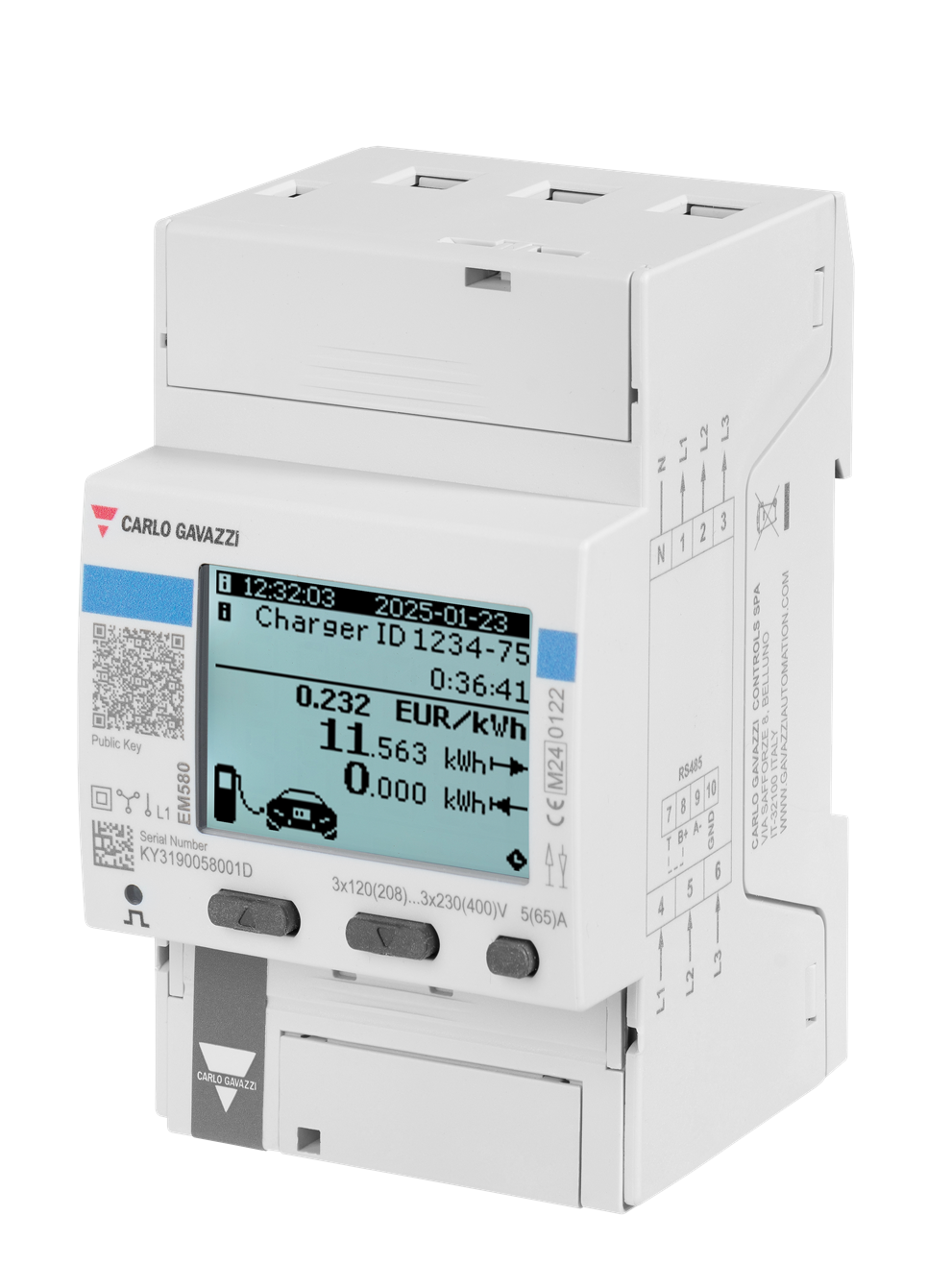
This guide covers EM580DINAV23XS3DEA: a self-powered three-module meter for single-phase or three-phase systems with neutral. Its built-in serial port gives Edge local voltage, current, power, frequency and ordinary 32-bit energy readings. DEA counts absolute energy; it is a different choice from the bidirectional DEB and DET versions.
Compatibility
Compatible with EpiSensor Edge over Modbus RTU
The manufacturer publishes the built-in serial interface, read functions, physical addresses, integer formats and scaling for this exact DEA ordering code.
EM580DINAV23XS3DEA only. Confirm the nameplate, firmware, neutral connection and DEA energy mode. Compare a local voltage read with the display before adding other values. OCMF signatures and charging-session certification are outside this monitoring connection.
Connect it with
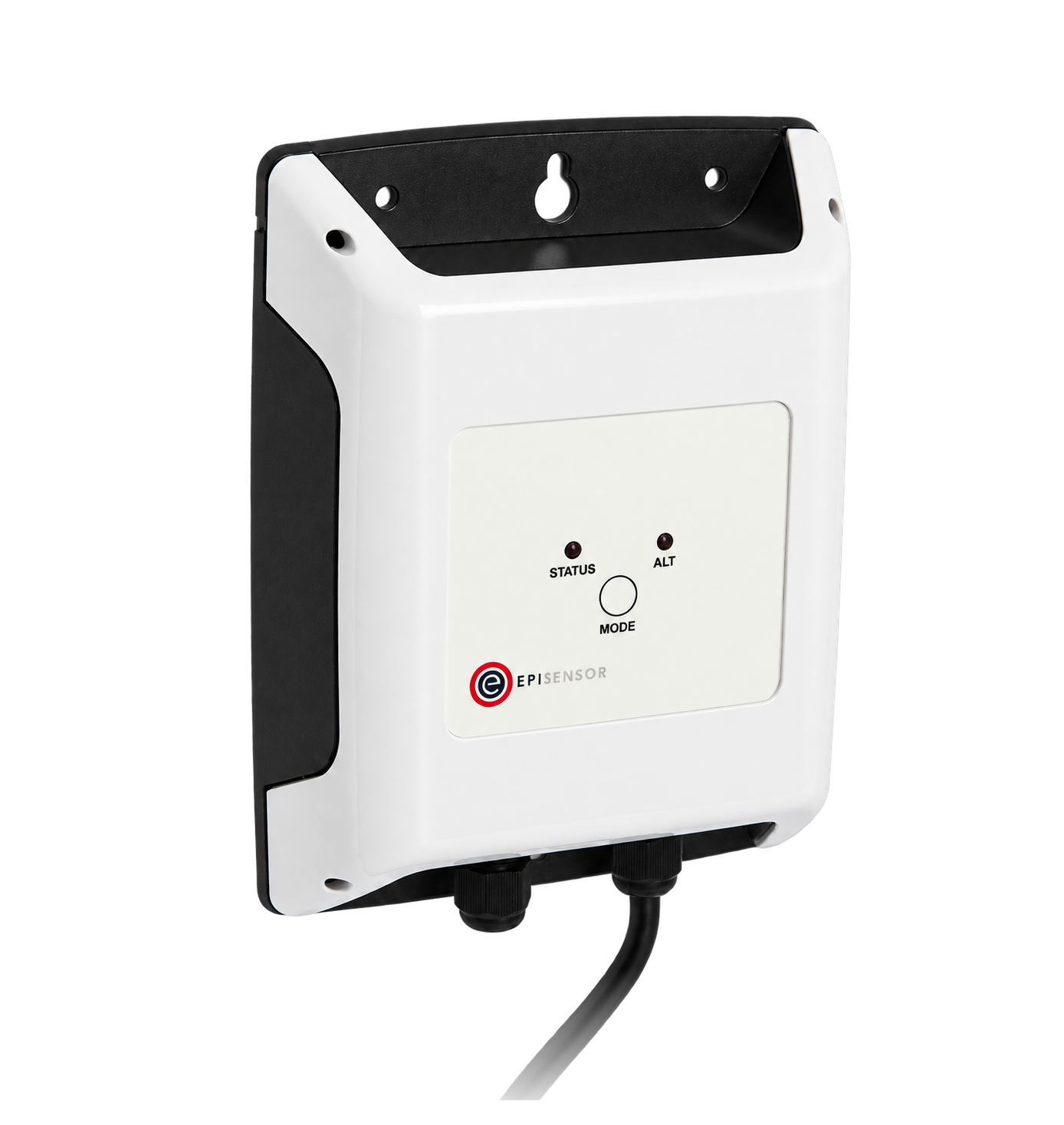
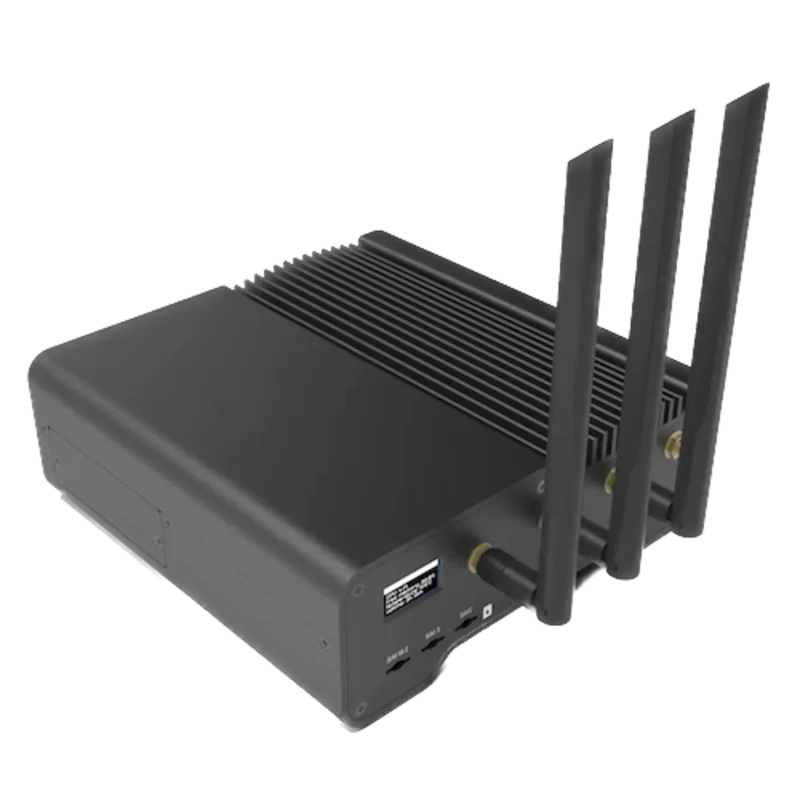
For the built-in EM580 serial port
- Modbus
- Edge
- Platforms
Models
| Models | Interface | Route into Edge |
|---|---|---|
| EM580DINAV23XS3DEA | Direct 5(65) A inputs, isolated RS-485, bottom connection and 384-bit signature option. | Read ordinary Modbus registers through the serial interface. The signature option does not give Edge OCMF processing. |
| EM580DINAV23XS2DEA / S2DEB / S3DEB / S2DET / S3DET | Separate signature or measurement-direction variants in the family. DEB is bottom-connected; DET is top-connected. | Do not apply bidirectional energy behaviour to DEA or infer an Ethernet port from configuration software access. |
Specifications
Use the exact ordering code to select the wiring and metering behaviour. The datasheet’s generic bidirectional and signed-session features do not turn this DEA monitoring connection into export metering or a certified charging transaction.12
- Exact variant
- EM580DINAV23XS3DEA: DEA absolute mode, bottom connection, 384-bit signature option; device code 1845 / 0735h.2
- Electrical inputs
- Direct connection, no external CTs: 5 A base current and 65 A maximum. Single-phase or three-phase with neutral; rated 120–230 V L-N / 208–400 V L-L, 50 Hz.1
- Supply and accuracy
- Self-powered from the measurement circuit, below 1.5 W / 2.8 VA. Active energy class B to EN 50470-3; DEA’s positive total is the MID-certified quantity.1
- Serial settings
- Address 1–247; 9600, 19200, 38400, 57600 or 115200 bit/s; none or even parity. The protocol allows up to 125 words per read.12
- Installation envelope
- Three DIN modules, 53.4 mm wide; −25 to +70 °C, humidity below 90% without condensation at 40 °C. Front IP40 and terminals IP20.1
Interface
Documented measurements and integration boundaries for EM580.
- L1-N voltage: physical 0000h, two INT32 words divided by 10 for V. Phase currents: 000Ch/000Eh/0010h, two INT32 words each divided by 1000 for A.
- System active power: physical 0028h, two INT32 words divided by 10 for W. Frequency: 0033h, one INT16 word divided by 10 for Hz. Use table 4.1 with FC03 or FC04.
- Total positive active energy: physical 0034h, two INT32 words divided by 10 for kWh. This ordinary 32-bit value fits Edge’s Modbus read width. On DEA it accumulates regardless of current direction; it is not net import/export energy. Four-word energy or signature structures require a different implementation.
Assessment
Exact EM580DINAV23XS3DEA, with absolute-energy interpretation and no signed-session processing.
- InteroperabilityWell supported
- The public protocol identifies this exact ordering code and gives FC03/FC04, physical addresses, word order and integer scaling.2
- AccuracySupported with conditions
- Direct 65 A inputs and class B active energy suit the documented circuit. DEA counts absolute energy, so its positive power and total cannot establish import/export direction.1
- SecurityLimited
- The meter offers signed OCMF records and sealable terminal covers, but these do not authenticate ordinary Modbus reads. Restrict serial access and exclude writes, resets and session commands from monitoring.12
- ReliabilitySupported with conditions
- The meter samples continuously and is powered from the measured circuit. The protocol specifies a 500 ms maximum response and overflow indication; check supply continuity, timeouts and recovery.12
- RuggednessSupported with conditions
- The datasheet specifies −25 to +70 °C, non-condensing humidity limits, category III insulation, IP40 front and IP20 terminals. A suitable installed enclosure and protected wiring remain necessary.1
Setup
Check one L1-N voltage read
Protocol 1.11 table 4.1 defines physical address 0000h, two INT32 words and a voltage weight of 10. Section 3.1 defines low-word-first order.
- Read function
- FC03 Read Holding Registers; FC04 is also documented for this table.
- Physical address and length
- 0000h = 0 decimal; 2 registers
- Request PDU
- 03 00 00 00 02
- Synthetic response data
- 08 FC 00 00 → low word 08FCh, high word 0000h → signed 2300 / 10 = 230.0 V
- Acceptance
- Compare with the simultaneous L1-N voltage on the display, using the actual wiring and units.
Acceptance: The bytes are a calculated example from the documented format, not a physical device capture. The RTU client adds the configured node address and CRC. This is integer decoding, not FLOAT32.
-
Identify the DEA circuit
Have the authorised installer confirm the full code and the bottom-connection diagram. This is a direct-connected meter, not a CT meter. Observe the manufacturer’s isolation, neutral and terminal requirements.
-
Set the serial connection
Read the configured node, speed and parity and match them in Edge. Keep the serial bus separate from any charging controller master; do not place two masters on the same segment.
-
Use the physical address
For L1-N voltage, choose physical address 0000h, decimal 0, and two registers. The adjacent Modicom label 300001 identifies the same quantity; do not send 300001 or subtract one from the physical address.
-
Decode the low word first
Keep the most significant byte first inside each word, then combine the first word as the low 16 bits and the second as the high 16 bits. Interpret as signed INT32 and divide by 10 for V. If the most significant word is 7FFFh, follow the protocol’s overflow indication instead of reporting a measurement.
Common questions
- Does DEA measure export separately?
- No. The datasheet’s DEA easy-connection mode keeps power positive regardless of current direction and increases the positive energy total. Its negative energy meter is unavailable. Choose and configure the appropriate DEB or DET variant when separate export metering is required.1
- Can Edge read the ordinary energy total?
- Yes. Table 4.1 exposes a two-word INT32 total at 0034h, scaled by 10 for kWh. This is different from higher-resolution or four-word structures. Use the ordinary value with its DEA absolute-mode meaning.12
- Does this connection validate signed charging records?
- No. The meter has manufacturer-documented OCMF and signature facilities, but ordinary Edge polling does not verify OCMF signatures or establish legal billing acceptance. Keep charging-session and statutory verification with the system responsible for them.12
Related devices

Sources
- EM580 datasheet, 27 January 2025 (opens in a new tab) (PDF)
- EM580 Modbus protocol 1.11, 8 April 2025 (opens in a new tab) (PDF)
- EM580DINAV23XS3DEA official product record (opens in a new tab)
Further reading
Product names and trademarks belong to their owners. Publication does not imply endorsement or a commercial relationship.