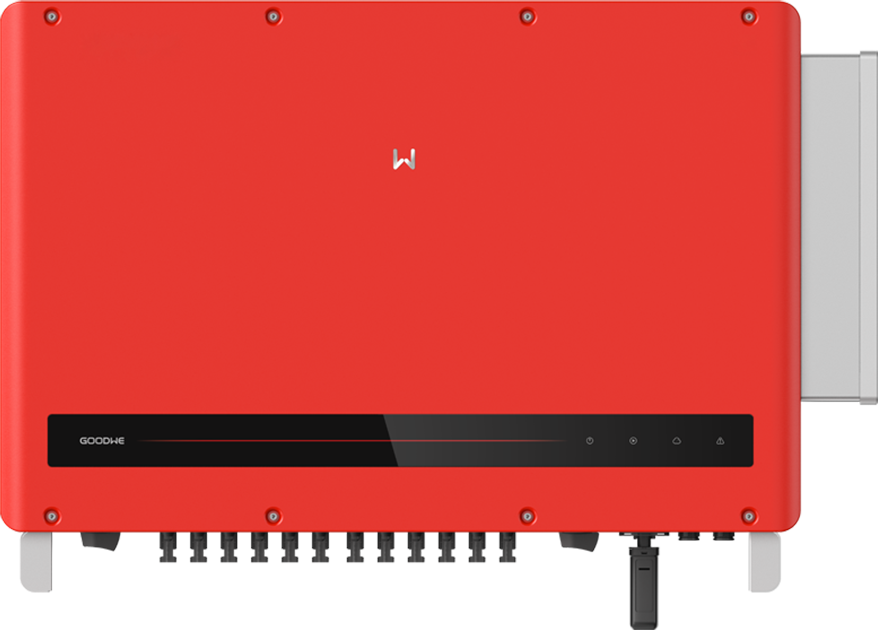
GoodWe HT 100–120 kW
Commercial PV inverter
GoodWe specifies SunSpec-compliant Modbus RTU for GW100K-HT, GW110K-HT and GW120K-HT, and EpiSensor Edge reads it on the inverter RS-485 bus. Discover the SunSpec models read-only, then compare AC power with the inverter interface. The procedure below uses the models the inverter returns rather than a fixed register layout.
Compatibility
Compatible with EpiSensor Edge over Modbus RTU (SunSpec)
The exact-family datasheet specifies SunSpec-compliant Modbus RTU on RS-485. Edge reads it as a Modbus RTU client through a ZMB-31 Modbus Interface or the Gateway’s serial port, using SunSpec discovery and the public model definitions to locate the points.
GW100K-HT, GW110K-HT and GW120K-HT. Site check: use the inverter RS-485 bus only where no GoodWe logger or controller already polls it, and compare the first decoded AC power with the inverter interface.
Connect it with
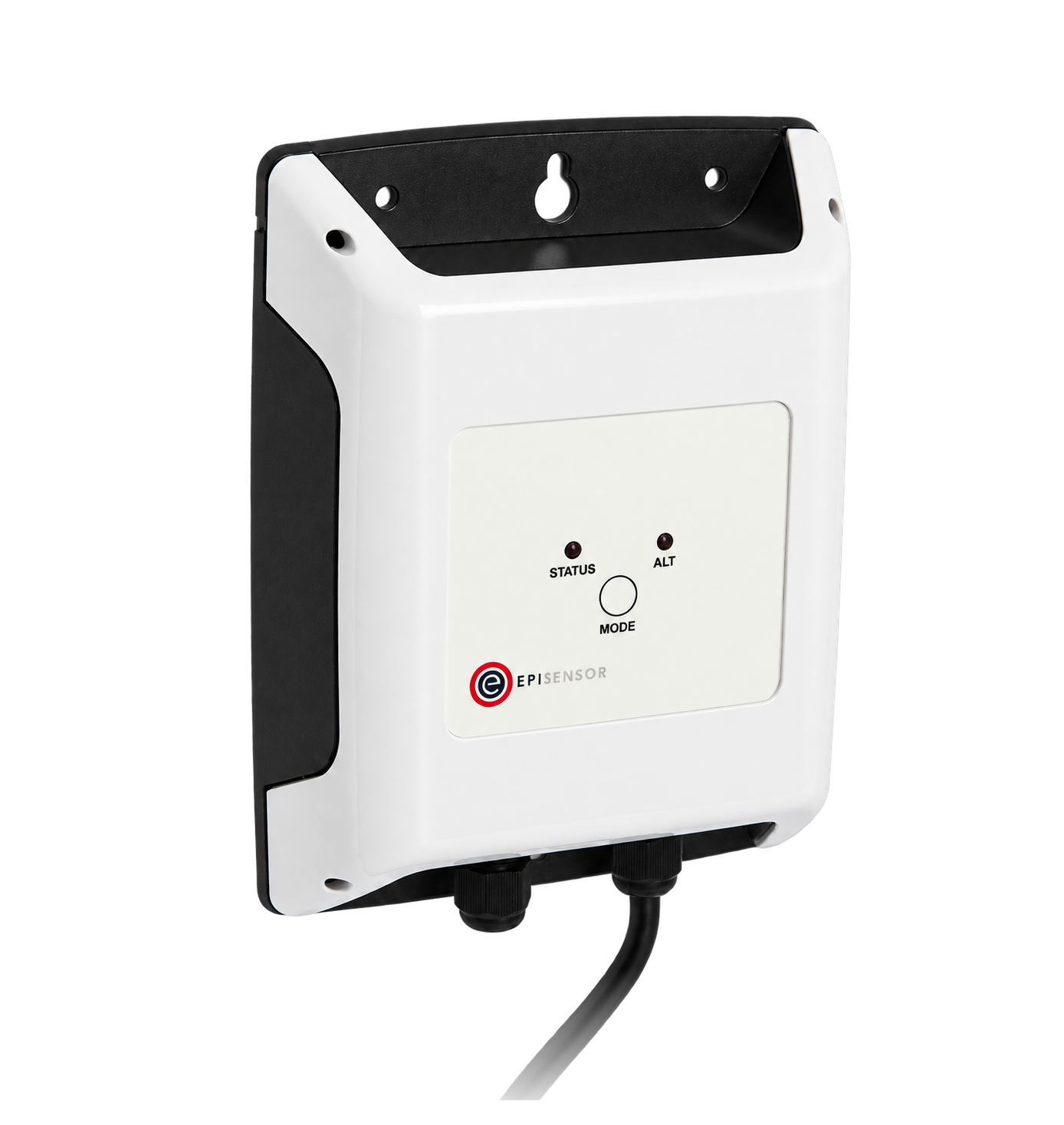
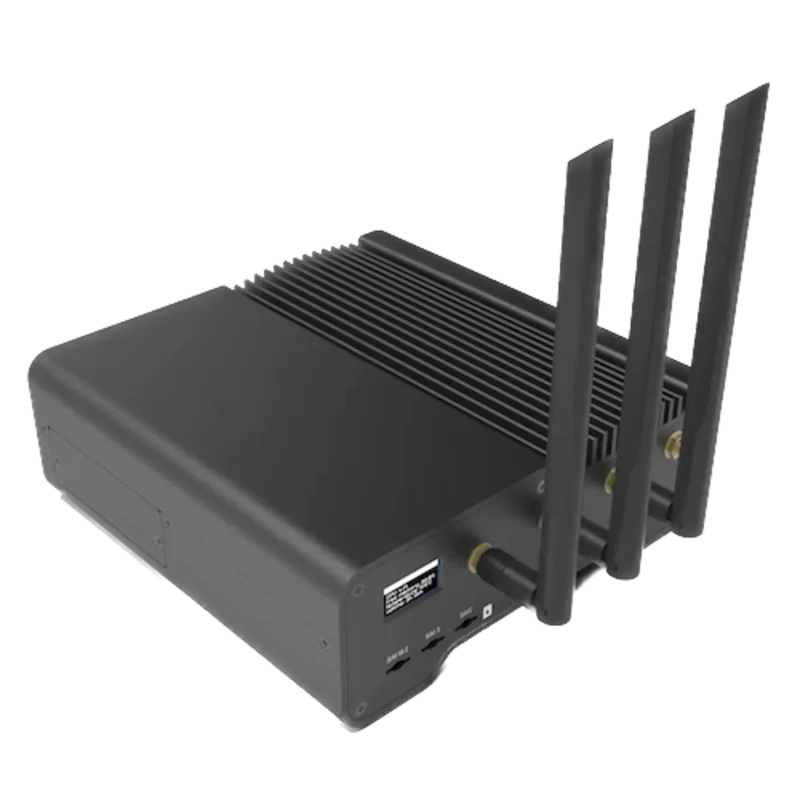
When the inverter RS-485 communication port is free for one Modbus master, with no GoodWe logger or SEC controller polling it
- Modbus
- Wireless
- Edge
- Platforms
Models
| Models | Interface | Route into Edge |
|---|---|---|
| GW100K-HT | 100 kW, ten MPPTs | Modbus RTU on the inverter RS-485 port; discover the SunSpec models before mapping points. |
| GW110K-HT | 110 kW, twelve MPPTs | Modbus RTU on the inverter RS-485 port, with one Modbus master on the bus. |
| GW120K-HT | 120 kW, twelve MPPTs | Keep vendor logger and export-control roles separate. |
Specifications
GW100K-HT is rated 100 kW with ten MPPTs; GW110K-HT and GW120K-HT are rated 110 and 120 kW with twelve MPPTs. All three are 400 V three-phase models in the retained datasheet.2
- GW100K-HT
- 100 kW, ten MPPTs, 400 V three-phase2
- GW110K-HT
- 110 kW, twelve MPPTs, 400 V three-phase2
- GW120K-HT
- 120 kW, twelve MPPTs, 400 V three-phase2
- PV input
- 1100 V maximum DC; two strings per MPPT2
- Published communications
- RS-485, with optional Wi-Fi or 4G; datasheet states SunSpec-compliant Modbus RTU2
- Enclosure
- IP66; -30 to +60 °C operating range2
Interface
Documented measurements and integration boundaries for HT 100–120 kW.
- SunSpec common model 1 carries the manufacturer, model and serial number, and model 103 carries AC power when the inverter returns it. Read the model list first rather than assuming fixed addresses.
- A logger or accessory value must be attributed to its actual measurement point rather than assumed to be an inverter value.
- No setpoint, export-control or protection point is approved by this guide.
Assessment
GW100K-HT, GW110K-HT and GW120K-HT over SunSpec Modbus RTU on the inverter RS-485 bus.
- InteroperabilitySupported with conditions
- The exact family is labelled SunSpec-compliant Modbus RTU, and the public SunSpec discovery and model definitions locate the points. Use the inverter RS-485 bus with one master.1245
- AccuracySupported with conditions
- SunSpec model 103 defines signed AC power and its scale factor when that model is returned. Compare decoded power with the local interface and check freshness on the installed unit.25
- SecurityLimited
- The named Modbus RTU interface has no documented authentication or encryption, so any future path would require physical and client controls.2
- ReliabilitySupported with conditions
- Electrical, environmental and installation limits are published. The manual does not describe communication recovery, so treat a timeout as unavailable data rather than zero.12
- RuggednessSupported with conditions
- IP66, temperature and installation limits are published for the exact HT ratings.12
Setup
-
Record the exact model
Capture GW100K-HT, GW110K-HT or GW120K-HT, the full product code, serial number, firmware and installed communication module.
-
Map the commissioned topology
Identify every inverter, GoodWe logger, SEC1000 or Smart Energy Controller, smart meter and RS-485 chain. Record which device is the client and which are servers.
-
Discover the published SunSpec models
On an installer-approved inverter RS-485 bus, use the configured server address and serial settings with one client. FC03 reads two registers at wire addresses 0, 40000 or 50000 to find the SunSpec signature 53 75 6E 53. Read each model header (ID and length), advance by length + 2, and stop at ID 65535. Record the returned model IDs; do not assume model 103 or fixed positions.
-
Keep control outside the proposal
Do not propose export limitation, active-power control, reactive-power control or grid-setting writes. Those functions belong to a separately engineered vendor control system.
-
Read AC power
If discovery returns model 103, let H be its header wire address. FC03 at H + 14, quantity 2, reads signed int16 W and W_SF. Power = W × 10^W_SF; 0x8000 means unavailable. Synthetic H = 40070 gives PDU 03 9C 94 00 02; bytes 30 39 FF FF mean 12345 × 10^-1 = 1234.5 W. Compare with GoodWe’s interface. Model 113 or another returned model needs its own definition.
Common questions
- How does Edge connect to a GoodWe HT inverter?
- Over Modbus RTU on the inverter RS-485 bus, through a ZMB-31 Modbus Interface or the Gateway’s serial port. The datasheet specifies SunSpec-compliant Modbus RTU, so Edge discovers the SunSpec models and reads the definition actually returned; the model-103 example below applies when that model is present. Control writes are outside this read-only procedure.1245
- Can the smart-meter port be used as the inverter-monitoring bus?
- The manual assigns distinct accessory and logger roles. Do not repurpose a meter connection or assume that its measurements represent inverter production.1
Related devices
Sources
- HT 100-136K user manual, version 1.7 (opens in a new tab) (PDF)
- HT 73-120K Datasheet (opens in a new tab) (PDF)
- Compatibility list of GoodWe inverters and IoT products (opens in a new tab) (PDF)
- SunSpec Device Information Model Specification v1.4 (opens in a new tab) (PDF)
- SunSpec three-phase inverter model 103 definition (opens in a new tab)
Further reading
Product names and trademarks belong to their owners. Publication does not imply endorsement or a commercial relationship.