IKEA E2202
Water leak sensor
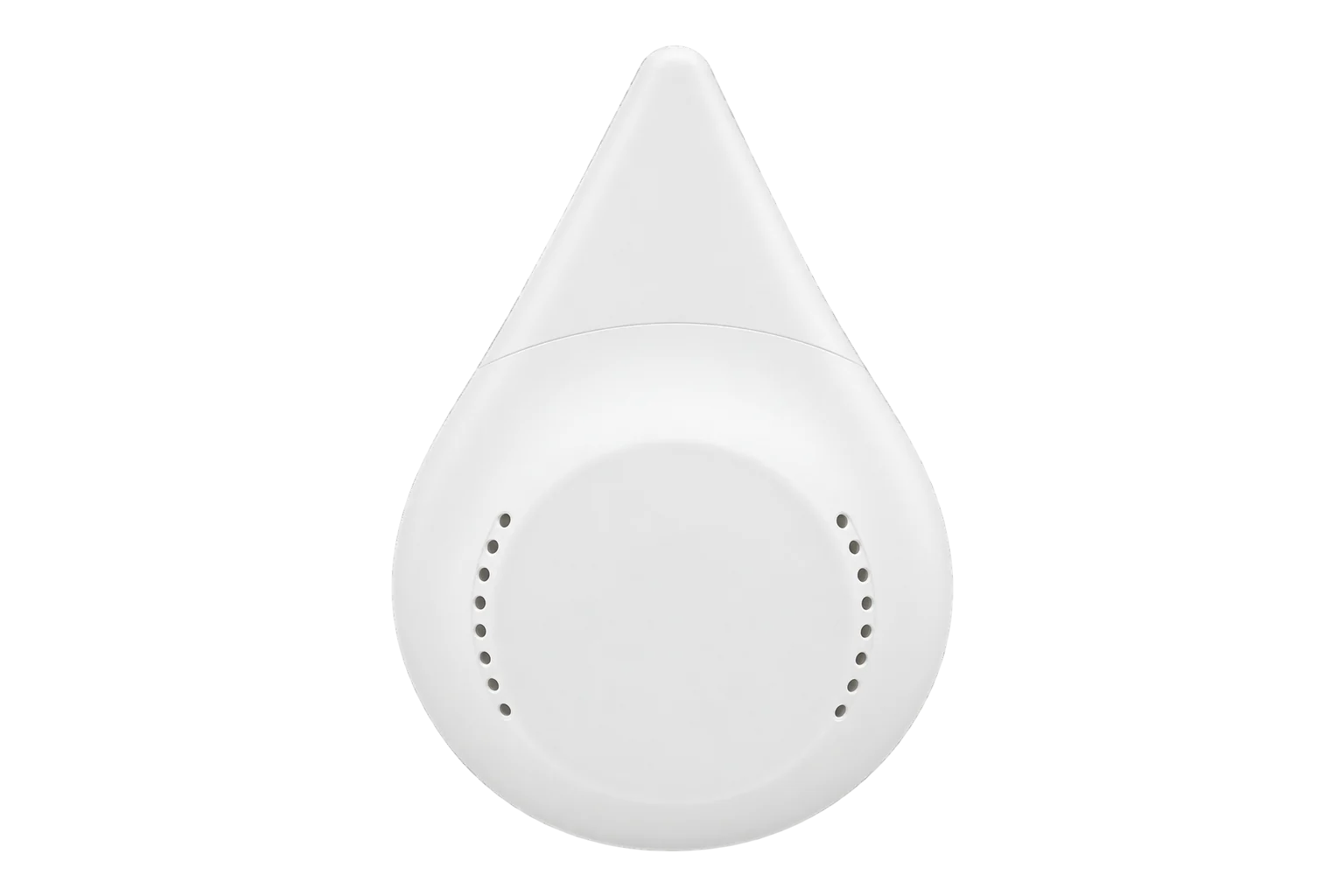
IKEA’s BADRING water leakage sensor: a small Zigbee sensor that sounds an alarm when water bridges the two metal prongs underneath it. It runs on one 1.2 V AAA NiMH cell and is rated IP44 for indoor use.
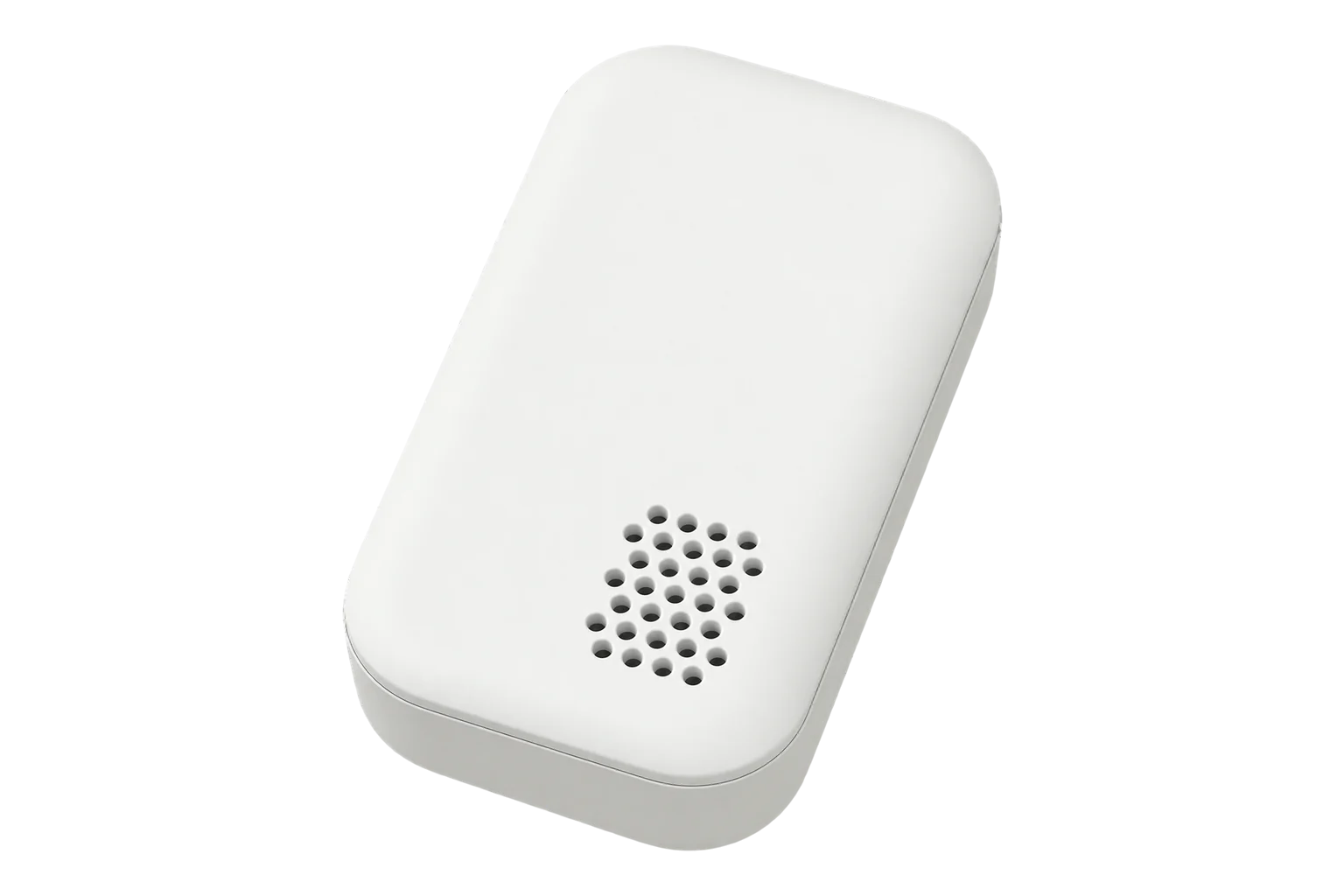
- Zigbee
Water leak sensor
Compatibility
Compatible with EpiSensor Edge over Zigbee.
Pair it with the Zigbee radio on an EpiSensor Gateway. Edge reads it locally on the Gateway.
Edge reads 4 values from it, listed under Interface.
Connect it with
-
Gateway ZGW-20From €899 ex VAT Configure Gateway

Specifications
It works on its own as a local alarm, and it is ready to use as soon as the battery is in. Silicone feet hold it in place without tape or adhesive, which IKEA advises against because they can stop water reaching the prongs. IKEA suggests damp places such as bathrooms, laundry rooms and basements, and under sinks and appliances.12
- Power
- Battery. One AAA/HR03 1.2 V rechargeable cell, bought separately. IKEA recommends its LADDA 750 NiMH cell and warns against the wrong battery type.1
- Detection
- Two metal prongs underneath; alarm when both touch water1
- Ingress protection
- IP441
- Working temperature
- 0 to 40 °C, indoor use only1
- Wireless
- Zigbee, 2405 to 2480 MHz, 7.3 dBm EIRP1
- Range
- 10 m in open air1
- Battery
- 1 × AAA/HR03 1.2 V; IKEA recommends LADDA 750 (750 mAh NiMH)1
- Housing
- ABS plastic2
- Factory reset
- Press the pairing button 4 times within 5 seconds1
Where it is used
Under sinks, dishwashers and water heaters in staff kitchens and washrooms, alongside the building’s water metering.
Water consumption monitoring for commercial buildingsComms rooms and small data rooms, on the floor under air-conditioning units and near pipework.
Server room and rack temperature monitoringBasements and laundry rooms, where IKEA’s IP44 rating and indoor range of 0 to 40 °C suit the conditions.
Interface
On the Zigbee network it joins as a sleepy end device.4
Readings and settings, with units and ranges where IKEA publishes them. readable, writable only.
| Reading | Unit | Range or values | Access |
|---|---|---|---|
| Measurements 1 | |||
| Water leak | - | Binary state | Read only |
| Settings 1 | |||
| Identify | - | identify |
Write only |
| Diagnostics 2 | |||
| Battery | % | 0 to 100 % | Read only |
| Voltage | mV | - | Read only |
The sensor sleeps between reports, so an identify command may not act until it wakes.4
The leak state is the IAS Zone alarm. Battery level is reported as a percentage and battery voltage in millivolts.5
On firmware 1.0.7, users have observed the sensor playing a low-battery tune every 64 minutes once the battery reaches 30 %.4
Setup
-
Open pairing in Edge
In Edge, open pairing on the Gateway’s Zigbee network. The Gateway accepts new devices while pairing is open.
-
Fit the battery
Open the back of the sensor and fit one AAA/HR03 cell. The pairing button is under the cover, next to the battery.1
-
Put it into pairing mode
Press the pairing button 4 times in a row. The red light flashes a few times and goes out, then pulses after a few seconds while it searches. It goes out when the sensor has joined. Four presses within 5 seconds is also IKEA’s factory reset.4
-
Confirm the join
Close the battery cover and check that Edge identifies it as IKEA E2202 and shows a battery level.
-
Test the alarm
Stand the sensor, prongs down, in a bowl with 1 to 2 mm of water, so that only the prongs are wet. The alarm sounds and Edge shows a water leak. Dry the prongs and check the leak clears.1
Common questions
- Does the BADRING need an IKEA DIRIGERA hub to work with Edge?
- IKEA needs its DIRIGERA hub for its own app and notifications, and the sensor cannot join the older TRÅDFRI gateway. The sensor itself is Zigbee-based with a documented interface, so it joins the Zigbee radio on an EpiSensor Gateway directly and Edge reads it there.234
- Does it still alarm without a network?
- Yes. IKEA documents it as ready to use without a hub: it sounds its alarm when water touches both prongs, whether or not it has joined a network.1
Related devices
Sources
- BADRING water leakage sensor manual (opens in a new tab) (PDF)
- BADRING water leakage sensor, smart (opens in a new tab)
- IKEA launches trio of smart sensors (opens in a new tab)
- IKEA E2202 device documentation (opens in a new tab)
- IKEA device definitions (opens in a new tab)
Further reading
Product names and trademarks belong to their owners. Publication does not imply endorsement or a commercial relationship.