Milesight WS303
Water leak sensor
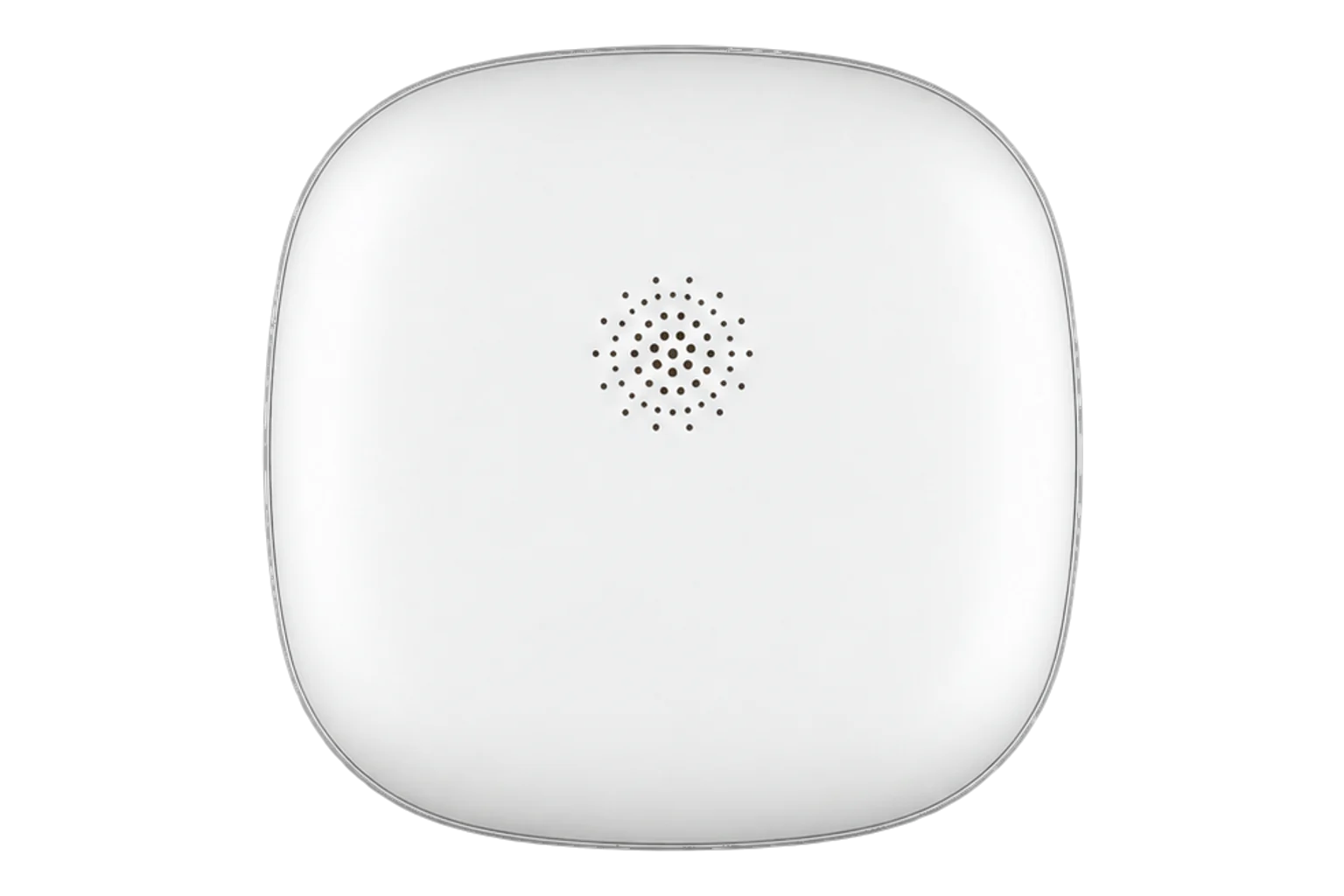
A coin-cell LoRaWAN leak sensor for floors, plant rooms and risers. Two probes on its underside trigger once conductive liquid reaches 0.5 mm, a built-in buzzer sounds locally and an alarm uplink goes out at once.
- LoRaWAN
Water leak sensor
Compatibility
Compatible with EpiSensor Edge over LoRaWAN.
Register it on your LoRaWAN network server with its DevEUI and keys. Edge, on the Gateway, reads its decoded uplinks from that server.
Edge reads 5 values from it, listed under Interface.
Connect it with
-
Gateway ZGW-20From €899 ex VAT Configure Gateway

Specifications
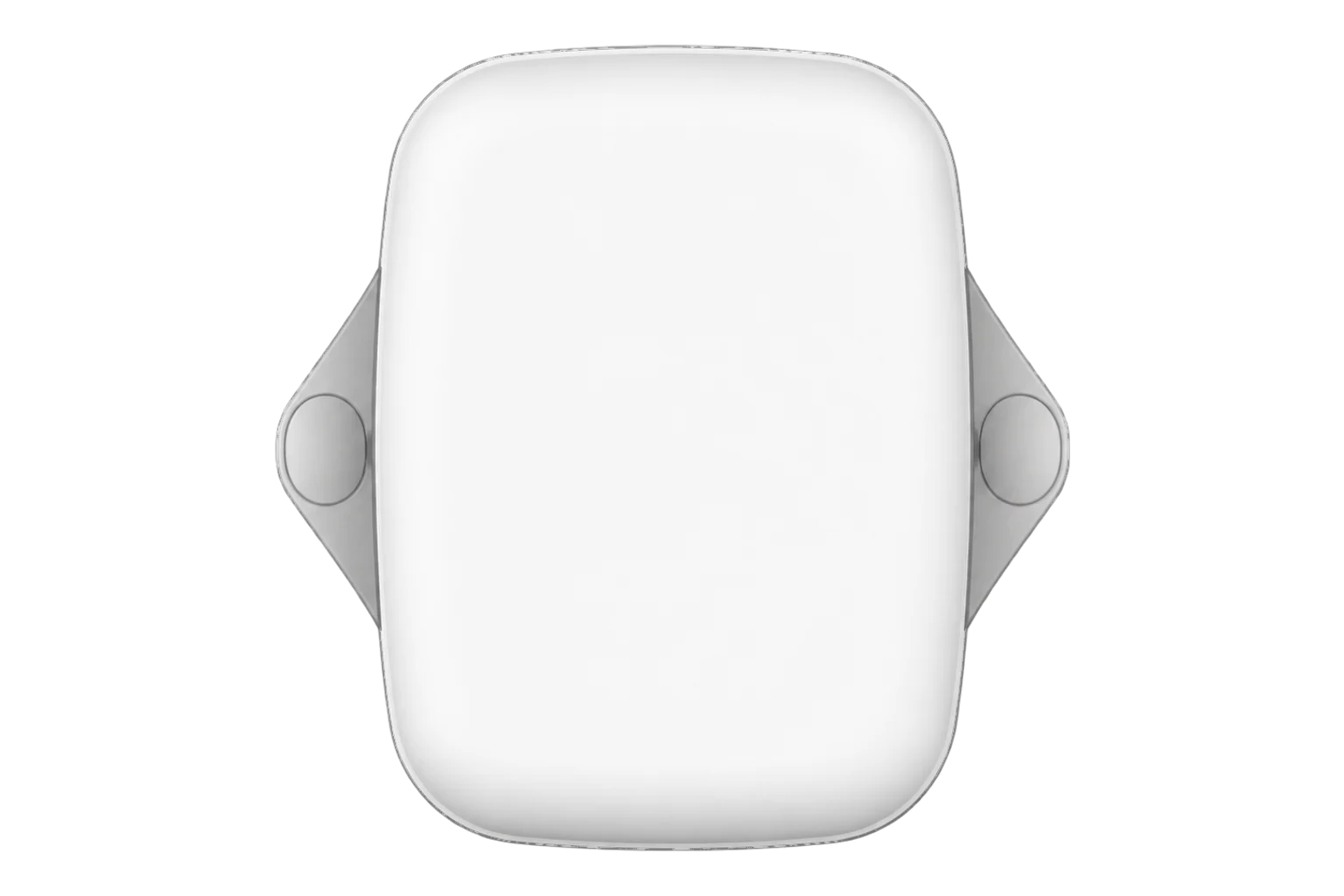
The WS303 detects water, or any other conductive liquid, with a pair of probes on the base of a 63 × 63 × 14 mm enclosure. It raises a leak once the liquid is 0.5 mm deep. It does not measure how much water there is: the reading is a state, leak or no leak, plus the battery level.12
- Power
- Battery. One replaceable 590 mAh CR2450 lithium coin cell. Milesight quotes about 5.7 years at 25 °C with one hour of leak alarm per week (a laboratory figure).1
- Detection
- Conductive liquid, triggers at a depth of 0.5 mm1
- Local alarm
- Built-in buzzer, can be disabled1
- LoRaWAN
- Class A, OTAA or ABP, versions 1.0.2 and 1.0.32
- Frequency plans
- CN470, IN865, RU864, EU868, US915, AU915, KR920, AS923-1 to AS923-41
- Transmit power
- 16 dBm (868 MHz), 20 dBm (915 MHz), 19 dBm (470 MHz)1
- Receiver sensitivity
- -137 dBm at 300 bit/s1
- Operating temperature
- -10 to 60 °C1
- Relative humidity
- 0 to 100 % RH, non-condensing1
- Ingress protection
- IP671
- Dimensions
- 63 × 63 × 14 mm, 36.4 g with battery1
- Mounting
- 3M tape or free-standing1
- Configuration
- Milesight ToolBox app over NFC, or downlink1
- Approvals
- CE, FCC, RoHS1
Where it is used
Plant rooms, risers and toilet cores, where a water meter's night flow says there is a leak and a sensor on the floor says where it is.
Water consumption monitoring for commercial buildingsUnder raised floors and beside cooling units in comms and server rooms, where a leak has to be found before it reaches the cabling.
Server room and rack temperature monitoringBeside water heaters, calorifiers and tank bases, where a slow drip goes unnoticed for weeks.
Interface
- Device class
- Class A2
- Regional plans
- EU868, US915, AU915, AS923, KR920, IN865, RU864, CN470
- Activation
- OTAA or ABP
- LoRaWAN version
- 1.0.2 or 1.0.3
- Default uplink interval
- 18 hours (10 to 1,080 minutes), plus an immediate uplink on every change of state
Ports
| FPort | Direction | Carries |
|---|---|---|
| 85 | Uplink | Leak state, battery level, the information packet sent on joining, and alarm repeats |
| 85 | Downlink | Reboot, reporting interval, buzzer on or off, stop the buzzer, alarm repeats and D2D settings |
Decoded fields
Readings and settings, with units and ranges where Milesight publishes them. readable, writable only.23
| Reading | Unit | Range or values | Access |
|---|---|---|---|
| Measurements 1 | |||
| LeakChannel 03, type 00: 00 normal, 01 leak. Sent on every change and with each periodic report | - | normalleak |
Read only |
| Controls 1 | |||
| BuzzerDownlink channel FF, type 3E: 00 disables, 01 enables. Channel FF, type 3D stops a sounding buzzer | - | disableenable |
Write only |
| Settings 2 | |||
| Reporting intervalDownlink channel FF, type 03: unsigned 16-bit | s | 600 to 64,800 s | Write only |
| Alarm repeat intervalDownlink channel FF, type 7E, with the alarm enable flag and the number of repeats (2 to 1,000) | s | - | Write only |
| Diagnostics 1 | |||
| Battery levelChannel 01, type 75: unsigned 8-bit. An alarm uplink is sent when it reaches 1 % | % | 0 to 100 % | Read only |
Each uplink is a run of channel, type and value fields, with multi-byte values in little-endian order. A leak alarm is channel 03, type 00, value 01; the same field with value 00 means the leak has cleared.23
The default join EUI is 24E124C0002A0001 and the device EUI is on the label. Units shipped from the fourth quarter of 2025 use the device EUI written twice as their default application key; earlier units ship with a common factory default key, which Milesight lists in the guide.2
Setup
-
Register it on the network server
Add the WS303 as a Class A device using OTAA, with the device EUI from its label, the join EUI 24E124C0002A0001 and its application key.2
-
Fit the battery
Turn the back cover off with a coin, insert the CR2450 with the positive side up and refit the cover. The sensor powers on and buzzes once.2
-
Match the frequency plan
In the Milesight ToolBox app, read the sensor over NFC and set the same frequency plan as the network. For US915 or AU915 with Milesight gateway defaults, enable channels 8 to 15, then write the settings.2
-
Mount it where water collects first
Clean the surface, fix the sensor with the 3M tape so both probes point straight down, and press it firmly. Allow 24 hours for the adhesive to set, or lay the sensor flat on the floor instead.2
-
Prove the alarm
Touch both probes with a damp cloth. The buzzer should sound and the network server should decode a leak on port 85. Dry the probes and confirm the normal state arrives before you connect it to Edge.
Common questions
- How much water does it take to trigger?
- The WS303 raises a leak once conductive liquid reaches 0.5 mm deep across its probes. It detects conductive liquids only.1
- How quickly is a leak reported?
- At once. A change of state is sent as an alarm uplink straight away, then repeated at the alarm interval, by default twice at one-minute spacing. The periodic report, every 18 hours by default, carries the same leak state and the battery level.2
- Can the buzzer be switched off?
- Yes. It can be disabled in the ToolBox app or with the downlink FF 3E 00, and a sounding buzzer can be silenced with FF 3D FF.2
Related devices
Sources
- WS303 datasheet (opens in a new tab) (PDF)
- WS303 user guide (opens in a new tab) (PDF)
- WS303 payload decoder (opens in a new tab)
- WS303 product page (opens in a new tab)
- Milesight WS303 device type definition (opens in a new tab)
Further reading
Product names and trademarks belong to their owners. Publication does not imply endorsement or a commercial relationship.