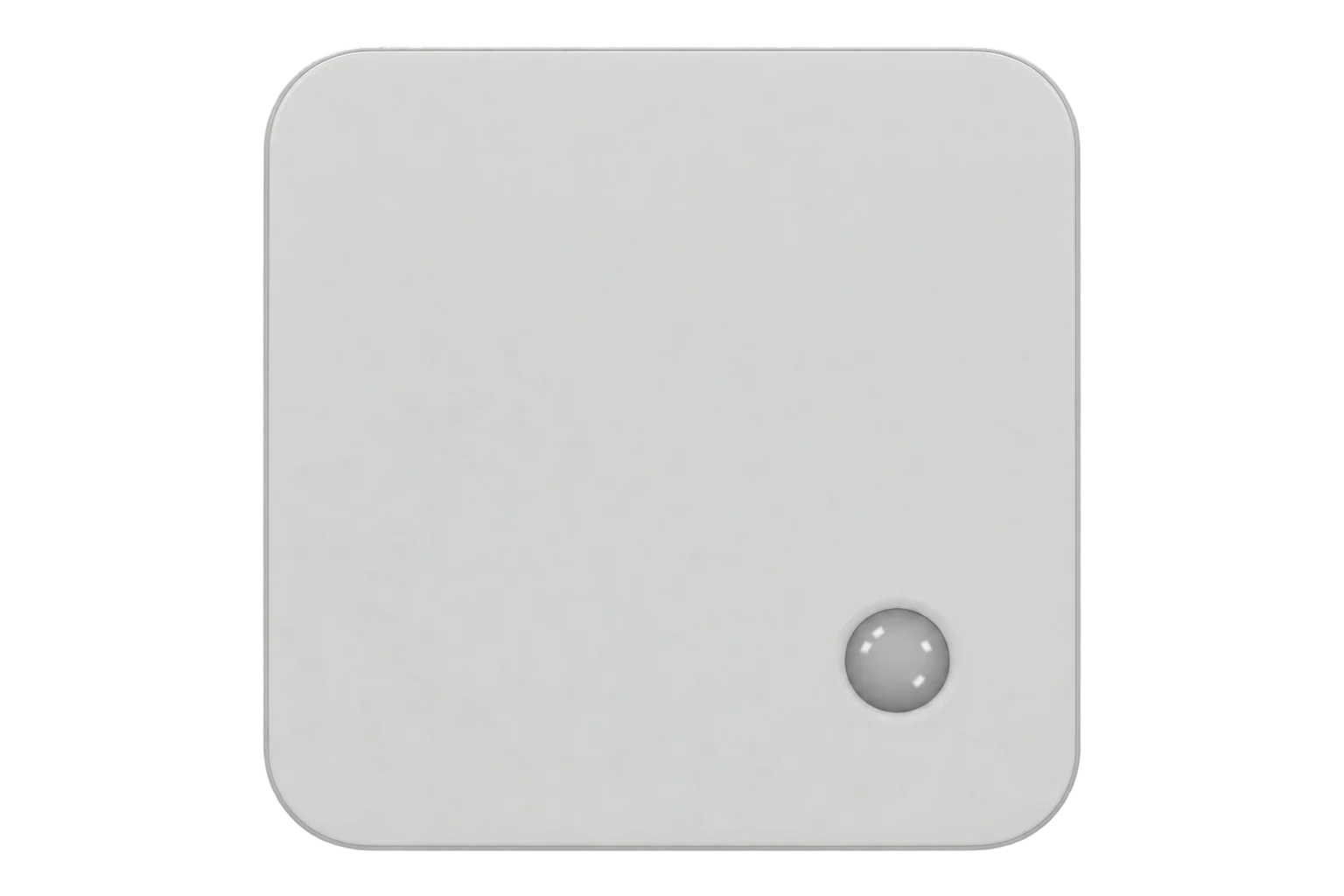
Milesight EM300-TH
Temperature and humidity sensor
A battery-powered LoRaWAN temperature and humidity sensor in an IP67 enclosure, rated for -30 to 70 °C, reporting every 10 minutes by default on a 4000 mAh cell.
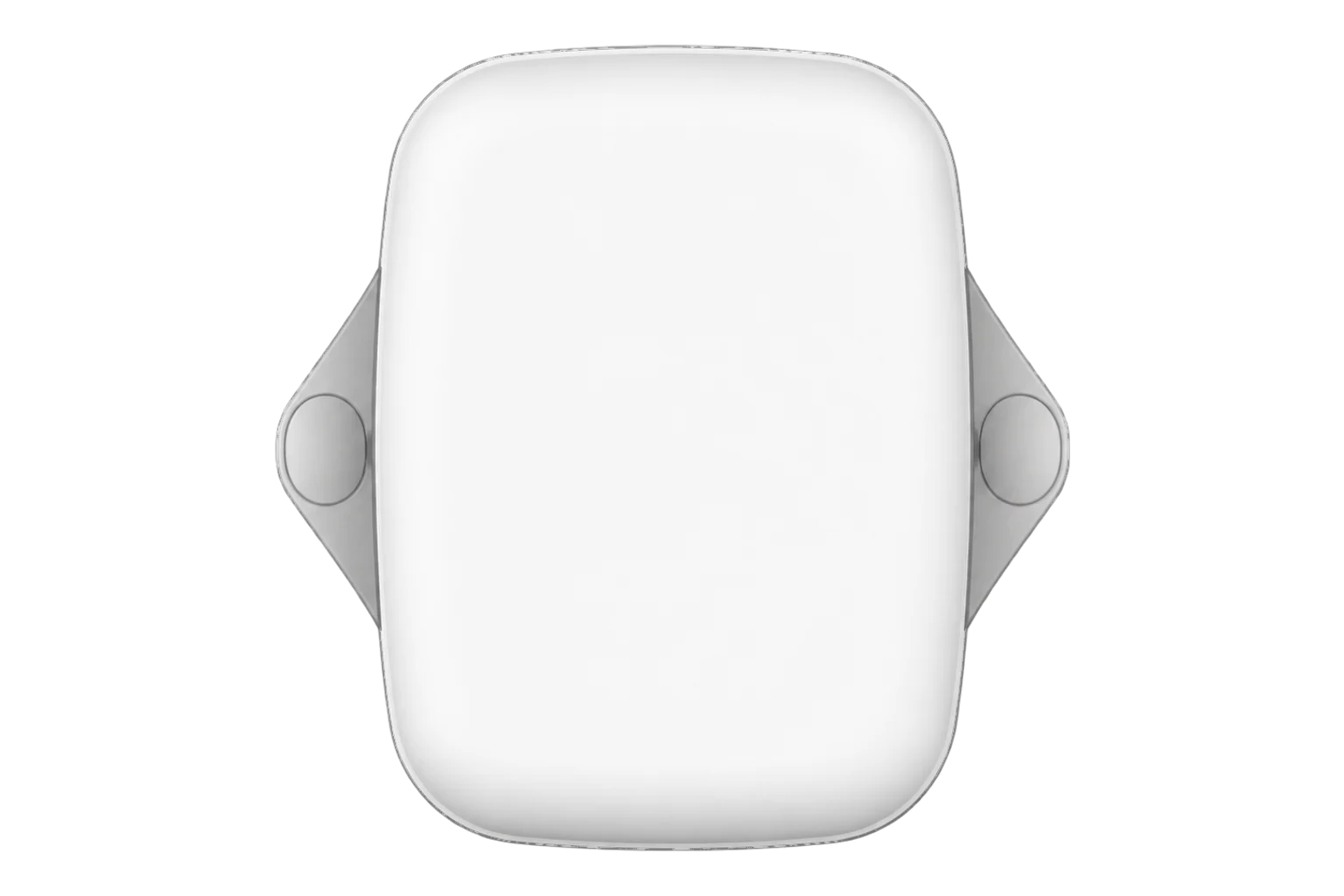
- LoRaWAN
Temperature and humidity sensor
Compatibility
LoRaWAN network-server connection
Register the device on a LoRaWAN network server and decode its uplinks using the manufacturer’s payload definition.
Verify the network-server interface, decoder and destination application for the intended deployment.
Specifications
The EM300-TH measures air temperature and relative humidity with a Sensirion sensor and sends both over LoRaWAN. Milesight specifies typical accuracy of ±0.3 °C from 0 to 70 °C and ±0.6 °C from -30 to 0 °C. Typical humidity accuracy is ±3 % RH from 10 to 90 % RH at 25 °C. Resolution is 0.1 °C and 0.5 % RH.1
- Power
- Battery. A 4000 mAh ER18505 Li-SOCl₂ cell powers the device; an 8000 mAh version is optional. At 25 °C and a reporting interval of 10 minutes, Milesight quotes over 10 years on SF7 and about 5.8 years on SF10 in EU868. Laboratory figures are for guidance only.1
- Temperature range
- -30 to 70 °C1
- Temperature accuracy
- ±0.3 °C (0 to 70 °C), ±0.6 °C (-30 to 0 °C), typical1
- Humidity range
- 0 to 100 % RH1
- Humidity accuracy
- ±3 % RH (10 to 90 % RH at 25 °C), typical1
- Resolution
- 0.1 °C, 0.5 % RH1
- LoRaWAN
- Class A, OTAA or ABP, versions 1.0.2 and 1.0.32
- Frequency plans
- CN470, IN865, RU864, EU868, US915, AU915, KR920, AS9231
- Transmit power
- 16 dBm (868 MHz), 20 dBm (915 MHz)1
- Ingress protection
- IP671
- Dimensions
- 88.5 × 85.3 × 27 mm, 95.6 g with battery1
- Approvals
- CE, FCC, ISED, RCM, Telec, ICASA, EN 128301
Where it is used
Cold rooms and chilled stores down to -30 °C; the model lists EN 12830, the standard for temperature recorders used in cold chain.
Cold room and cold store temperature monitoringOffices, classrooms and greenhouses where battery operation avoids a power cable.
Indoor environmental monitoringGreenhouses, plant rooms and outdoor enclosures, where the IP67 housing matters.
Interface
- Device class
- Class A2
- Regional plans
- EU868, US915, AU915, AS923, KR920, IN865, RU864, CN470
- Activation
- OTAA or ABP
- LoRaWAN version
- 1.0.2 / 1.0.3
- Default uplink interval
- Default: 10 minutes; minimum: 1 minute; maximum: 1080 minutes
Ports
| FPort | Direction | Carries |
|---|---|---|
| 85 | Uplink | Readings, battery level, alarms, stored history and the device information packet sent on joining |
| 85 | Downlink | Reboot, reporting and sampling intervals, data storage, retransmission and calibration |
Decoded fields
Readings and settings, with units and ranges where Milesight publishes them. readable, writable only.2
| Reading | Unit | Range or values | Access |
|---|---|---|---|
| Measurements 3 | |||
| TemperatureChannel 0x03, type 0x67: signed 16 bit value divided by 10 | °C | -30 to 70 °C | Read only |
| Relative humidityChannel 0x04, type 0x68: unsigned 8 bit value divided by 2 | % RH | 0 to 100 % RH | Read only |
| Stored readingChannel 0x20, type 0xCE: Unix timestamp, temperature and humidity from stored data | - | - | Read only |
| Settings 1 | |||
| Reporting intervalDownlink channel 0xFF, type 0x03; configuration write, not a measurement | s | 60 to 64,800 s | Write only |
| Diagnostics 1 | |||
| Battery levelChannel 0x01, type 0x75: sent on joining and every 6 hours; low-battery alarm at 1 % | % | 0 to 100 % | Read only |
Each uplink is a run of channel, type and value fields, with values in little-endian byte order. The default join EUI is 24E124C0002A0001; the device EUI is printed on the device.2
Setup
-
Register it on the network server
Add the EM300-TH to the site’s LoRaWAN network server with the device EUI on its label and the join EUI 24E124C0002A0001, as a Class A device using OTAA.2
-
Power it on
Hold the internal power button for more than 3 seconds until the LED lights, or power it on from the Milesight ToolBox app over NFC.2
-
Match the frequency plan
Check that the device and the network server use the same frequency plan. For US915 or AU915 with Milesight gateway defaults, enable channels 8–15.2
-
Check the decode
On joining, the device sends an information packet and its battery level on port 85. Confirm the server decodes temperature and humidity from the next periodic uplink.2
-
Check one value
Compare the decoded temperature with a reference thermometer beside the sensor before using the measurements.
Common questions
- Which LoRaWAN port does the EM300-TH use?
- Application port 85 by default, for both uplinks and downlinks. The port can be changed in the device settings.2
- How long does the battery last?
- At 25 °C and a reporting interval of 10 minutes, Milesight quotes over 10 years on SF7 in EU868 and US915, about 5.8 years on SF10 in EU868 and about 4.2 years on SF10 in US915. These are laboratory figures for guidance; retransmission increases uplink traffic and shortens battery life.1
- Can it be used in a freezer or outdoors?
- It is rated for -30 to 70 °C and 0 to 100 % RH non-condensing, and the enclosure is IP67 and UV-resistant, so it suits outdoor sites and cold rooms down to -30 °C.1
- What happens to readings during a network outage?
- Enable data storage, retransmission and Rejoin Mode, and synchronize the device clock. The device can keep up to 2800 readings and retransmit timestamped records when it reconnects. If another disconnection occurs during retransmission, only the latest disconnected period is sent. This does not guarantee a continuous record.12
- How is the temperature encoded?
- Channel 0x03, type 0x67 carries a signed 16 bit little-endian value divided by 10. The reported unit is always °C.2
Related devices
Sources
- EM300-TH datasheet (opens in a new tab) (PDF)
- EM300-TH user guide (opens in a new tab) (PDF)
- EM300-TH product page (opens in a new tab)
- Milesight EM300-TH device type definition (opens in a new tab)
Further reading
Product names and trademarks belong to their owners. Publication does not imply endorsement or a commercial relationship.