Milesight EM500-PT100
PT100 temperature sensor
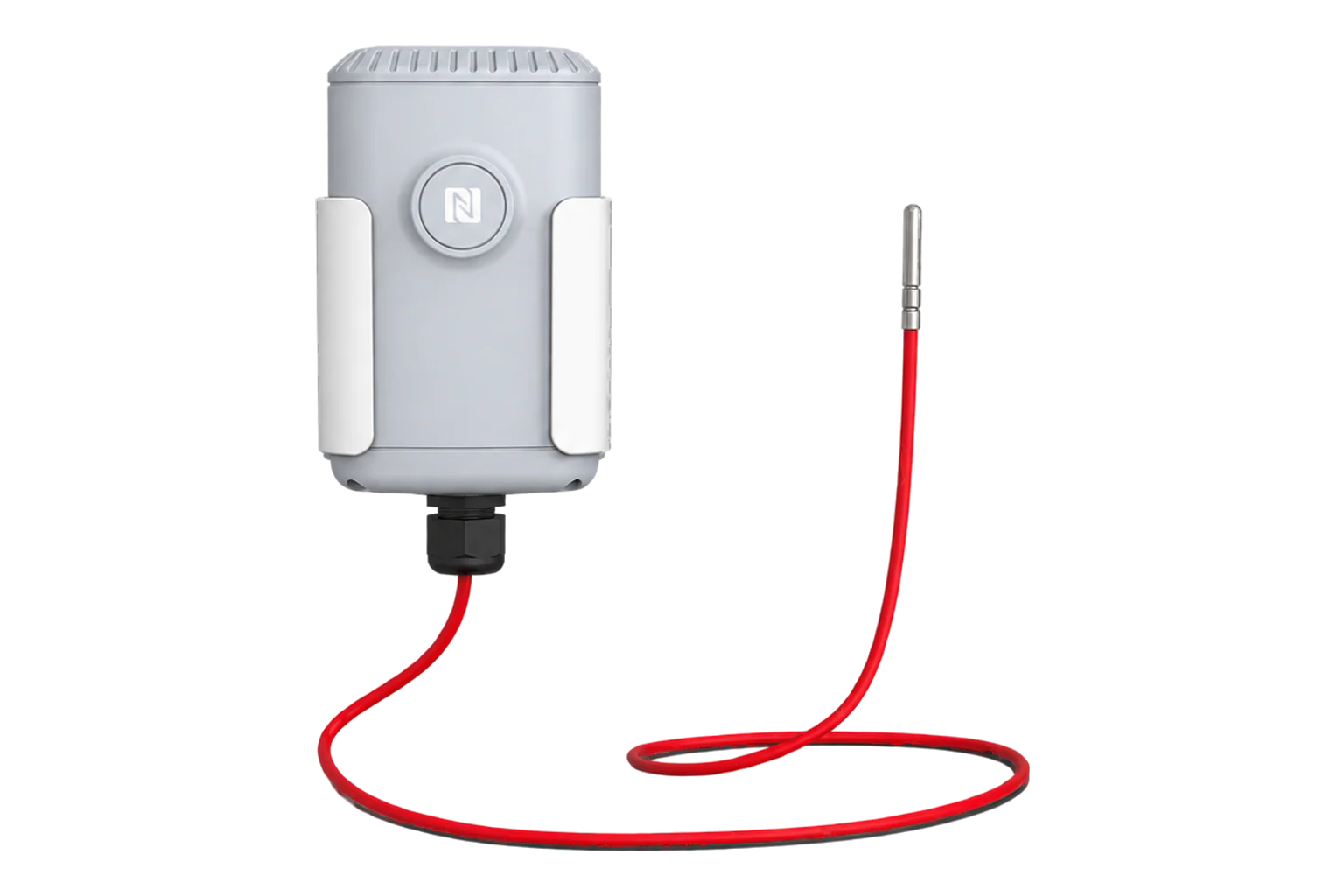
A LoRaWAN transmitter with a 3-wire PT100 probe for pipes, plant, ovens and cold processes. Four probe options cover -200 to 800 °C, and a 19000 mAh cell gives up to 10 years at a 10-minute interval.
- LoRaWAN
PT100 temperature sensor
Compatibility
Compatible with EpiSensor Edge over LoRaWAN.
Register it on your LoRaWAN network server with its DevEUI and keys. Edge, on the Gateway, reads its decoded uplinks from that server.
Edge reads 7 values from it, listed under Interface.
Connect it with
-
Gateway ZGW-20From €899 ex VAT Configure Gateway

Specifications
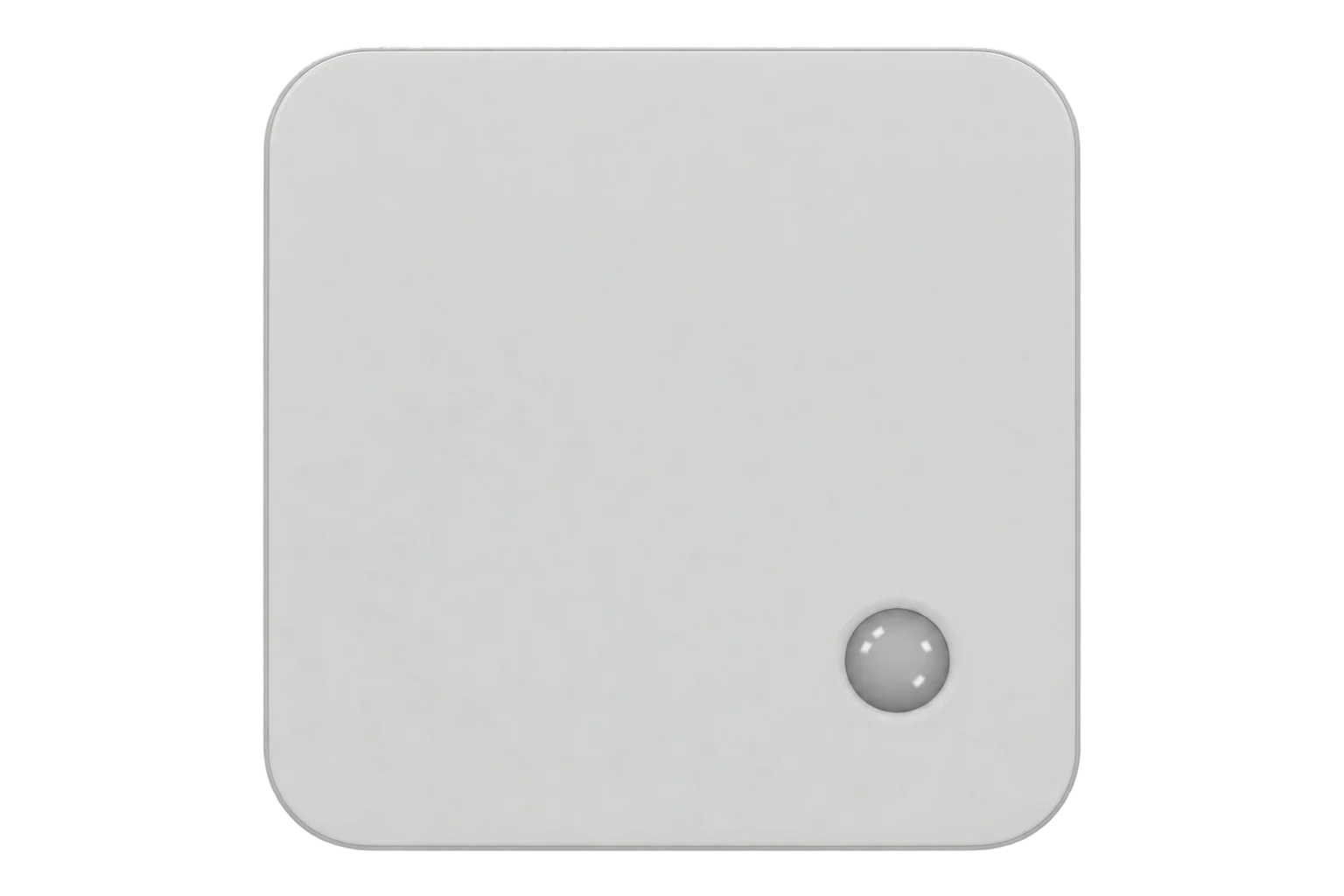
The EM500-PT100 is a battery-powered LoRaWAN transmitter with a PT100 resistance thermometer on a 1.5 m cable, wired as a 3-wire connection. It reports one temperature at 0.1 °C resolution. It is a contact probe, and Milesight lists pipes, ovens, industrial machines, boilers and chimneys among its uses.1
- Power
- Battery. One replaceable 19000 mAh ER34615 Li-SOCl₂ cell. Milesight quotes 10 years at a 10-minute interval and 25 °C (a laboratory figure). Alkaline cells are not supported.1
- Sensor
- PT100, 3-wire connection, contact probe1
- Range by probe
- T050: -200 to 50 °C; T200: -50 to 200 °C; T500: -50 to 500 °C; T800: -50 to 800 °C1
- Accuracy, T050
- Class B, typical ±0.5 °C (-40 to 40 °C), ±1 °C (-140 to 50 °C), ±1.5 °C (-200 to -140 °C)1
- Accuracy, T200
- Class A, typical ±0.6 °C (-50 to 200 °C)1
- Accuracy, T500
- Class A, typical ±0.5 °C (-50 to 170 °C), ±1.2 °C (170 to 500 °C)1
- Accuracy, T800
- Class A, typical ±0.5 °C (-50 to 170 °C), ±1 °C (170 to 420 °C), ±2 °C (420 to 800 °C)1
- Probe
- 304 stainless Ø4 × 30 mm (T050, T200, T500); 316 stainless Ø5 × 50 mm (T800)1
- Probe protection
- IP67 on the T200; IP30 on the T050, T500 and T8001
- Cable
- 1.5 m; Teflon on the T050 and T200, fibreglass on the T500 and T8001
- Resolution
- 0.1 °C1
- Transmitter operating range
- -30 to 70 °C, 0 to 100 % RH non-condensing, IP671
- LoRaWAN
- Class A, OTAA or ABP, versions 1.0.2 and 1.0.32
- Frequency plans
- CN470, IN865, RU864, EU868, US915, AU915, KR920, AS923-1 to AS923-41
- Local storage
- 1,000 records, retransmission and time-range retrieval1
- Dimensions
- 105.4 × 71 × 69.5 mm, 362.7 g with battery, bracket and probe1
- Mounting
- Wall, pole or DIN rail1
- Approvals
- CE, FCC, ISED, ICASA, Telec, RoHS1
Where it is used
Hot-water flow and return temperatures on calorifiers and circulation loops, where the T200 probe covers the range and is IP67.
Legionella temperature monitoringFlue, boiler and chiller water temperatures read beside the plant's energy input.
Boiler performance monitoringBlast freezers, cryogenic stores and liquid nitrogen lines down to -200 °C with the T050 probe.
Cold room and cold store temperature monitoringOvens, kilns and hot process lines up to 800 °C with the T800 probe.
Interface
- Device class
- Class A2
- Regional plans
- EU868, US915, AU915, AS923, KR920, IN865, RU864, CN470
- Activation
- OTAA or ABP
- LoRaWAN version
- 1.0.2 or 1.0.3
- Default uplink interval
- 10 minutes (1 to 1,080 minutes)
Ports
| FPort | Direction | Carries |
|---|---|---|
| 85 | Uplink | Temperature, battery level, threshold and change alarms, stored history, enquiry replies and the information packet sent on joining |
| 85 | Downlink | Reporting and collection intervals, thresholds, change alarm, calibration offset, time, storage, retransmission and history enquiries |
Decoded fields
Readings and settings, with units and ranges where Milesight publishes them. readable, writable only.2
| Reading | Unit | Range or values | Access |
|---|---|---|---|
| Measurements 3 | |||
| TemperatureChannel 03, type 67: signed 16-bit, divided by 10. The usable range is the probe's (T050, T200, T500 or T800) | °C | -200 to 800 °C | Read only |
| Temperature changeChannel 83, type D7: the current temperature and the step that triggered a change alarm, each signed 16-bit divided by 10 | °C | - | Read only |
| Stored readingChannel 20, type CE: Unix timestamp and temperature of a reading resent after an outage or on request | °C | - | Read only |
| Settings 3 | |||
| Reporting intervalDownlink channel FF, type 03: unsigned 16-bit | s | 60 to 64,800 s | Write only |
| Collection intervalDownlink channel FF, type 02: how often the probe is read for alarms, shorter than the reporting interval | s | - | Write only |
| Calibration offsetDownlink channel FF, type F1: signed 16-bit, divided by 10, added to every reading | °C | - | Write only |
| Diagnostics 1 | |||
| Battery levelChannel 01, type 75: on joining and every 24 hours. An alarm uplink is sent below 1 % | % | 0 to 100 % | Read only |
Each uplink is a run of channel, type and value fields, with multi-byte values in little-endian order. Temperature is channel 03, type 67: a signed 16-bit value in tenths of a degree Celsius, whatever unit the ToolBox app displays.23
A raw value of FFFF means the device could not read the probe, and FFFD means the reading was outside the measuring range. Milesight's reference decoder does not flag either, so they decode as -0.1 and -0.3 °C; treat both as faults in Edge.23
Battery level is sent on joining and every 24 hours, not with every temperature uplink.2
Setup
-
Register it on the network server
Add the EM500-PT100 as a Class A device using OTAA, with the device EUI from its label, the join EUI 24E124C0002A0001 and its application key.2
-
Power it on and match the frequency plan
Read the device over NFC in the Milesight ToolBox app, or over USB-C with the ToolBox software, and power it on. Set the frequency plan to match the network and write the settings.2
-
Set the clock
Sync the time from the ToolBox app, or set the device to LoRaWAN 1.0.3 so it asks the network server with DeviceTimeReq. Stored readings carry this clock's timestamps.2
-
Mount the transmitter and fit the probe
Fix the transmitter to a wall, a pole or a DIN rail, away from metal objects. Put the probe in contact with what it measures, in a thermowell or clamped to the pipe, with the cable inside its temperature rating.2
-
Check one reading
Compare the first decoded temperature with a reference thermometer at the same point. A value of FFFF or FFFD in the raw payload means a probe or range fault, not a temperature. Then connect it to Edge.
Common questions
- Is it a 2-wire or 3-wire PT100?
- 3-wire. The probe connects to the internal terminal block on a white ground wire and two red wires, which Milesight gives as the reason for its precision.12
- How does it report a broken probe?
- A failed read is sent as FFFF and an out-of-range reading as FFFD, instead of a temperature.2
Related devices
Sources
- EM500-PT100 datasheet (opens in a new tab) (PDF)
- EM500-PT100 user guide (opens in a new tab) (PDF)
- EM500-PT100 payload decoder (opens in a new tab)
- EM500-PT100 product page (opens in a new tab)
- Milesight EM500-PT100 device type definition (opens in a new tab)
Further reading
Product names and trademarks belong to their owners. Publication does not imply endorsement or a commercial relationship.