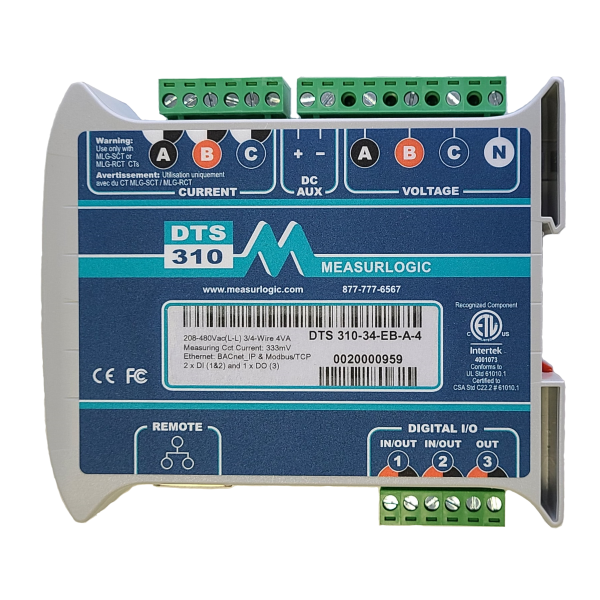
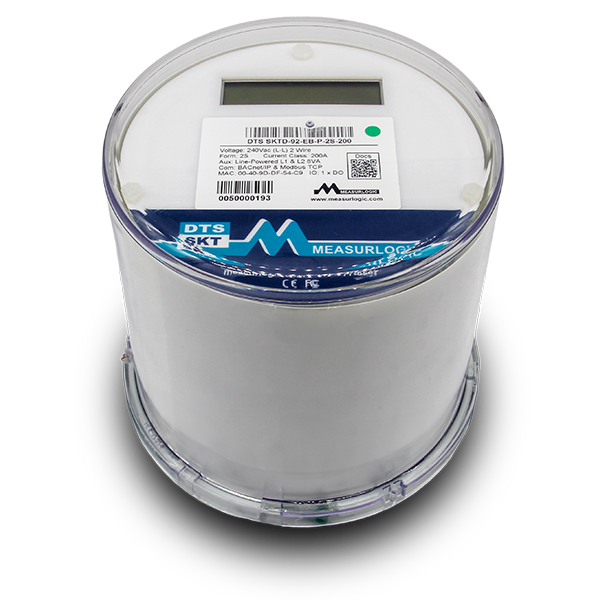
Measurlogic DTS 310
Power and energy meter
On a three-wire feeder, check the powering arrangement before choosing a meter. Measurlogic offers a 310 powered between phases Va and Vb. The order table also includes a pulse-only version. Record the communications option if the brief calls for network readings.
Compatibility
Compatible with Edge over BACnet/IP or routed MS/TP
Measurlogic offers Ethernet and serial BACnet versions. Edge reads an Ethernet meter directly or reaches a serial meter through the site BACnet router.
The serial example applies to a label showing BACnet MS/TP ML. For other versions use the map corresponding to the installed interface.
Connect it with

For a meter commissioned for BACnet MS/TP
- BACnet
- Edge
- Platforms
For a meter commissioned for BACnet/IP
- Wired
- Edge
- Platforms
Models
| Models | Interface | Route into Edge |
|---|---|---|
| DTS 310 ordering options | Verify the line-to-line supply, voltage range and communications option on the installed unit. | BTL listing 30593 covers the SB serial ordering pattern at firmware 3.0a-1.0300. Match the full suffix and firmware for a project submittal. |
Interface
Documented measurements and integration boundaries for DTS 310.
- AI 5528 reports total active power in kW. AI 5525 is phase-one active power.
Assessment
DTS 310 monitoring using the installed communications option.
- InteroperabilityWell supported
- The BTL listing identifies a defined serial order pattern and tested firmware.3
- AccuracySupported with conditions
- Check the line-to-line supply, voltage range and communications option against the site requirements.1
- SecurityNot yet assessed
- Confirm the approved network route with the operator.1
- ReliabilitySupported with conditions
- Match the Device object identity and interface option before assigning readings to a circuit.2
- RuggednessNot yet assessed
- Confirm the enclosure and installation environment for the ordered meter.1
- ScalabilitySupported with conditions
- Each meter on the trunk needs a distinct MAC address and network-wide Device instance.2
- LifecycleSupported with conditions
- Retain the complete model code and fitted measurement options in the replacement schedule.1
Setup
-
Match the serial number and connected feeder to the operator’s point list.
Record the line-to-line supply, voltage range and communications option.
-
On the ML serial version described in R23A, read AI 5528 and compare its kW value with total feeder power on the operator’s panel display.
-
Record the observed object type, instance, engineering unit and time with the reference reading.
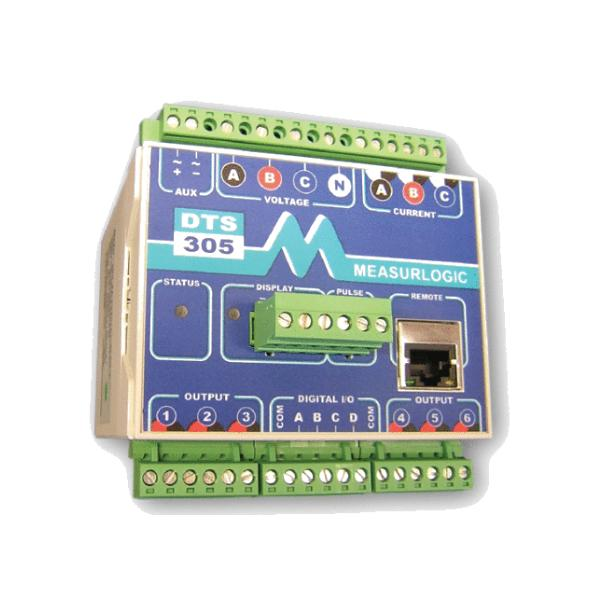
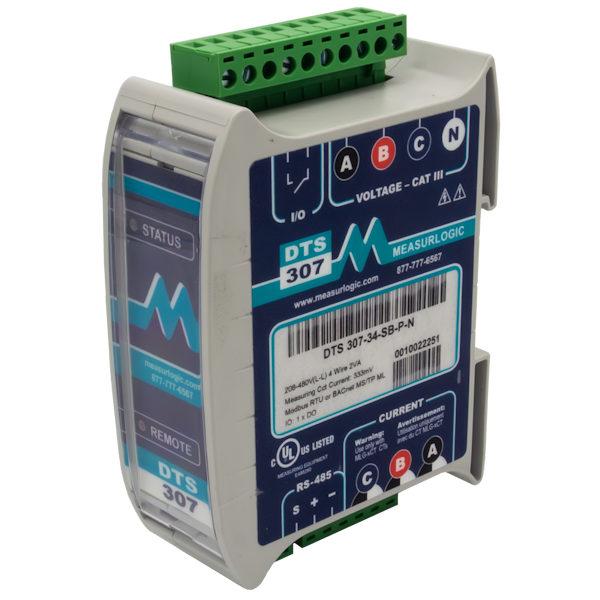
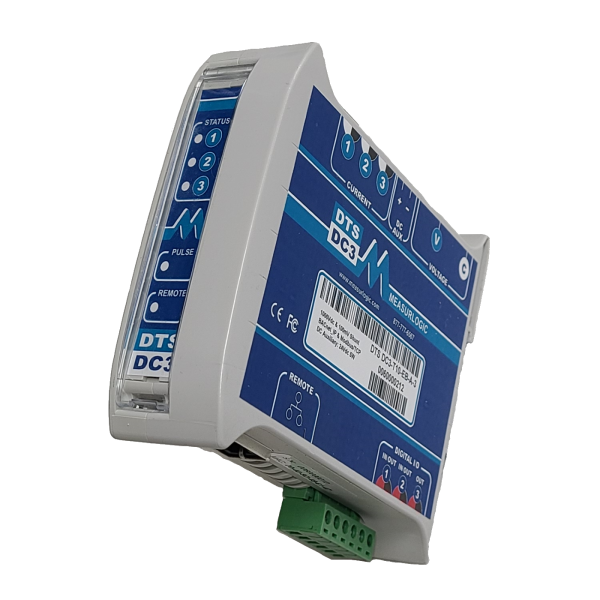
Related devices
Sources
- DTS 310 specifications and ordering options (opens in a new tab)
- DTS BACnet MS/TP ML map, revision R23A (opens in a new tab) (PDF)
- BTL 30593, DTS serial meter ordering patterns and firmware (opens in a new tab) (PDF)
- DTS BACnet/IP map, version 2.0U (opens in a new tab) (PDF)
Further reading
Product names and trademarks belong to their owners. Publication does not imply endorsement or a commercial relationship.