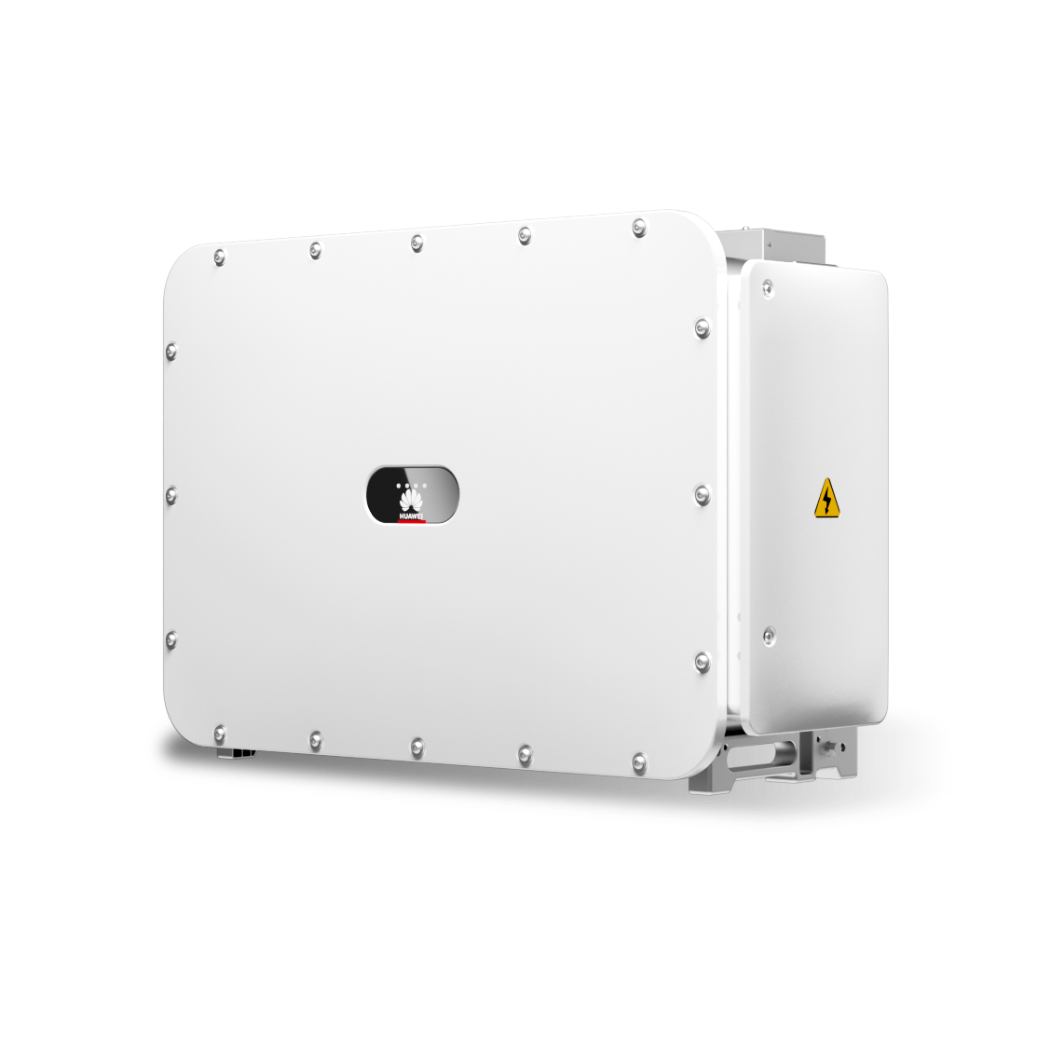
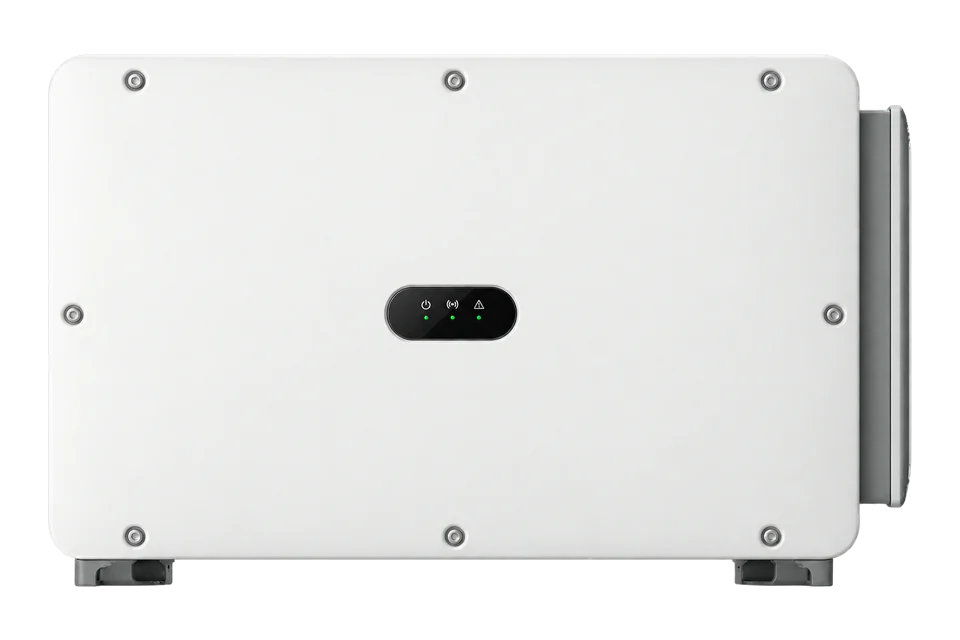
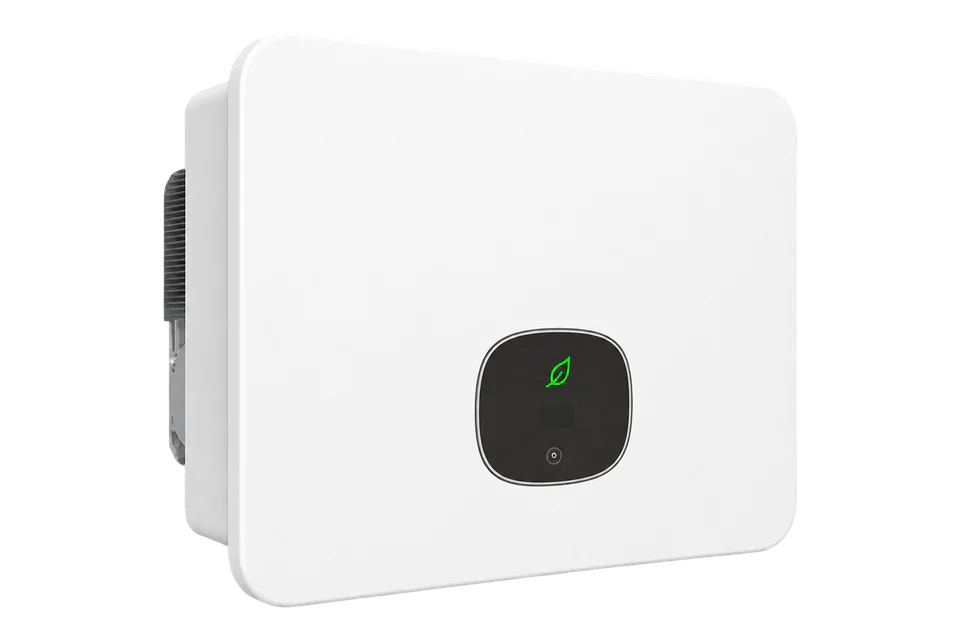
Huawei SUN2000-150K-MG0
Commercial PV inverter
Huawei’s 150 kW MG0 has seven MPPTs and 380/400/480 V AC options. Its issue20 manual explicitly describes SmartLogger3000 networking and a third-party management-system handoff. Use the logger-level identity and aggregate power check below while preserving the inverter, meter and commissioned plant-control roles.
- RS485
- Modbus TCP
Commercial PV inverter
Compatibility
Documented monitoring through SmartLogger3000
Huawei’s SmartLogger map and user manual provide a concrete northbound TCP monitoring start. This route requires an installed SmartLogger3000, not an assumed MG0 Ethernet service or optional Dongle endpoint. The example reads the logger’s aggregate inverter/PCS output.
Use Issue 43 as a best-effort starting map and compare decoded values with the installed logger WebUI. Preserve the commissioned inverter/meter buses and plant controller. Physical Edge polling has not been tested; this guide includes no control commands.
The MG0 plant uses an installed SmartLogger3000 and an approved local Modbus TCP monitoring connection
- M-Bus
- Edge
- Platforms
Models
| Models | Interface | Route into Edge |
|---|---|---|
| SUN2000-150K-MG0 | 150 kW nominal AC; seven MPPTs; RS485-1 logger bus and RS485-2 downstream device port | For an installed SmartLogger3000, use the TCP logger-level read below; preserve RS485-1 and the RS485-2 meter/control role. |
| Part number 01076909 | The issue 20 manual expressly excludes AC MBUS for this part number | Use the installed hardware record, not a family datasheet feature row, to decide whether MBUS exists. |
| SUN2000-150K-MG0-ZH | China-region variant in the wider manual | Do not transfer its regional grid, connector or software assumptions to the unsuffixed MG0. |
| SUN2000-100K-MGL0-ZH and 50–80K-MGL0 | Other ratings and regional variants in the wider manual | Do not treat the manual family as a single 150 kW electrical specification. |
| Plants with SmartLogger5000B or SmartMGC5000B | Other plant controllers named by the issue20 MG manual | Use their own interface definitions. This SmartLogger3000 map does not assign registers, gains or addressing to those controllers. |
Specifications
Huawei’s February 2025 German datasheet and its preliminary English sheet agree on 150 kW nominal AC active power, 165 kVA maximum apparent power, 7 MPPTs with at most 3 string inputs each, 1100 V maximum DC input and 380/400/480 V nominal AC options. The product is IP66. Electrical design must use the actual country code and latest supplier issue.34
- Nominal AC output
- 150 kW at the documented 380/400/480 V nominal AC options; 165 kVA maximum apparent power4
- PV tracking
- Seven MPPTs, up to three inputs each; 48 A maximum current per MPPT4
- DC input limit
- 1100 V maximum; 200–1000 V MPPT range4
- RS485-1
- Pins 1–4, IN/OUT pairs for inverter cascade or SmartLogger5
- RS485-2
- Pins 7–8, downstream RS485 device such as a power meter5
- AC MBUS
- Conditional plant network; unsupported on part number 01076909, with isolation/step-up transformer requirements15
- Enclosure
- IP66; manual gives -25 to +60°C ambient range subject to design and derating5
Interface
Documented measurements and integration boundaries for SUN2000-150K-MG0.
- RS485-1 pins 1–4 provide IN/OUT pairs for inverter cascading or a SmartLogger. RS485-2 pins 7–8 are for a downstream RS485 device such as a power meter. Preserve the commissioned meter path.
- Huawei documents up to 30 inverters per SmartLogger COM port on RS485, or up to 10 on a Dongle. Those plant topology limits do not define third-party polling capacity or readable Edge points.
- AC MBUS is Huawei inverter-to-logger communication over the plant power network, not a utility M-Bus meter interface or a direct Ethernet handoff. The manual excludes part number 01076909 and requires a suitable isolation or step-up transformer in MBUS scenarios.
- The product page qualifies AFCI, PID recovery and MBUS as top-configuration features. Check exact hardware before promising them, even when a regional datasheet prints an unconditional feature row.
- Inverter production is not point-of-common-coupling import or export. Keep the grid meter and plant control owner separate from inverter telemetry.
- No setpoint, export limit, reactive-power, shutdown or VPP dispatch write is approved by this selection guide.
Assessment
Unsuffixed SUN2000-150K-MG0 in a commissioned SmartLogger3000 plant; logger-level monitoring using Issue43. Preserve hardware MBUS exceptions and regional boundaries.
- InteroperabilitySupported with conditions
- The retained Huawei documents define a TCP endpoint, logger addressing and aggregate power read through the installed SmartLogger3000.567
- AccuracyNot yet assessed
- The map defines signed kW and aggregate inverter/PCS output. Installed measurement accuracy and downstream completeness have not been measured.67
- SecurityNot yet assessed
- The manual documents IP-limited clients and identifies standard Modbus TCP as unauthenticated and unencrypted. Installed network isolation has not been inspected.67
- ReliabilityNot yet assessed
- The map defines responses; installed polling, downstream loss and recovery behavior have not been measured.67
- RuggednessSupported with conditions
- The manual specifies IP66 and -25 to +60°C, subject to site and derating conditions.5
- ScalabilitySupported with conditions
- The manual permits up to 30 inverters per SmartLogger COM port on RS485, with cable and baud constraints; external telemetry capacity remains open.5
Setup
Read SmartLogger identity and aggregate plant power
Use the installed SmartLogger3000 TCP endpoint on the approved site network. The published Issue 43 map is the starting revision; the register numbers below are literal Modbus PDU addresses.
- Identity
- Issue43 logger-level Unit ID 0: FC03 address 40713, quantity 10, STR equipment serial number. PDU 03 9F 09 00 0A. Compare ESN with the SmartLogger WebUI before accepting production data.
- Aggregate active power
- FC03 address 40525, quantity 2: PDU 03 9E 4D 00 02. Read signed I32, high word first, divide by 1000 for kW. Synthetic 00 01 86 A0 decodes 100000 ÷1000 = 100.000 kW; FF FE 79 60 gives -100.000 kW. These are decoder examples, not field measurements.
- Measurement boundary
- 40525 sums output active power of all connected inverters/PCSs. It cannot identify a particular MG0 or replace the site meter. Match the configured communications/logical addressing for downstream equipment separately; do not reuse logger Unit ID 0 as an inverter address.
- Response and troubleshooting
- Include the TCP MBAP header with the configured Unit ID; the PDUs omit that envelope. Check endpoint, client allow-list, listening port and logger addressing first if reads fail. Exceptions, incomplete responses and timeouts stay unavailable rather than zero. Compare fresh values with the WebUI before expanding polling.
Acceptance: A bounded logger-level monitoring start from retained Huawei documentation. Installed Edge operation remains untested; inverter-specific telemetry and site-meter measurements use their own identities and maps. Control stays with the commissioned plant owner.
-
Identify regional and hardware variant
Record the complete SUN2000-150K-MG0 nameplate, part number, firmware and country grid setting. The -ZH suffix belongs to a separate region, and part number 01076909 has no AC MBUS.
-
Trace the plant network
Identify whether the installed inverter uses RS485 or AC MBUS. Trace RS485-1 to the SmartLogger or Dongle and RS485-2 to any meter; document the actual SmartLogger model, software and COM port.
-
Qualify MBUS before designing around it
For AC MBUS, verify the hardware feature, non-residential plant context, isolation or dedicated step-up transformer and Huawei’s cable guidance. Do not treat MBUS as an Edge IP endpoint.
-
Enable the local logger monitoring handoff
In Settings > Comm. Param. > Management System, configure the third-party Modbus TCP link. Prefer Enable(Limited) with the reader’s fixed IP; record the configured listening port and address mode. Huawei permits up to five preset clients. This standard TCP mode has no authentication or encryption, so keep it on a protected site network. Do not change the existing controller’s settings.
-
Read the logger before adding inverter points
Read logger ESN at 40713, ten registers, and compare it with the WebUI. Then read 40525 as signed I32 with gain 1000 and unit kW. Issue 43 assigns logger-level TCP Unit ID 0; use the worked check below and confirm addressing against the installed configuration.
Common questions
- How many MPPTs does SUN2000-150K-MG0 have?
- The regional datasheet specifies seven, with up to three DC inputs per tracker. Check the exact model and current supplier issue before sizing strings.4
- Can RS485-2 be used as a spare telemetry bus?
- Do not assume so. The issue 20 manual assigns it to a downstream device such as a power meter; RS485-1 carries the inverter cascade or SmartLogger link. Inspect the commissioned wiring first.5
- Does every MG0 have AC MBUS?
- No. Huawei states that part number 01076909 does not support it, and the product page limits MBUS to the top configuration. The plant topology also has transformer and environment requirements.15
- Can Edge read it directly using Modbus?
- On a plant commissioned with SmartLogger3000, use its documented TCP monitoring handoff and the logger-level read below. The inverter remains on its existing RS485 or MBUS link; this is not a direct MG0 Ethernet endpoint. SmartLogger5000B and SmartMGC5000B use their own interface documents.567
- Does 150 kW inverter production show grid export?
- No. Production is measured at the inverter; site import or export requires the grid-point meter and its direction convention.5
Related devices
Sources
- SUN2000-150K-MG0 product page (opens in a new tab)
- SUN2000-150K-MG0 support page (opens in a new tab)
- SUN2000-150K-MG0 preliminary English datasheet (opens in a new tab) (PDF)
- SUN2000-150K-MG0 German datasheet, February 2025 (opens in a new tab) (PDF)
- SUN2000-(50K, 75K, 80K, 100K, 150K)-MG series user manual, issue 20 (opens in a new tab)
- Huawei SmartLogger ModBus Interface Definitions, Issue 43, 21 October 2023 (public mirror) (opens in a new tab)
- Huawei SmartLogger3000 User Manual, Issue 33, 15 April 2026 (SKE-hosted copy) (opens in a new tab) (PDF)
Further reading
Product names and trademarks belong to their owners. Publication does not imply endorsement or a commercial relationship.