Dixell XR170C
Refrigeration controller
The Dixell XR170C controls the compressor, defrost, fans and an alarm or auxiliary relay of a refrigerated cabinet or cold room, with a door switch input and up to three probes. Its built-in RS485 port makes it compatible with EpiSensor Edge over Modbus RTU through a ZMB Modbus interface. EpiSensor's Modbus profile reads the room, evaporator and third probes, the setpoint and the differential.
Compatibility
Compatible with EpiSensor Edge over Modbus RTU through a ZMB Modbus interface
Dixell documents a built-in RS485 serial port with Modbus RTU on the XR160C and XR170C, on terminals 20 (-) and 21 (+), with the address set by Adr. A ZMB-31 or ZMB-30 on that port reads the controller and sends the values to the Gateway running Edge. The addresses come from EpiSensor's Modbus profile for the XR170C.
Set Adr first and check the controller is not fitted with the optional 4 to 20 mA output, which uses the same terminals. Dixell's manual prints no register table, so compare the room probe with the display once and record Ptb. Setpoint and parameter writes stay with the refrigeration contractor.
Connect it with
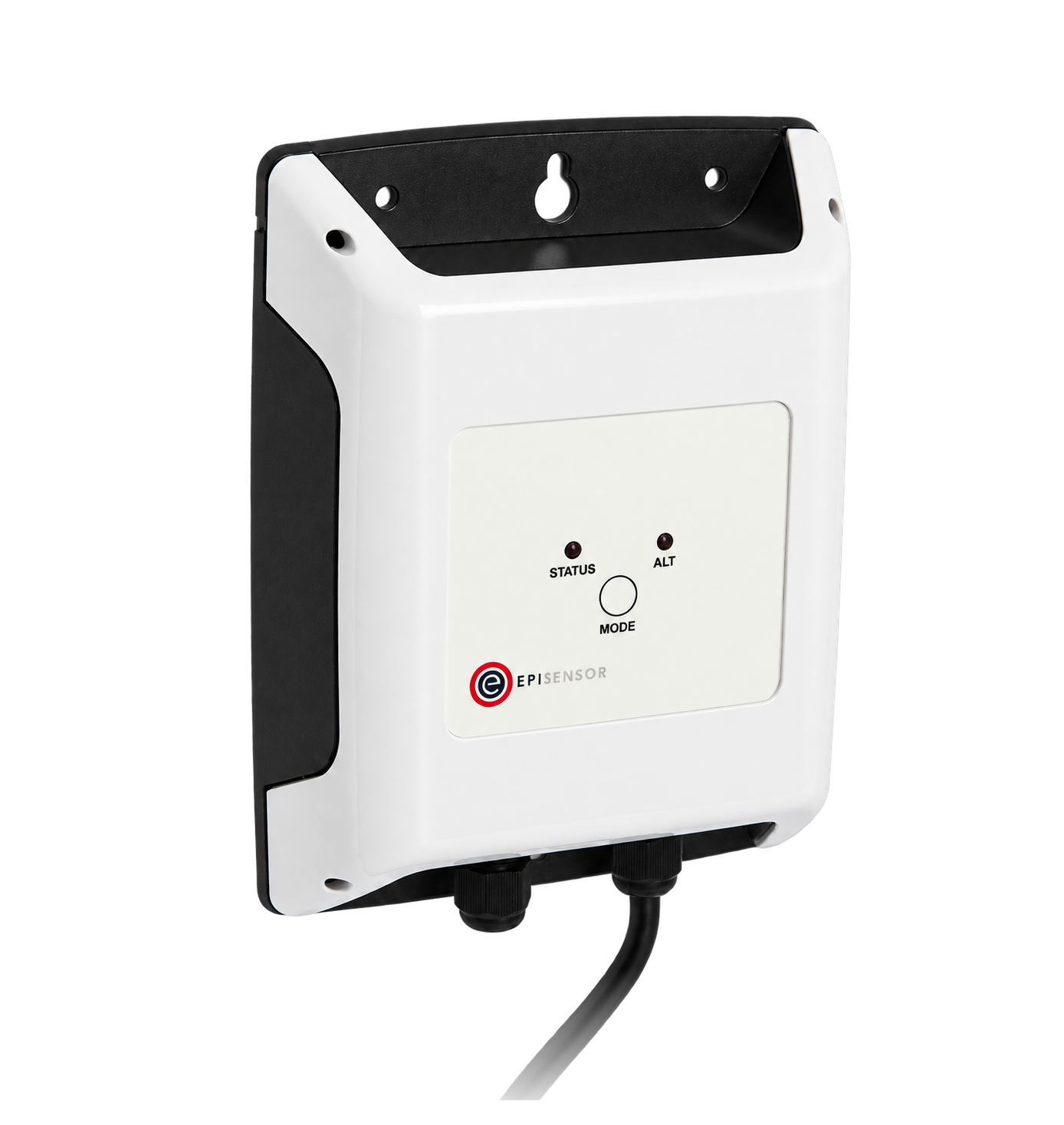
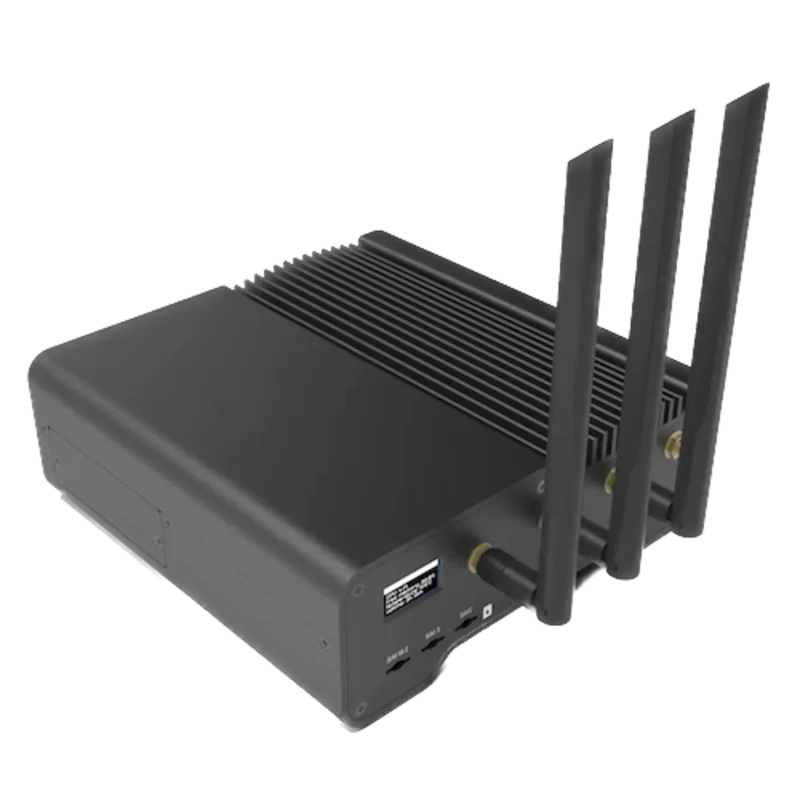
For an XR170C (or XR160C) without the optional 4 to 20 mA output
- Modbus
- Wireless
- Edge
- Platforms
Specifications
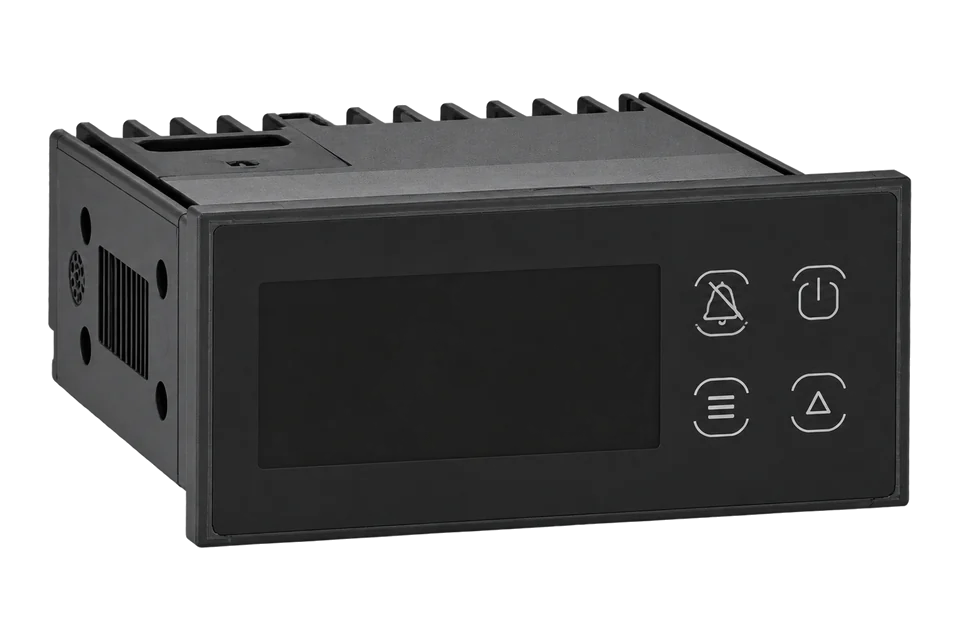
Dixell's manual describes the XR160C and XR170C as 32 x 74 mm microprocessor controllers for medium or low temperature refrigerating units, connectable to a monitoring system through the two terminals of their RS485 serial port. Defrost can be electric, hot gas or thermostatic, with a smart defrost mode.1
- Power supply
- 12 Vac/dc, optional 24 Vac/dc, -10 % +15 %; 3 VA max1
- Probe inputs
- 3 PTC or NTC, configurable; two voltage-free digital inputs1
- Measuring range
- PTC -50 to 150 °C; NTC -50 to 110 °C1
- Accuracy and resolution
- ±0.3 °C ±1 digit from -40 to 50 °C at 25 °C ambient; 0.1 °C or 1 °F1
- Relay outputs
- Compressor SPDT 8(3) A; defrost SPDT 8(3) A; fans SPST 8(3) A; alarm or auxiliary SPDT 8(3) A on the XR170C, 250 Vac1
- Serial output
- RS485 with Modbus RTU on terminals 20 (-) and 21 (+); address Adr 1 to 247, default 11
- Housing and protection
- 32 x 74 mm front, 70 mm deep, 71 x 29 mm panel cut-out; IP65 front1
- Operating conditions
- 0 to 60 °C, 20 to 85 % RH non-condensing1
Interface
This register map is for the XR170C. XR160C and XR570C have their own interfaces and are not covered here.
Communication settings
- Protocol
- Modbus RTU on the built-in RS485 terminals (20 -, 21 +)
- Unit address
- Parameter Adr, 1 to 247
- Baud rate
- 9600 bit/s
- Data bits, parity and stop bits
- 8 data bits, no parity, 1 stop bit
- Read with
- FC03 (holding registers)
- Addresses
- Zero-based PDU addresses, as sent on the bus
- Route into Edge
- ZMB-31 or ZMB-30 on terminals 20 and 21 at 9600 bit/s 8N1.
From EpiSensor Modbus profile for the Dixell XR170C4.
Register map
| Point | Address | Hex | Format | Scale | Unit |
|---|---|---|---|---|---|
| Room probe P1 | 256 | 0x0100 |
INT16 | ×0.1 | °C |
| Evaporator probe P2 | 258 | 0x0102 |
INT16 | ×0.1 | °C |
| Third probe P3 (display or condenser) | 260 | 0x0104 |
INT16 | ×0.1 | °C |
| Differential Hy | 769 | 0x0301 |
UINT16 | ×0.1 | °C |
| Setpoint | 876 | 0x036C |
INT16 | ×0.1 | °C |
Assessment
XR170C on its built-in RS485 port, read with EpiSensor's Modbus profile. Relay, alarm and door states are outside this starter map.
- InteroperabilitySupported with conditions
- Dixell documents Modbus RTU on built-in RS485. The register addresses come from EpiSensor's profile, not a published Dixell table.14
- AccuracySupported with conditions
- Dixell states ±0.3 °C ±1 digit from -40 to 50 °C. The room probe is placed for control, so a product record needs an independent probe.1
- SecurityNot yet assessed
- The manual describes a keyboard lock but no protection on the serial port.1
- ReliabilitySupported with conditions
- The RS485 port is on the controller's own terminals and the manual lists probe failure alarms. Edge timestamps each read, so a lost bus shows as missing data.1
- RuggednessSupported with conditions
- IP65 front, rated 0 to 60 °C, for panel mounting.1
- ScalabilityWell supported
- Built-in RS485 with addresses from 1 to 247 lets several controllers share one bus.1
Edge template
This JSON file supplies the register map. Applying it to an existing meter replaces its sensor list while retaining the site connection, unit ID and enable state.
| Model | Connection | Points | Version | Updated | Download |
|---|---|---|---|---|---|
| XR170C | Built-in RS485 on terminals 20 (-) and 21 (+), Modbus RTU, address Adr, 1 to 247, default 1 | 5 | 1.0.0 | Download |
Downloads need a signed-in account with Edge download access.
Use the template in Edge
- Import the JSON file
In Edge, open Settings, then Devices and Templates. Choose Import JSON and select the downloaded file. Confirm that the model and template name match your device.
- Load the map for your meter
For a new Modbus device, use Load Template before entering the manufacturer or model; it fills those fields and the register list. Set the name, site connection and unit ID, check the polling enable state, then test before saving. For an existing device, apply only to the matching model; this replaces its sensor list but retains its connection, unit ID and enable state.
- Test a reading
Use Test in the wizard and compare a known reading with the meter display. Check its unit, sign and scale, then confirm that timestamps keep advancing. These starter maps are read-only and leave exports off until you configure them.
Setup
Read the evaporator probe
EpiSensor's Modbus profile places the XR170C evaporator probe at holding register 258 (0x0102) as a signed value in tenths of a degree.
- Request PDU
- 03 01 02 00 01
- Address
- 258 decimal = 0x0102, zero-based, one register
- Decode
- Signed 16-bit, divide by 10 with rES = de: a synthetic reply of FF 9C is -100, which is -10.0 °C
- Compare with
- The evaporator probe shown on the display (Prd menu) within a few seconds
Acceptance: Accept the map when the evaporator and room probes agree with the display. The reply bytes are an example, not a captured reply. During defrost the evaporator probe rises towards the defrost termination temperature, which is expected.
-
Check the order code
Confirm the controller has RS485 on terminals 20 and 21, not the optional 4 to 20 mA output on the same terminals.
-
Set the address
Set Adr (1 to 247) to a unique address for the bus and note Ptb. Check rES: the tenths decode applies with rES = de in °C.
-
Wire terminals 20 and 21 to the ZMB
Connect terminal 21 (+) and terminal 20 (-) to the ZMB with shielded twisted pair, terminate both ends, and set the ZMB to 9600 bit/s, 8 data bits, no parity, 1 stop bit.
-
Read the room probe once
Read holding register 256 (0x0100) with FC03 and divide by 10. Compare it with the display, then add the evaporator and third probes, Hy and the setpoint.
-
Place the record probe
Fit an independent probe at the warmest product position and set Edge alarm limits and delays to the site's HACCP plan.
Common questions
- Does the XR170C need a converter for Modbus?
- No. The XR160C and XR170C have a built-in RS485 port with Modbus RTU on terminals 20 (-) and 21 (+). Wire it straight to the ZMB.1
- Where do the register addresses come from?
- From EpiSensor's Modbus profile for the XR170C. Dixell's manual prints no register table, so compare the room probe with the display before saving the map.14
- What is the third probe at 260?
- EpiSensor's Modbus profile calls it the display temperature. The XR170C's third probe input can be set for display or condenser use, so name the point after the installed function.14
- Can a ZMB-30 read the whole starter map?
- Yes. Every ZMB reads 8 or more registers, up to 16 or more depending on the model, so the five starter points fit on one. The ZMB-30 also adds its own waterproof probe.5
Related devices
Sources
- XR160C and XR170C installing and operating instructions, cod. 1592008230 rel. 1.0 (opens in a new tab) (PDF)
- XR570C installing and operating instructions, cod. 1592008310 rel. 1.0 (opens in a new tab) (PDF)
- Dixell brand page (opens in a new tab)
- EpiSensor Modbus profile for the Dixell XR170C (opens in a new tab)
- ZMB-3X Modbus interface datasheet EPI-195-00 (opens in a new tab) (PDF)
Further reading
- ApplicationHACCP temperature monitoring
- ApplicationCold chain temperature monitoring
- ApplicationCommercial kitchen energy management
- ApplicationRefrigeration energy monitoring
- ToolModbus register address converter
- ToolModbus data decoder
- GuideReading refrigeration controllers over Modbus
- GuideModbus commissioning over RS-485
- GuideDixell XR77CX
- GuideDixell XR60CX
- ManufacturerDixell devices
- ProtocolModbus devices and register maps
- CategoryRefrigeration controllers
Product names and trademarks belong to their owners. Publication does not imply endorsement or a commercial relationship.