Commercial kitchen energy management
Monitor cooking, refrigeration, extract, hot water and dishwashing electricity, then compare it with service activity and closed-hours baseload.

- Measure
- Electricity by kitchen service, plus pulse or register data from existing gas and water meters
- Calculate
- kWh per service period, meal or cover, equipment-group share and closed-hours baseload ENERGY STAR
- Sensors
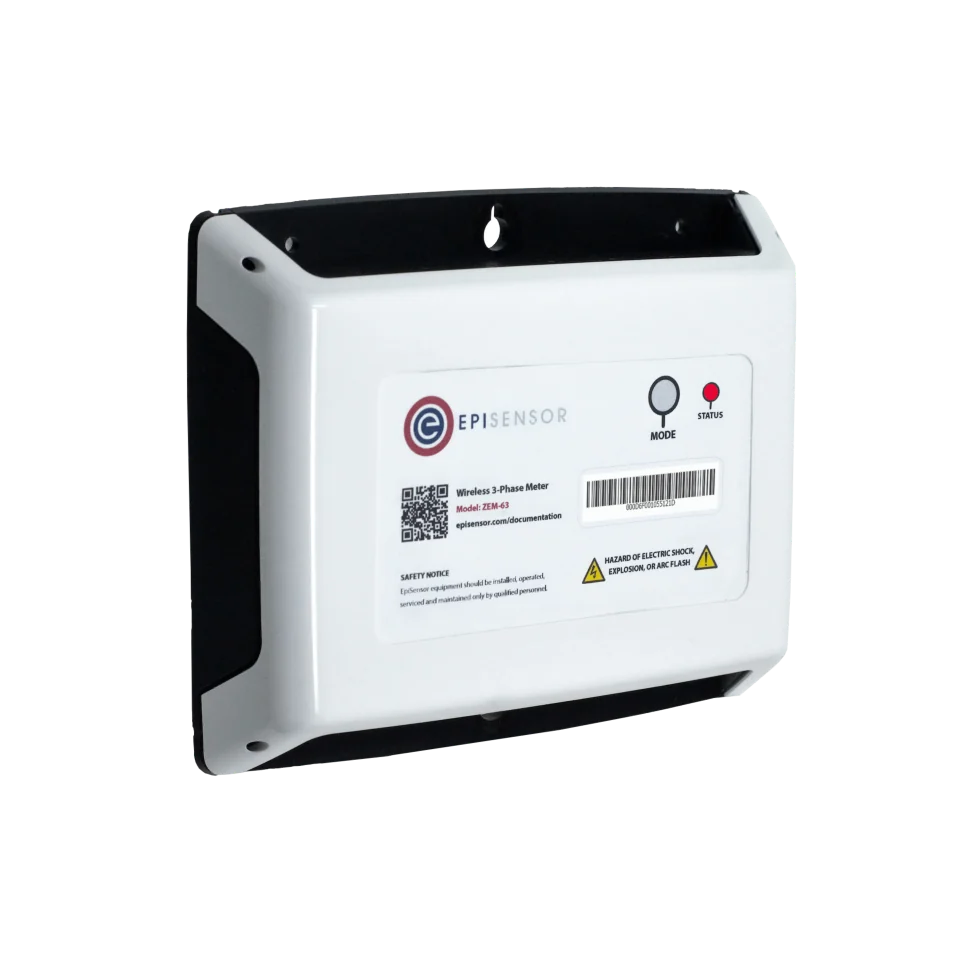
- ZEM-65, measures declared electrical boundaries; ZPC-20 and ZMB-31 acquire compatible existing meters
- On site
- ZGW-20 Gateway, Edge retains local trends, schedules, alarms and service context
Map services and operating periods before selecting points
Start with the kitchen distribution board, gas and water meter schedule, equipment list and service timetable. Give cooking, refrigeration, ventilation and extract, hot-water generation, dishwashing and major auxiliaries explicit boundaries. Record meal counts, covers, production batches or occupied service hours beside energy. Keep food-safety records and gas-safety systems separate from the energy dataset.
| Boundary | Measurement route | Question it answers |
|---|---|---|
| Electrical service or equipment group | ZEM-65 at a declared board or feeder | Which service used electricity during preparation, service, cleanup and closed hours? |
| Existing gas or water meter | ZPC-20 pulse input or ZMB-31 documented Modbus RTU registers | How did utility use change with meals, covers, washing and hot-water demand? |
| Operating context | Schedule and documented controller state retained in Edge | Was the load expected for preparation, service, cleanup, defrost or closed hours? |
Hardware for restaurant kitchen energy monitoring
Use electrical meters at stable non-overlapping boundaries. Acquire existing utility meters only through documented pulse or Modbus outputs, and use one Gateway for the surveyed coverage area.
Measures the kitchen board or separately supplied cooking, refrigeration, extract, hot-water or dishwashing load
1 per declared electrical boundary three-phase, 3 or 4 wire
- Choose the CT rating for each monitored supply: 120 A split-core, or 300 A, 1 kA and 3 kA Rogowski coils
Class 0.5S to IEC 62053-22 with its CTs, 0.1 A to 3 kA
Collects energy and context records, keeps local history and evaluates schedules and alarms
1 per surveyed coverage area coverage and capacity checked on site
If the existing utility meter has a documented compatible pulse output
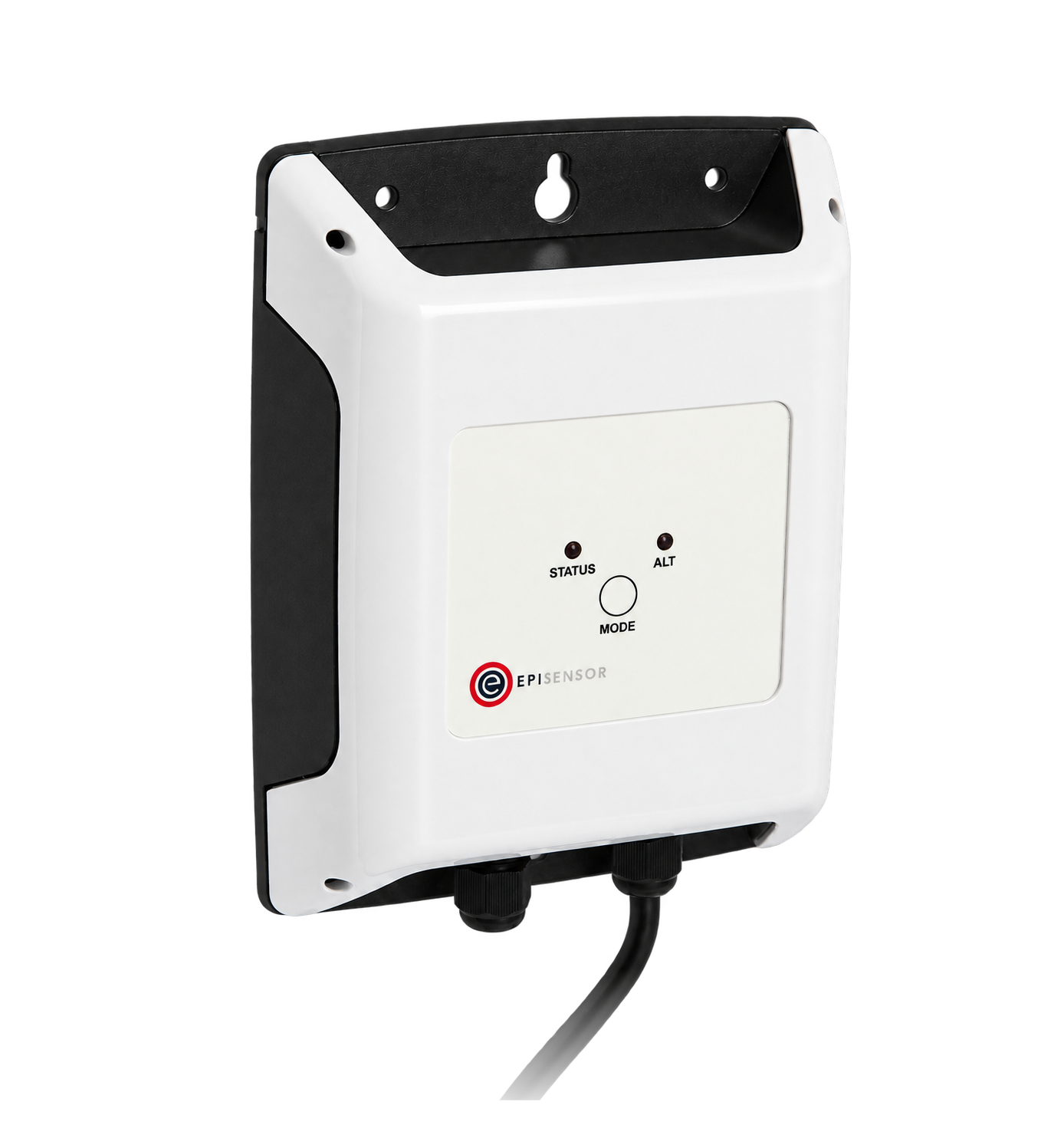
Counts a compatible pulse output from an existing gas or water meter without changing the meter's legal or safety role
1 per pulse-output meter two channels on ZPC-22 where two outputs are co-located
Minimum pulse width and gap 10 ms, up to 40 Hz, inputs rated to 35 V DC, 85 to 264 V AC supply
If the exact meter or controller has a published read-only Modbus RTU map

Reads documented utility-meter or equipment-controller observations from a suitable Modbus RTU segment
1 per RS-485 segment up to 30 configured registers
Modbus RTU master over RS-485, up to 30 configured registers
Commercial kitchen energy monitoring boundaries
Keep the complete kitchen total, service-level child boundaries and operating context distinct. Child meters explain the parent total; they are not added to it again.
How kitchen energy reaches Edge
Electrical services and existing utility meters follow separate acquisition paths before Edge aligns them with service periods and alarms.
- Wired
- Zigbee
- Platforms
- Edge
| Position | What it tells you | Reference | Sensor |
|---|---|---|---|
| Cooking and hot holding | Electric or metered gas use for ovens, ranges, fryers, grills, steamers and hot-holding equipment across preparation and service | Compare like-for-like service periods and retain meal, cover or batch context ENERGY STAR | ZEM-65 (on this page) |
| Refrigeration and ice | Electricity for cold rooms, cabinets, ice machines and separately supplied refrigeration auxiliaries | Treat food-temperature compliance as a separate food-safety record, even when timestamps are aligned EU 852/2004 | ZEM-65 (on this page) |
| Ventilation and extract | Fan electricity and its relationship to preparation, cooking and service schedules | Verify air balance, capture and safety before changing schedules or demand-control settings DOE | ZEM-65 (on this page) |
| Hot water and dishwashing | Water, water-heating electricity or gas and dishwasher electricity through wash, rinse and cleanup periods | WaterSense identifies dishwashers as a major commercial-kitchen water use; compare water and heating energy over the same service period WaterSense | ZPC-20 (on this page) |
| Closed-hours baseload | Loads that remain after cleanup, including refrigeration, hot holding left on, water heating, extraction and small appliances | Define closed hours from the actual service schedule and investigate persistent load rather than assuming every overnight load is avoidable ENERGY STAR | ZGW-20 (on this page) |
Use service context. A busy dinner and a closed afternoon are not comparable. Record covers, meals, batches, preparation and cleanup windows beside energy.
Reconcile before ranking. Compare the parent kitchen meter with non-overlapping child meters and name the residual before calling one service the largest load.
Keep safety systems authoritative. Energy alarms can flag unusual use, but HACCP records, fire and extract interlocks, gas detection, emergency isolation and equipment safeties keep their own sensors and procedures.
Configure service-aware monitoring
Use stable boundaries and time windows that match how the kitchen operates. Start with reporting and alarms; any BMS or equipment control requires a separate engineered scope.
- Name every operating period
- Use preparation, breakfast, lunch, dinner, cleanup and closed hours. Match schedules to actual rosters and service records, preserving exceptions and event days.
- Keep production context beside energy
- Use covers, meals, batches or another locally owned activity count with one definition and timestamp basis. Label missing or revised counts rather than estimating silently.
- Tune alarms from observed operation
- Observe normal variation before alarming on unexpected out-of-hours load, missing service load, a prolonged peak or a rising closed-hours baseline. Give each alarm a named owner, delay, escalation and reset rule.
- Protect utility totals
- Keep cumulative electricity, gas and water tied to explicit meter identities. Preserve units, pulse weights, rollover, gaps and meter replacements, and do not use operational acquisition for billing.
Commissioning checks
Commission the parent boundary and timestamps first, then add service detail and alarms.
-
Freeze the utility boundaries
Mark every electrical feeder and existing gas or water meter as parent, child, excluded or context-only on current drawings.
Pass when drawings, physical labels and Edge point names describe the same non-overlapping boundaries.
-
Prove each acquisition path
Verify electrical phase order, CT direction and ratio, or pulse and register scaling, against the local meter and a known operating state.
Pass when direction, units, scaling, cumulative totals and timestamps agree within the declared measurement tolerance.
-
Walk a complete service day
Observe preparation, service, cleanup and closed hours while noting cooking, refrigeration, extract, hot-water and dishwasher operation.
Pass when each measured change has a plausible service cause and the closed-hours boundary begins after cleanup.
-
Test alarms and missing data
In an approved window, simulate a stale input and one schedule exception without altering food-safety, gas-safety or equipment controls.
Pass when the gap and exception are visible, alarms reach the named owner and no safety or control function changes.
-
Confirm the comparison denominator
Reconcile the chosen meal, cover or batch count to the same timezone and interval as the energy data.
Pass when the denominator has an owner, definition and completeness status for every reported period.
Limits of kitchen energy monitoring
This measurement layer explains utility use and operating patterns. It does not replace food-safety, gas-safety, fire-safety, equipment-control or billing systems.
- Energy measurements and equipment air or cabinet temperatures are not HACCP critical-control records. Food-safety monitoring follows the site's approved plan, calibrated probes, limits, corrective actions and retention rules.
- A pulse or register from a gas meter is an observation only. This guide does not design gas pipework, ventilation, combustion, detection, proving, emergency isolation or interlocks.
- Observing BMS or equipment-controller data does not authorise changes to extract, make-up air, setpoints, hot water, refrigeration, cooking or dishwashing. Control needs its own safety review, permissions, interlocks and witnessed tests.
- Operational meter data is not automatically suitable for tenant charging, fiscal billing, emissions reporting or regulatory compliance. Those uses need the required meter class, governance and audit trail.
- A lower kWh total does not prove improved efficiency when service volume, menu, opening hours, weather, equipment availability or the measurement boundary changed.
Sources
- ENERGY STAR guide for cafés, restaurants and institutional kitchens (opens in a new tab) US Environmental Protection Agency ENERGY STAR
- ZEB technologies: kitchen equipment and design (opens in a new tab) (opens in a new tab) US Department of Energy Better Buildings
- WaterSense at Work: best management practices (opens in a new tab) US Environmental Protection Agency
- Regulation (EC) No 852/2004 on the hygiene of foodstuffs (opens in a new tab) (opens in a new tab) European Parliament and Council
- Wireless 3-Phase Electricity Monitor datasheet (opens in a new tab) EpiSensor. Specifications, ranges and ordering codes.
Related
- OverviewEnergy monitoring
- CalculatorLoad factor calculator
- GuideEquipment performance monitoring boundaries
Third-party devices for this application

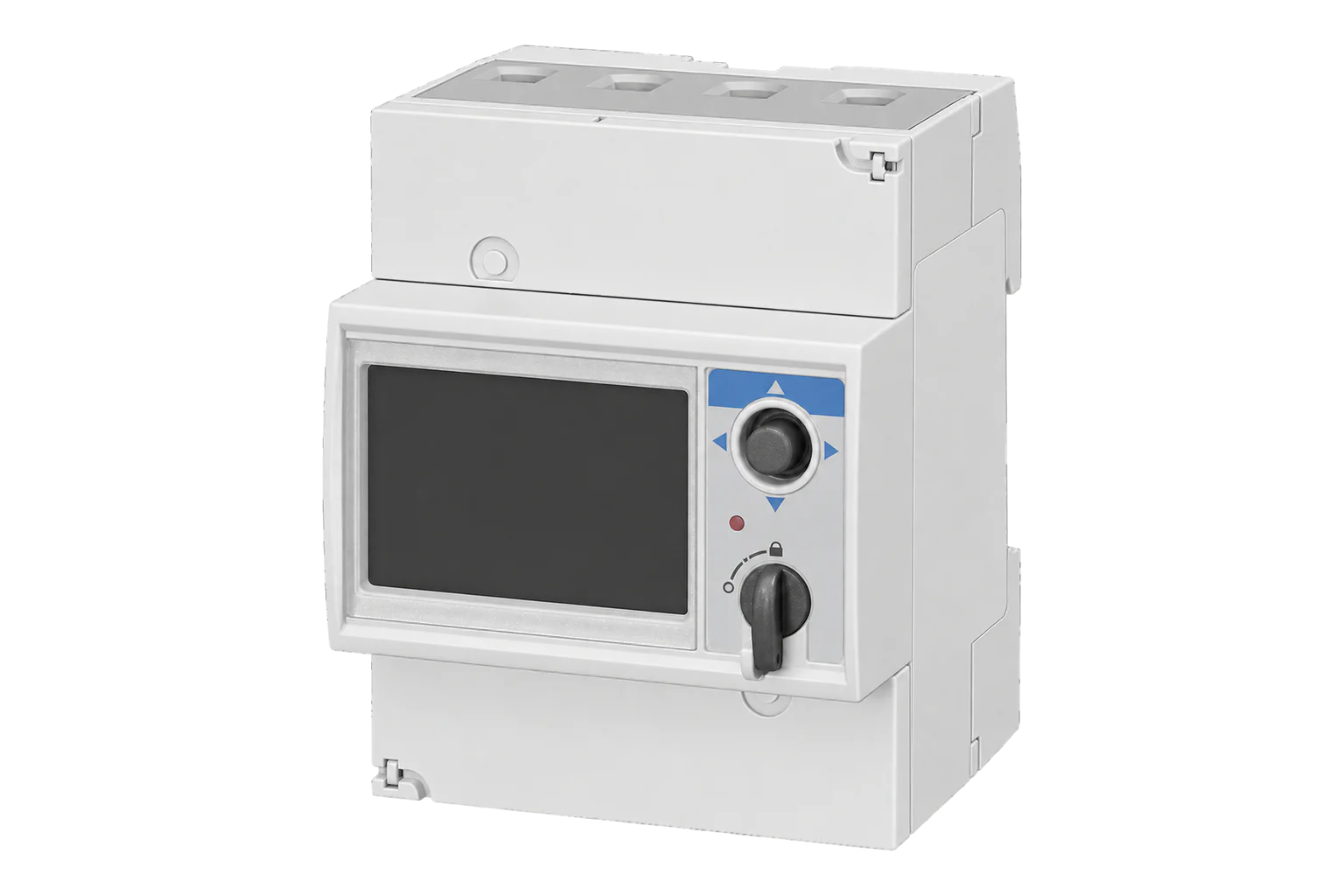
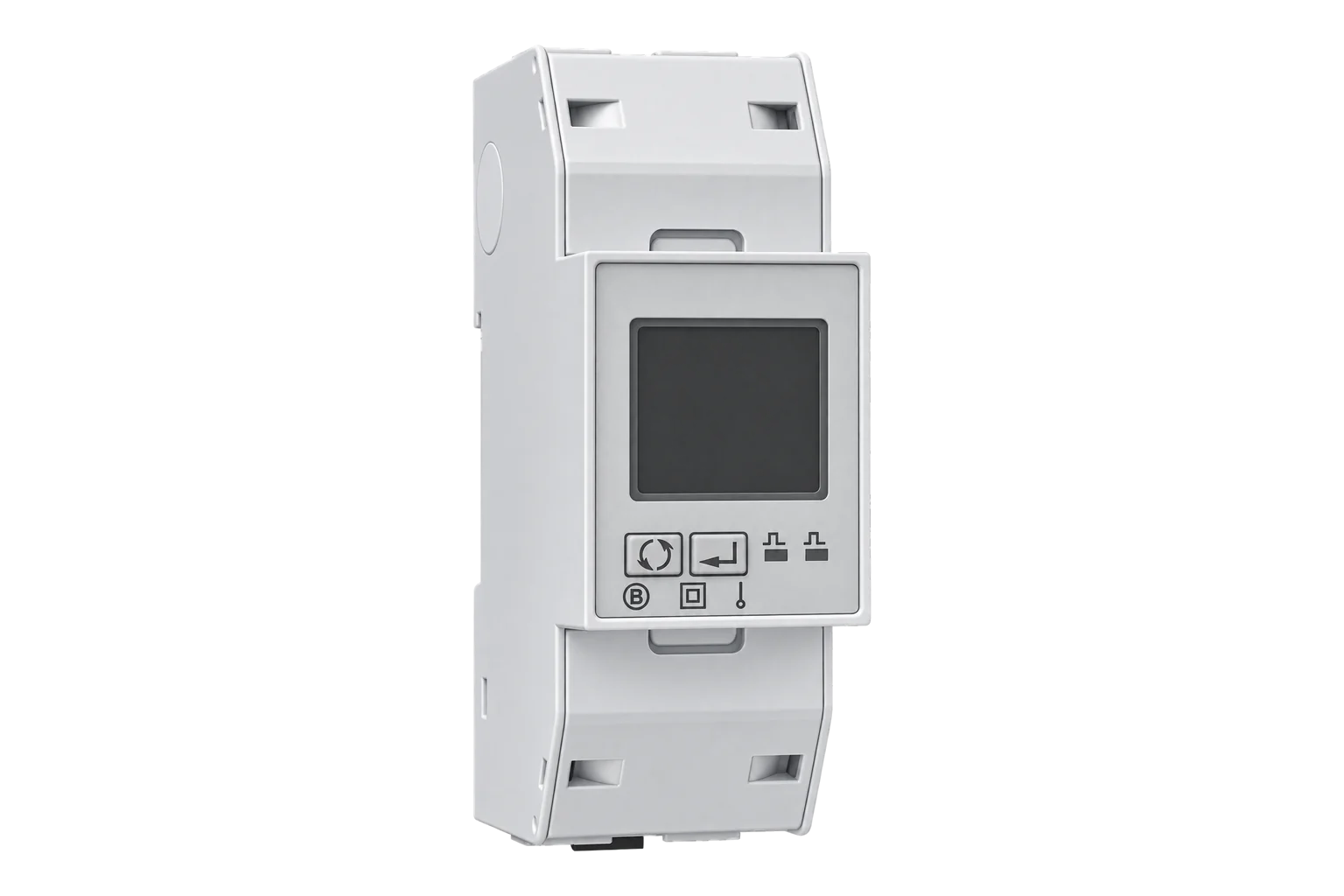
More in the Device Directory: Energy meters (62), Current transformers (7), Pulse counters and I/O (6)
Start with one service day
An engineer can map the kitchen utilities and timetable, choose stable measurement boundaries and commission alarms without crossing food-safety or equipment-control responsibilities.