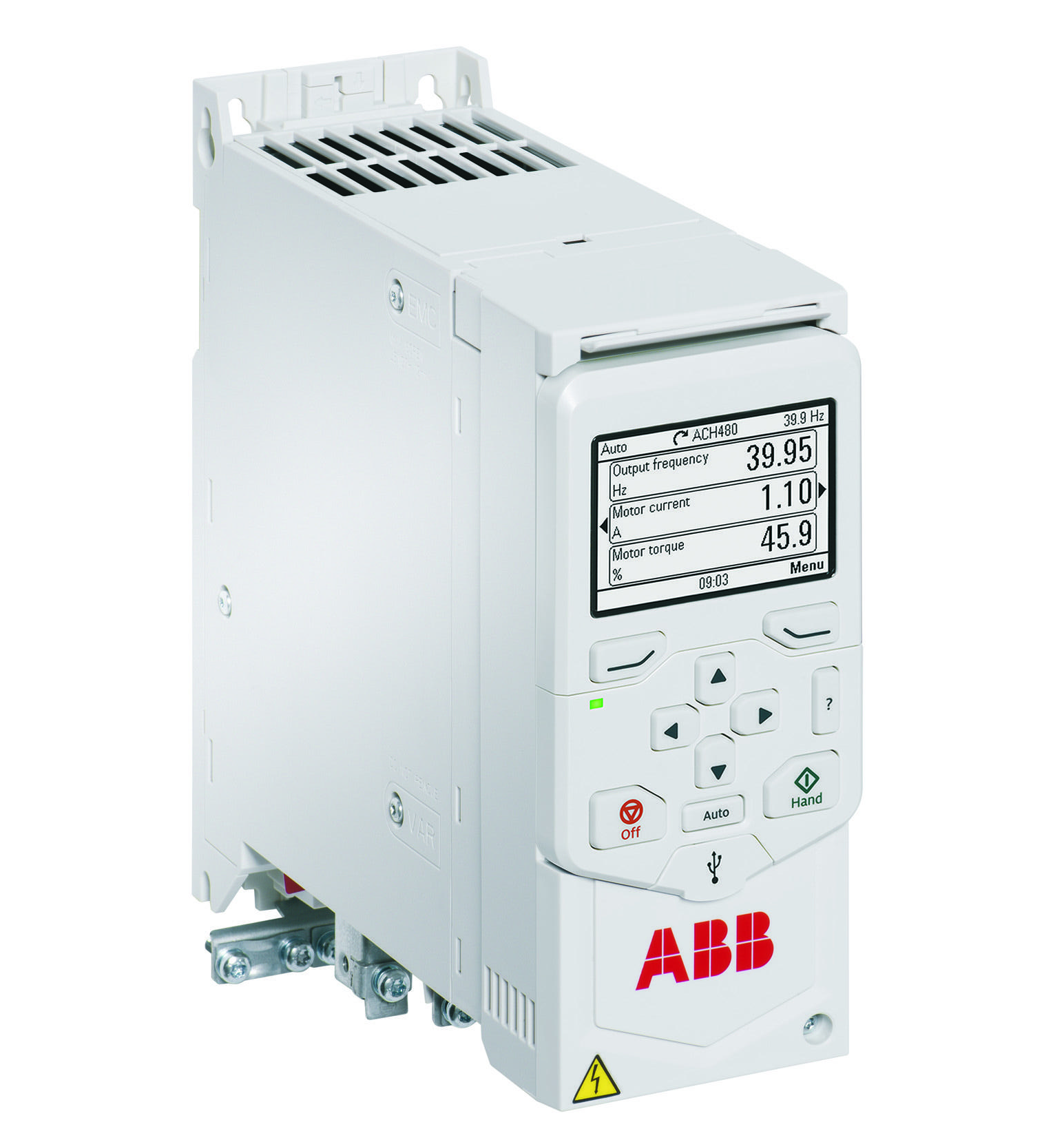
ABB ACH480
HVAC variable frequency drive
For a ventilation retrofit, check the drive panel before pricing an Ethernet drop. An ACH480 already on the building’s serial trunk can share its BACnet router. A panel with the FBIP-21 option can use Ethernet directly.
Compatibility
Compatible with Edge over BACnet
ACH480 supports BACnet MS/TP through a site router. ABB also specifies the FBIP-21 adapter for BACnet/IP.
Record the fitted option and the serial network or Ethernet connection.
Connect it with

For a drive on an existing serial network
- BACnet
- Edge
- Platforms
For an installed FBIP-21
- Wired
- Edge
- Platforms
Models
| Models | Interface | Route into Edge |
|---|---|---|
| ACH480 | Embedded BACnet MS/TP. | BTL lists this serial interface at software 14.01. |
| ACH480 with FBIP-21 | BACnet/IP over Ethernet. | Use the adapter object table in ABB manual revision D for the example below. |
Interface
Documented measurements and integration boundaries for ACH480.
- On the FBIP-21, Analog Value 1 is actual output frequency in Hz. The speed in rpm and the percentage speed feedback are separate objects.
Assessment
ACH480 monitoring on a building network.
- InteroperabilityWell supported
- BTL identifies the embedded MS/TP route at software 14.01.3
- AccuracyNot yet assessed
- ABB defines the feedback quantity and unit.1
- SecurityNot yet assessed
- Site network access controls require a separate review.1
- ReliabilityNot yet assessed
- The listing covers protocol operation.3
- RuggednessNot yet assessed
- Select the enclosure for the panel location.1
- ScalabilitySupported with conditions
- Several drives can share a routed serial network. Include trunk capacity in the site survey.3
- LifecycleSupported with conditions
- Retain the tested software version and installed interface with the asset record.3
Setup
-
Record the equipment tag, Device instance, interface and load served.
-
With the FBIP-21 fitted, read Present_Value at AV1 and compare the result in Hz with the output frequency on the drive panel during steady operation.
-
Save the object identifier, units and timestamp alongside the local reading.
Related devices
Sources
- FBIP-21 adapter user manual, revision D (opens in a new tab) (PDF)
- FBIP-21 compatible drives (opens in a new tab)
- ACH480 serial interface listing, software 14.01 (opens in a new tab) (PDF)
Further reading
Product names and trademarks belong to their owners. Publication does not imply endorsement or a commercial relationship.