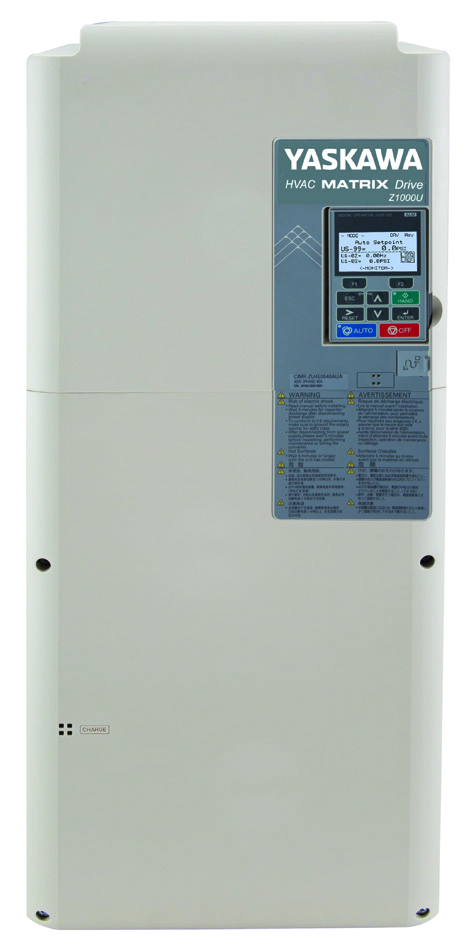
Yaskawa Z1000U Matrix
HVAC variable frequency drive
Check the U on the nameplate. Yaskawa offers an Ethernet option for the Z1000U Matrix family, including its bypass and narrow packages. An existing serial installation can use the embedded connection.
Compatibility
Compatible with Edge over BACnet
Z1000U has an embedded MS/TP port. A BACnet router carries its objects to the IP network used by Edge.
Confirm JOHB-SMP3-MA in CN5-A if the quote assumes direct BACnet/IP.
Connect it with

For a drive on an existing serial network
- BACnet
- Edge
- Platforms
For a drive fitted with JOHB-SMP3-MA
- Wired
- Edge
- Platforms
Models
| Models | Interface | Route into Edge |
|---|---|---|
| Z1000U | Embedded BACnet MS/TP. | BTL lists Z1000U at software 1.0 for the serial connection. |
| Z1000U with JOHB-SMP3-MA | BACnet/IP option in CN5-A. | Allow for an Ethernet connection to the drive panel. |
Interface
Documented measurements and integration boundaries for Z1000U Matrix.
- Output frequency can show changes in pump duty. Flow and differential pressure require their own measurements.
- Read the Device object’s Model_Name and Firmware_Revision and keep them with the point list for this asset.
Assessment
Z1000U Matrix in a building automation network.
- InteroperabilityWell supported
- The listing identifies the embedded MS/TP interface at software 1.0.3
- AccuracyNot yet assessed
- The project point schedule and operating mode determine which feedback represents the motor.2
- SecurityNot yet assessed
- Site network access controls require a separate review.2
- ReliabilityNot yet assessed
- The listing covers protocol operation.3
- RuggednessNot yet assessed
- Select the enclosure for the panel location.1
- ScalabilitySupported with conditions
- Several drives can share a routed serial network. Include trunk capacity in the site survey.1
- LifecycleSupported with conditions
- Retain the tested software version and installed interface with the asset record.3
Setup
-
Record the nameplate, equipment tag, Device instance and connection used.
-
Read Object_List from the Device object.
Match the required feedback object to the installer’s point schedule and read its Present_Value.
-
For a pump-speed trend, ask for actual output frequency and its units.
Compare a steady reading against the local display and keep the pump identity with the trend.
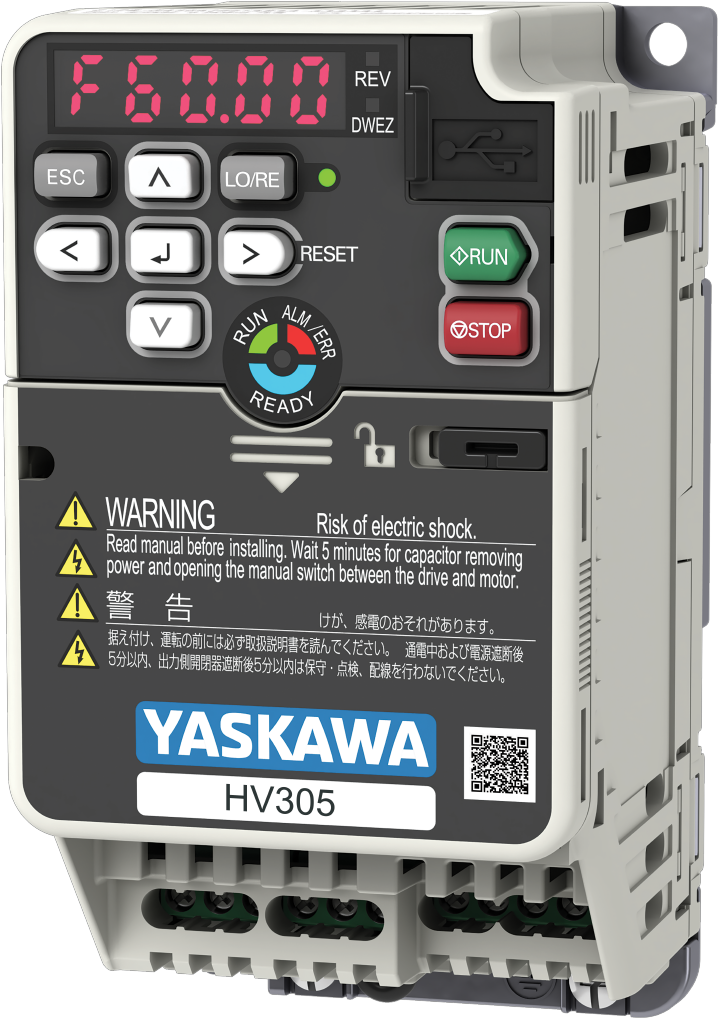
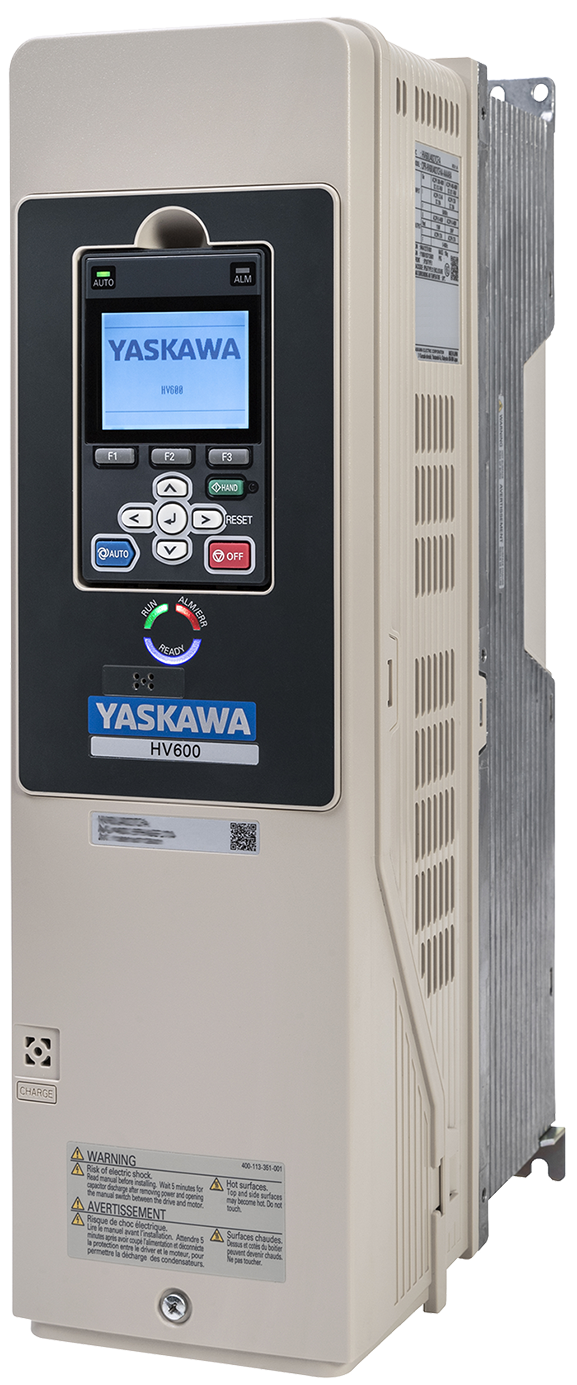
Related devices
Sources
- BACnet connections by drive series (opens in a new tab)
- Z1000U protocol implementation conformance statement (opens in a new tab) (PDF)
- Z1000U MS/TP listing, software 1.0 (opens in a new tab) (PDF)
Further reading
Product names and trademarks belong to their owners. Publication does not imply endorsement or a commercial relationship.