Pulse meter remote monitoring
A counter on the meter's existing pulse output, the pulse weight recorded once, and a totaliser reading that lets you prove the counts later.
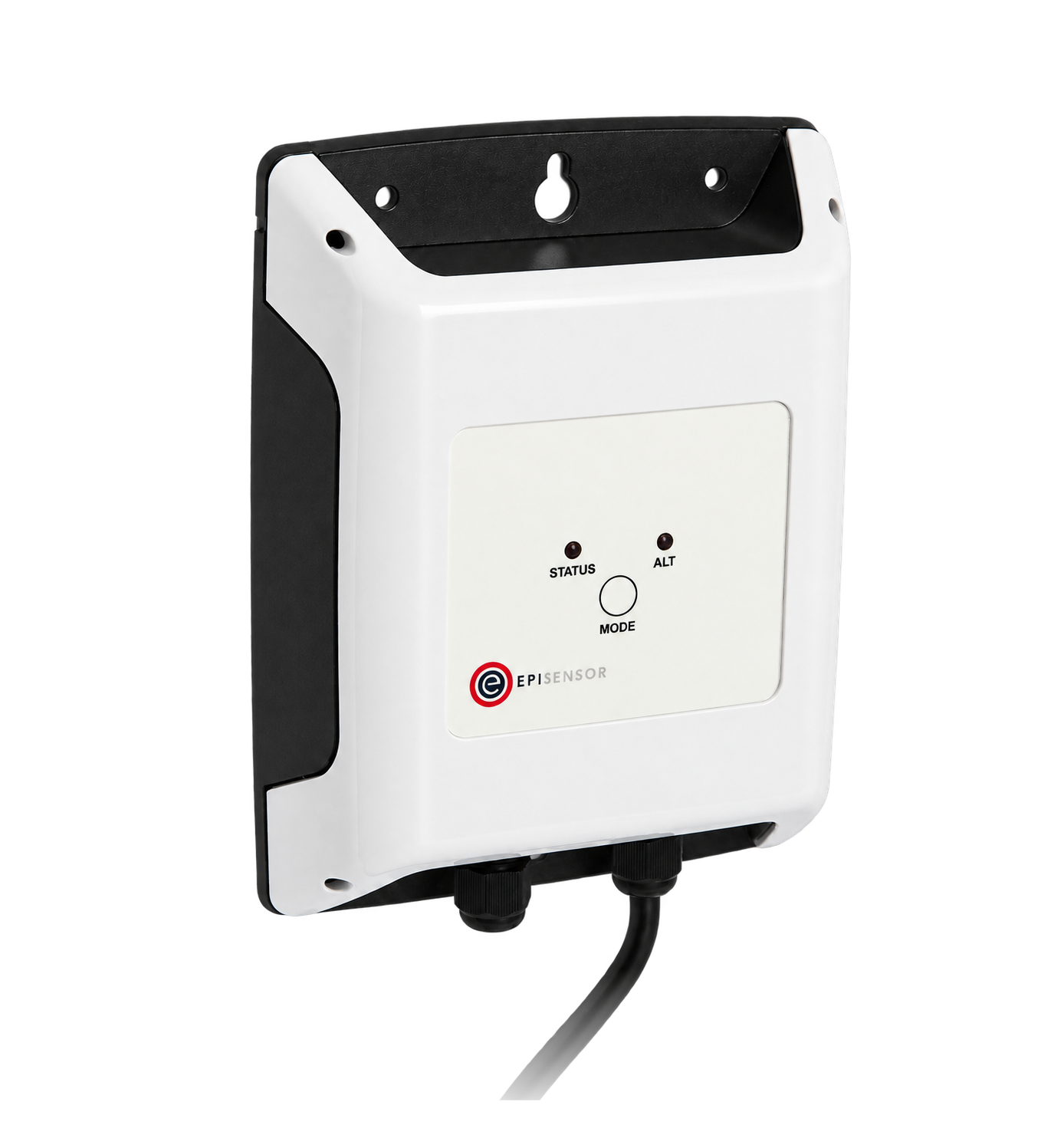

- Measure
- The counted pulses, the meter's own totaliser at the start, and the engineering-unit total derived from both
- Scale
- Battery models count to 4 Hz, mains models to 40 Hz, one or two channels Pulse Counter datasheet
- Sensors
- ZPC-20, pulses down to 10 ms wide, up to 40 Hz, inputs to 35 V DC Pulse Counter datasheet
- On site
- ZGW-20 Gateway, unit conversion, water meter pulse counter totals and reconciliation Gateway datasheet
Hardware for pulse output meter reading
The choice is made by the pulse rate and by whether there is power at the meter.
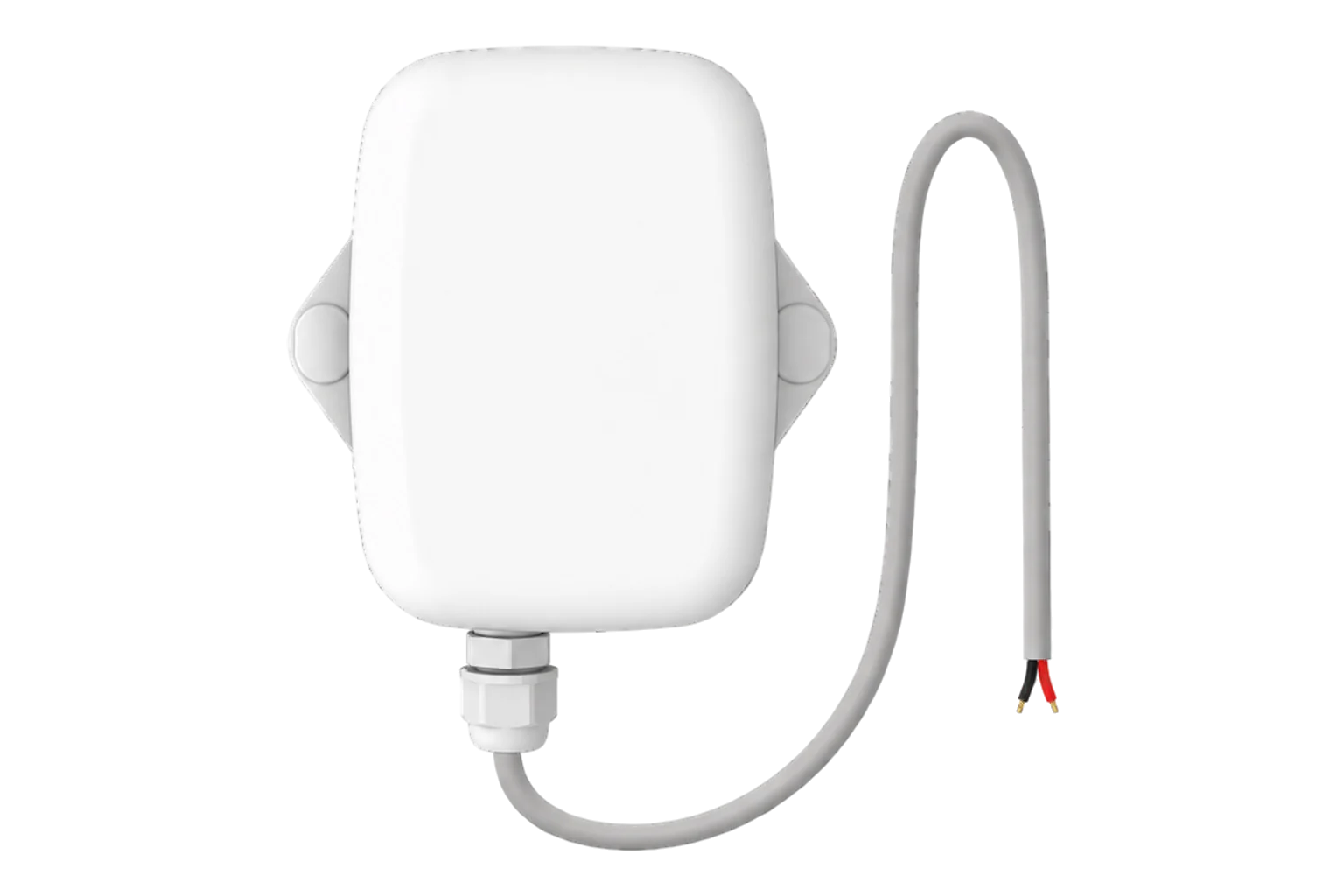
A meter whose pulses can reach 40 Hz, where there is a mains supply
1 per meter two channels on the ZPC-22
Minimum pulse width 10 ms and minimum gap 10 ms, up to 40 Hz, inputs to 35 V DC, 85 to 264 V AC supply
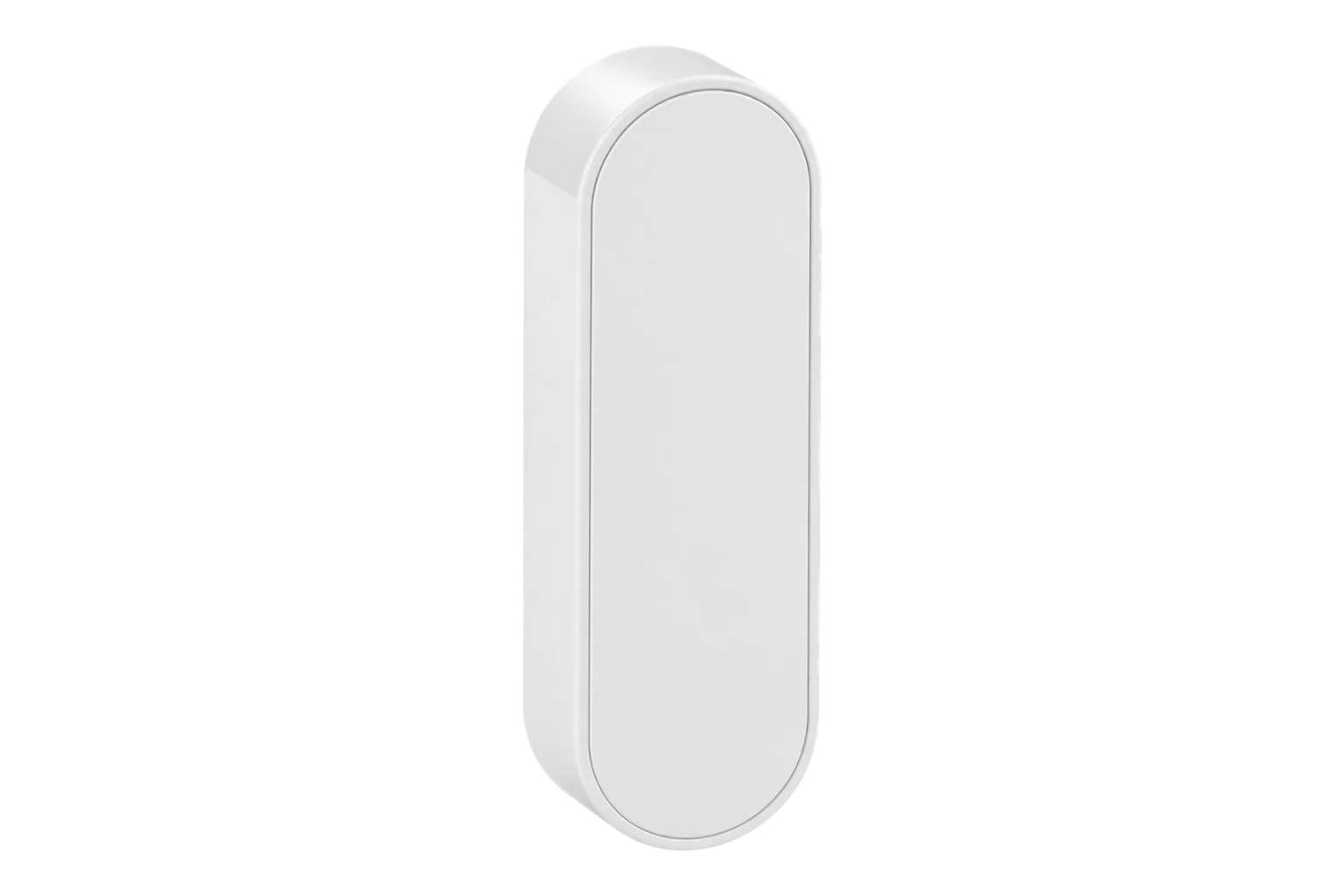
A meter in a chamber or a plant room with no supply, counting up to 4 Hz
1 per meter two channels on the ZPC-12
Battery powered, up to 4 Hz
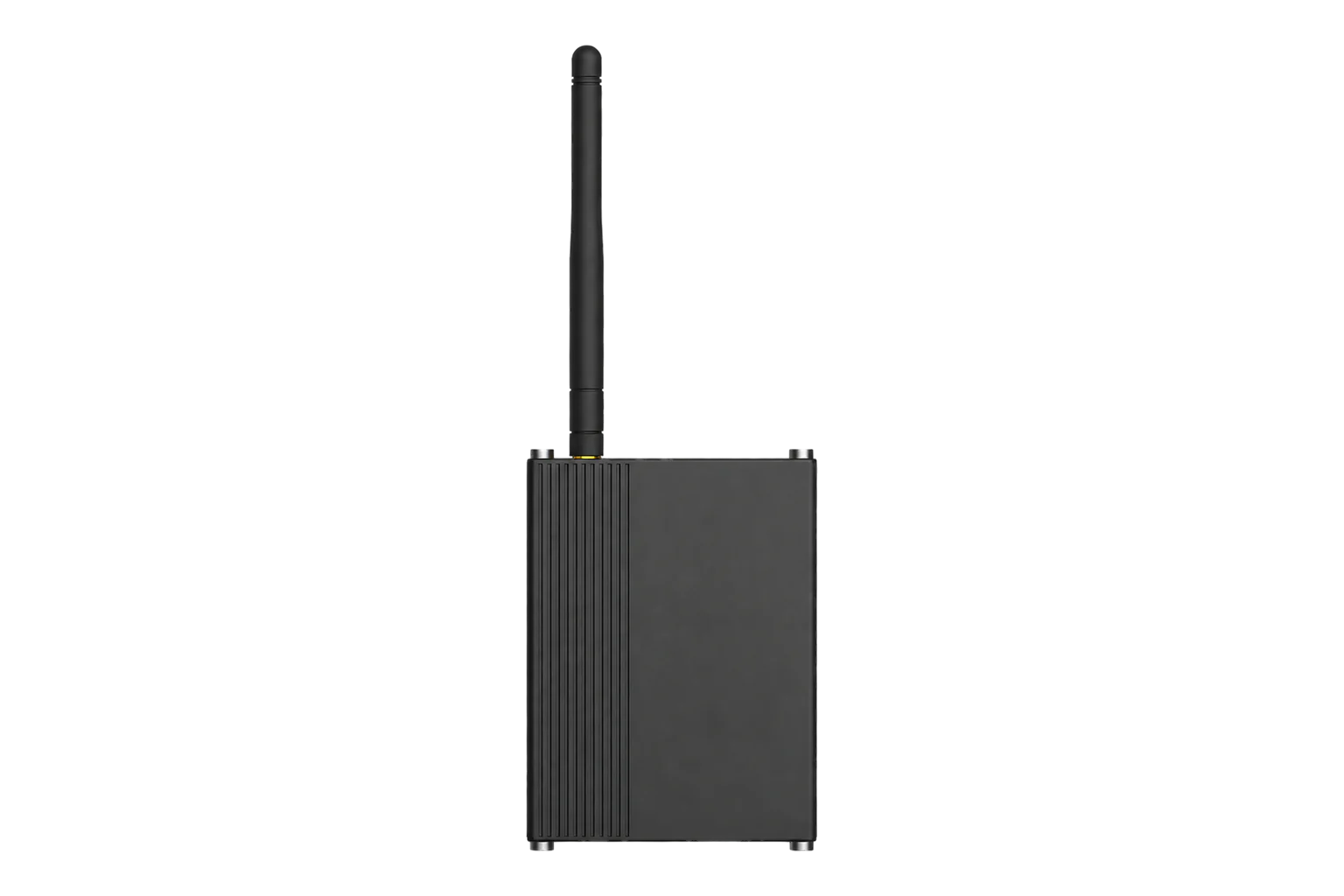
Converts counts to engineering units, keeps the totals and exports them
1 per site up to 250 wireless devices
What has to be recorded before the first pulse
A pulse count means nothing on its own. These four records are what turn it into consumption you can defend.
From field measurement to Edge
Each field signal reaches its named EpiSensor interface, reports through the site Gateway and is handled locally in Edge.
- Wired
- Zigbee
- Edge
- Platforms
| Position | What it tells you | Reference | Sensor |
|---|---|---|---|
| Meter totaliser | The reference every later reconciliation is measured against | Photograph the display with the date and time before connecting anything | ZPC-20 (on this page), recorded, not counted |
| Pulse weight | How much water, gas or energy one pulse represents | From the meter's plate or manual, exactly as configured on the meter | ZPC-20 (on this page) |
| Electrical output | Whether the output is a dry contact or an active voltage, and how fast it can go | Voltage, polarity, pulse width and maximum rate from both manuals Pulse Counter datasheet | ZPC-20 (on this page), before wiring |
| Counter behaviour | What happens at a reset, a rollover or a reporting gap | Counter width, persistence and how duplicates are reconciled Pulse Counter datasheet | ZGW-20 (on this page) |
Check the output type before connecting. An active output can put a voltage on the same pair. Check the meter's manual or measure before connecting, because the wrong assumption damages something.
Use a mains counter for a fast meter. The battery counters take 4 Hz and the mains counters 40 Hz. Work out the maximum rate from the process rate and the pulse weight before choosing.
Pulse settings that have to match the meter
All of these come from the meter. None of them can be inferred from a plausible-looking trend.
| Setting | Typical value | Where to check |
|---|---|---|
| Output type | Dry contact, or active voltage | The meter's manual. An active output has its own voltage and polarity. |
| Pulse weight | 10 litres or 0.1 m³ per pulse | The meter's plate, and the meter's own configuration where it is settable. |
| Minimum pulse width | 10 ms or wider | The counter's limit is 10 ms, with at least 10 ms between pulses. |
| Maximum rate | 4 Hz battery, 40 Hz mains | Calculate it from the maximum process rate and the pulse weight before choosing the model. |
| Input voltage | Up to 35 V DC | The meter's output specification, measured if the manual is missing. |
| Counter rollover | Handled in Edge | The counter's width, and what the reconciliation does when it wraps. |
| Reporting interval | 15 minutes | Edge sensor settings. Counts accumulate between reports rather than being lost. |
Commissioning checks
The order matters: the totaliser reading has to exist before the counting starts.
-
Record the meter as found
Photograph the display, and write down the serial number, the pulse weight, the units and the time.
Pass when the record identifies one meter and one starting total.
-
Check the output electrically
Confirm the output type, voltage, polarity and pulse width against both manuals, or measure them.
Pass when the meter's output is inside the counter's input rating, with the polarity known.
-
Count a known number of pulses
Generate or observe a known quantity through the meter and read the raw count.
Pass when the remote count changes by exactly that number of pulses.
-
Interrupt the radio deliberately
Take the Gateway off the network for longer than the reporting interval, then bring it back.
Pass when the counts for that period arrive afterwards, in order, with nothing double counted.
-
Reconcile against the totaliser
After a bounded period, read the meter's display again and compare it with the derived total.
Pass when the two agree within one pulse, and any reset or rollover is documented.
Limits of this measurement
Counting a meter's pulses does not change the meter, and does not make it more approved than it was.
- Reading a pulse output does not alter or certify the utility meter, its tariff multiplier or its legal-metrology status.
- Electrical compatibility comes from documentation or measurement: a two-wire terminal is not automatically a dry contact.
- A short matching test does not rule out contact bounce, missed edges, a meter reset or a long-period clock fault.
- A derived consumption is only as good as the pulse weight somebody wrote down.
Sources
- EN 1434 heat meters (opens in a new tab) (opens in a new tab) CEN
- Pulse Counter datasheet (opens in a new tab) EpiSensor. Specifications, ranges and ordering codes.
Related


Confirm a meter's output before you buy a counter
An engineer can confirm the output type and the rate, pick the counter, and write down the pulse weight with you.