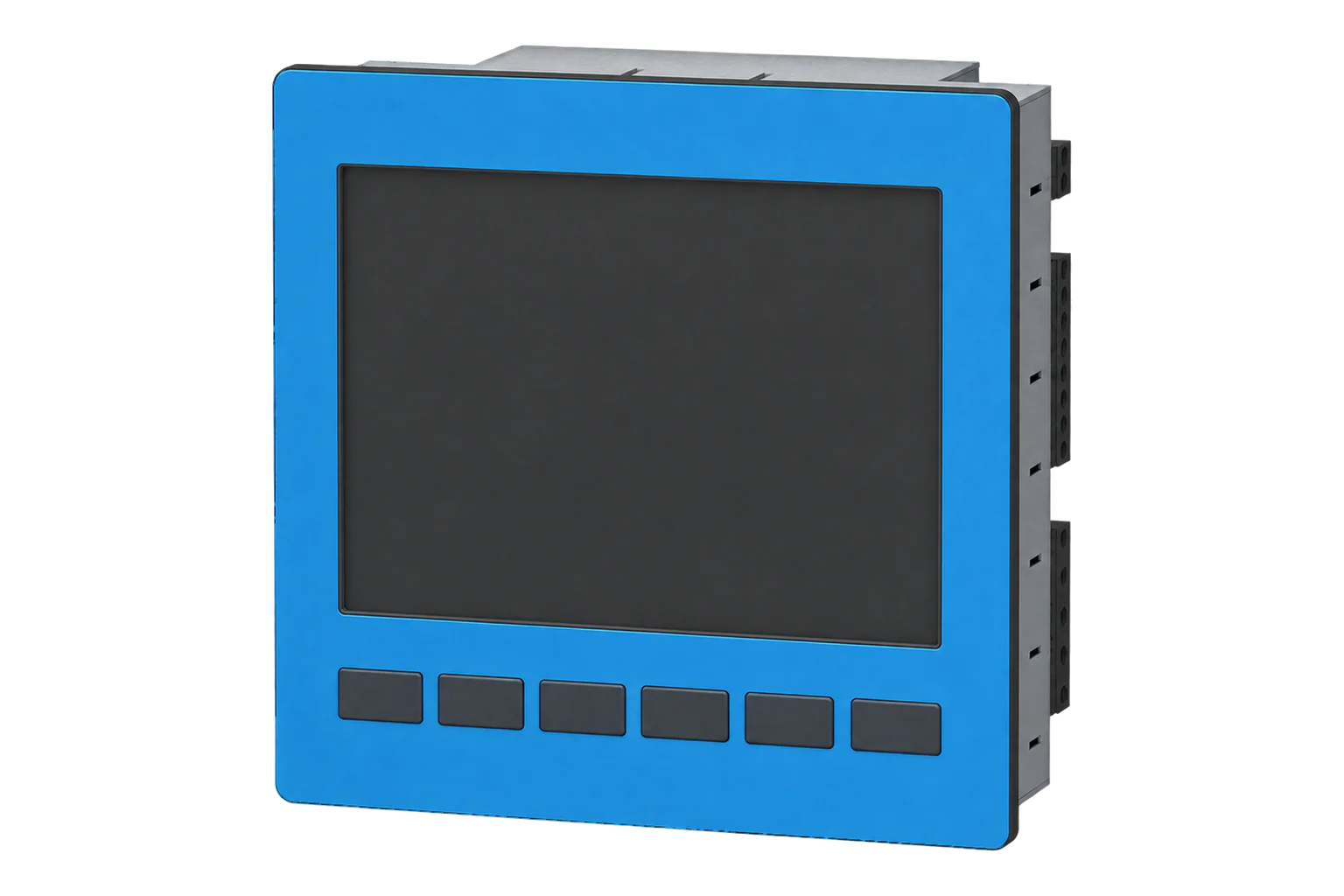
Janitza UMG 605-PRO
Power and energy meter
UMG 605-PRO monitors electrical measurements and power quality from a DIN-rail position. Its map for firmware 5.028 and higher gives a literal Float32 voltage read at address 19000. Commissioning must identify whether the RS-485 port is acting as a server, a master or part of a gateway arrangement, and confirm transformer ratios before values are accepted.
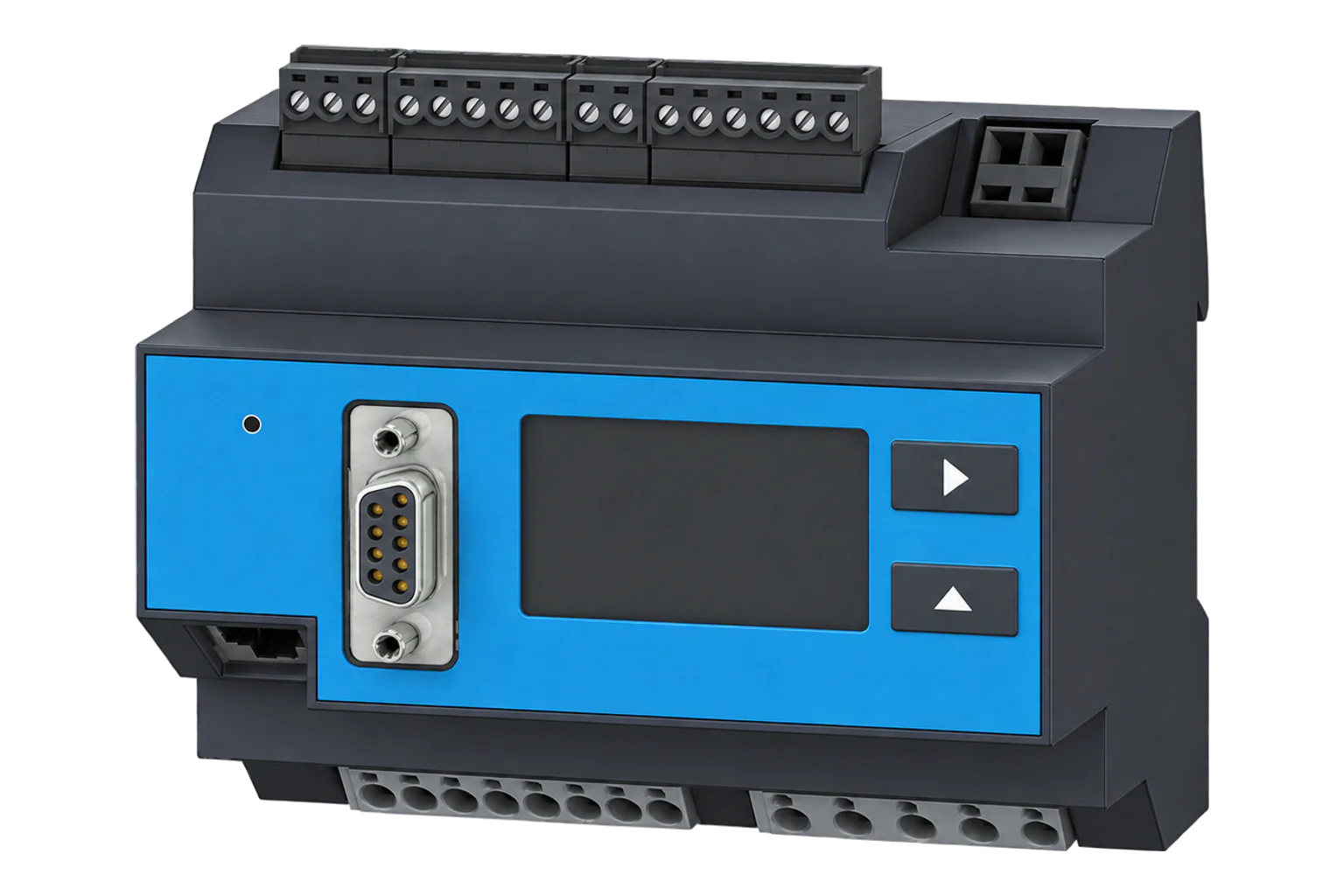
- Modbus RTU
Power and energy meter
Compatibility
Documented read-only Modbus path
The UMG 605-PRO documentation defines an RS-485 Modbus server with FC03/FC04 measurement reads and a model-specific address list.
UMG 605-PRO using address-list document 1.038.009.7.h for firmware 5.028 and later as the starting map. Check the configured RS-485 role, then poll this instrument in Modbus server mode. Record CT/VT ratios and compare the first readings with the display. Earlier UMG 605 and UMG 604-PRO have separate model documents.
Connect it with
-
Modbus Interface ZMB-3XFrom €399 ex VAT Configure Modbus Interface
-
Gateway ZGW-20From €899 ex VAT Configure Gateway


For the documented RS-485 Modbus RTU server interface
- Modbus
- Edge
- Platforms
Models
| Models | Interface | Route into Edge |
|---|---|---|
| UMG 605-PRO, firmware 5.028+ | RS-485 and Ethernet, with documented Modbus server functions | This guide uses the instrument’s own RS-485 server readings. |
| UMG 604-PRO and earlier UMG 605 | Different model and documentation revision | Use their separate maps; do not copy this firmware-scoped address list. |
Interface
Documented measurements and integration boundaries for UMG 605-PRO.
- L1-N voltage as Float32 in V at decimal address 19000.
- Current, power and energy float readings with configured transformer factors.
- Harmonics and power-quality values in separate map groups.
- Historic event and transient records outside the simple instantaneous Modbus check.
Assessment
UMG 605-PRO using address-list document 1.038.009.7.h for firmware 5.028 and later as the starting map. Check the configured RS-485 role, then poll this instrument in Modbus server mode. Record CT/VT ratios and compare the first readings with the display. Earlier UMG 605 and UMG 604-PRO have separate model documents.
- InteroperabilityWell supported
- The model-specific map defines FC03/FC04 server reads, literal addresses, format and serial parameters.1
- AccuracySupported with conditions
- The device supports Class S power-quality analysis and CT-based measurements, with configured transformer factors included in float readings.13
- SecurityNot yet assessed
- The retained manual does not establish authenticated or encrypted Modbus for this read path.2
- ReliabilitySupported with conditions
- A local analyser and 200 ms address-list update rate support comparison, but historic events require their own retrieval.12
- RuggednessSupported with conditions
- The manual defines indoor mounting and supply limits for the exact equipment; verify the cabinet conditions.2
- ScalabilitySupported with conditions
- RS-485 server addressing can be designed for multiple devices; bus limits and poll rate remain installation-specific.12
- LifecycleNot yet assessed
- The retained map establishes firmware applicability but not a future support term.1
Setup
Read the present L1-N voltage
The firmware-scoped UMG 605-PRO map gives decimal address 19000 as a Float32 voltage in V.
- Read PDU
- 03 4A 38 00 02: FC03, literal address 19000 (0x4A38), two registers.
- Decode
- Default bank is big-endian IEEE-754 Float32. Synthetic bytes 43 66 00 00 represent 230.0 V.
- Alternate bank
- Only if the client needs the documented little-endian representation, use address 19000 + 32768 = 51768.
- Acceptance
- Compare a fresh full-width reading with the simultaneous device/reference voltage after CT/VT settings are confirmed.
Acceptance: The payload is synthetic and proves only the stated decoder arithmetic. Real communication, firmware and transformer configuration remain site acceptance checks.
-
Identify the instrument
Record UMG 605-PRO model, firmware, supply and installed CT/VT ratios. The retained map applies from firmware 5.028.
-
Match the serial settings
Confirm the RS-485 operating role and actual unit address, speed and framing. Poll the server role only after checking site ownership of the port.
-
Read L1-N voltage
Read FC03 at literal decimal address 19000, quantity 2, in the default big-endian bank; do not subtract one.
-
Check the decoder and scaling
Decode a full IEEE-754 Float32 in V and compare with the instrument or a simultaneous reference. The float already includes configured transformer factors.
-
Add current, power and frequency
Add L1 current at 19012 (0x4A44) in A, total active power at 19026 (0x4A52) in W and frequency at 19050 (0x4A6A) in Hz. Read each complete value with FC04, quantity 2, big-endian IEEE-754 Float32, multiplier 1. For example, the current request PDU is 04 4A 44 00 02. These Float readings include the configured transformer factors; do not apply CT/VT ratios again. Compare current and signed power with the display under a known load. Keep the printed bank and decoder together; use the separate +32768 bank only with its little-endian decoder.
Common questions
- Does the firmware matter for this address list?
- Yes. The retained UMG 605-PRO list explicitly applies to firmware release 5.028 and higher. Check the installed release before using address 19000.1
- Should Edge apply the CT ratio to the Float voltage or power again?
- No. Janitza says Float and integer readings already include configured transformer factors. The short-format readings have a different scaling rule.1
Related devices

Sources
- UMG 605-PRO Modbus address list, document 1.038.009.7.h, firmware 5.028+ (opens in a new tab) (PDF)
- UMG 605-PRO user manual and technical data, document 1.038.027.1.u (opens in a new tab) (PDF)
- UMG 605-PRO product description (opens in a new tab)
Further reading
Product names and trademarks belong to their owners. Publication does not imply endorsement or a commercial relationship.