Philips 9290012607
Motion sensor
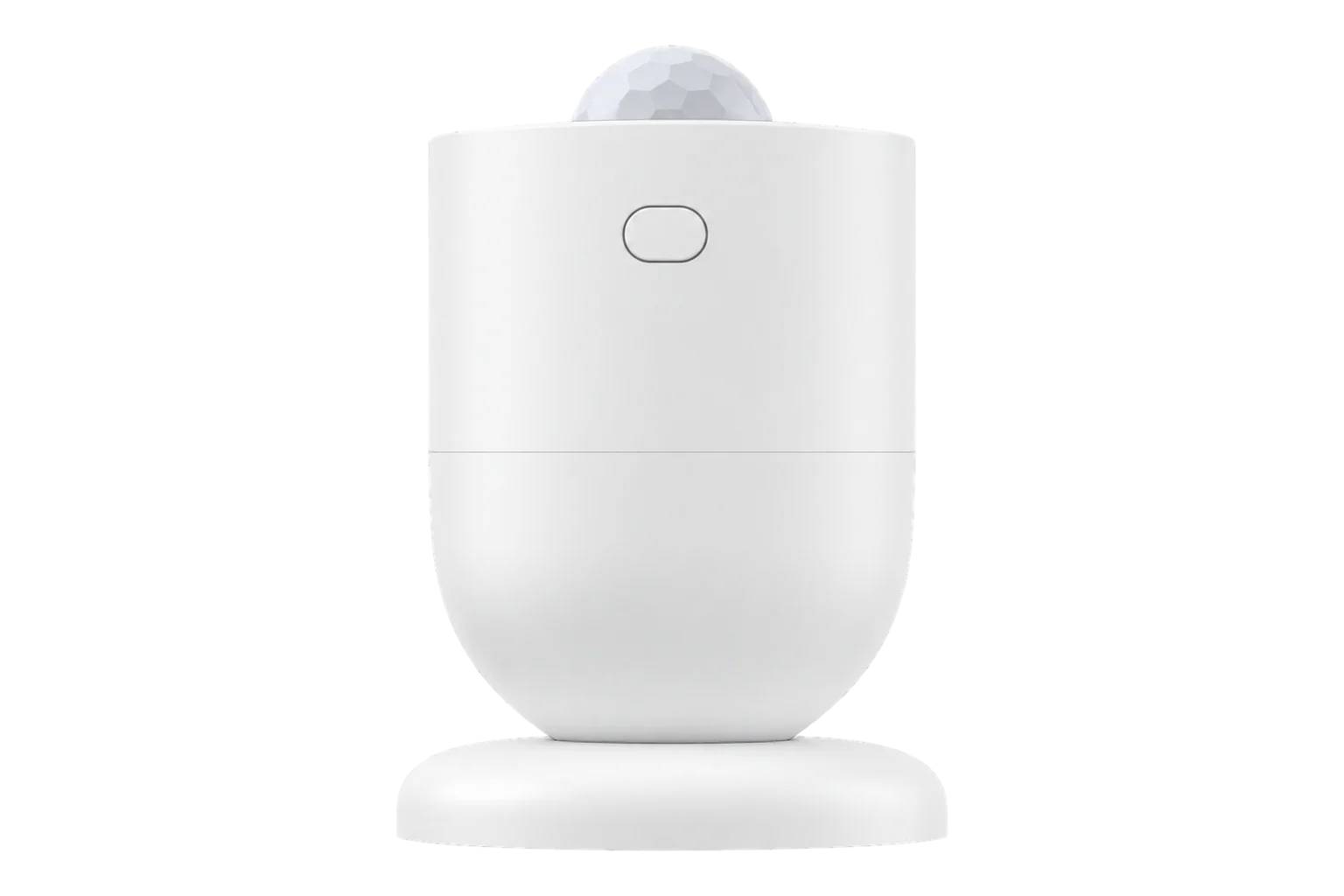
The Philips Hue motion sensor: a battery-powered Zigbee sensor that reports motion, light level in lux and temperature from one small unit on two AAA batteries, with adjustable sensitivity and clear delay.
Also sold asHue motion sensorSML001
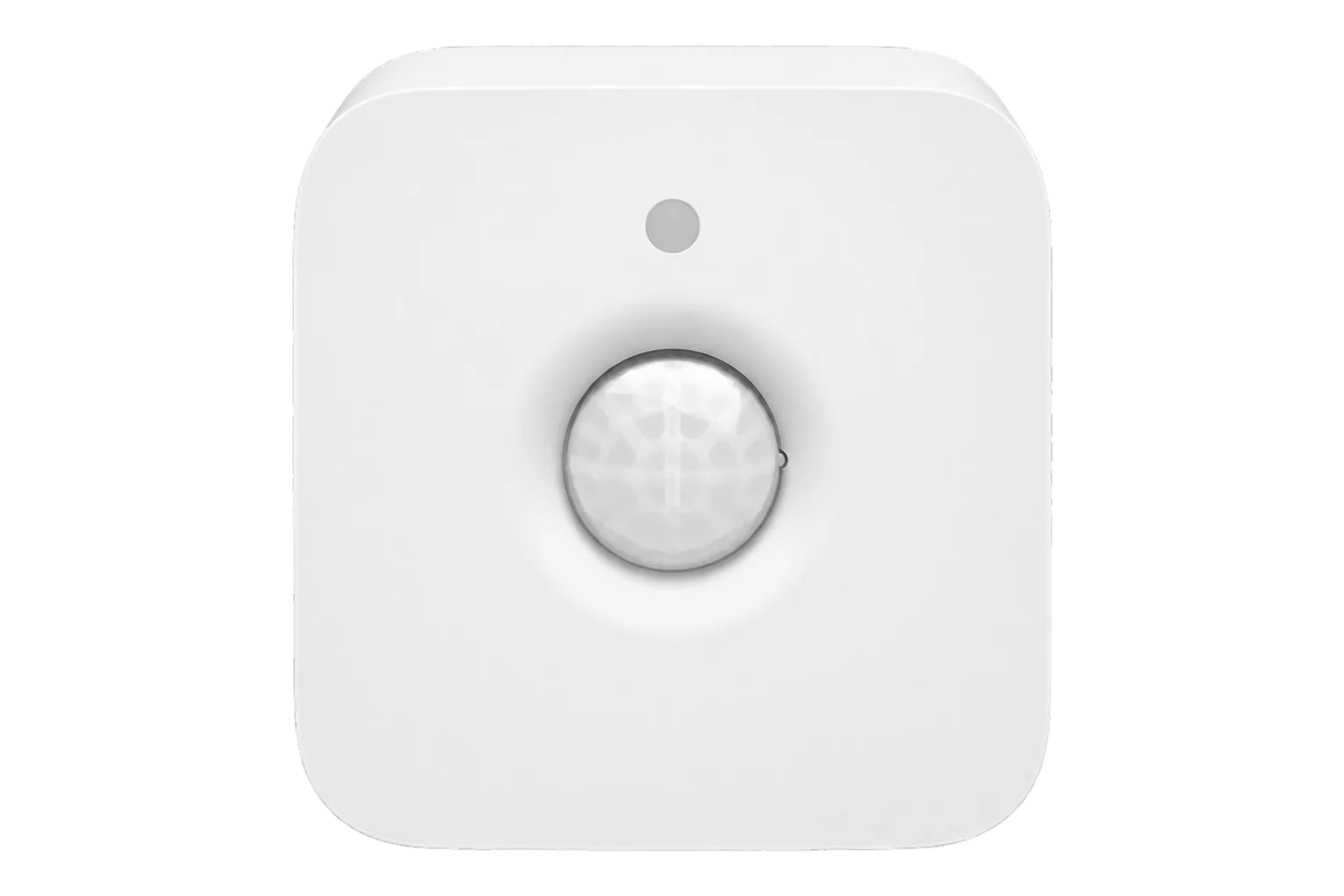
- Zigbee
Motion sensor
Compatibility
Compatible with EpiSensor Edge over Zigbee.
Pair it with the Zigbee radio on an EpiSensor Gateway. Edge reads it locally on the Gateway.
Edge reads 8 values from it, listed under Interface.
Connect it with
-
Gateway ZGW-20From €899 ex VAT Configure Gateway

Specifications
It runs on two AAA batteries. Philips designed it for the Hue bridge and app, but it joins a Zigbee coordinator directly, and the Zigbee definition sets it up to report occupancy, temperature and battery level by itself.134
- Power
- Battery. Two AAA batteries. The first battery level can take up to 24 hours to arrive after pairing.3
- Model
- 9290012607, Hue Motion Sensor2
- Zigbee model identifier
- SML0014
- Sensors
- Motion, light level and temperature3
- Sensitivity
- Low, medium or high (high by default)3
- Clear delay
- 10 to 65,535 s3
- Radio band
- 2.4 GHz (ETSI EN 300 328)2
- Mounting
- Free-standing, wall or ceiling1
- Conformity
- CE since 2016; RED 2014/53/EU, EN 60730-1, RoHS2
Where it is used
Occupancy and light level in corridors, toilets and stores, to show lighting left on in daylight or in spaces nobody is using.
HVAC energy monitoring for commercial buildingsMotion and temperature from one device in small rooms, alongside other indoor environment readings.
Indoor environmental monitoring
Interface
Readings and settings, with units and ranges where Philips publishes them. readable, readable and writable, writable only.3
| Reading | Unit | Range or values | Access |
|---|---|---|---|
| Measurements 3 | |||
| OccupancyTrue from the first motion until the clear delay passes with no further motion. | - | - | Read only |
| Light level | lx | - | Read only |
| Temperature | °C | - | Read only |
| Settings 4 | |||
| SensitivityHigh by default. | - | lowmediumhigh |
Read and write |
| Clear delayTime from the last motion to reporting no occupancy; 0 to 10 all give 10 s. | s | 0 to 65,535 s | Read and write |
| LED on detectionBlinks the green LED on each detection. | - | truefalse |
Read and write |
| IdentifyOnly arrives while the sensor is awake. | - | identify |
Write only |
| Diagnostics 1 | |||
| Battery | % | 0 to 100 % | Read only |
The sensor has two endpoints. Occupancy, temperature, light level and battery come from endpoint 2, which is also where the clear delay has to be written.34
Sensitivity and the LED setting are Signify manufacturer-specific attributes: motion sensitivity is 0x0030 on the occupancy-sensing cluster and LED indication is 0x0033 on the basic cluster.5
Any clear delay from 0 to 10 gives the 10-second minimum. Longer values are in seconds.3
Setup
-
Open pairing in Edge
In Edge, open pairing on the Gateway’s Zigbee network. The Gateway accepts new devices while pairing is open.
-
Fit the batteries
Fit two AAA batteries.3
-
Put it in pairing mode
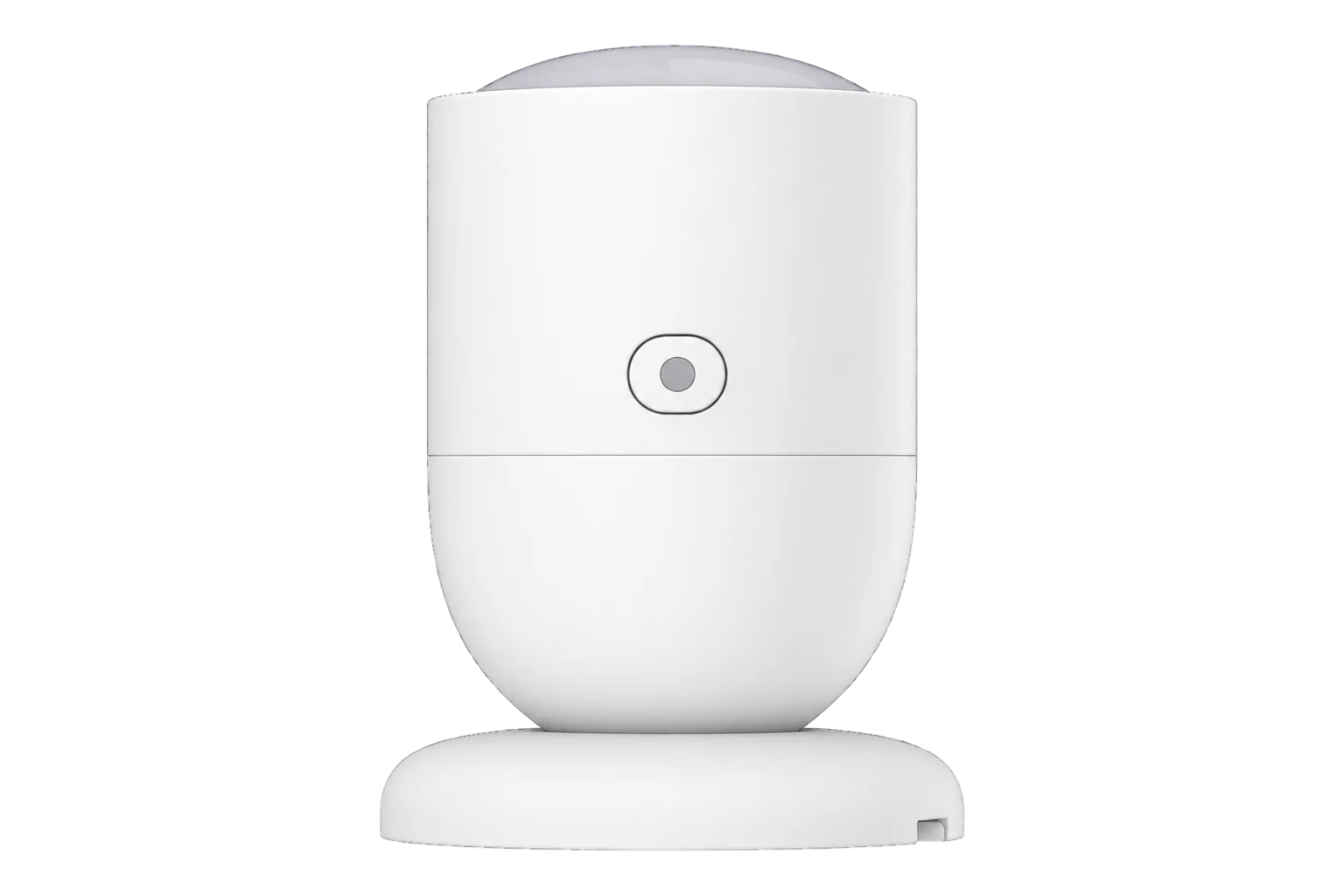
Press and hold the setup button on the back for about 5 seconds until the setup light blinks red. Then press and hold it again until the light blinks orange. The setup light is the one below the main sensor, not the indicator above it.3
-
Confirm the join
The light blinks green when the sensor has joined. Check that Edge identifies it as Philips 9290012607.3
-
Test it before mounting
Philips recommends trying the sensor before you mount it. A long red flash on detection means it cannot reach its network, so move it or add a Zigbee router nearby.1
-
Set the delay and sensitivity
Set the clear delay you want, from 10 seconds up, and lower the sensitivity if it triggers from outside the area you want to cover.3
Common questions
- Does it need a Hue bridge to work with Edge?
- No. Philips designed it for the Hue bridge and app, but it is a Zigbee device that joins a Zigbee coordinator directly, so it pairs with the Zigbee radio on an EpiSensor Gateway without a Hue bridge.13
- Can I turn off the LED?
- Yes. The green blink on each detection is a writable setting, so it can be switched off where a blinking sensor would distract people.3
- Where can it be mounted?
- On a shelf, flat on a wall or at an adjustable angle, or on a ceiling. Philips recommends testing it in place before fixing it.1
Related devices
More from Philips
Sources
- Hue motion sensor user manual (opens in a new tab) (PDF)
- EU declaration of conformity: Hue Motion Sensor, model 9290012607 (opens in a new tab) (PDF)
- Philips 9290012607 device documentation (opens in a new tab)
- Philips device definitions (philips.ts, v26.111.0) (opens in a new tab)
- Philips manufacturer-specific attributes (lib/philips.ts, v26.111.0) (opens in a new tab)
Further reading
Product names and trademarks belong to their owners. Publication does not imply endorsement or a commercial relationship.