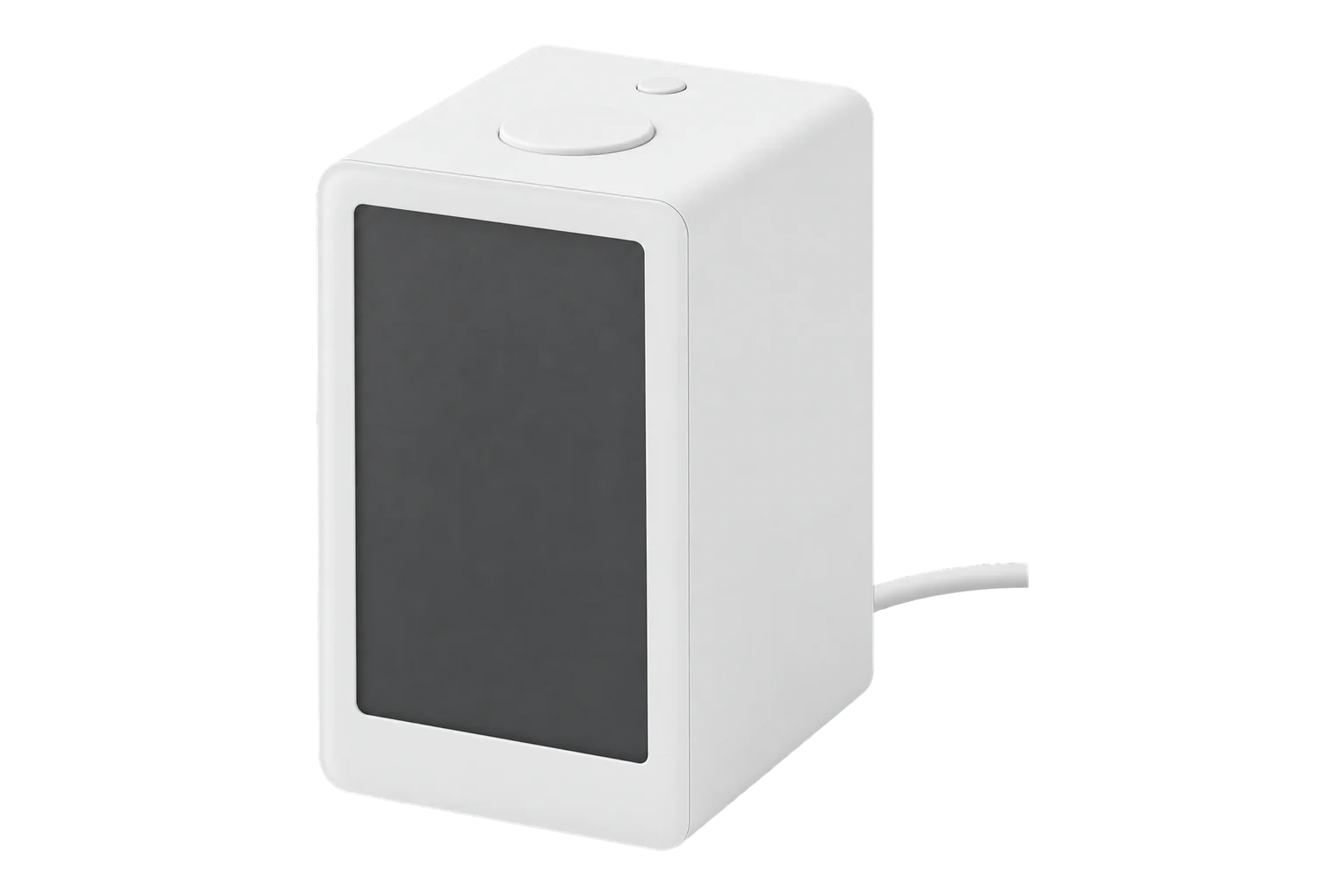
Third Reality 3RAQ1096Z
Air quality sensor
A plug-in Zigbee 3.0 sensor for CO₂, a VOC index, temperature and relative humidity, built on Sensirion sensors. It reads CO₂ from 400 to 5000 ppm at ±5 % and runs from its own 5 V adapter, so there are no batteries to change.
Also sold asTHIRDREALITY Smart Air Quality Sensor (A10)
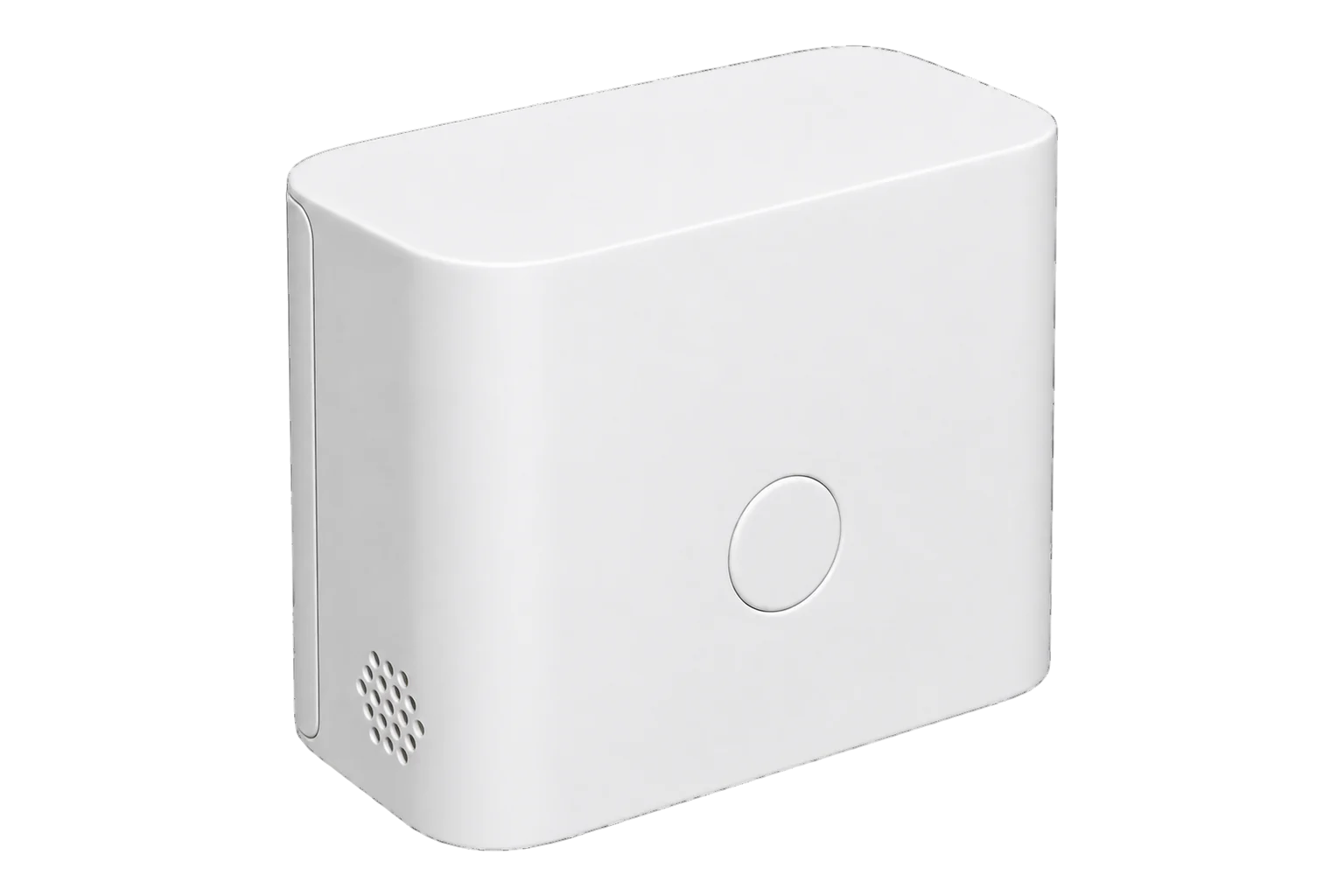
- Zigbee
Air quality sensor
Compatibility
Compatible with EpiSensor Edge over Zigbee.
Pair it with the Zigbee radio on an EpiSensor Gateway. Edge reads it locally on the Gateway.
Edge reads 4 values from it, listed under Interface.
Connect it with
-
Gateway ZGW-20From €899 ex VAT Configure Gateway

Specifications
The 3RAQ1096Z is Third Reality’s Smart Air Quality Sensor, version A10. It measures carbon dioxide from 400 to 5000 ppm with ±5 % accuracy, a VOC index from 0 to 500, temperature with ±0.1 °C accuracy and relative humidity from 10 to 100 % RH with ±1.0 % RH accuracy. Third Reality states that the sensing elements are Sensirion parts. It connects over Zigbee 3.0.12
- Power
- Mains. Plugs into a wall socket through the supplied USB power adapter, which provides 5 V DC at 1 A. No battery.1
- Model
- 3RAQ1096Z (Smart Air Quality Sensor A10)1
- CO₂ range
- 400 to 5000 ppm1
- CO₂ accuracy
- ±5 %1
- VOC index range
- 0 to 5001
- Temperature
- -10 to 60 °C, ±0.1 °C1
- Humidity
- 10 to 100 % RH, ±1.0 % RH1
- Recommended working conditions
- 5 to 60 °C, 20 to 80 % RH1
- Wireless
- Zigbee 3.01
- Reporting interval
- 30 to 300 s, configurable in Third Reality’s app2
- Plug type sold
- US plug adapter included2
- Firmware updates
- Over the air3
Where it is used
CO₂ as a ventilation indicator in meeting rooms, classrooms and open-plan offices, with temperature and humidity from the same unit.
Indoor environmental monitoringChecking that ventilation plant responds when rooms fill up, next to the energy the HVAC system uses.
HVAC energy monitoring for commercial buildingsRooms where changing batteries is a nuisance and a wall socket is free.
Interface
Readings and settings, with units and ranges where Third Reality publishes them.
| Reading | Unit | Range or values | Access |
|---|---|---|---|
| Measurements 4 | |||
| Temperature | °C | - | Read only |
| Humidity | % | - | Read only |
| CO₂ | ppm | - | Read only |
| VOC index | VOC Index points | - | Read only |
Temperature, humidity and CO₂ use the standard Zigbee measurement clusters. The VOC index comes from a Third Reality cluster (0x042E, manufacturer code 0x1407) as an unsigned 32-bit value.4
The LED flashes red quickly in pairing mode and slowly when the sensor is offline, and is off once it has paired.1
Pairing mode times out after 3 minutes. Hold the centre button for 5 seconds again to restart it.1
Its Zigbee definition exposes the four measurements as read-only values; the 30 to 300 s reporting interval setting is not part of it.23
Setup
-
Open pairing in Edge
In Edge, open pairing on the Gateway’s Zigbee network. Third Reality recommends keeping the sensor within 10 m of the coordinator for the join.1
-
Plug it in
Push the adapter onto the sensor’s USB Type-A plug and plug the pair into a wall socket with the ventilation openings facing down. Avoid open windows and air-conditioning vents.1
-
Start pairing
Press and hold the centre button for 5 seconds and release it when the red LED turns on. The LED then flashes quickly while the sensor is in pairing mode.1
-
Confirm the join
The LED goes out when the sensor has paired. Check that Edge identifies it as Third Reality 3RAQ1096Z.1
-
Let it settle
Leave it running for at least 30 minutes in a well-ventilated room before you trust CO₂, and allow about 24 hours before you read anything into the VOC index.1
Common questions
- Does the 3RAQ1096Z need a Third Reality hub?
- No. It is a Zigbee 3.0 device and Third Reality states it needs a compatible Zigbee hub or coordinator, not its own bridge. It pairs with the Zigbee radio on an EpiSensor Gateway and Edge reads it locally.12
- How accurate is the CO₂ reading?
- Third Reality states ±5 % over 400 to 5000 ppm. The sensor calibrates itself automatically; on first use, run it in a well-ventilated room for more than 30 minutes to warm up and stabilise.1
- What does the VOC index mean?
- It shows relative change in volatile organic compounds on a 0 to 500 scale, not a concentration. Third Reality calls 0 to 100 good, 100 to 200 moderate and 200 to 500 poor. It needs about 24 hours to learn the room before the index settles.1
- Can it run on batteries?
- No. It runs from the supplied plug-in adapter at 5 V DC, 1 A, which Third Reality presents as the reason it can stay on continuously.12
- How do I reset it to pair again?
- Hold the centre button for 5 seconds until the red LED turns on, then release it. If the sensor will not enter pairing mode, restore it to factory settings first. Pairing mode ends after 3 minutes if nothing joins it.1
Related devices
Sources
- Smart Air Quality Sensor (A10) user manual, v1.00.17 (opens in a new tab) (PDF)
- Smart Air Quality Sensor (opens in a new tab)
- Third Reality 3RAQ1096Z device documentation (opens in a new tab)
- Third Reality 3RAQ1096Z device definition (opens in a new tab)
Further reading
Product names and trademarks belong to their owners. Publication does not imply endorsement or a commercial relationship.