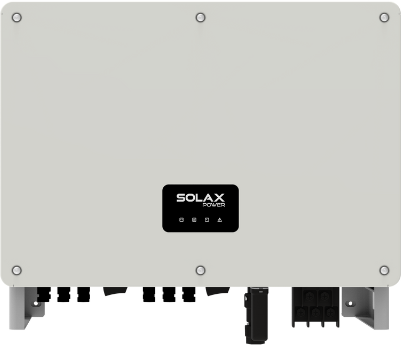
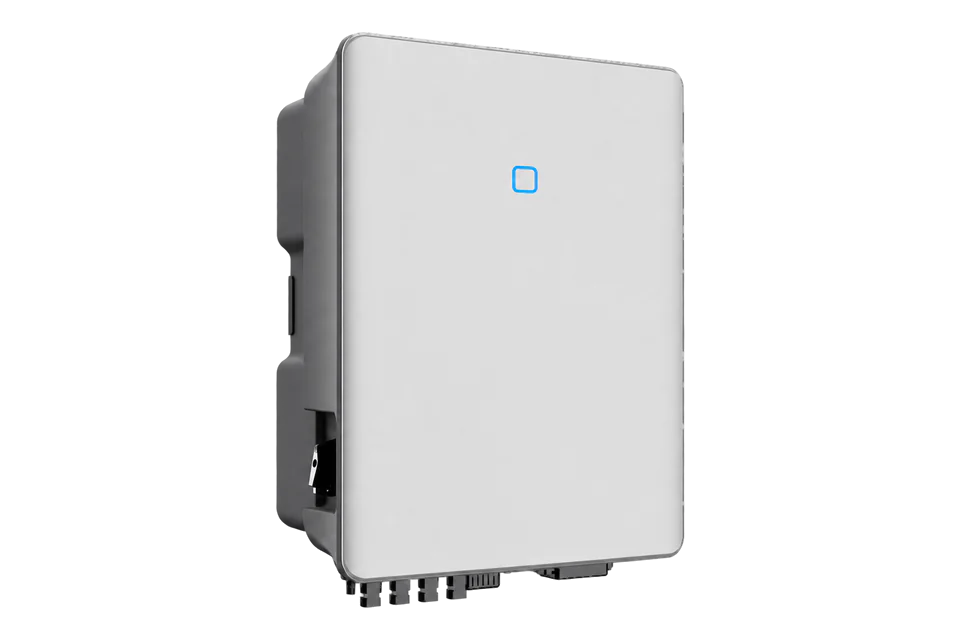
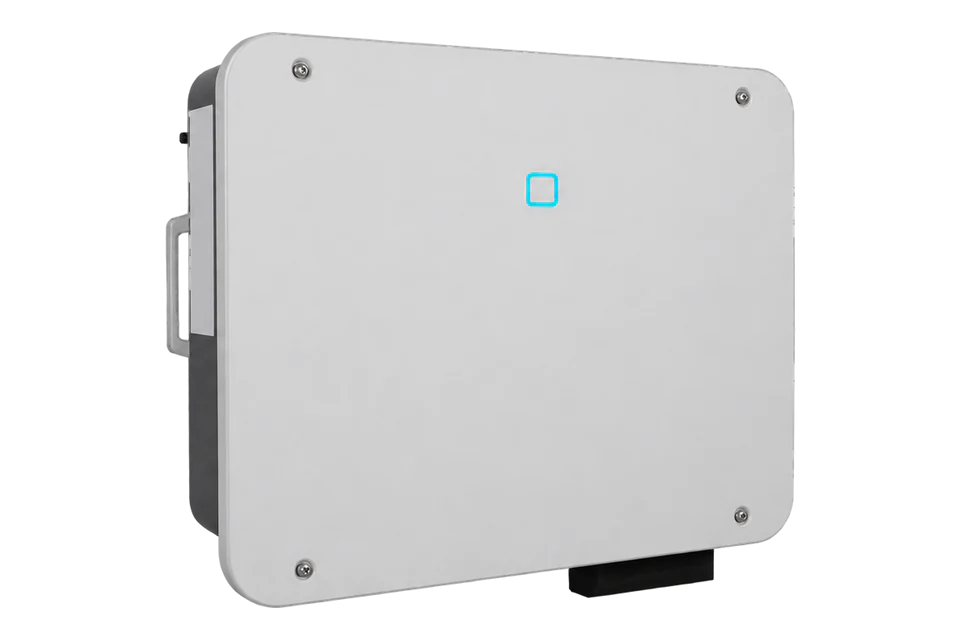
SolaX Power X3-FORTH
Commercial PV inverter
SolaX publishes a Modbus RTU monitoring map for X3-FORTH and X3-MEGA G2. A separate OEM article documents Modbus TCP through supported Pocket dongles. Keep either monitoring path separate from the inverter-master, meter and DataHub control arrangement.
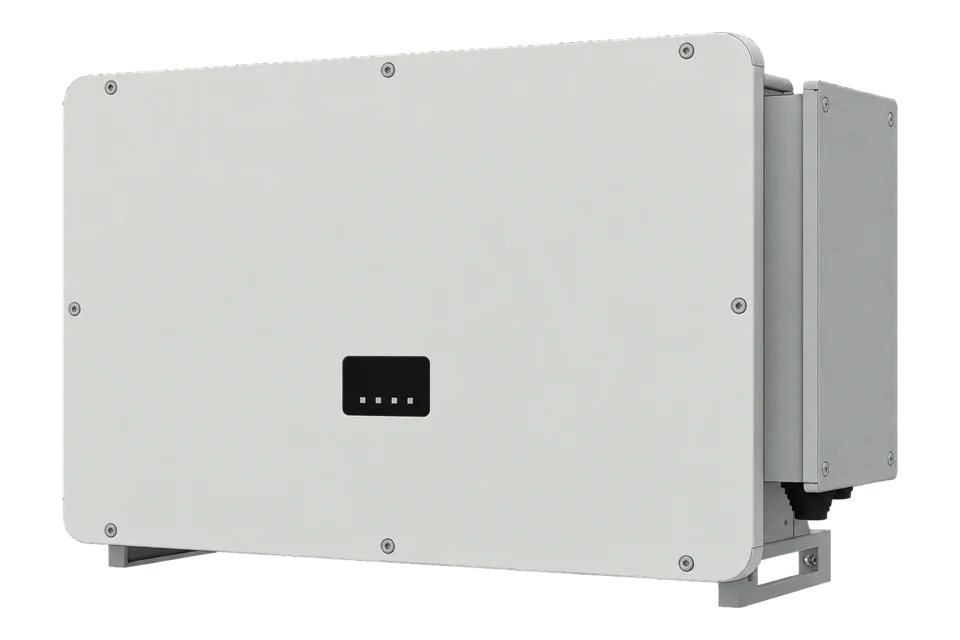
Compatibility
Compatible with EpiSensor Edge over Modbus RTU and Modbus TCP
SolaX protocol V1.1, 16 May 2023, defines Modbus RTU input-register reads for X3-FORTH with addresses, types and scaling. Edge reads the RS485 port through a ZMB-31 or the Gateway's serial port. SolaX also documents Modbus TCP through supported Pocket dongles and lists X3-FORTH ARM V015.01.
X3-FTH-75K, 80K, 100K, 110K, 120K or 125K. Site check: record the installed serial settings and bus owner, and for Pocket TCP the dongle firmware against the SolaX table. Compare the first voltage and frequency reads with the inverter display.
Connect it with
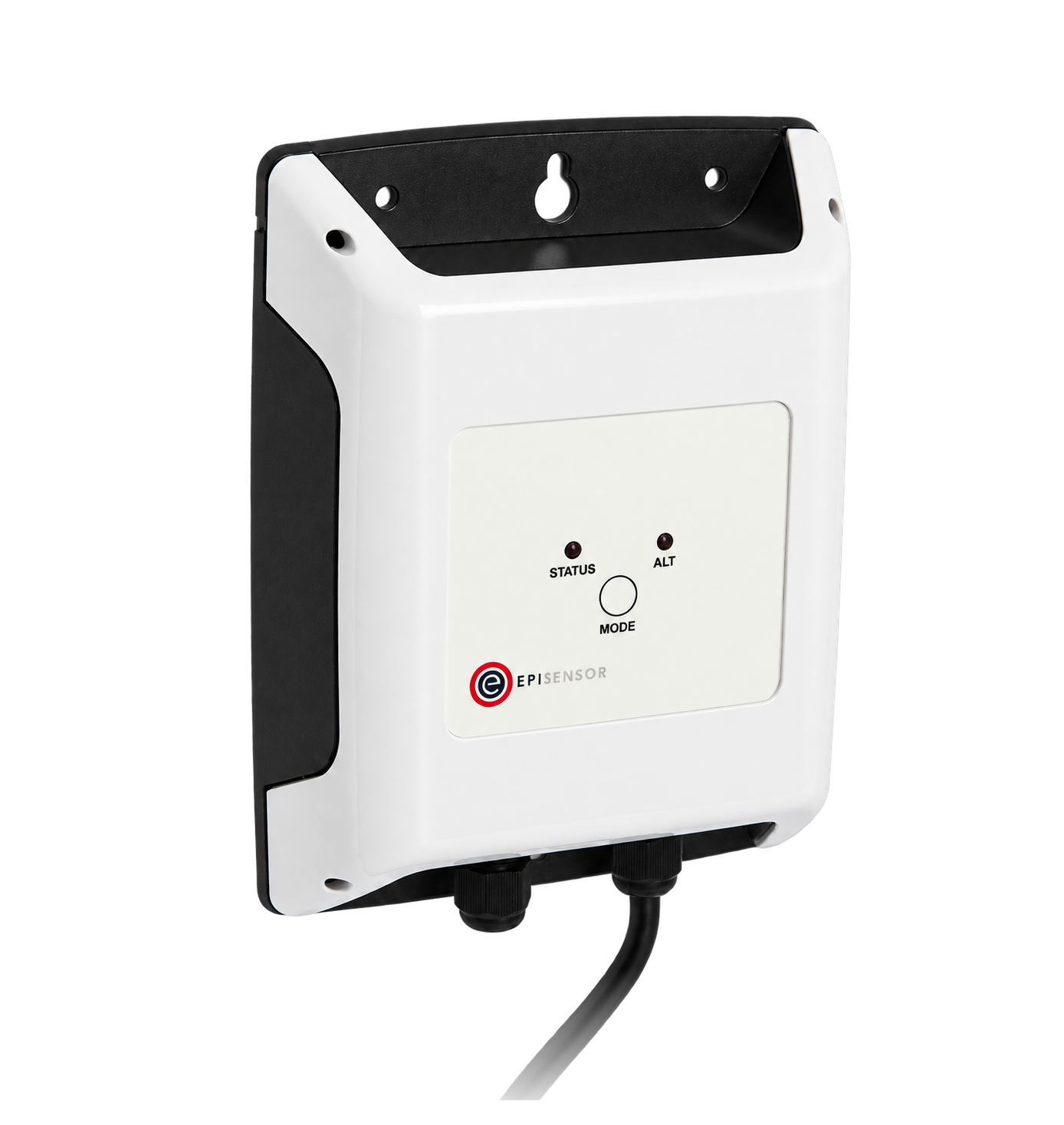
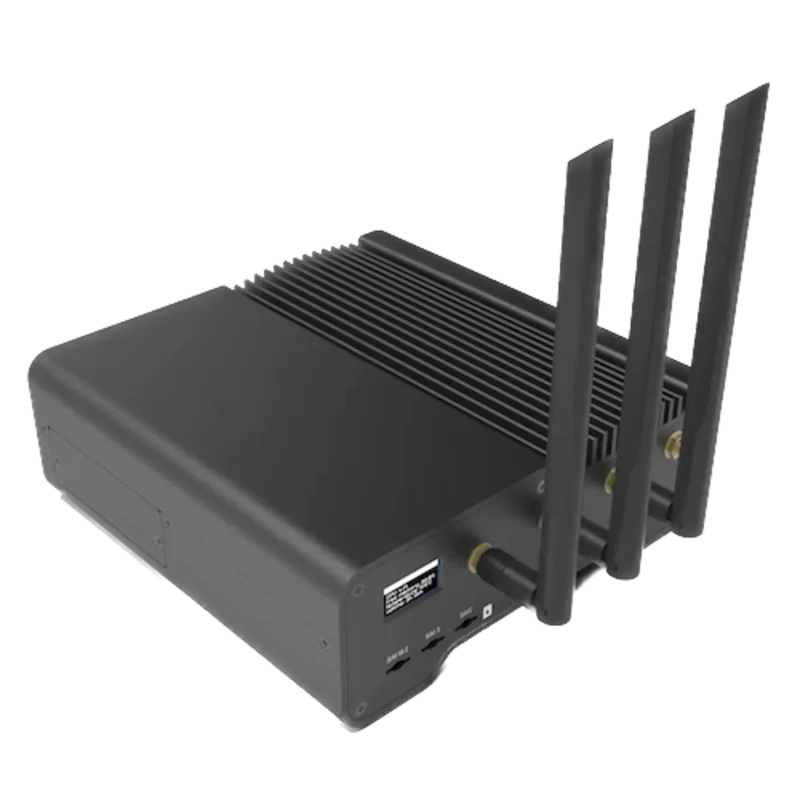
The RS485 port is free, or Edge can be the only Modbus master on it
- Modbus
- Wireless
- Edge
- Platforms
A supported Pocket dongle is fitted and the inverter firmware appears in the SolaX Pocket TCP table
- Wired
- Edge
- Platforms
Models
| Models | Interface | Route into Edge |
|---|---|---|
| X3-FTH-75K and X3-FTH-80K | 75 or 80 kW; nine MPPTs | Use the exact AC voltage and country variant. |
| X3-FTH-100K to X3-FTH-125K | 100 to 125 kW; nine or twelve MPPTs by variant | Do not infer the MPPT count from rated power alone. |
Specifications
X3-FORTH covers six ratings and uses nine or twelve MPPTs depending on the exact variant. Rated power alone does not establish the input topology.12
Interface
Documented measurements and integration boundaries for X3-FORTH.
- FC04 exposes phase voltage, frequency, active power, daily/total energy and operating state using typed input registers.
- Every value must retain its source device and measurement boundary; inverter, meter, logger and controller values are not interchangeable.
Assessment
X3-FTH-75K, 80K, 100K, 110K, 120K or 125K. Record the installed serial settings and bus owner. For Pocket TCP, check the OEM compatibility table and the actual dongle firmware.
- InteroperabilitySupported with conditions
- Protocol V1.1, 16 May 2023, defines input-register reads for this family. Edge reads them over Modbus RTU or, through a supported Pocket dongle, Modbus TCP. Compare the first measurements with the inverter display.1234
- AccuracySupported with conditions
- The published map defines inverter measurements and scaling. Inverter production remains distinct from connection-point metering and settlement accuracy.1234
- SecuritySupported with conditions
- The Pocket setup uses a login and a local network connection. Change default credentials and restrict network access; the source does not establish encrypted Modbus transport or separate read-only privileges.1234
- ReliabilityLimited
- Electrical and environmental limits are published. SolaX publishes no communication recovery, stale-data or concurrent-client figures; timestamp each read and keep one master per bus.12
- RuggednessSupported with conditions
- The manufacturer publishes enclosure and operating limits; the installation must still meet those limits.12
Setup
-
Record the complete identity
Photograph the nameplate and record the exact model, serial number, installed firmware and communication accessories. Do not select a point map from the family name alone.
-
Map the commissioned topology
For RTU, the specific serial-settings table gives 9600 baud, 8 data bits, no parity and one stop bit. Use the installed settings and one bus master. The OEM TCP article lists X3-FORTH ARM V015.01 and X3-MEGA G2 ARM V008.02 with supported Pocket dongles; read on the same protected LAN using the dongle's assigned IP.
-
Read voltage and frequency
Use FC04 at PDU address 0x0103 (259), one register, for phase-A voltage: request 04 01 03 00 01; U16 raw 0x08FC gives 230 V with multiplier 0.1. Frequency at 0x0106 (262) is U16 with multiplier 0.01 Hz: request 04 01 06 00 01; raw 0x1388 gives 50 Hz. The table addresses are hexadecimal, not decimal strings. Compare both readings with the local display before extending the map.
-
Add power, energy and operating state
Active power at 0x0183 (387) is two-register S32 in W. The document does not explicitly specify its 32-bit word order; compare both word orders with the display before storing that decoder. Daily energy at 0x0189 (393) is U16 × 0.1 kWh, total energy at 0x018A (394) is U32 × 0.1 kWh, and operating state at 0x0200 (512) is U16. Reserved rows are not measurements.
Common questions
Related devices
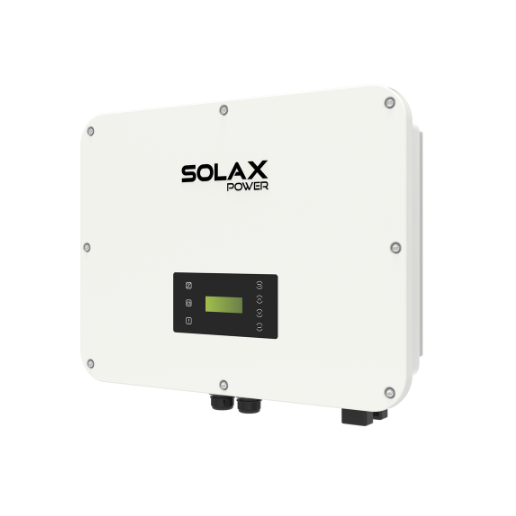
More from SolaX Power
Sources
- X3-FORTH Series user manual (opens in a new tab) (PDF)
- X3-FORTH datasheet (opens in a new tab) (PDF)
- X3-MEGA G2 / X3-FORTH Modbus RTU protocol, V1.1, 16 May 2023 (opens in a new tab)
- How to get device data by Modbus TCP (opens in a new tab)
Further reading
Product names and trademarks belong to their owners. Publication does not imply endorsement or a commercial relationship.