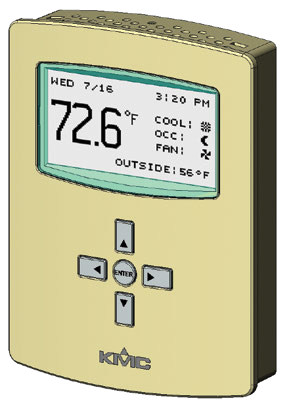
KMC Controls BAC-120063CW-ZEC
HVAC zoning controller
One FlexStat can coordinate a rooftop unit and up to 16 SimplyVAV zone controllers. For a monitoring quote, separate the rooftop unit’s discharge-air sensor from the individual zone readings. Ask for the serial trunk schedule and the BACnet router that serves it.
Compatibility
Compatible with Edge through a BACnet router
The FlexStat communicates on MS/TP. A site BACnet router connects its trunk to the IP network used by Edge.
Check the installed router, trunk network number and controller Device instance.
Connect it with

For a FlexStat on MS/TP
- BACnet
- Edge
- Platforms
Models
| Models | Interface | Route into Edge |
|---|---|---|
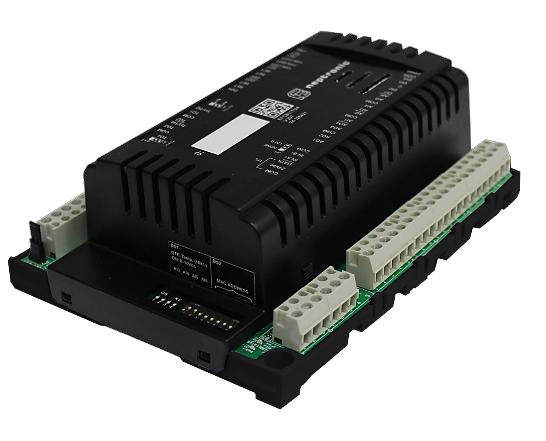
| BAC-120063CW-ZEC | Integral BACnet MS/TP for the zoning equipment controller and associated SimplyVAV devices. | KMC names the BAC-5051E as an MS/TP to IP router. Identify the router already installed before including one in the quote. |
Interface
Documented measurements and integration boundaries for BAC-120063CW-ZEC.
- The wiring schedule maps discharge-air temperature on IN2 to Analog Input 2. The display can show °C or °F. Record the BACnet engineering units with the reading.
- Static pressure feedback on IN9 maps to AI 9 and is optional. A bypass pressure setpoint is a command signal. To report measured duct pressure, confirm the feedback sensor and its mapped object.
Assessment
FlexStat BAC-120063CW-ZEC on a routed MS/TP trunk.
- InteroperabilitySupported with conditions
- KMC documents MS/TP on the controller and identifies a compatible BACnet router.1
- AccuracySupported with conditions
- The analog discharge-air input and display support an on-site temperature comparison.12
- SecurityNot yet assessed
- The local display has user, operator and administrator access levels.1
- ReliabilityNot yet assessed
- The datasheet describes the local control application.1
- RuggednessNot yet assessed
- The installed enclosure and location determine exposure.1
- ScalabilitySupported with conditions
- One equipment controller can communicate with up to 16 associated SimplyVAV controllers.1
- LifecycleNot yet assessed
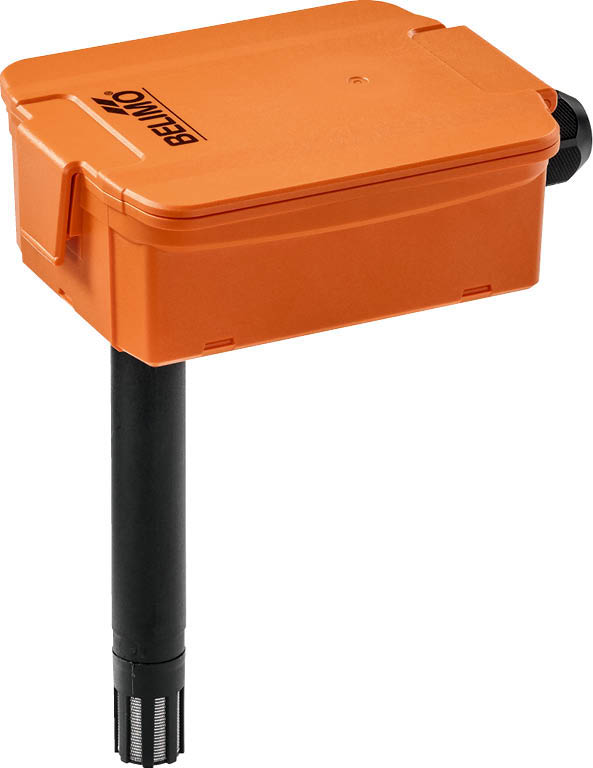
- KMC identifies the zoning model and the duct sensor accessory.1
Setup
-
Identify the discharge duct sensor and the rooftop unit it serves.
Ask the controls contractor for the Device instance and the mapped discharge-air temperature object.
-
Read Present_Value and Units from Analog Input 2 during steady operation.
Compare with the FlexStat discharge-air display at the same time, converting between °C and °F when needed.
-
Record each requested zone against its SimplyVAV device identifier.
This keeps the common supply-air temperature distinct from each zone temperature.
Related devices
Sources
- FlexStat zoning equipment controller datasheet, S91303530H (opens in a new tab) (PDF)
- FlexStat installation and configuration guide, revision I (opens in a new tab) (PDF)
Further reading
Product names and trademarks belong to their owners. Publication does not imply endorsement or a commercial relationship.