DENT Instruments PowerScout 3037
Power and energy meter
The PowerScout 3037 (PS3037) is a three-channel networked power meter from DENT Instruments in Bend, Oregon, for single-phase, delta and wye services up to 600 V L-L. It takes 333 mV CTs or RōCoil Rogowski coils up to 4000 A, is powered from the L1 and L2 voltage leads, and is configured over USB with DENT's ViewPoint software. The serial PS3037-S has an RS-485 port that runs Modbus RTU or BACnet MS/TP, and the PS3037-E adds Ethernet with Modbus TCP or BACnet/IP. DENT's map lists each value as a 4xxxx register with its offset from 40001, stores readings as unsigned 16-bit integers scaled by the data scalar in register 44602, and puts the low word of every 32-bit energy counter first. DENT now lists the PS3037 among its legacy products.
Compatibility
Compatible with EpiSensor Edge over Modbus RTU or Modbus TCP
The PowerScout 3037 is compatible with EpiSensor Edge over Modbus RTU on its RS-485 port when the meter is set to Modbus mode, read through a ZMB-31 Modbus Interface or a Gateway serial port, and over Modbus TCP on the PS3037-E Ethernet port. DENT publishes the Modbus register list with offsets, the data scalar table, word order and the supported commands in the Operator's Guide.
PowerScout 3037 serial (PS3037-S) and Ethernet (PS3037-E) meters in Modbus mode, using the register list in the Operator's Guide of 9 November 2017. Site check: read the data scalar at register 44602, then compare System Total True Energy at 44001 and 44002 with ViewPoint or the optional display. Read-only monitoring: no writes to the configuration, clear or Veris emulation registers.
Connect it with
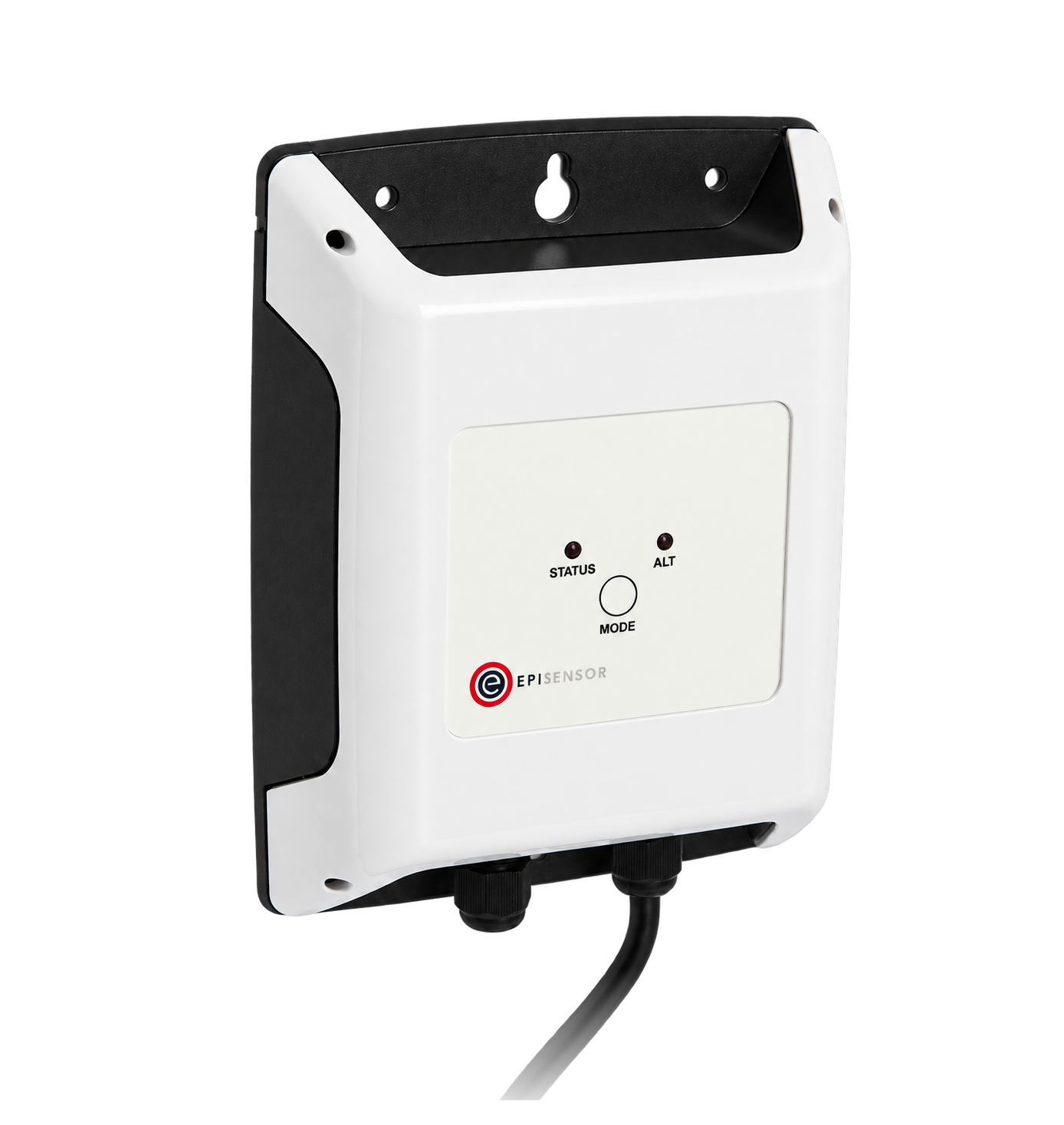
For a meter mounted in a panel where a wireless link avoids running a data cable back to the Gateway
- Modbus
- Wireless
- Edge
- Platforms
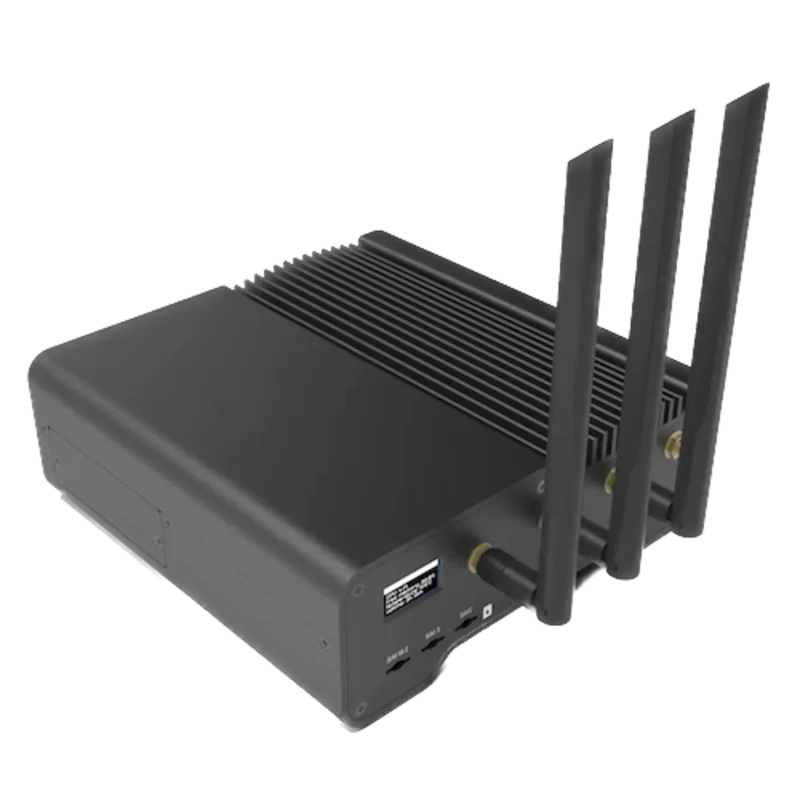
When the Gateway sits near the meters, or several PowerScouts share one wired RS-485 network
- Modbus
- Edge
- Platforms
When the meter is a PS3037-E-N or PS3037-E-D with the Ethernet port
- Modbus
- Edge
- Platforms
Models
| Models | Interface | Route into Edge |
|---|---|---|
| PS3037-S-N and PS3037-S-D | Serial only: RS-485 with Modbus RTU or BACnet MS/TP, USB for setup, one pulse output; -D adds the 2 × 16 character display | Set the meter to Modbus mode and read the RS-485 port with Modbus RTU through a ZMB-31 or a Gateway serial port. |
| PS3037-E-N and PS3037-E-D | Ethernet and serial: Modbus TCP or BACnet/IP on Ethernet, RS-485 when Ethernet is not connected, USB for setup; -D adds the display | Read over Modbus TCP from the Gateway, or over RS-485 with the Ethernet cable removed. |
| PS3037 in BACnet mode | RS-485 running BACnet MS/TP (76800 baud by default), or BACnet/IP on a PS3037-E | Edge reads BACnet/IP, so a PS3037-E can be read over BACnet/IP. A serial meter in BACnet MS/TP mode needs switching to Modbus mode with the site owner's agreement before Edge can read it. |
Specifications
The PowerScout 3037 is a revenue-grade single-point submeter with three current channels and four voltage connections, sized to mount inside an electrical panel on mounting tabs or TS35/7 DIN rail. Positive and negative registers support bi-directional metering, PhaseChek LEDs confirm CT placement and orientation, and a single open-collector output can send kWh, kVARh or kVAh pulses. The protocol, CT type and scaling are set over USB with ViewPoint.12
- Models
- PS3037-S-N serial only, no display; PS3037-S-D serial only, with display; PS3037-E-N Ethernet and serial, no display; PS3037-E-D Ethernet and serial, with display.2
- Voltage inputs
- 80 to 346 V AC L-N, 600 V L-L, CAT III; single-phase, three-phase four-wire wye and three-phase three-wire delta; 50/60 Hz.12
- Current inputs
- 3 channels, 0.525 V AC maximum, for 333 mV CTs; 158% of the CT rating to maintain accuracy; up to 4000 A with RōCoil CTs.2
- Accuracy
- 0.2%, ANSI C12.20-2010 Class 0.2, NIST traceable calibration; resolution depends on the scalar setting.2
- Update rate
- Waveform sampling 12 kHz; parameters updated every 0.5 s.2
- Communication
- RS-485 with Modbus RTU or BACnet MS/TP, selectable; Modbus at 9600 (default), 19200, 38400, 57600, 76800 or 115200 baud, 8 data bits, parity none, even or odd, 1 or 2 stop bits; 1200 m at 100 kbit/s or less; USB always runs Modbus. PS3037-E: Ethernet with Modbus TCP or BACnet/IP, factory IP address 192.168.1.10.12
- Power supply
- From the L1 to L2 voltage leads, 80 to 600 V AC RMS CAT III, 50/60 Hz, 90 mA maximum, with a 0.5 A internal fuse. Unregulated 5 V DC output, 140 mA maximum.2
- Housing
- ABS plastic, 94-V0; 24.2 × 8.5 × 4.0 cm; 340 g without CTs; mounting tabs or TS35/7 DIN rail.2
- Environment
- Operating -20 to 60 °C (-4 to 140 °F), humidity 5 to 95% non-condensing.2
Interface
Documented measurements and integration boundaries for PowerScout 3037.
- Each row of DENT's register tables gives a Modbus register such as 44001 and its offset such as 4000. The manual states that the address sent in the frame is the register minus 40001: register 44062 is sent as 4061 (0x0FDD). FC03 reads 1 to 125 registers; the meter supports no FC04.
- Every register is a 16-bit unsigned value. Readings in registers 44001 to 44061 are multiplied by the data scalar in register 44602 (offset 4601), which holds 0 to 6. With scalar 3, kW, kWh, kVAR, kVARh, kVA and kVAh are in steps of 0.1, amps and volts in steps of 0.1 and power factor in steps of 0.01.
- Scalar table for registers 44001 to 44061: scalar 0 gives 0.00001 for power and energy, 0.01 A and 0.1 V; 1 gives 0.001, 0.1 A and 0.1 V; 2 gives 0.01, 0.1 A and 0.1 V; 3 gives 0.1, 0.1 A and 0.1 V; 4 gives 1, 1 A and 1 V; 5 gives 10; 6 or more gives 100. Power factor is always 0.01.
- 32-bit counters span two registers with the least significant word (LSW) at the lower register: kWh System LSW at 44001 and MSW at 44002. The value is MSW × 65536 + LSW, multiplied by the scalar.
- Absolute (unsigned) system values: kWh System 44001/44002, kW System 44003, kW Demand System Max 44004 and Now 44005, kVARh System 44008/44009, kVAR System 44010, kVAh System 44011/44012, kVA System 44013, displacement PF 44014 and apparent PF 44015 (100 × the value), average amps 44016, average L-L and L-N volts 44017 and 44018.
- Per-phase values: volts L1-L2, L2-L3 and L1-L3 at 44019 to 44021; kWh L1 to L3 at 44023 to 44028 (LSW first); kW L1 to L3 at 44029 to 44031; kVAR L1 to L3 at 44038 to 44040; kVA L1 to L3 at 44047 to 44049; amps L1 to L3 at 44056 to 44058; volts L1-N to L3-N at 44059 to 44061.
- Bi-directional blocks: positive values from 46001, such as Positive kWh System at 46001/46002 and Positive kW System at 46003 (the net sum of the phase powers, or 0 when that sum is negative), and negative values from 47001, such as Negative kWh System at 47001/47002. Line frequency is at 46022 and 47022 as frequency × 10 (602 is 60.2 Hz). The manual prints the scalar table for 44001 to 44061 only, so compare one value from these blocks with ViewPoint before relying on its scaling.
- Net energy: KWh System NET at 44150/44151 (absolute value of the net), NET POS at 46150/46151 and NET NEG at 47150/47151, each LSW first.
- Identity: model name at 44201 to 44205 and serial number at 44206 to 44210 as ASCII, firmware major and minor revision at 44069 and 44070, hardware ID at 44511. Report Slave ID (FC17) returns a string such as "DENT Instruments PowerScout 3037, PS3912001, FW Rev 1.0, Scalar 3".
- Writable registers: clear accumulated measurements 44066 (1234), CT type and ratios 44525 and 44599 to 44601, data scalar 44602, demand window 44603, volts and amps multipliers 44604 and 44605, communication settings 44606 and 44612, service type 44607 and the per-CT registers from 50100. Writing 1 to 44526 sets the Slave ID to Veris H8035/H8036 emulation, with Veris-style registers from 40001. Keep all of them out of a monitoring poll.
Assessment
PowerScout 3037 serial (PS3037-S) and Ethernet (PS3037-E) meters in Modbus mode, using the register list in the Operator's Guide of 9 November 2017. Site check: read the data scalar at register 44602, then compare System Total True Energy at 44001 and 44002 with ViewPoint or the optional display. Read-only monitoring: no writes to the configuration, clear or Veris emulation registers.
- InteroperabilitySupported with conditions
- DENT documents Modbus RTU and Modbus TCP, prints every register with its offset, states the address rule and supported commands, and gives worked frames with CRCs. Readings are scaled 16-bit integers whose scale depends on a meter setting, energy counters are LSW first, the scalar table covers only 44001 to 44061, and the manual gives no Modbus TCP port.12
- AccuracyWell supported
- ANSI C12.20-2010 Class 0.2 with NIST traceable calibration, per-phase and system values, separate positive and negative power and energy for bi-directional metering, and a 0.5 s update. Accuracy also depends on the CTs fitted and the scalar chosen.12
- SecurityLimited
- The manual describes no password for Modbus access: any master on the bus or network can write the configuration and clear registers, and USB always accepts Modbus. Modbus RTU and Modbus TCP have no encryption or authentication. Keep the bus and network private and the client read-only.1
- ReliabilitySupported with conditions
- PhaseChek LEDs flag CT phasing errors, a data tick counter at 44064 shows whether a sample is newer than the last one read, and address 00 on the switches restores Modbus at 9600 baud. The datasheet states EN 61000-6-4 Class A emissions; the retained documents give no immunity test levels.12
- RuggednessSupported with conditions
- Rated -20 to 60 °C and 5 to 95% RH non-condensing in a 94-V0 ABS enclosure, CAT III for 600 V. It mounts inside an electrical panel and has no stated ingress rating.2
- ScalabilityWell supported
- Up to 247 meters on one Modbus RTU network at 1/8 unit load each, 1200 m of cable at 100 kbit/s or less, baud rates to 115200, and Ethernet units limited only by the available IP addresses.12
- LifecycleLimited
- DENT lists the PowerScout 3037 documents on its Legacy Products page, and its current support pages cover the PowerScout HD and PowerScout FLEX. The 2017 manual describes firmware updates through ViewPoint. Read installed meters as documented; plan new installations around a current model.13
Setup
Read the data scalar at register 44602, then kWh System at 44001 and 44002
The Operator's Guide of 9 November 2017 lists the Data Scalar at register 44602 (offset 4601), kWh System LSW at 44001 (offset 4000) and MSW at 44002 (offset 4001), kW System at 44003 (offset 4002) and Volts L1 to Neutral at 44059 (offset 4058). The tables print both the register and the offset, and the manual states that the frame carries the register minus 40001.
- Request
- 01 03 11 F9 00 01 51 07: Modbus address 1, FC03, address 0x11F9 (offset 4601 for register 44602), one register, RTU CRC.
- Address convention
- The offset is the register minus 40001: register 44602 is 4601 (0x11F9), 44001 is 4000 (0x0FA0) and 44059 is 4058 (0x0FDA). A client that numbers holding registers from one takes 44602 or 4602. DENT's own example, 37 03 00 0C 00 01 41 9F, reads offset 0x000C, which the manual calls register 40013.
- Synthetic response
- 01 03 02 00 03 F8 45: two data bytes, 00 03, so the data scalar is 3.
- Decode
- Scalar 3 means kW and kWh in steps of 0.1, volts and amps in steps of 0.1 and power factor in steps of 0.01 for registers 44001 to 44061.
- Energy read
- 01 03 0F A0 00 02 C7 3D reads two registers from 0x0FA0. Synthetic response 01 03 04 13 95 00 0D 2F 5E: the first register is the LSW 0x1395 = 5013 and the second the MSW 0x000D = 13, so 13 × 65536 + 5013 = 856981 and 856981 × 0.1 = 85698.1 kWh, the example DENT works in the manual.
- Voltage read
- 01 03 0F DA 00 01 A6 E5 reads Volts L1 to Neutral at 0x0FDA. Synthetic response 01 03 02 0A D5 7F 7B gives 0x0AD5 = 2773, so 2773 × 0.1 = 277.3 V.
- Acceptance
- Keep the points when the voltage and the kWh total agree with ViewPoint or the display at the same time. Reading the energy pair as MSW first gives 5013 × 65536 + 13, which no meter in service will match.
Acceptance: The response bytes are a synthetic decoder check, not a captured meter reply; DENT's example request and response at address 0x37 carry the same CRC this guide computes. A real reply must give a scalar from 0 to 6 and a voltage that agrees with ViewPoint before power and energy points are enabled.
-
Identify the model and protocol
Read the part number: PS3037-S is serial only and PS3037-E adds Ethernet. Connect ViewPoint over USB and check that the meter is in Modbus mode; a meter in BACnet mode runs MS/TP at 76800 baud by default.
-
Set the address and serial settings
Set the Modbus address on the MSB and LSB rotary switches in hexadecimal: 01 to F7 are valid and the factory setting is 01, so decimal 100 is MSB 6 and LSB 4. The default Modbus settings are 9600 baud, 8 data bits, no parity and 1 stop bit. Enter the decimal address and the same settings in the Edge serial client or the ZMB-31.
-
Wire the RS-485 port
Plug the pair and shield into the three-wire COM connector: + on the left, - in the middle and shield on the right. Daisy-chain further meters + to + and - to -.
-
Read the data scalar
Send FC03 for one register at offset 4601 (0x11F9), register 44602. Note the scalar, 0 to 6, and apply DENT's scalar table to every reading from 44001 to 44061.
-
Read the energy counter and compare it
Read two registers at offset 4000 (0x0FA0) for kWh System: the first register is the LSW and the second the MSW. Compute MSW × 65536 + LSW, multiply by the scalar and compare the result with ViewPoint's real-time values or the optional display.
-
Add power, voltage and current
Add kW System at 44003, volts L1-N to L3-N at 44059 to 44061 and amps L1 to L3 at 44056 to 44058. For import and export metering, use the positive block from 46001 and the negative block from 47001. Never write to the configuration, clear or emulation registers.
Common questions
- Which address do I send for a PowerScout 3037 register?
- Send the register minus 40001, which DENT prints as the offset beside each register. kWh System at register 44001 is offset 4000 (0x0FA0), and register 44062 is 4061 (0x0FDD). A client that adds 40001 itself takes the register number as printed.1
- How do I scale the PowerScout 3037 registers?
- Read the data scalar in register 44602 and multiply each reading from 44001 to 44061 by the matching value from DENT's table. With scalar 3, a kW System reading of 3465 is 346.5 kW and an apparent power factor of 87 is 0.87. Choose a scalar that keeps the largest value below 65,535: DENT's example of 1440 kW needs scalar 3, because scalar 1 would overflow.1
- Why does the PowerScout 3037 energy counter look wrong?
- Check the word order. DENT puts the least significant word first: kWh System LSW is register 44001 and MSW is 44002. The value is MSW × 65536 + LSW, multiplied by the scalar. A client that assumes the high word first produces a number that is far too large.1
- Does the PowerScout 3037 measure exported energy?
- Yes. The positive block from register 46001 holds power and energy while the net system power is positive, the negative block from 47001 holds them while it is negative, and the net registers at 44150, 46150 and 47150 hold the net kWh. The absolute block from 44001 sums absolute values, so it does not separate the two directions.12
- Does the PowerScout 3037 support Modbus TCP?
- The PS3037-E does. Its Ethernet port carries Modbus TCP or BACnet/IP, and it ships at the static IP address 192.168.1.10. While Ethernet is connected the RS-485 port is inactive, and the meter must be power-cycled with the cable removed to use RS-485 again. The serial PS3037-S has RS-485 and USB only.12
- Is the PowerScout 3037 still current?
- DENT lists the PowerScout 3037 datasheet, manual and BACnet PICS on its Legacy Products page, alongside the PowerScout 24. Installed meters can be read as documented; plan new installations around a current model.3
Related devices
More from DENT Instruments
Sources
- Operator's Guide, PowerScout 3037 Power Meter and ViewPoint Software (9 November 2017), with All Things Modbus on pages 64 to 84 and the Veris H8035/H8036 emulation in Appendix C (opens in a new tab) (PDF)
- PowerScout 3037 Networked Single-Point Meter datasheet, rev122718, with specifications and ordering part numbers (opens in a new tab) (PDF)
- DENT Instruments Legacy Products technical documents page, listing the PowerScout 3037 datasheet, manual and BACnet PICS (opens in a new tab)
Further reading
Product names and trademarks belong to their owners. Publication does not imply endorsement or a commercial relationship.