Connecting Modbus meters in Edge
Add a Modbus TCP meter in EpiSensor Edge, configure and test registers, then reuse the verified device template for another meter.
Read the transcript
Some switchboards already have meters in them, fitted at different times, by different teams, from different manufacturers. Often a meter's RS-485 port was never connected, and someone reads its display by hand. Others feed a BMS or SCADA system that's built to run the plant, not to manage its energy. The Gateway handles both: it reads meters on the network directly over Modbus TCP, and where a BMS shares its readings over Modbus TCP, it reads those too.
Let's start with the main switchboard. In Edge, go to Settings and Modbus Client, and add a connection with a name and the meter's IP address. Test the connection before you save: Edge checks it can reach the meter. Now for the meter itself: add a Modbus device, give it a name and pick its connection. Then pick the registers you need from the meter's register list, like voltage, current, power and energy, and test each one to see the live value come straight back.
Add units, set how often they report, and the meter's on the device list, reading live. For the meters nobody connected, EpiSensor's Modbus Interface wires to the meter's RS-485 port and reads its registers, then sends them over the Zigbee mesh to the Gateway, with no cable run back to a panel. It also logs up to seventy thousand time-stamped readings on the device itself, about two years of fifteen-minute data, so whatever happens to the wireless mesh, you won't lose data.
And where there's no meter at all, a Zem Electricity Monitor fills the gap, while a Pulse Counter reads any meter with a pulse output. In Edge, the Modbus Interface shows up as one Zigbee device, each register it reads is a sensor, and its serial settings live on the device itself. The next meter in the switchboard is the same model, so there's no need to set it up again: save this one as a template, and for the next meter, load it, give it a name and its connection, and you're done.
Then add a photo of each meter, so anyone can spot it at a glance. Every meter on site can come into Edge, however it's connected, on the network, through the BMS or over Zigbee, right beside your Zems and pulse counters. The Gateway reads them all locally, on site, and Core brings every site's Gateways together, ready for charts, dashboards and automation. That's Modbus, in Edge.
Related videos
-
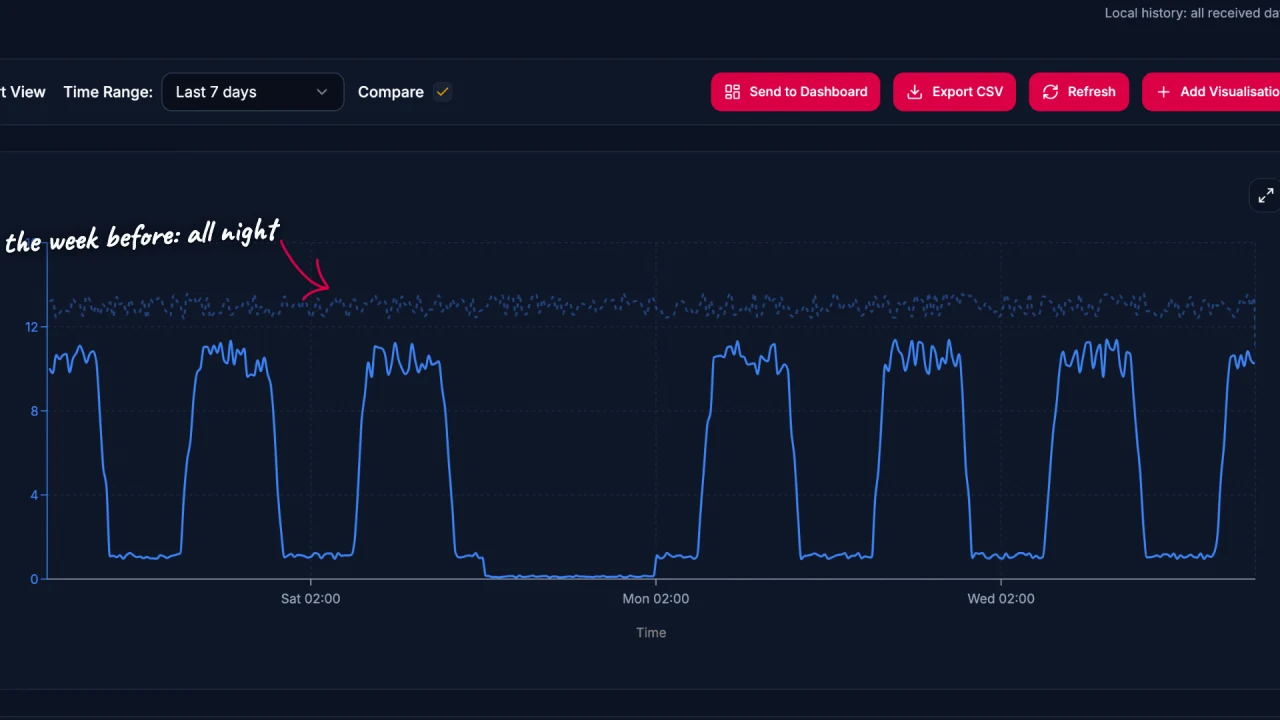
Energy data analysis in Edge
Explore energy data in EpiSensor Edge with charts, period comparisons, zoom and heatmaps. The example traces a compressor running outside expected hours.
Watch video · 2:17 -
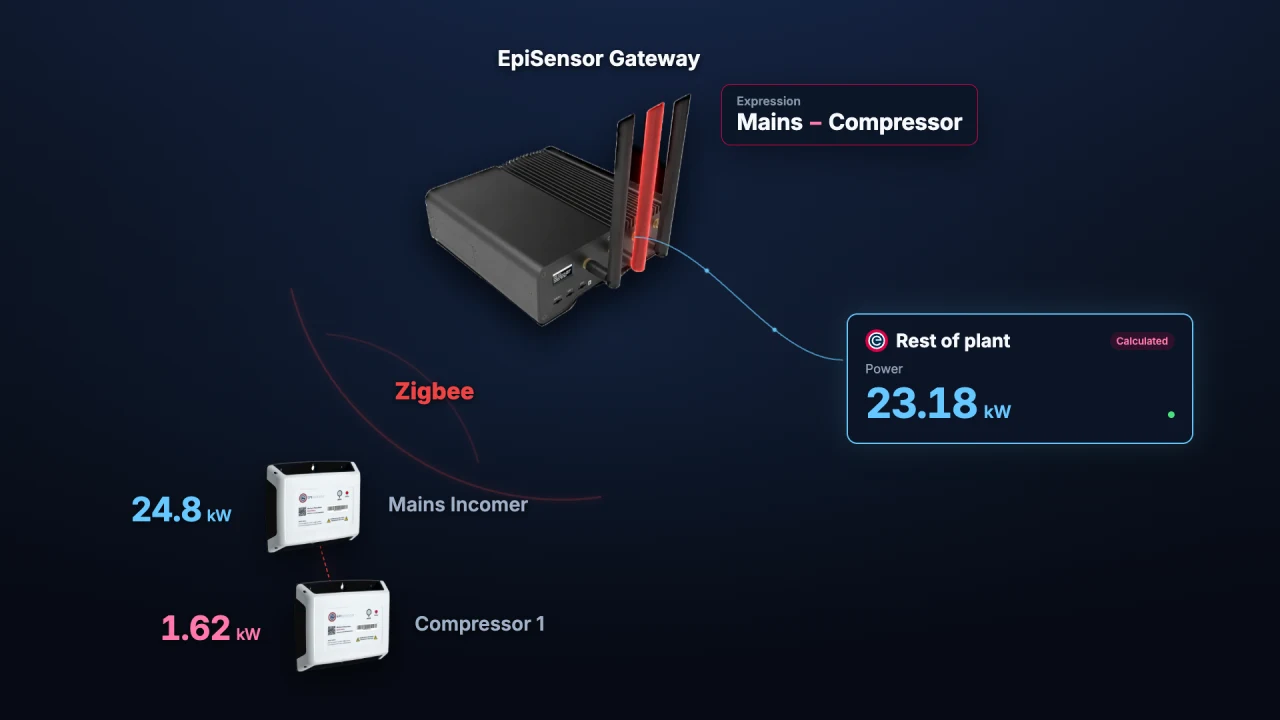
Calculated Devices in Edge
Create calculated measurements from sensors already in Edge. Run operations on the Gateway and chart, monitor or automate the resulting sensor.
Watch video · 1:56 -
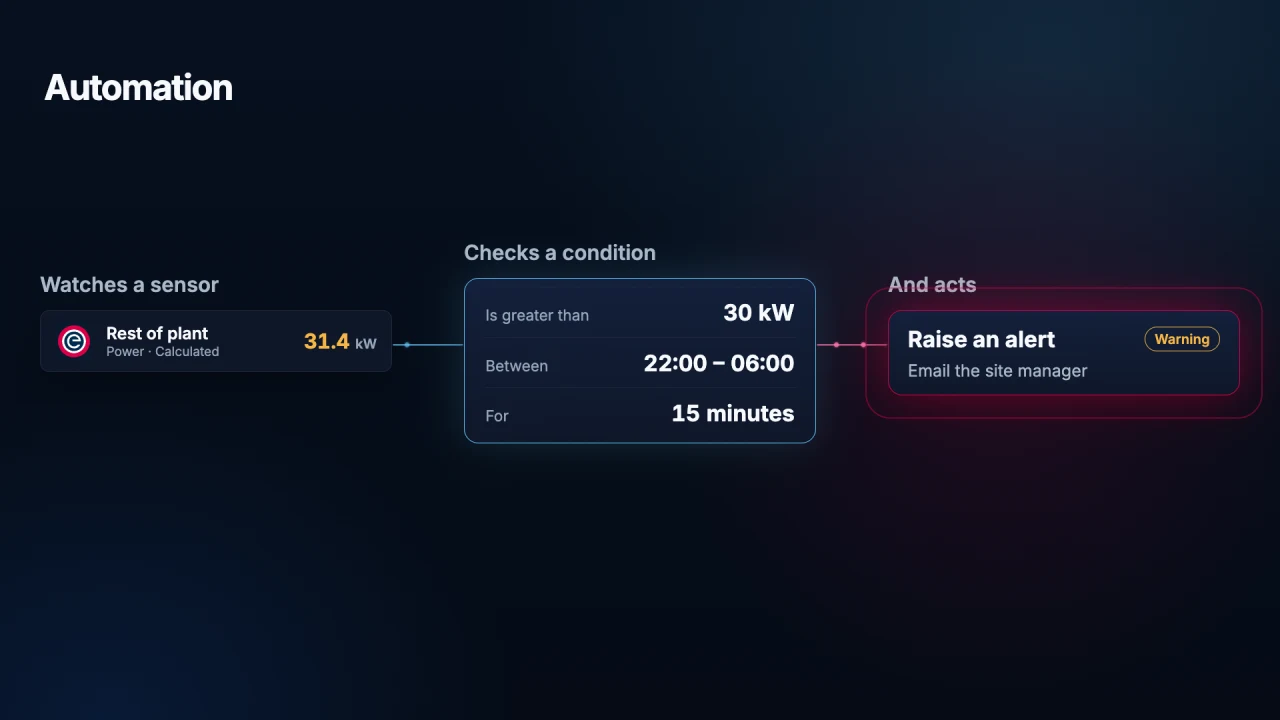
Automation in Edge
Use local Edge automation to monitor a sensor, check a condition and act on it. See how a Gateway alerts staff to unexpected overnight energy use.
Watch video · 1:45 -
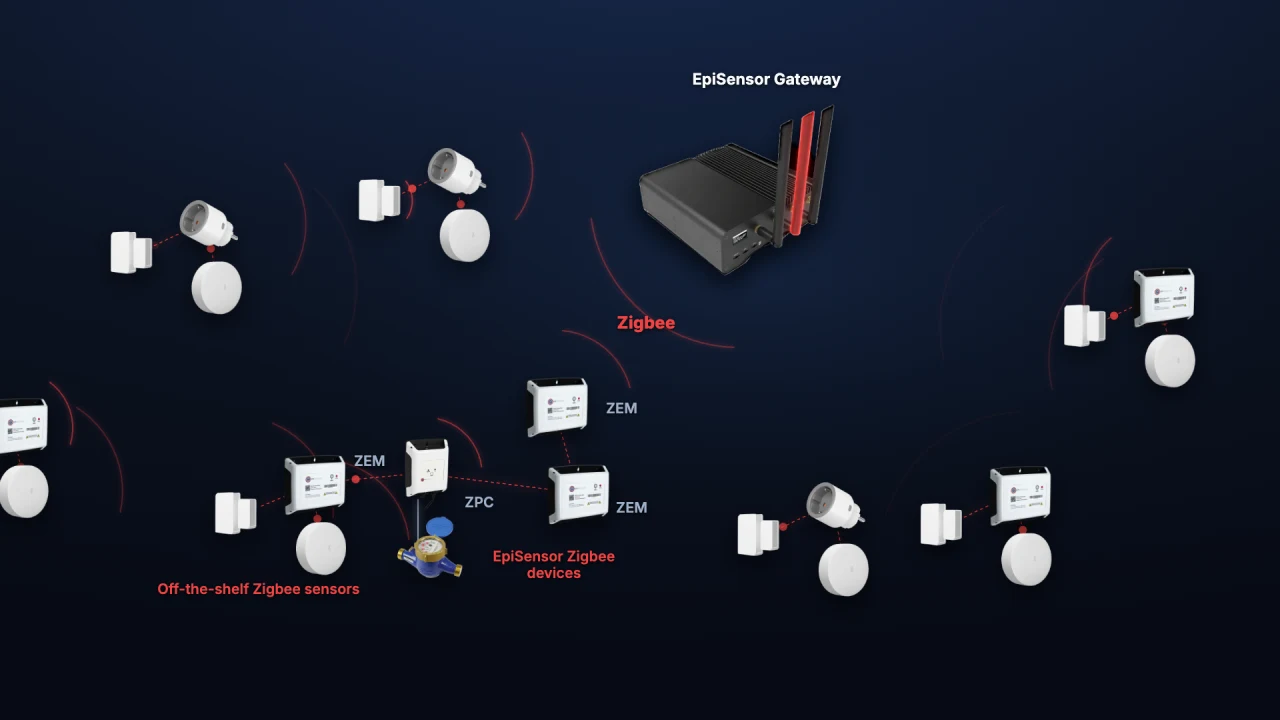
Adding Zigbee devices in Edge
Add a ZEM electricity monitor, door contact and temperature sensor to Edge. See how industrial meters and everyday sensors share one wireless network.
Watch video · 1:59